
Transform Courses into Engaging Videos
With Medeo, effortlessly convert your lectures, slides, or e-learning materials into professional, visually appealing AI videos that enhance learning, retention, and engagement.

What is an AI online course to video generator?
An "Online Course to Video" generator revolutionizes e-learning by automatically transforming static course content, such as text, presentations, and audio, into engaging video formats. This powerful tool leverages artificial intelligence to synthesize information, generate voiceovers, add visuals, and create seamless video narratives, making complex topics more digestible and appealing for learners. This technology is ideal for educators, instructional designers, corporate trainers, and content creators looking to enhance their e-learning offerings. It's perfect for quickly producing video lectures, micro-learning modules, course introductions, and supplementary video materials without the need for extensive video editing skills or expensive production equipment.
From Dense Textbooks to High-Retention Video Lessons
Professional-grade educational production without the "Talking Head" fatigue
Before
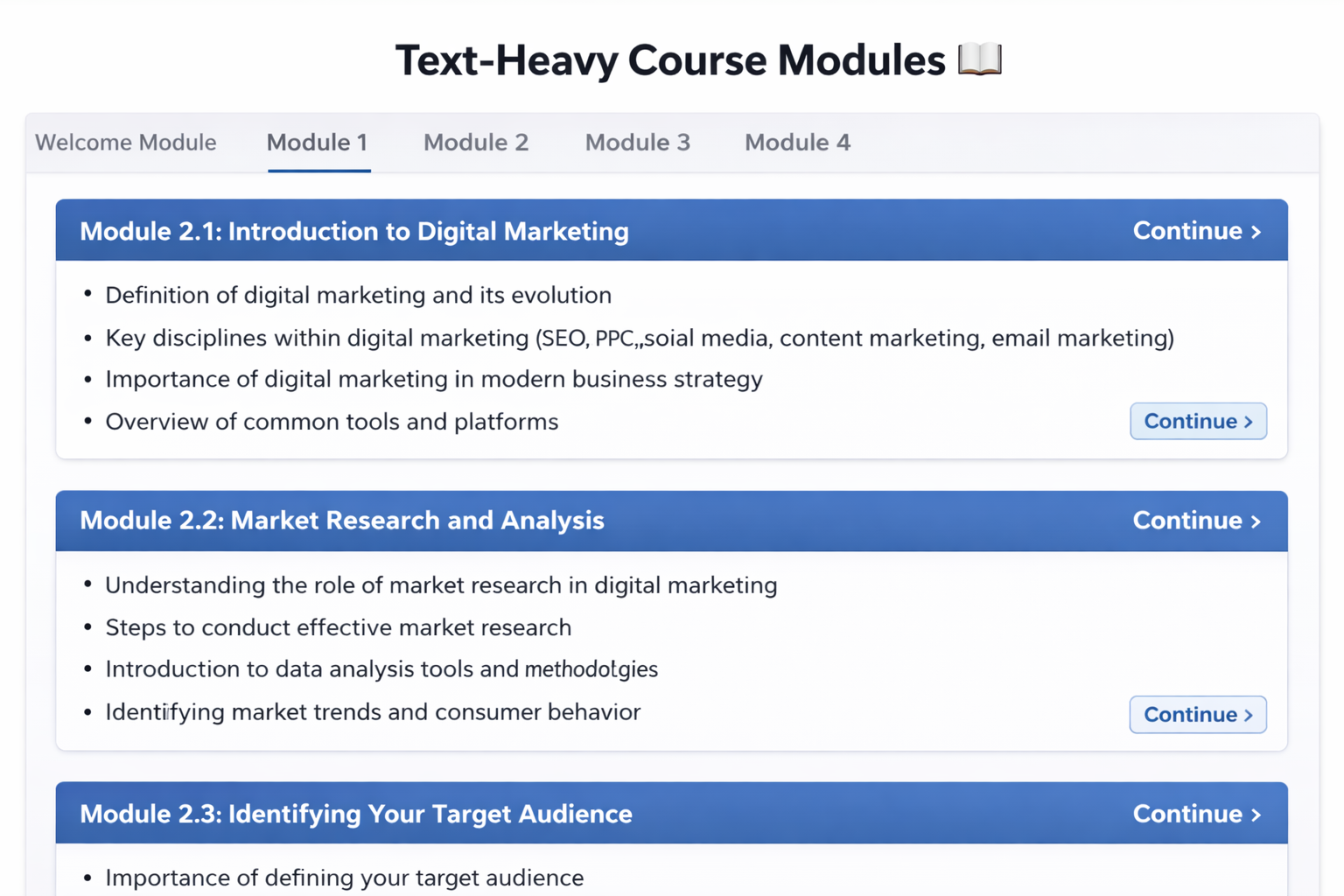
Text-heavy course modules
After
Instantly generate 4K lessons

Before
Text-heavy course modules
After
Instantly generate 4K lessons
Why Convert Online Courses to Video
The ultimate engine for educators to build a global personal brand and a high-revenue academy
Boost Engagement
Videos are 6x more likely to retain attention than text. Transform lessons into dynamic.
Scale Learning
Generate multiple video lessons from one course script.
Multi-Platform Ready
Medeo outputs in formats optimized for YouTube, TikTok, Instagram Reels, and LMS platforms.
Transform Courses into Engaging Videos
Visual Enhancements
Incorporate charts, diagrams, and illustrations automatically matched to your script for better comprehension.
Multi-Format Export
Generate horizontal, vertical, or square videos ready for eLearning platforms, social media, or internal training portals.
AI Course Video Templates
Choose from educational video layouts with built-in slides, animations, and transitions to give your lessons a professional edge.
How to Convert Online Courses to Video?
Step 1
Upload Course Content
Start by uploading your lecture notes, PowerPoint slides, PDFs, or scripts.
Step 2
Customize Your Course
Choose your AI avatar instructor, select voice style and language, and pick visual themes.
Step 3
AI Generates Lessons
Watch as AI creates complete video lessons with avatar narration, animated visuals, diagrams, and interactive quizzes.
Step 4
Export & Deploy
Review your course, make final edits, and export in multiple formats or share directly to your platform.
FAQs
Can I customize voiceover and language?
Absolutely. Choose from multiple AI voices, adjust speed, tone, and even select different languages for subtitles.
Do I need the video editing skills?
No. Medeo handles animation, voiceover sync, and visual enhancements automatically, making video creation effortless.
Can I create videos for any type of online course?
Yes. Medeo supports lectures, tutorials, language lessons, coding courses, and corporate training content.