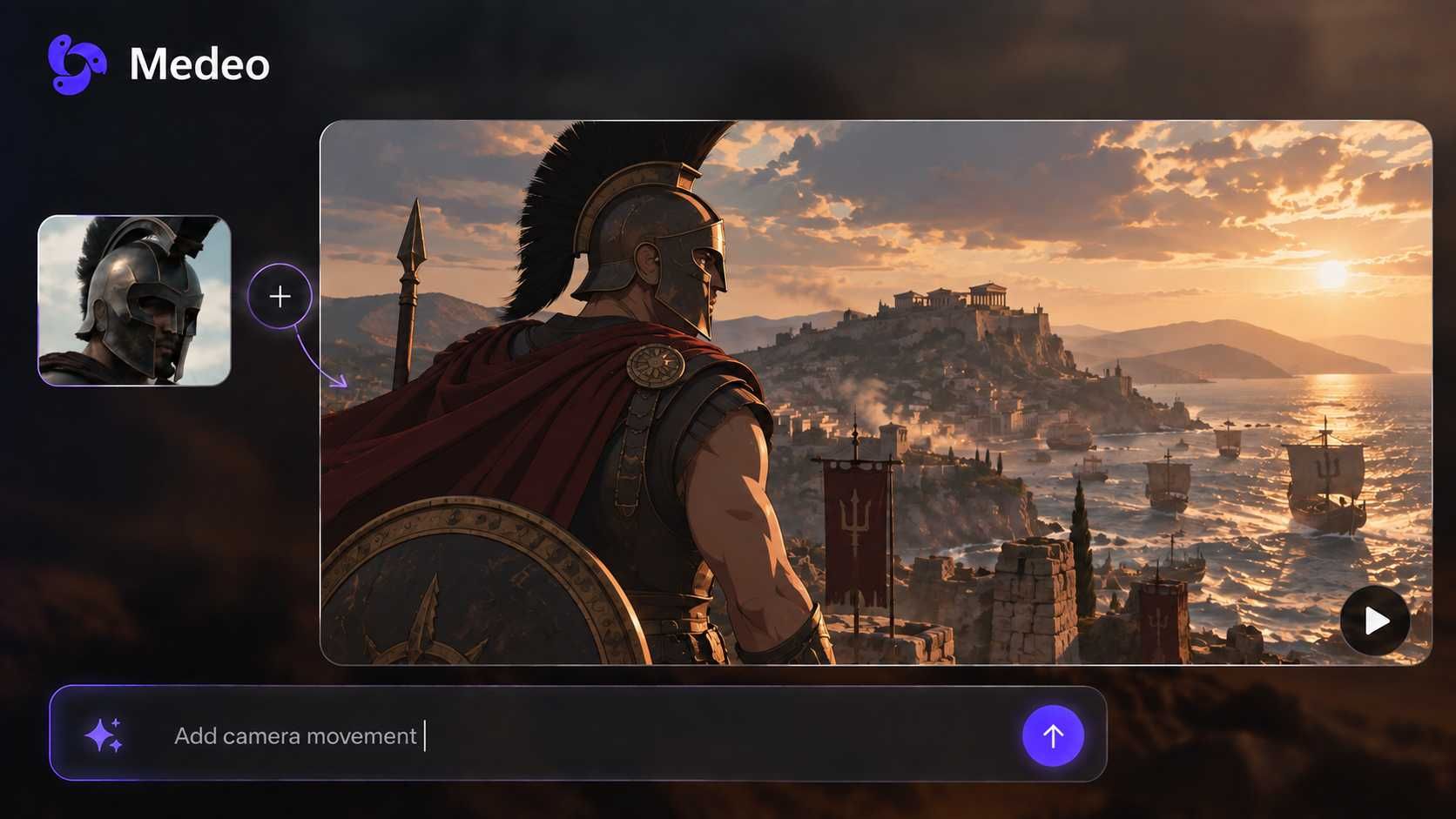
Transform Your Presentations into Dynamic Videos
Convert PowerPoint, PDF slides, and presentations into engaging videos with AI narration. Perfect for online courses, webinars, and training materials.

Powered by world-class AI models


What is an AI slides to video converter?
An AI slides to video converter transforms static presentation slides (PowerPoint, PDF, Keynote) into dynamic video content with professional narration, smooth transitions, and engaging animations. Perfect for creating online courses, training videos, webinars, and social media content from your existing presentations.

From slides to video in minutes
Watch how your presentation slides transform into professional video content
Before
Your slides

After
Dynamic video

Why choose our slides to video converter?
Transform presentations into professional videos with AI-powered features designed for educators, trainers, and presenters
Original design preserved
Maintains your slide design, branding, fonts, and colors perfectly—no manual reformatting needed.
Multiple format support
Upload PPT, PPTX, PDF, Google Slides, Keynote, or Canva presentations directly.
AI narration & voiceover
Add professional AI voices in 40+ languages or upload your own audio for custom narration.
Smart transitions
AI creates smooth, professional slide transitions that enhance visual flow and engagement.
Presenter video overlay
Add picture-in-picture talking head or AI avatar synchronized with your slides.
Auto speaker notes sync
Automatically convert speaker notes into narration script with perfect timing.
Perfect for every presentation need
Online Courses & eLearning
Transform lecture slides into engaging course videos for Udemy, Coursera, or your own platform.
Business Presentations
Convert pitch decks and business presentations into shareable video format for clients and investors.
Training & Onboarding
Turn training slide decks into video tutorials for employee onboarding and skill development.
Webinar Replays
Transform webinar slides into on-demand video content for lead generation and nurturing.
Conference Talks
Convert conference presentation slides into shareable video summaries for wider reach.
Educational Content
Turn teacher presentations into video lessons for students and flipped classroom learning.
How to convert slides to video with Medeo
Step 1
Upload Your Slides
Upload PowerPoint, PDF, or Keynote files. Supports up to 200 slides per presentation.
Step 2
Add Narration Script
Use AI voices, upload audio, or auto-generate script from speaker notes for each slide.
Step 3
Customize Transitions
Select transition styles, add presenter video overlay, and adjust timing for each slide.
Step 4
Export & Share
Download in HD or 4K, optimized for YouTube, LinkedIn Learning, or social media platforms.