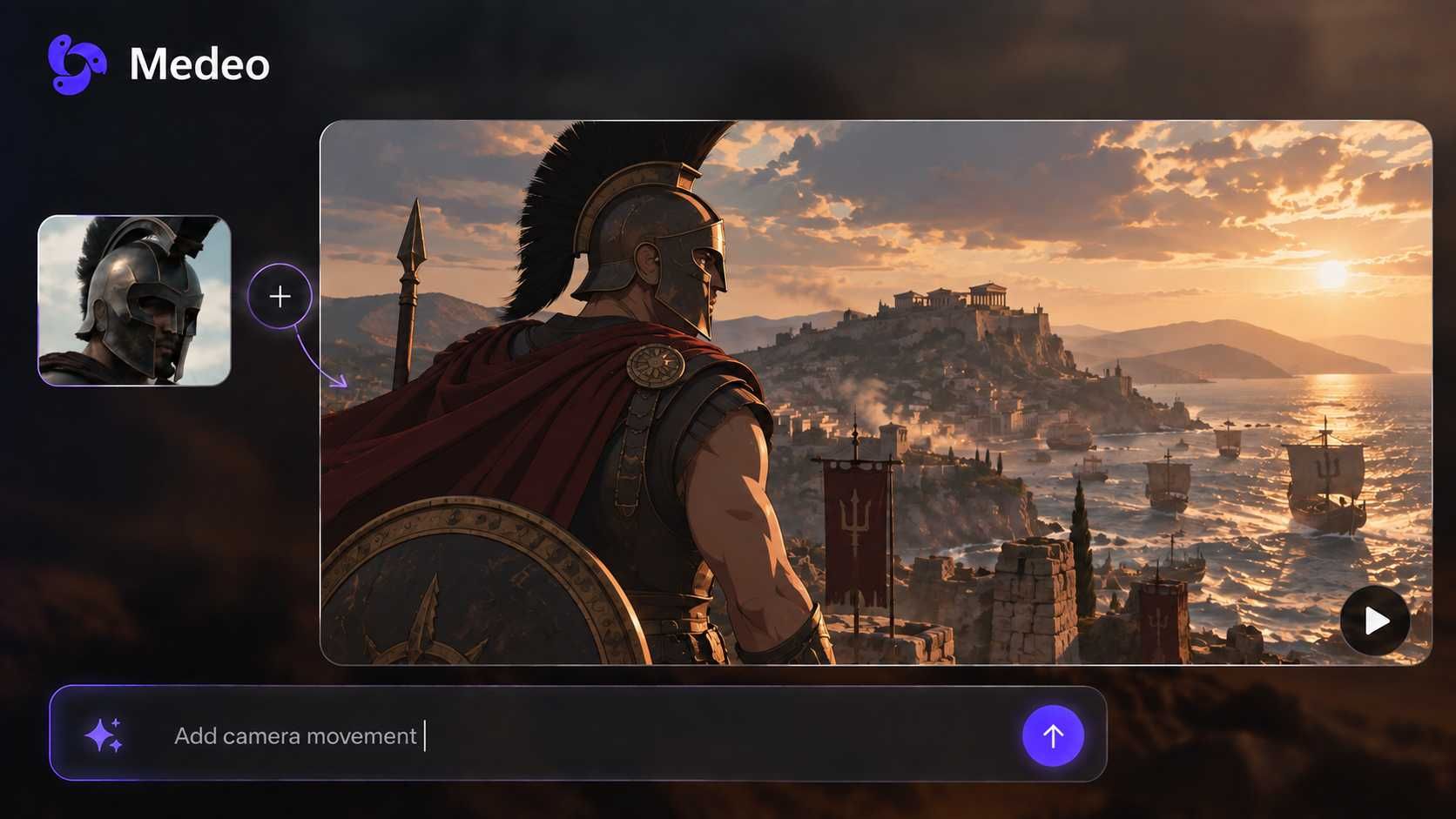
Idea to Video Generator: Turn Any Idea Into a Video
Start with a rough concept, topic, hook, school project, YouTube idea, how-to idea, or marketing angle. Medeo helps turn it into a structured video with script, scenes, voiceover, captions, visual direction, and social-ready formatting before you ever write a full script.

Turn Ideas Into Videos for Every Channel
What Is an AI Idea to Video Generator?
An AI idea to video generator turns a rough topic, one-line concept, content hook, or creative brief into a usable video draft. Instead of starting with a finished script, you can begin with the idea itself, then let Medeo help shape the structure, script, scenes, voiceover, captions, pacing, and visual direction.
From Simple Idea to Complete Video Draft
Start with a topic, question, hook, or rough brief, then generate a video draft with a script, scene plan, visuals, narration, captions, and platform-ready structure.
Before
A rough idea, topic, hook, school project, or content angle

After
A structured video draft with script, scenes, voice, captions, and visuals

Create the Video Ideas People Search For
Medeo covers the main idea-to-video intents: how-to video ideas, YouTube video ideas, TikTok video ideas, school video ideas, faceless video ideas, marketing videos, and first-draft content production.
How-To Video Ideas
Turn tutorial topics, simple explanations, step-by-step ideas, and educational prompts into clear how-to videos.
YouTube Video Ideas
Create videos from channel ideas, subscriber-growth hooks, list concepts, commentary angles, and beginner creator topics.
TikTok, Reels, and Shorts Ideas
Turn short hooks, viral angles, trend prompts, funny ideas, and quick explainers into vertical videos.
School and Student Video Ideas
Create back-to-school videos, student projects, lesson explainers, training clips, and classroom video drafts.
Faceless Video Ideas
Turn topics into narration-led videos with visuals, captions, and scenes when you do not want to appear on camera.
Marketing Video Ideas
Generate videos from product angles, campaign hooks, customer problems, ad concepts, and social content briefs.
Go from Brainstorm to Video Without Starting from a Blank Timeline
Idea to video works best when you know the topic but have not written the script, storyboard, voiceover, or scene plan yet.

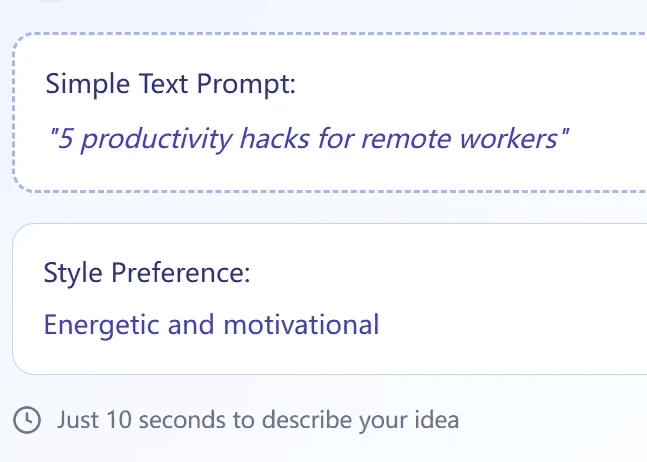
Brainstorm to Script
Expand a Rough Idea into a Video Script
Start with a few words or a one-line topic. Medeo can help shape the idea into a hook, intro, main points, narration, scene flow, and closing line.
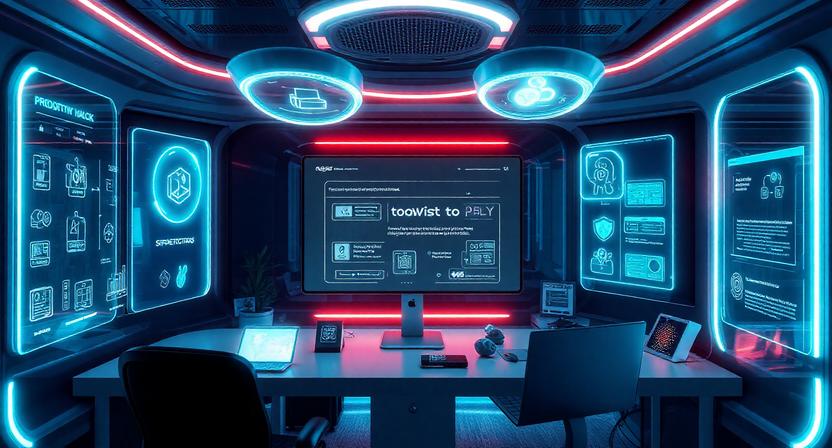
Storyboard
Turn Ideas into Scenes and Visual Direction
Move from abstract concept to concrete scenes. Describe the audience, mood, platform, and goal, then create a video plan with visuals, pacing, captions, and voiceover direction.
Creator Workflow
Create YouTube and Social Video Drafts Faster
Use Medeo to test YouTube video ideas, TikTok hooks, Reels concepts, Shorts topics, and content calendars before committing to a full production workflow.
Faceless Videos
Make Videos Without Recording Yourself
Create narration-led explainers, list videos, educational clips, commentary videos, and social posts from ideas without filming your face or recording a full voiceover manually.
Marketing
Turn Product Angles into Video Concepts
Test campaign angles, feature explanations, customer pain points, ad hooks, product benefits, and brand messages as quick video drafts before scaling production.
Turn How-To Video Ideas into Step-by-Step Videos
The strongest keyword cluster is how-to video ideas. Medeo helps turn a tutorial topic into a clear, useful video structure.
Simple How-To Videos
Use one idea like how to organize a desk, how to plan a study schedule, or how to make a simple recipe, then generate a short explainer with clear steps.
School and Student Projects
Turn classroom topics, back-to-school ideas, student assignments, and presentation prompts into structured educational videos.
Product and Software Tutorials
Create videos that explain a feature, workflow, product benefit, onboarding step, or support topic in a more visual format.
List and Explainer Videos
Transform ideas such as five tips, three mistakes, best tools, quick facts, or beginner guides into videos that are easy to follow.
Create YouTube, TikTok, Reels, and Shorts from Ideas
Use Medeo when you need a video idea, but also need the script, structure, visuals, and first draft.
YouTube Video Ideas to Get Subscribers
Turn channel-growth topics into videos with a hook, title angle, structure, and clear viewer takeaway.
Find Video Ideas for YouTube
Use Medeo to expand broad topics into multiple video angles, scripts, list videos, tutorials, and faceless content ideas.
Viral Video Ideas
Create videos from trend prompts, curiosity hooks, funny ideas, hot takes, challenges, and quick social concepts.
Videos to Make with Friends
Generate fun video ideas, challenge concepts, get-to-know-me clips, at-home videos, and simple collaborative formats.
TikTok and Reels Ideas
Turn a one-line hook into a vertical video with fast pacing, captions, and a clear ending for mobile viewers.
Content Calendar Testing
Create multiple video drafts from the same idea to compare tone, audience, platform, hook, and creative direction.
How to Convert Ideas to Video with Medeo
Start from the idea itself. Medeo helps build the script, scene structure, voice, captions, and visual direction around it.
Step 1
Describe Your Idea
Enter a topic, hook, product angle, YouTube idea, how-to idea, school project, or social video concept.
Step 2
Add Audience, Platform, and Goal
Tell Medeo who the video is for, where it will be posted, what tone you want, and what the viewer should learn or feel.
Step 3
Generate the Video Draft
Medeo turns the idea into a structured draft with script, scenes, narration, captions, visuals, and pacing.
Step 4
Refine and Export
Adjust the hook, script, visuals, voice, length, or platform format, then export for YouTube, TikTok, Reels, Shorts, training, or marketing.
Idea to Video Prompt Examples
Use these prompts to turn rough concepts into how-to videos, YouTube videos, social clips, school projects, and marketing drafts.
| Format | Prompt Example |
|---|---|
| How-to video | Create a simple how-to video for students explaining how to build a better study routine. Friendly tone, 60 seconds, clear steps, captions, and visual examples. |
| YouTube video idea | Turn this idea into a YouTube video: five mistakes new creators make when starting a channel. Include hook, intro, five sections, examples, and closing CTA. |
| TikTok / Reels | Create a vertical short video from this hook: three tiny habits that make your desk look instantly cleaner. Fast pacing, captions, before-after visuals, and a satisfying ending. |
| School project | Create a back-to-school video about how to prepare for the first week. Warm tone, student audience, simple checklist, upbeat music, and classroom visuals. |
| Marketing video | Create a product explainer from this idea: a calendar app that helps freelancers protect deep work time. Professional tone, problem-solution structure, and social ad pacing. |
| Faceless video | Create a faceless explainer about why people procrastinate. Calm narration, simple visuals, captions, three key points, and a practical final tip. |
Idea to Video vs Script to Video vs Text to Video
Choose the workflow based on how much material you already have.
Use Idea to Video When You Only Have a Concept
Start here when you have a topic, rough brief, hook, or creative direction but still need Medeo to shape the script, scenes, and structure.
Use Script to Video When the Words Are Ready
If you already have a finished script and want tighter control over narration, use a script-to-video workflow instead.
Use Text to Video for Direct Prompted Scenes
Text to video is useful when you want a specific visual scene or short clip from a prompt rather than a structured explainer or creator video.
Use Image to Video When the Visual Comes First
If your idea begins with a product photo, character image, poster, or visual reference, image-to-video may be the better starting point.
Tips for Better Idea to Video Results
A stronger idea prompt gives Medeo a clearer creative target and reduces the number of revisions.
Name the Audience
Specify whether the video is for beginners, students, customers, creators, parents, professionals, or a niche community.
Define the Goal
Say whether the video should teach, entertain, sell, explain, inspire, summarize, compare, or drive clicks.
Choose the Platform
Mention YouTube, TikTok, Reels, Shorts, training, ads, landing pages, or presentations so the pacing and format fit the channel.
Include the Key Message
Give Medeo the one thing viewers should remember. A clear message makes the script, visuals, and ending stronger.
Idea to Video Generator FAQs
Answers about turning ideas, how-to topics, YouTube concepts, school projects, and marketing angles into AI-generated videos.
Explore More AI Video Tools
Use Medeo to keep building once your idea becomes a script, visual reference, social clip, or full video workflow.