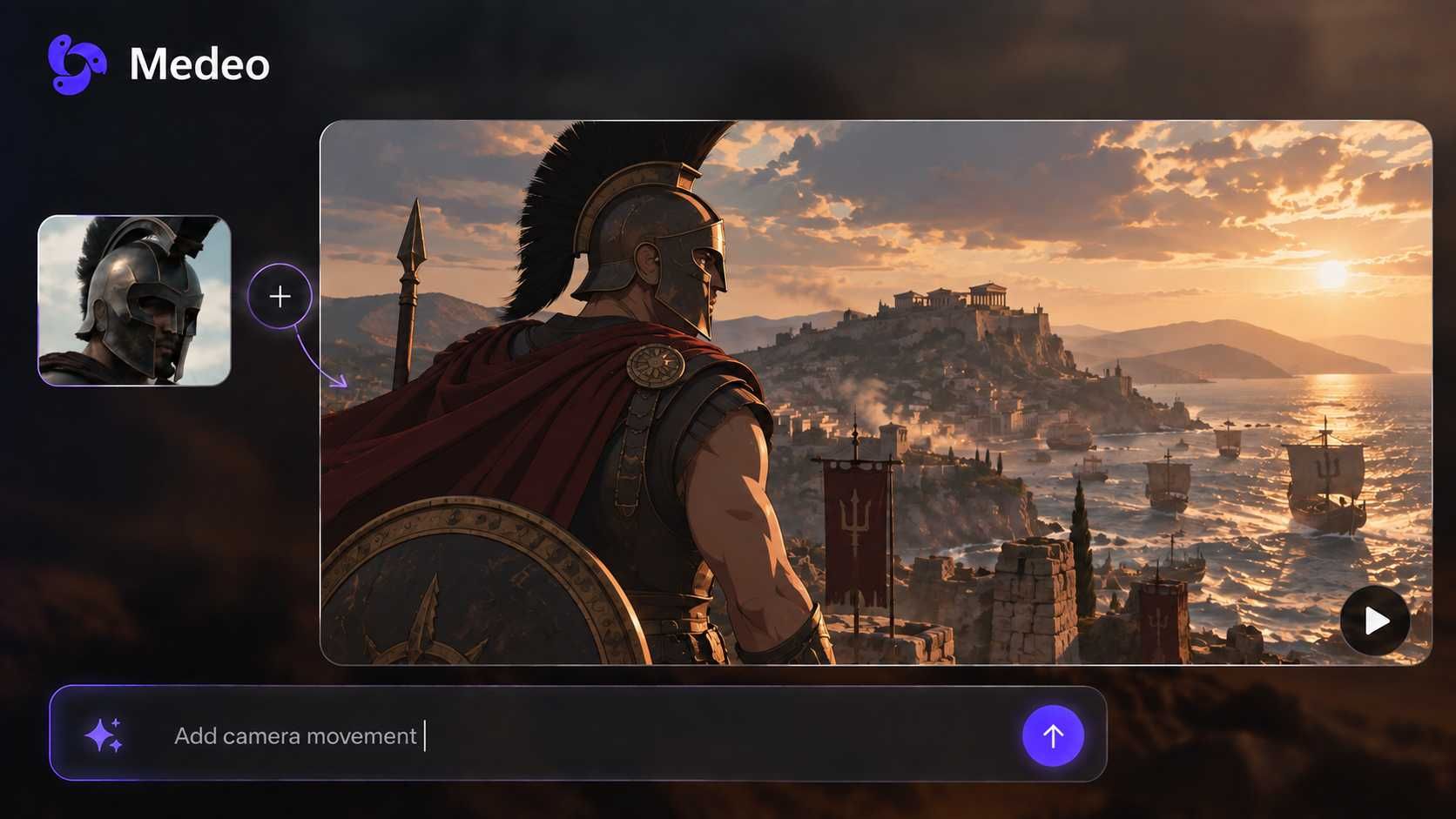
URL to Video AI Generator: Convert Any Webpage into a Video
Paste a webpage, blog post, article, landing page, or product URL and turn it into a short AI video. Medeo analyzes the page, extracts the key message, creates a script, and helps you produce a video with captions, voiceover, and social-ready pacing.
Powered by world-class AI models


What Is an AI URL to Video Generator?
An AI URL to video generator converts web content into a video draft. Instead of starting from a blank script, you paste a public webpage link and Medeo helps identify the main points, rewrite them into a viewer-friendly script, and build a video workflow around captions, voiceover, visuals, pacing, and format. Use it for webpages, blog posts, articles, landing pages, product pages, tutorials, and ecommerce content.
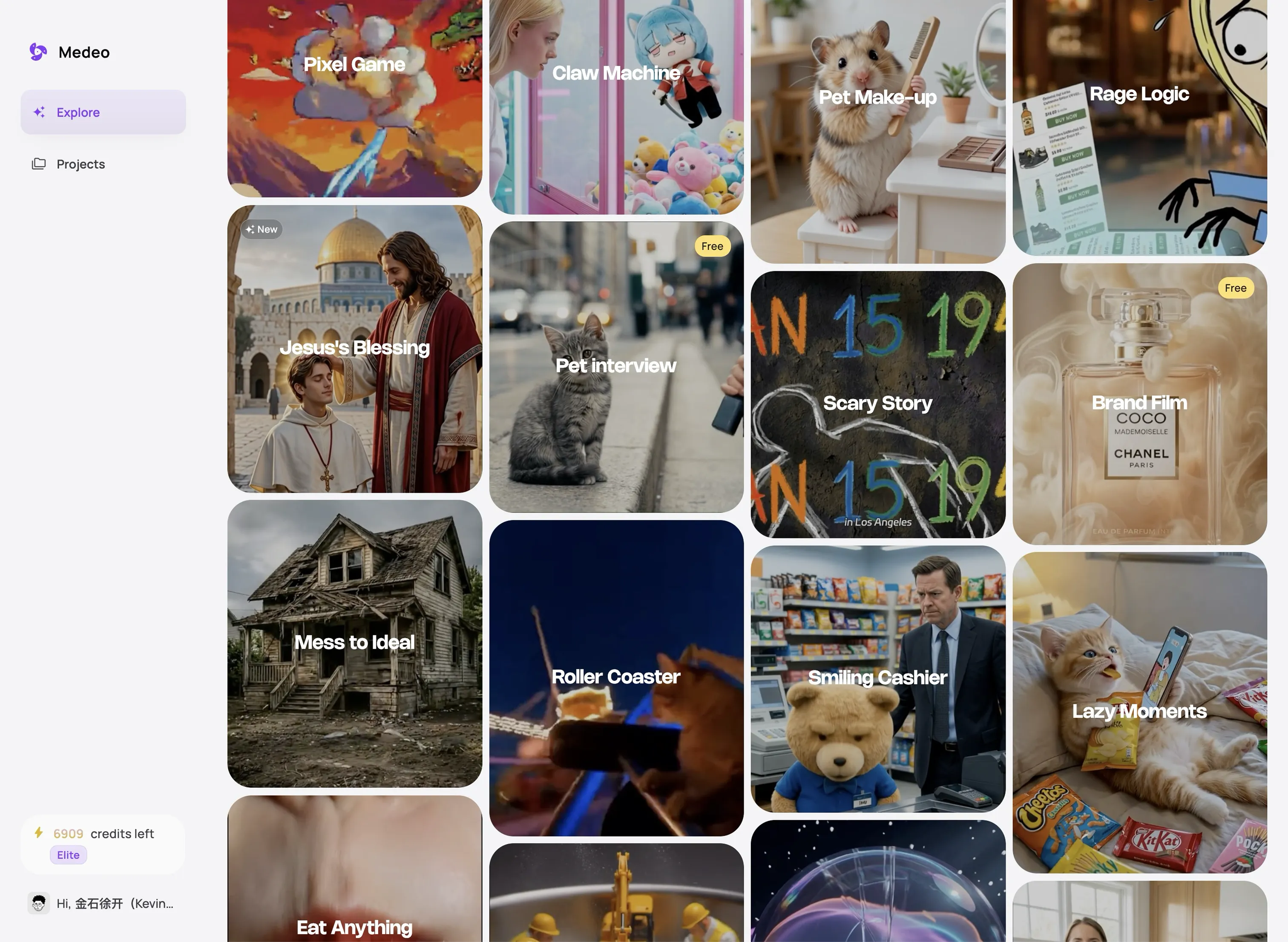
From Webpage URL to Video in Minutes
Turn an existing page into a structured video without manually rewriting every sentence.
Before
A webpage, blog post, article, landing page, or product URL
After
A short AI video with script, scenes, captions, and voiceover
Why Choose Medeo's URL to Video AI Generator?
Repurpose existing web content into videos for marketing, ecommerce, education, and social media.
Convert Public Webpages
Paste a public URL from a homepage, product page, article, blog post, landing page, documentation page, or resource page and turn it into a video draft.
AI Script Summarization
Medeo helps extract the core message from the page and rewrite it into a concise script designed for video narration, captions, and short-form pacing.
Product URL to Video
Turn product pages into ecommerce videos, product explainers, UGC-style ad drafts, feature highlights, and TikTok Shop or Reels-ready clips.
Captions and Voiceover
Create videos that are easier to watch on social feeds with captions, narration, and scene-by-scene text that matches the source content.
Ready for Social Platforms
Generate vertical videos for TikTok, Instagram Reels, and YouTube Shorts, or create landscape videos for websites, YouTube, presentations, and campaigns.
Editable Creative Control
Use the URL as a starting point, then guide tone, length, audience, language, visual style, call to action, and format before exporting.
Turn These URLs into Videos
Different webpages need different video structures. Medeo helps adapt the script and scenes around the source type.
Blog Post to Video
Repurpose long-form blog posts into short summaries, listicle videos, educational explainers, or social clips that bring older content back into circulation.
Article to Video
Convert news articles, editorial pages, reports, and thought-leadership content into concise video summaries with a clearer narrative structure.
Product Page to Video
Use product names, benefits, use cases, and page copy to create product demos, feature explainers, and ad concepts from a product URL.
Landing Page to Video
Turn campaign pages into promotional videos that highlight the offer, value proposition, proof points, and call to action.
Homepage to Brand Video
Transform a company homepage into a short brand introduction for sales outreach, investor updates, social media, or website embeds.
Documentation to Tutorial Video
Convert help pages, guides, and documentation into educational videos that explain a workflow in a more visual format.
Create Better Videos from Web Links
A URL gives Medeo source material, but you still control the message, format, and final creative direction.
Extract the Main Message from the Page
Use the page URL to gather the headline, key benefits, important sections, product details, or article points. Medeo helps turn that material into a video script that is shorter, clearer, and easier to watch than the original page.
Choose the Audience and Angle
After pasting the URL, add instructions such as 'make this for first-time buyers', 'create a founder-style explainer', 'summarize this article for LinkedIn', or 'turn this product page into a TikTok ad'. This keeps the video aligned with the viewer you want to reach.
Adapt the Format for Each Channel
Create short vertical clips for TikTok, Reels, and Shorts, or use landscape formats for websites, YouTube, training, and sales decks. The same URL can support multiple versions with different hooks, lengths, and calls to action.
Refine Captions, Voice, and Visuals
Review the generated draft and adjust captions, narration, scene order, visuals, music, or branding. URL to video works best when AI handles the first draft and you refine the details that affect trust and conversion.
URL to Video Prompt Examples
Use a short instruction with your link to tell Medeo what kind of video to create.
| Source URL | Prompt Direction | Best Output |
|---|---|---|
| Product page | Turn this product URL into a 25-second vertical video ad. Focus on the main problem, top three benefits, social proof, and a clear call to action. | Product video, ecommerce ad, UGC-style short, TikTok Shop clip |
| Blog post | Summarize this blog post into a 60-second educational video with a strong hook, five key takeaways, captions, and a helpful ending. | Blog to video, article summary, LinkedIn or YouTube Short |
| Landing page | Create a promotional video from this landing page. Keep the tone confident, explain the offer quickly, and end with a direct CTA. | Campaign video, paid social creative, website hero video |
| Help article | Convert this help page into a step-by-step tutorial video for new users. Use simple language and keep each step visually clear. | Tutorial video, onboarding video, support content |
Create URL Videos for Every Channel
Repurpose one webpage into multiple videos for different placements and audiences.
YouTube Videos and Shorts
Turn articles, product pages, and tutorials into YouTube explainers or short-form summaries with a clear title, hook, and narration.
TikTok and Reels
Create vertical URL-to-video clips with fast pacing, bold captions, product angles, and stronger first-three-second hooks.
LinkedIn and B2B Content
Convert reports, blog posts, landing pages, and thought-leadership articles into professional videos for company pages and founder accounts.
Paid Social Ads
Generate multiple video angles from the same product URL or campaign page, then test hooks, benefits, CTAs, and visual styles.
Email and Sales Outreach
Transform a webpage into a concise video overview that sales teams can share with prospects instead of sending a long link.
Website and Landing Page Embeds
Create short explainer videos from your own page content and use them to make key messages easier to understand at a glance.
How to Convert a URL to Video with Medeo
Start with a link, guide the video direction, then refine the AI-generated draft.
Step 1
Paste a Public URL
Add a webpage, article, blog post, landing page, product page, or documentation URL that Medeo can access.
Step 2
Describe the Video You Want
Choose the audience, tone, format, length, language, and goal. For example, ask for a product ad, blog summary, tutorial, or social clip.
Step 3
Generate the Video Draft
Medeo uses the source page to help build a script, scenes, captions, voiceover direction, and a video structure suited to your prompt.
Step 4
Edit and Export
Review the result, adjust captions, visuals, music, voice, pacing, or branding, then export the video for your preferred channel.
URL to Video Generator vs URL Video Downloader
Many searches mix these terms together, but they describe different jobs.
Medeo Creates New Videos from Webpage Content
Medeo is designed to generate a new video from a webpage, article, blog post, landing page, or product URL. It helps summarize the source, structure a script, and create a video draft.
It Is Not a Copyrighted Video Downloader
Searches like 'url to video download', 'video URL to MP4', or 'YouTube URL to video downloader' usually mean saving an existing video file. Medeo is not positioned as a tool for downloading videos from third-party sites without permission.
Use Your Own or Permission-Based Content
For best results, use URLs you own, public pages you have the right to repurpose, product pages from your own store, or source material that can legally be transformed into new creative content.
URL to Video FAQs
Common questions about turning URLs, webpages, blogs, articles, and product pages into AI videos.
See Why Creators Choose Medeo
Creators and marketers use Medeo to move from existing content to publishable video drafts faster.
"Medeo helps us turn long pages into short videos without starting from a blank script. It is especially useful for campaign pages and product explainers."
Sophia Martinez
Growth Marketer
"I use Medeo to repurpose blog posts into social videos. The URL workflow gives me a strong first draft, then I can adjust the script and captions."
Daniel Kim
Content Strategist
"Medeo helps us turn long pages into short videos without starting from a blank script. It is especially useful for campaign pages and product explainers."
Sophia Martinez
Growth Marketer
"I use Medeo to repurpose blog posts into social videos. The URL workflow gives me a strong first draft, then I can adjust the script and captions."
Daniel Kim
Content Strategist
"For ecommerce testing, being able to start from a product page saves time. We can create multiple video angles from the same URL and compare hooks quickly."
Olivia Carter
Ecommerce Creative Lead
"For ecommerce testing, being able to start from a product page saves time. We can create multiple video angles from the same URL and compare hooks quickly."
Olivia Carter
Ecommerce Creative Lead
Explore More AI Video Tools
Use URL to Video with other Medeo workflows when you need to create, edit, repurpose, or localize content.