
AI Video to Video Generator: Transform Any Video Into New Styles
Use Medeo’s video to video generator to transform your original video into a completely different character or style. Upload a clip—like a person dancing—and turn it into an animal, cartoon, or cinematic version in minutes. Just describe what you want. Medeo keeps the original motion while changing how everything looks, so your video feels smooth, natural, and ready to share.
What Makes Medeo’s Video to Video Generator Different
Medeo’s video to video generator helps you transform videos without timelines, complex tools, or manual editing.
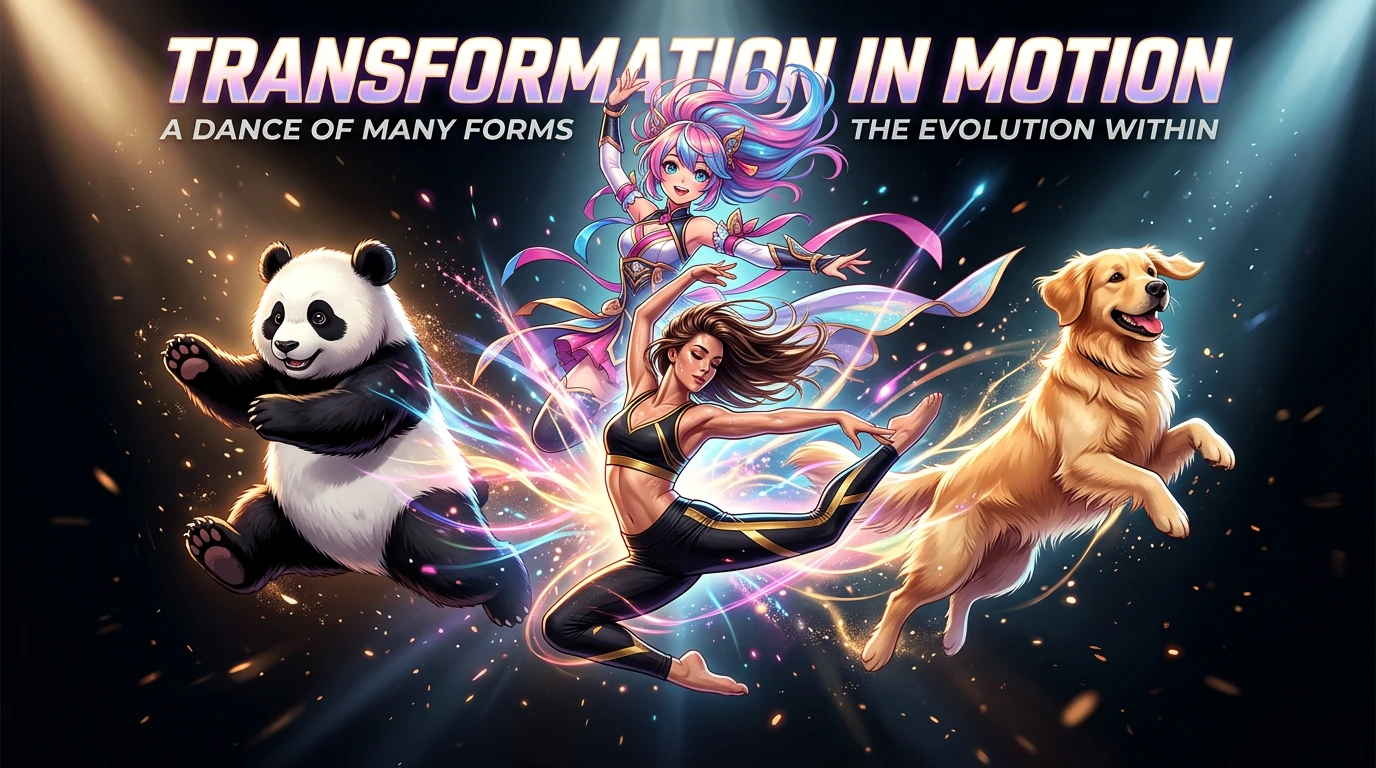
Character Transformation
Turn People Into Animals, Cartoons, or New Characters
Medeo’s video to video generator lets you completely change who appears in your video. Upload a dancing clip and turn the person into a panda, dog, or animated character—while keeping every movement.
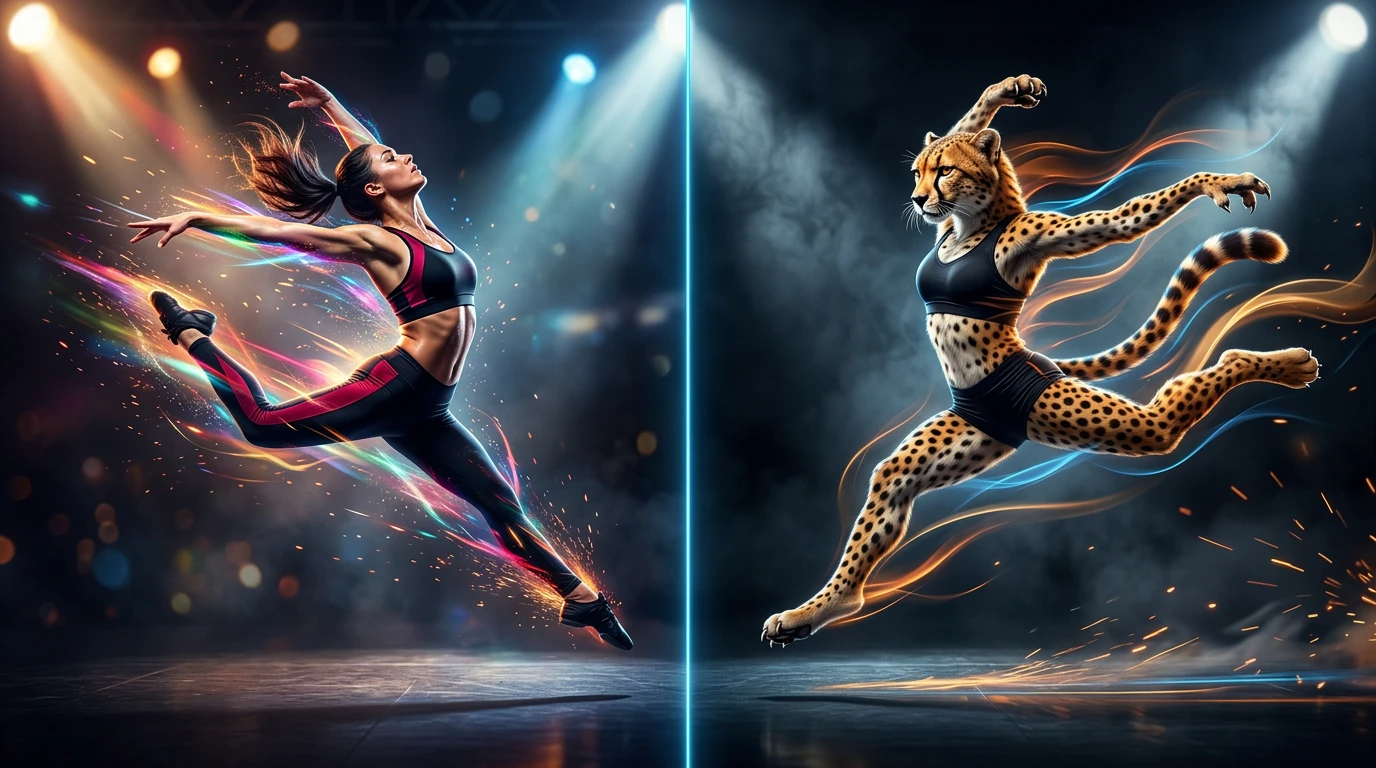
Motion Preservation
Keep Movement Natural and Real
Medeo’s video to video AI keeps the original motion from your video. Whether it’s dancing or walking, the timing and movement stay smooth after transformation.
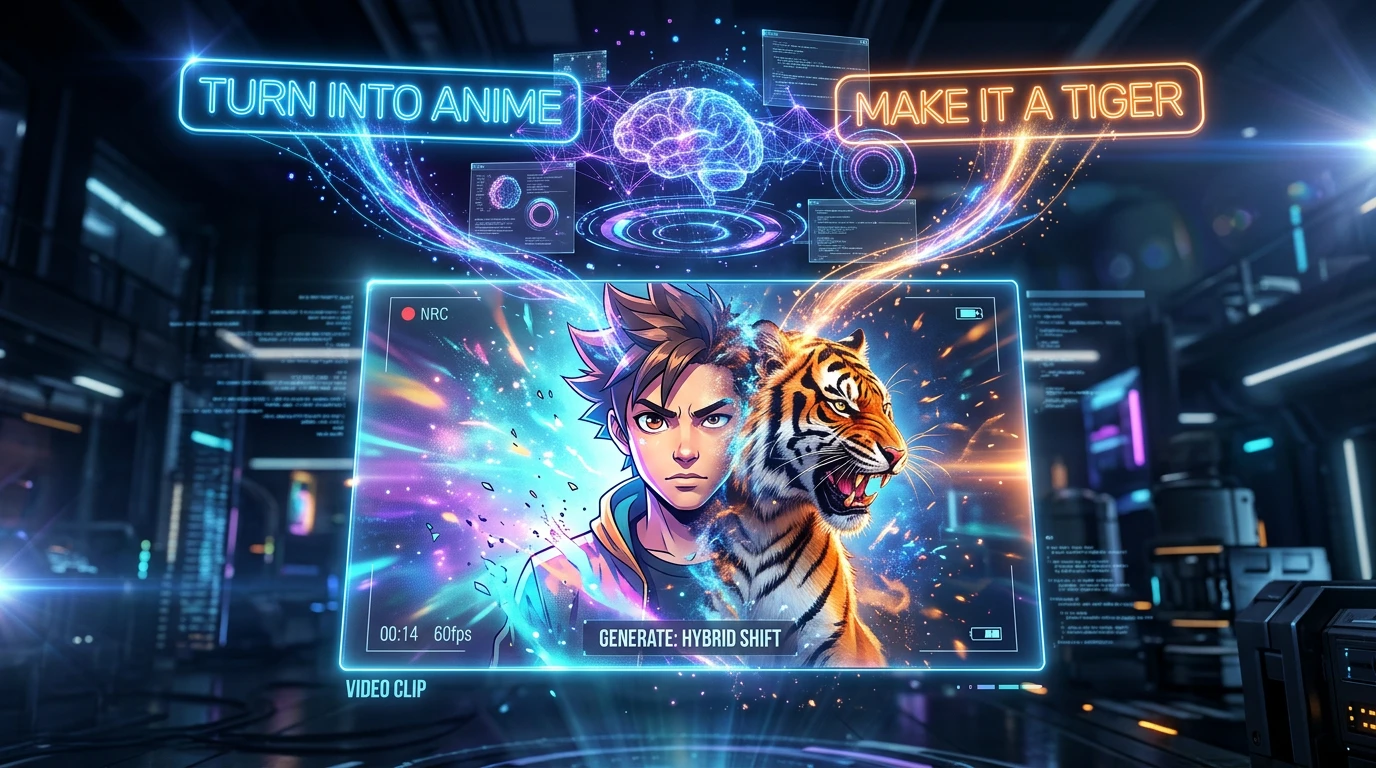
Prompt-Based Editing
Just Describe What You Want
With Medeo’s video to video generator, you don’t need editing skills. Type something like “turn this into anime” or “make it a tiger,” and the AI handles the rest.
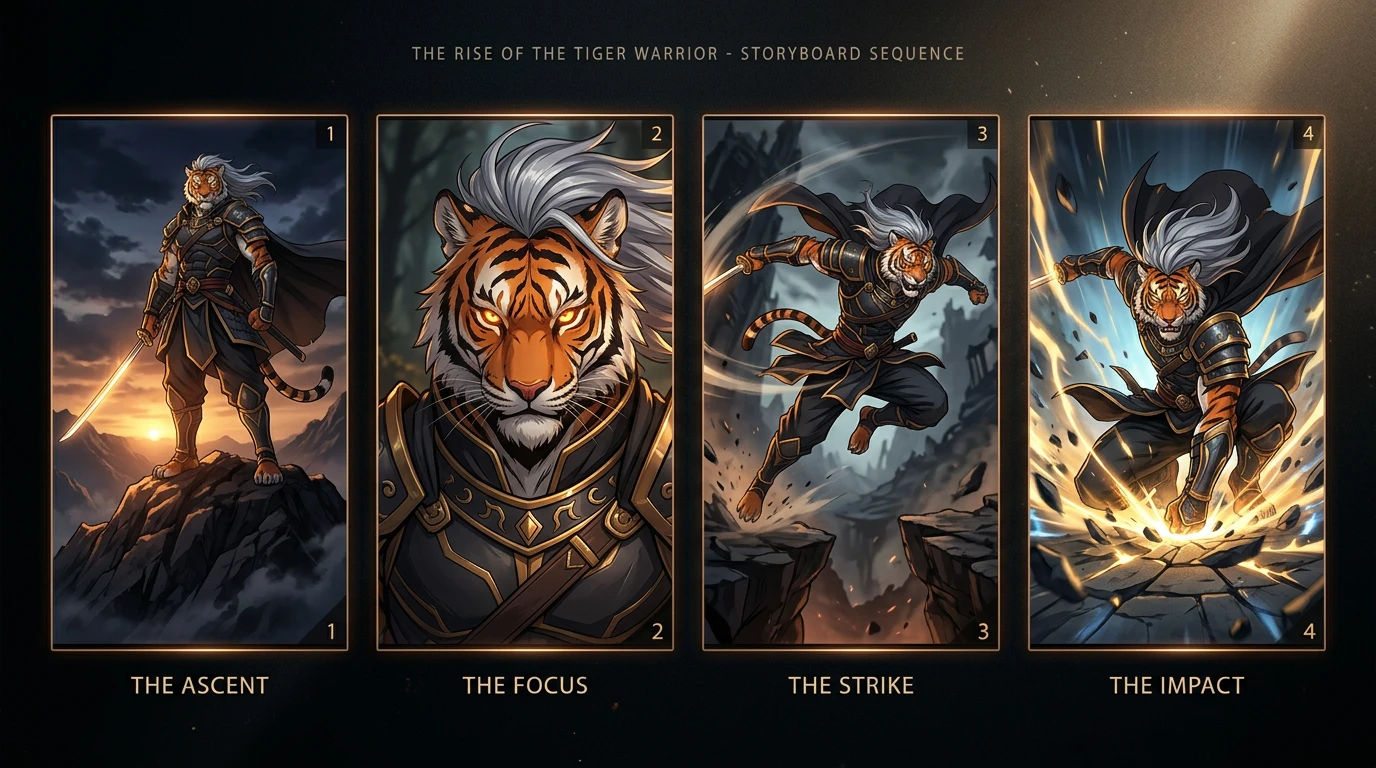
Consistent Visual Output
Keep Characters Stable Across Scenes
Medeo ensures your transformed subject stays consistent throughout the video, making it suitable for storytelling and branded content.
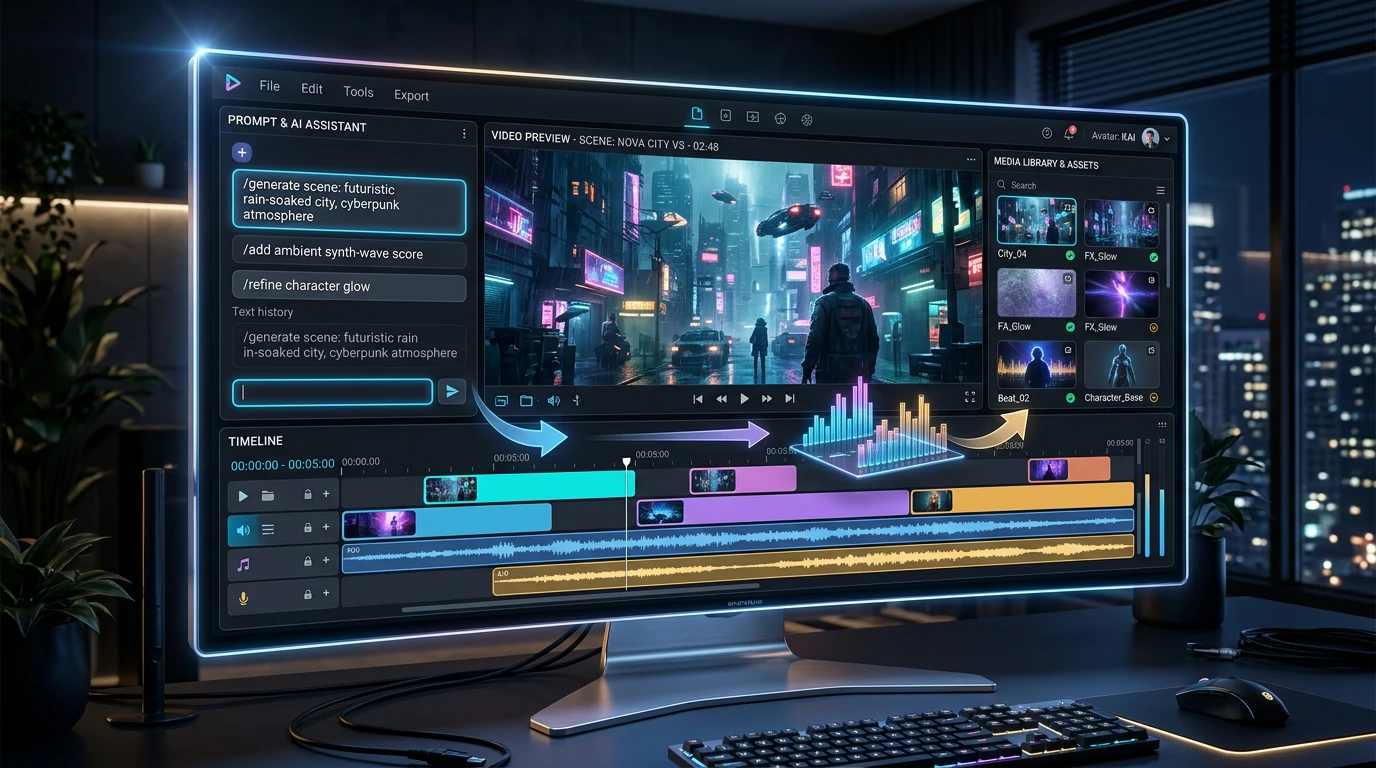
All-in-One Workflow
Create, Edit, and Export in One Place
Medeo’s video to video generator works with text, images, and audio. You can refine and export your video without switching tools.
How to Use the Video to Video Generator
No editing experience needed—just upload, describe, and generate.
Step 1
Upload Your Video
Upload your original clip to Medeo. The video to video generator online supports common formats and lets you start quickly.
Step 2
Describe the Transformation
Type what you want to change. For example, “turn this into a dancing tiger” or “make it cartoon style.” The video to video generator uses your prompt as guidance.
Step 3
Generate the Video
Medeo processes your request and transforms the video. The video to video AI keeps the original motion while changing the visuals.
Step 4
Refine and Export
Make adjustments through chat if needed, then export your video in formats ready for TikTok, YouTube, or ads.
Who Needs a Video to Video Generator
Content Creators
Make scroll-stopping videos faster by transforming simple clips into eye-catching content.
Social Media Managers
Generate multiple video variations in minutes, keeping your feed fresh without spending hours on editing.
Marketers
Turn basic footage into eye-catching ads and promotional videos using AI-driven video-to-video transformation.
Short-Form Video Creators
Repurpose existing clips into different styles and formats for TikTok, Reels, or Shorts instantly.
Storytellers & Creatives
Bring your ideas to life with AI video transformations—no animation or advanced editing skills required.
Agencies & Teams
Scale video production efficiently by creating multiple variations from a single source video using AI.
Examples Created with the Video to Video Generator
See how different creators use video to video AI to transform everyday clips into engaging content.

Make a Song
Make a song and match it with pictures to form an attractive music video. You can spefic your lyrics.

Fire Bending
Turn your start/end images into a cinematic 5s firesimulation transition-ignite, flicker, and reassemble.
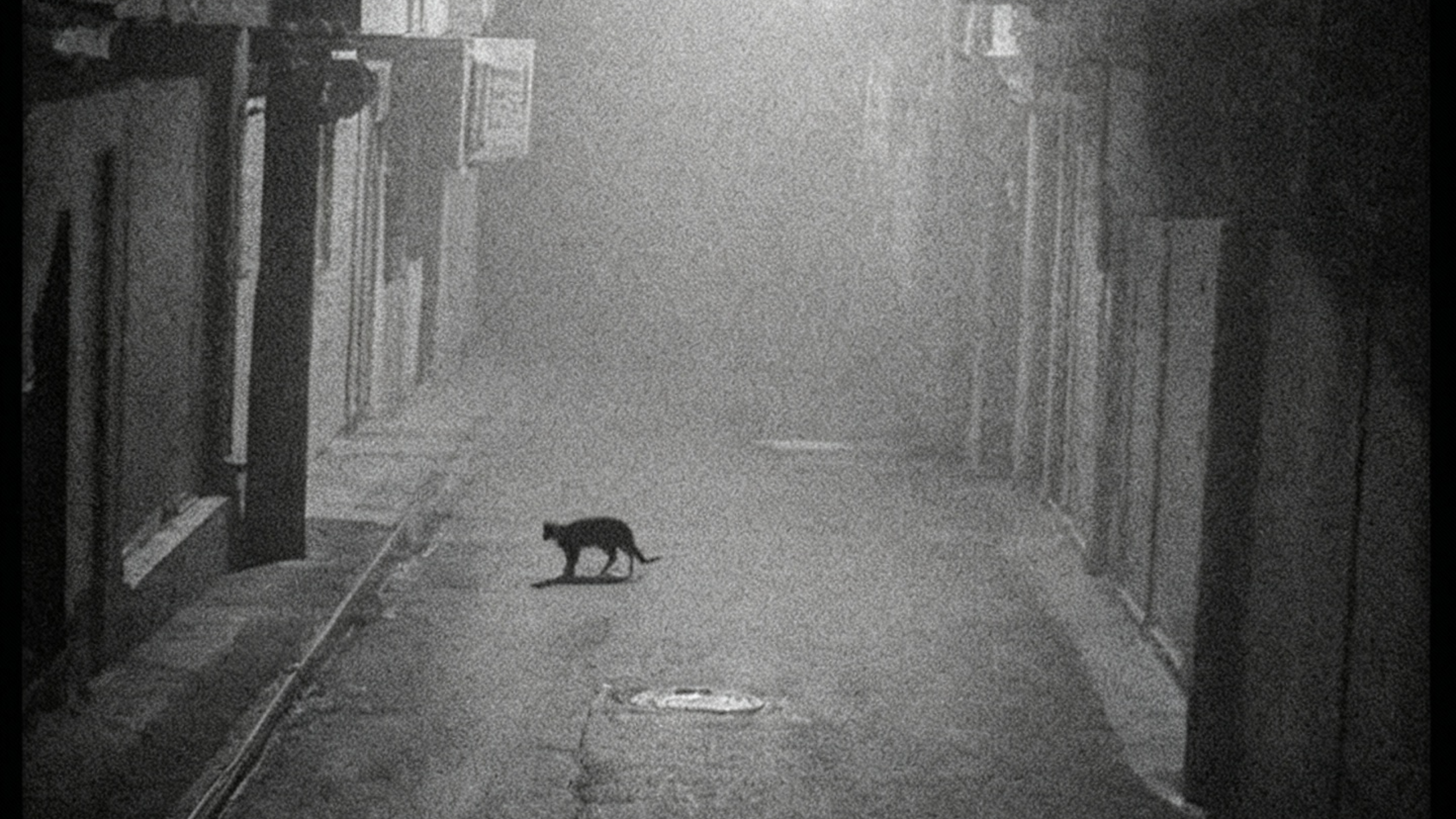
Night Vision
Nighttime surveillance-style videos that let you add any element you want to the footage