

Change Season in Photos with AI
Upload a photo and describe the season you want—change season in photo online, turn summer into winter, or create any seasonal look instantly with AI.
Key Benefits
AI Season Changer with Realistic Control
Change season in images with AI—from winter snow to summer sunlight—while controlling lighting, weather, and mood naturally.
Prompt Control
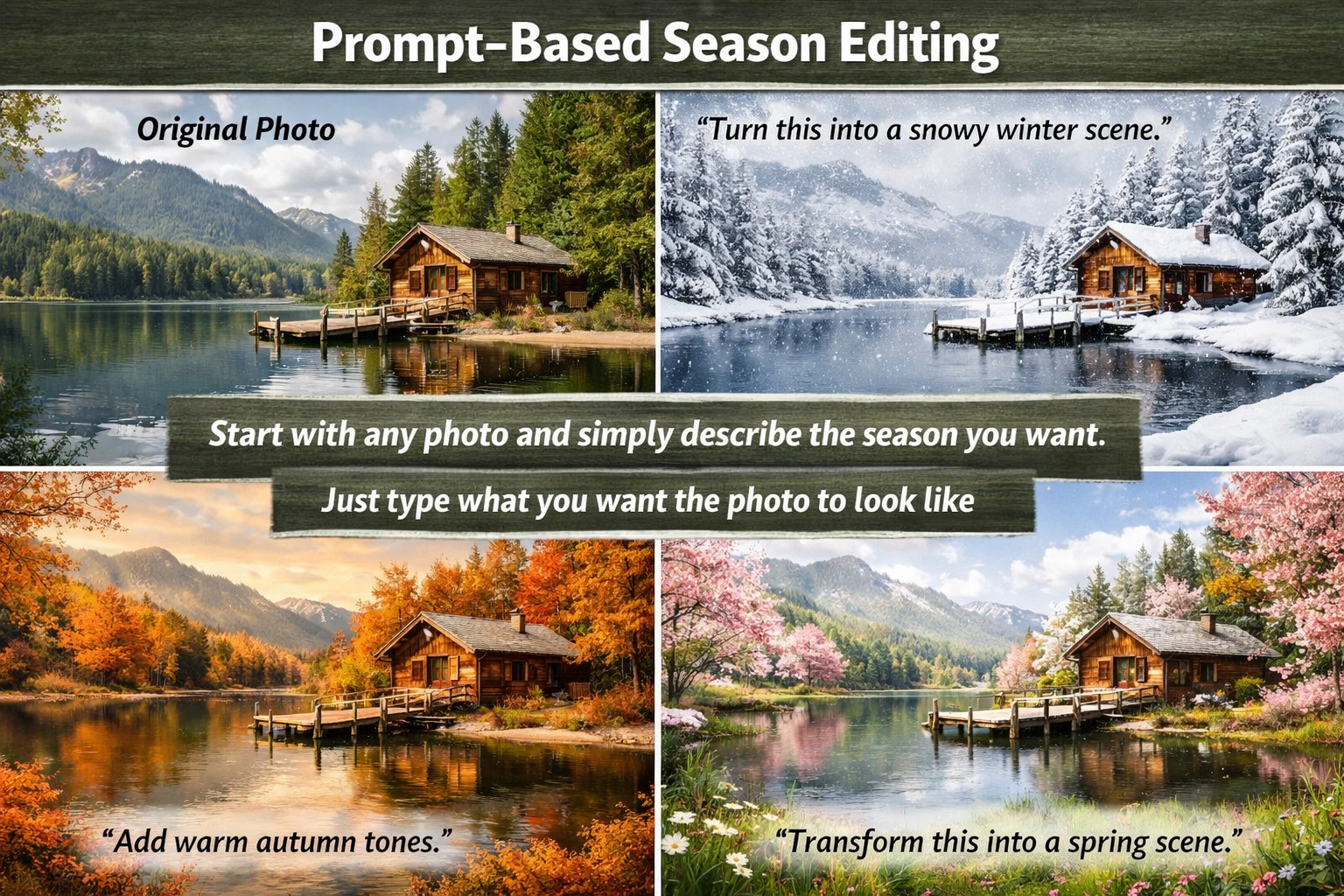
Prompt-Based Season Editing
Start with any photo and simply describe the season you want. You can say things like “turn this into a snowy winter scene” or “add warm autumn tones,” and the AI will apply the transformation. In simple terms: just type what you want the photo to look like.
Realism
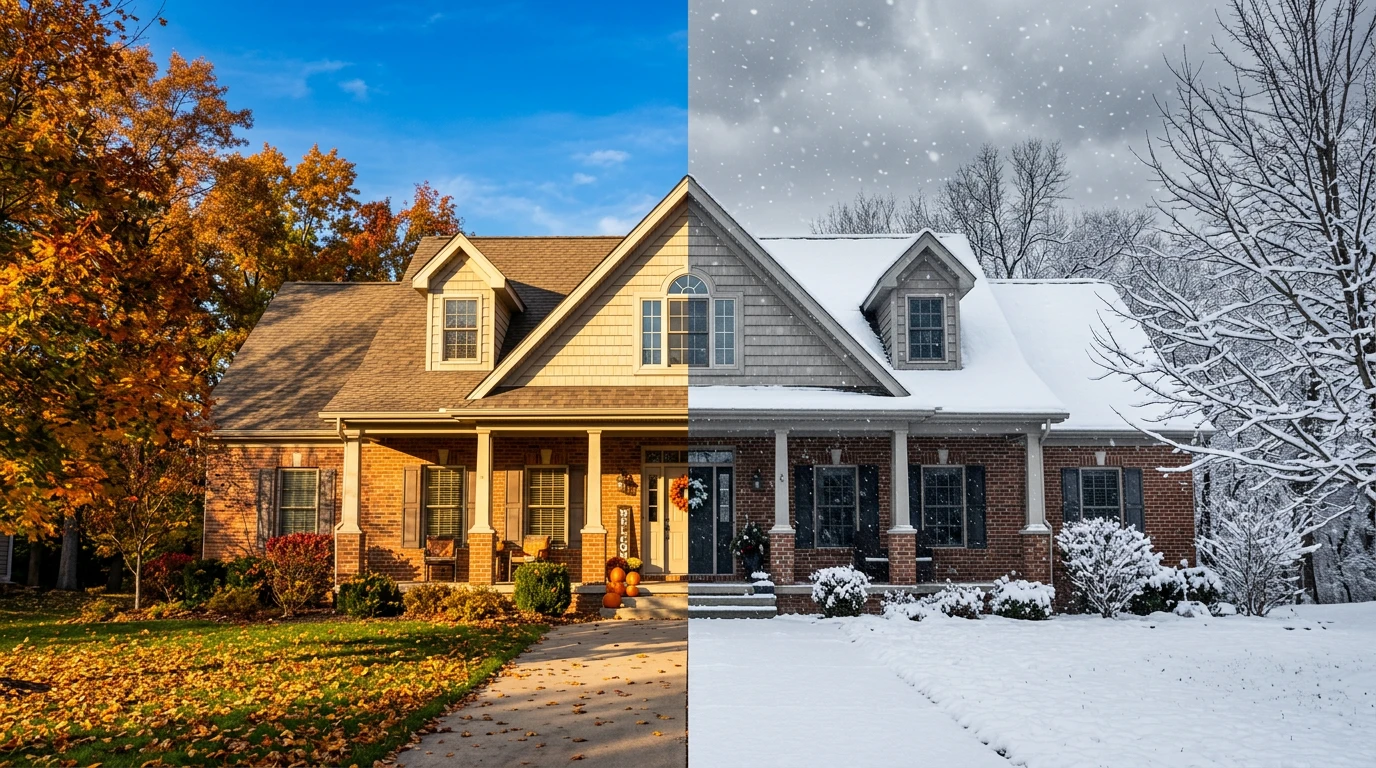
Realistic Lighting and Weather Changes
The AI doesn’t just add filters—it understands the scene. It adjusts shadows, brightness, sky tone, and atmosphere to match the new season. So your photo looks naturally taken in that season, not edited.
Multi-Season
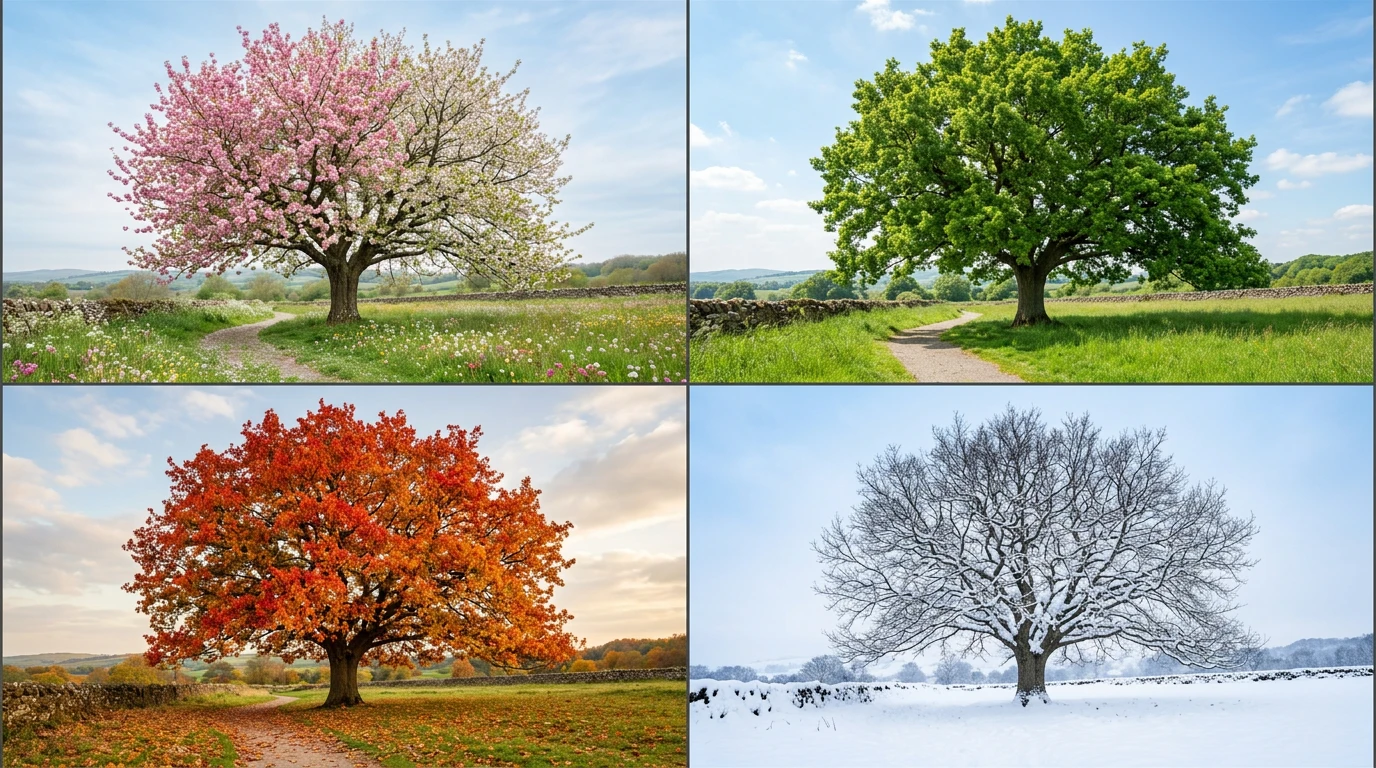
Change to Any Season Instantly
Convert images into spring, summer, autumn, or winter styles in seconds. From blooming flowers to snowy landscapes, everything updates consistently. One photo, multiple seasons.

Quality
Keep Faces and Details Intact
While the environment changes, your subject stays the same. People, products, and composition are preserved with high-quality output. You don’t lose the original image quality.
Video
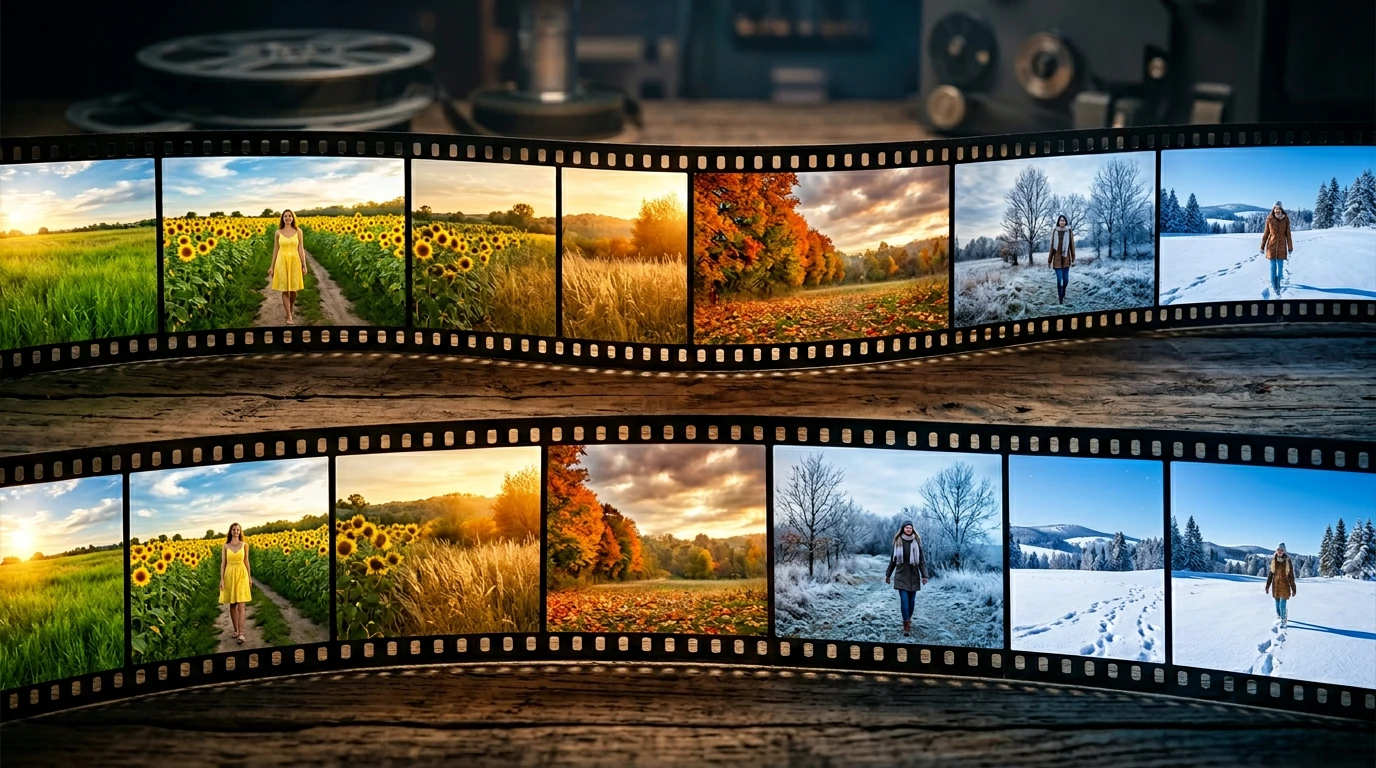
Turn Season Changes into Video
Go beyond images—animate the transformation. Create a smooth transition like summer gradually turning into winter. Make your photo feel alive.
How to Change Season in a Photo Online
Learn how to change season in photo step by step—upload your image, describe the season, and generate a realistic result instantly.
Step 1
Upload Your Photo
Choose any image—landscape, portrait, or product.
Step 2
Describe the Season You Want
Type what you want, like “turn this into winter with snow” or “make it look like autumn with warm tones”.
Step 3
Generate the Seasonal Change
The AI applies lighting, weather, and color changes automatically.
Step 4
Download or Create a Video
Save your image or turn it into a seasonal transition video.
Change Season in Photos for Any Scenario
From social media to business visuals, use AI to change season in photos without reshooting or complex editing.
Social Media Content
Keep your posts fresh by turning one photo into multiple seasonal versions.
Marketing Campaigns
Create seasonal ads like winter or summer campaigns without organizing new shoots.
Real Estate Listings
Show properties in different seasons to improve visual appeal.
Travel Content
Transform travel photos into different seasonal experiences.
E-commerce Images
Adapt product visuals to match seasonal promotions.
Creative Projects
Use seasonal changes to express different moods and storytelling styles.
Examples of Changing Season in Photos
See how to turn summer photos into winter scenes, change images to autumn or spring, and create realistic seasonal transformations.
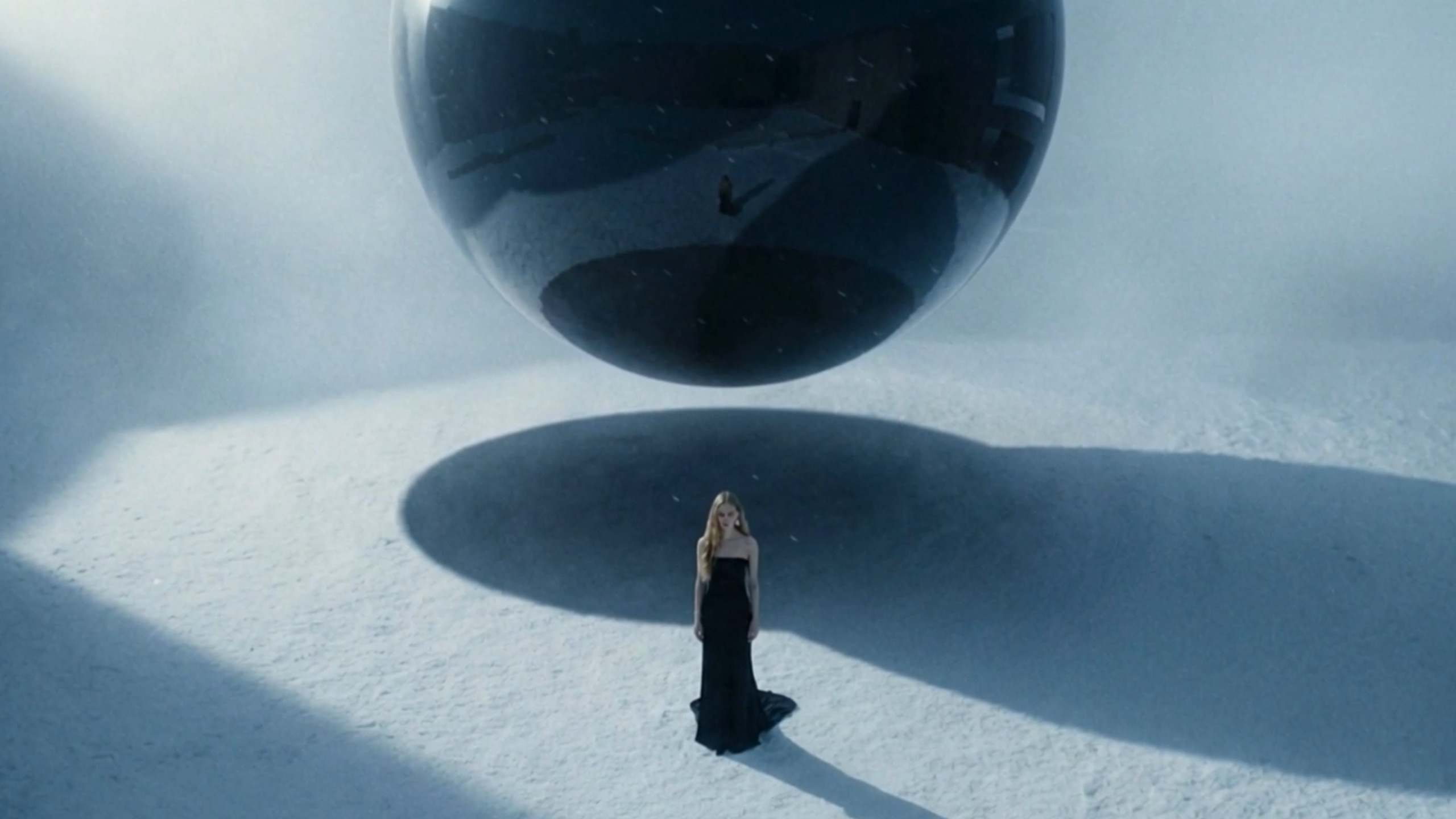
Spatial Product Film
High-tech fashion ad template: Showcase clothing & accessories with a lone model against epic backdrops—snowfields, wastelands, deserts, and more—blending sleek style with vast, dramatic landscapes. Futuristic apparel & jewelry promo: Feature a single figure displaying your pieces in breathtaking open spaces, from snowy expanses to arid deserts and barren wastelands, for a striking visual contrast.
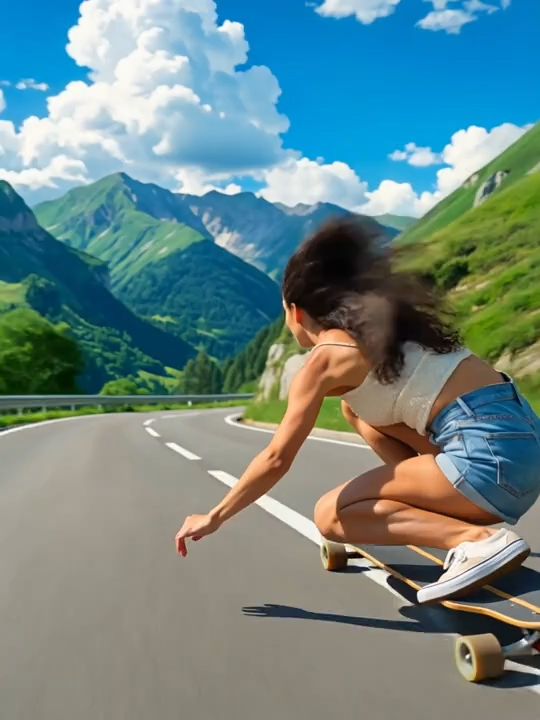
Peak Rush
Create a Ghibli style sports experience video!
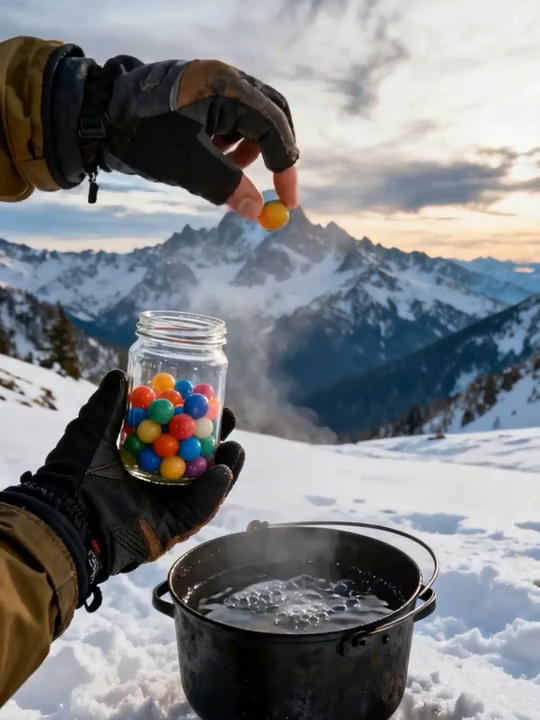
Food Ball
During special times, you take out a concentrated food ball. What are you going to eat?
AI Season Changer FAQ
Find answers about how to change season in photos, get realistic results, and use AI tools more effectively.