Create YouTube Automation Videos for Faceless Channels with AI
Build a scalable YouTube automation workflow with AI video generation. Medeo helps creators turn niche ideas, scripts, blog posts, references, and channel topics into faceless YouTube videos with structured scenes, voiceover, captions, visuals, and repeatable production systems.


From Manual Production to AI YouTube Automation
YouTube automation works best when content production becomes a repeatable system: niche research, scripting, voiceover, visuals, editing, captions, publishing, and testing. Medeo helps compress the video production side of that system.
Before Medeo.app
Manual Video Production Slows Uploads
Each YouTube automation video requires separate scripting, narration, visuals, editing, subtitles, and formatting, making consistent publishing difficult.
Faceless Channels Still Need a Production Stack
Even faceless YouTube automation channels often depend on script writers, voice actors, stock footage, editors, and thumbnail workflows.
Niche Testing Takes Too Long
Testing best YouTube automation niches, hooks, and formats becomes expensive when every topic requires a full manual production cycle.
Repurposing Content Is Repetitive
Turning blog posts, old scripts, Reddit-style topics, or long explanations into new videos can become a bottleneck for automated YouTube channels.
After Medeo.app
Scripts and Ideas Become Videos Faster
Turn a niche topic, outline, or script into a structured faceless YouTube video with scenes, AI voiceover, captions, and visual direction.
AI Handles More of the Production Layer
Medeo supports the core production workflow for YouTube automation: script-to-video, narration, visual scenes, captions, and format adaptation.
Test Niches and Hooks More Quickly
Generate video drafts for different YouTube automation niches, channel ideas, and formats before committing to a larger content calendar.
Repurpose Existing Content into New Assets
Reuse scripts, references, educational topics, and long-form materials to create fresh videos for faceless channels, Shorts, and niche playlists.
AI Tools for YouTube Automation and Faceless Channels
Use Medeo to produce videos from scripts, ideas, references, and niche topics while keeping your workflow flexible enough for quality control and channel strategy.
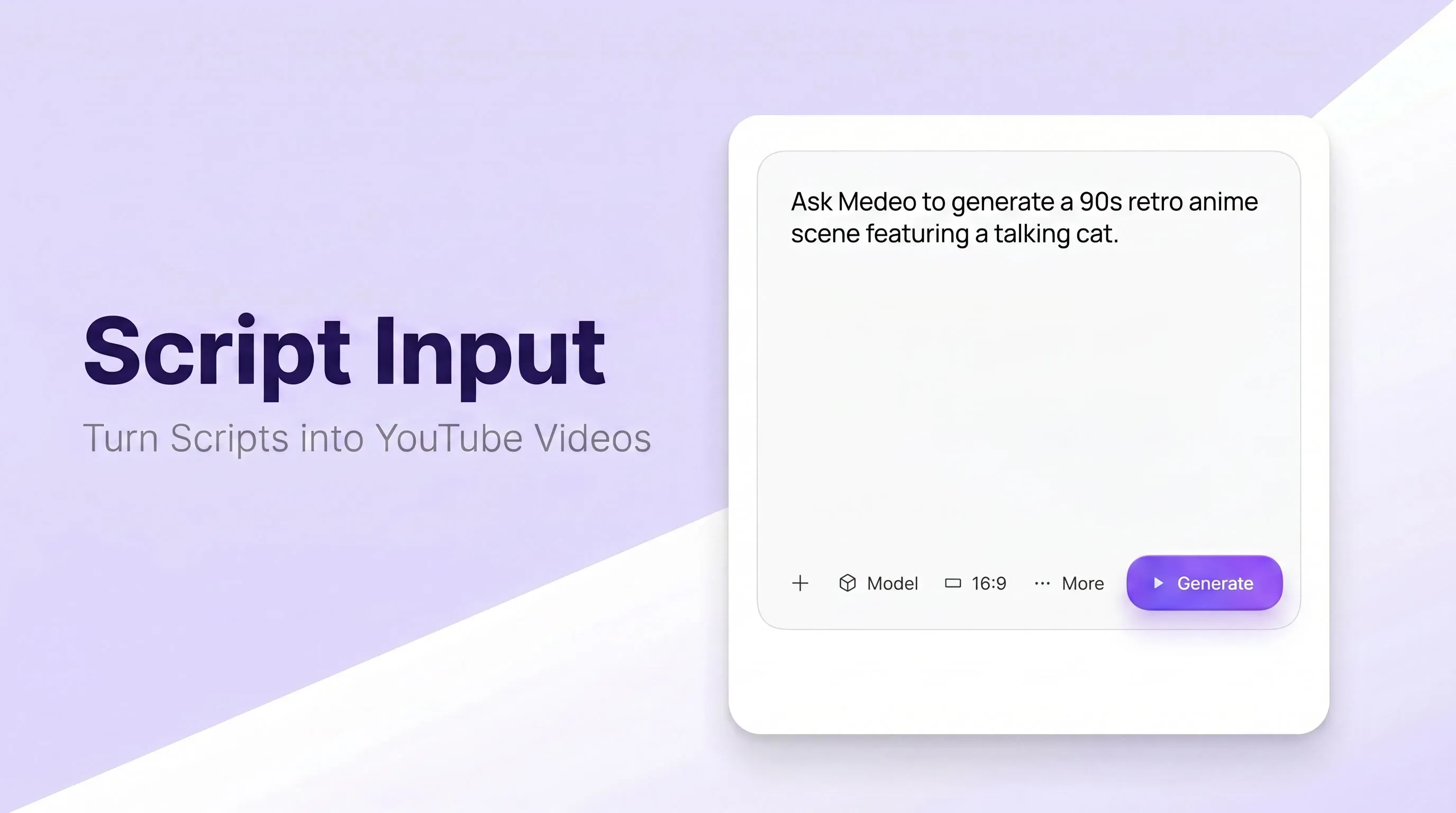
Script to Video
Turn Scripts into YouTube Automation Videos
Paste a script, outline, or niche topic and generate a video draft with structure, scenes, narration, and captions. This supports faceless YouTube automation channels that need repeatable script-to-video production.
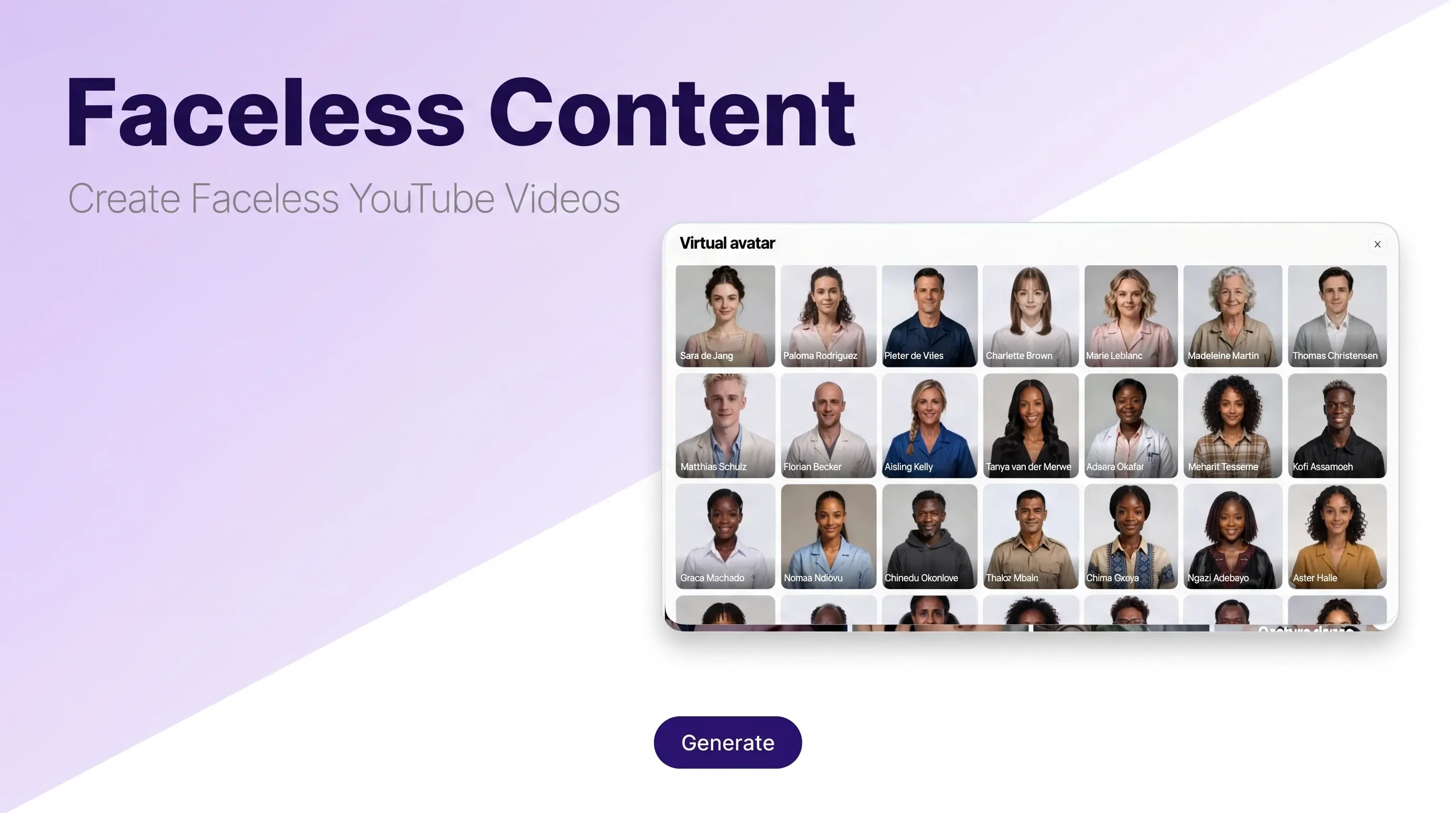
Faceless Channels
Create Faceless YouTube Videos
Build videos without filming yourself. Medeo can help produce narration-led explainers, educational videos, list videos, documentary-style shorts, commentary clips, and other faceless channel formats.
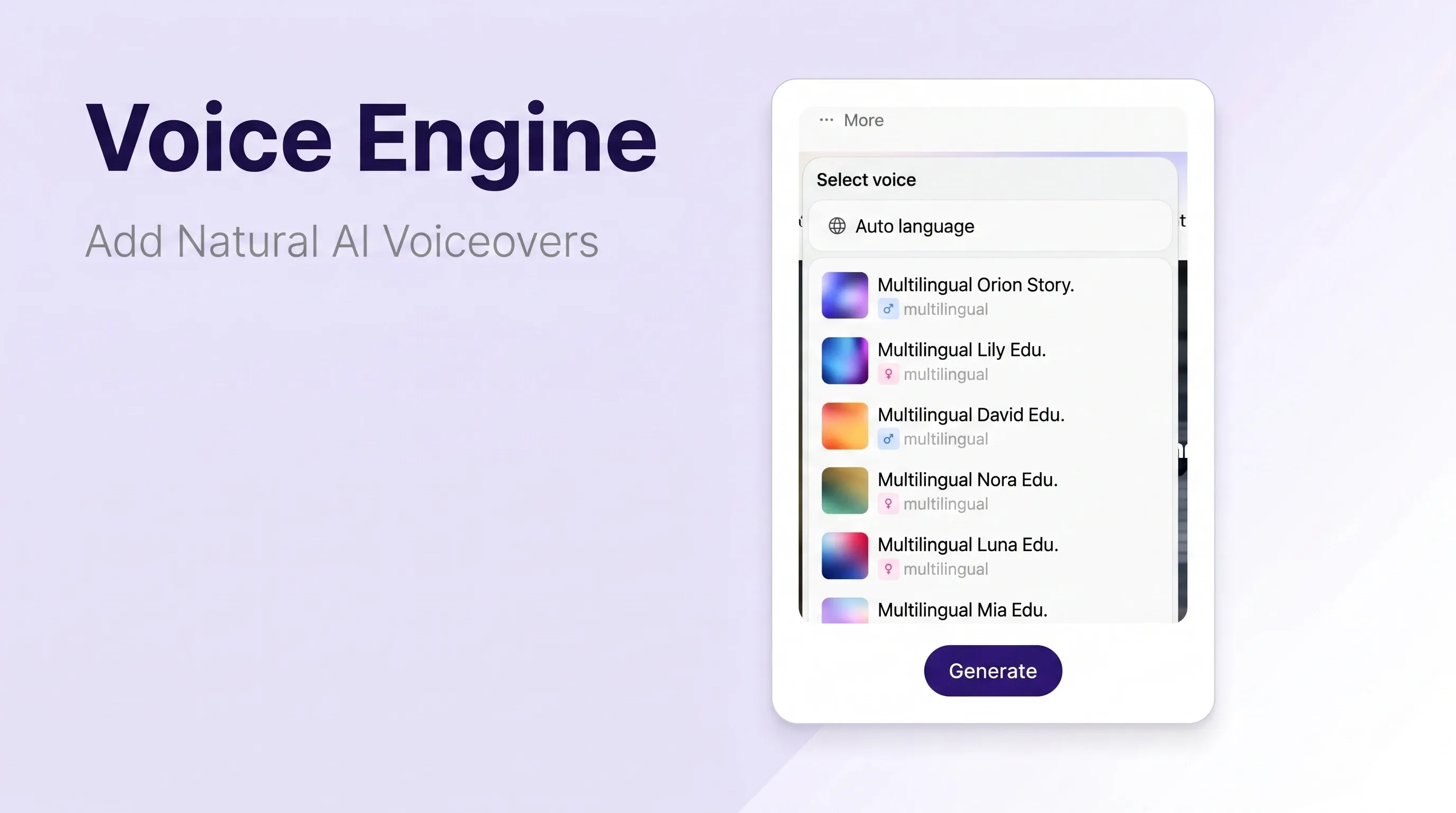
AI Voiceover
Add Voiceovers, Captions, and Narration
Create voice-led videos from written content without recording every take manually. Pair narration with captions and visual scenes so automated YouTube videos are easier to follow.
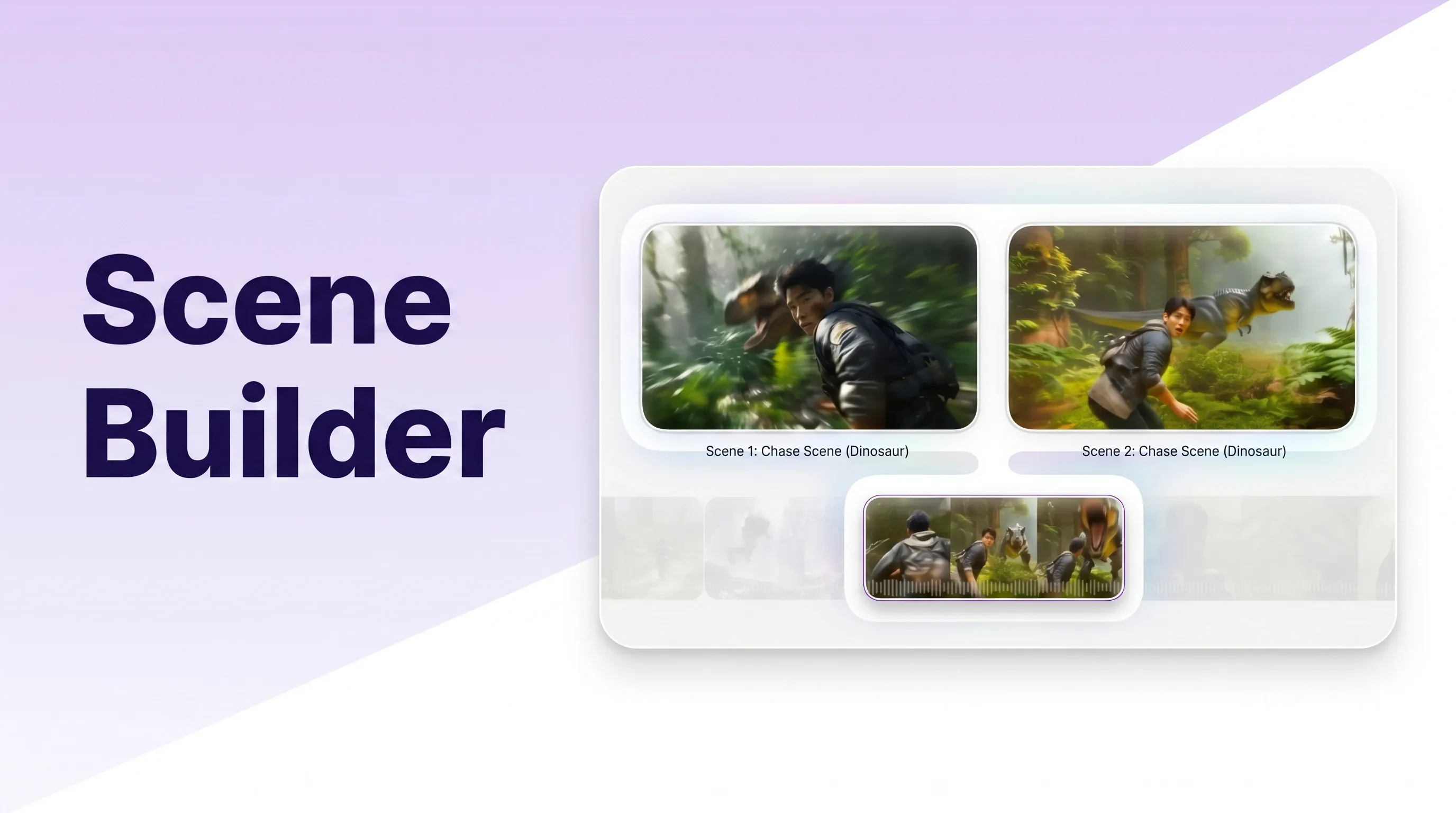
Retention Structure
Structure Videos for Better Viewer Retention
Organize each video around a clear hook, scene flow, main points, visual rhythm, and ending. This is critical for YouTube automation because output volume alone does not create channel growth.
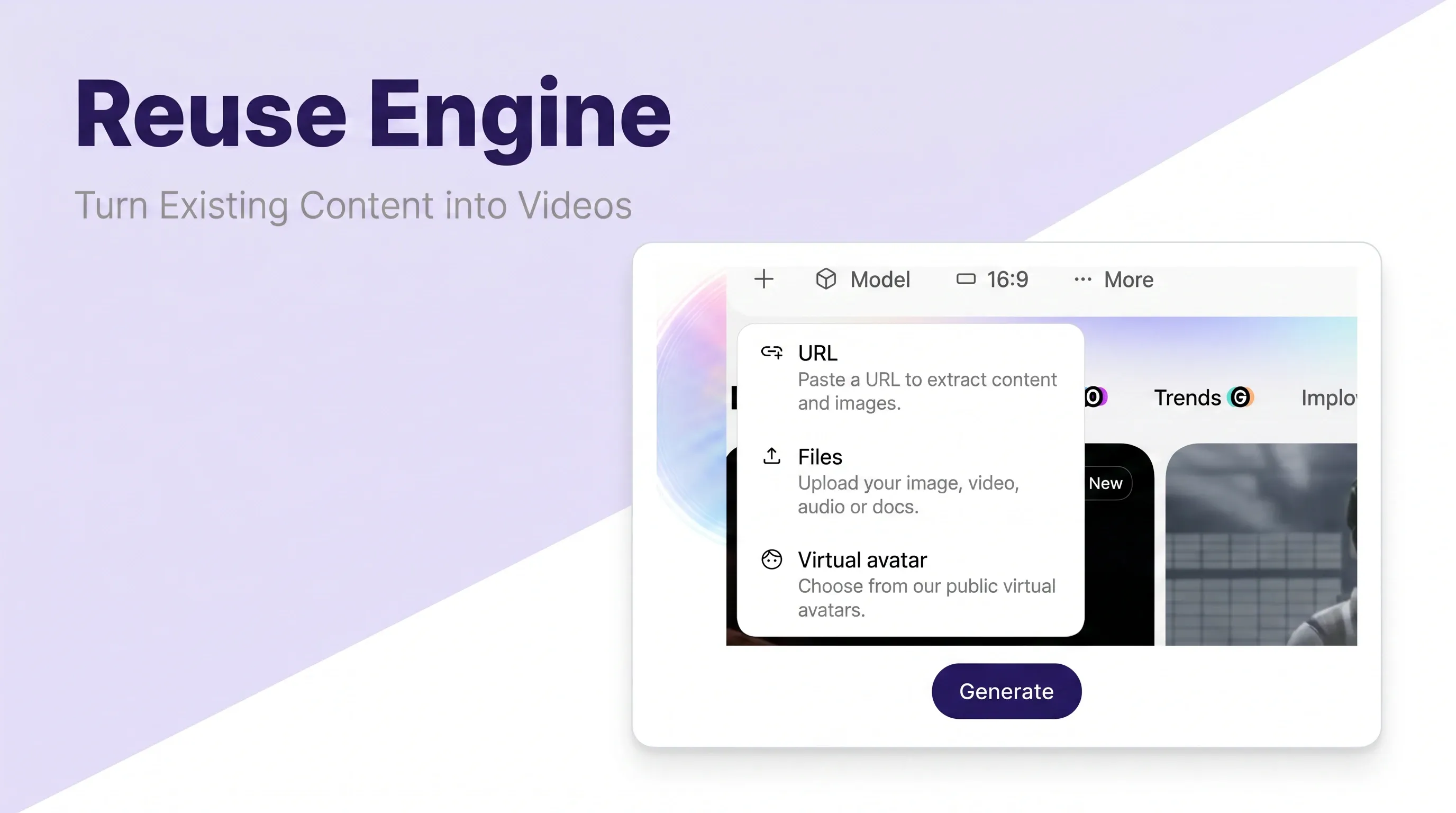
Repurposing
Turn Existing Content into New Videos
Repurpose blog posts, research notes, scripts, educational content, and reference videos into new faceless YouTube videos. This supports content pipelines across multiple niches.
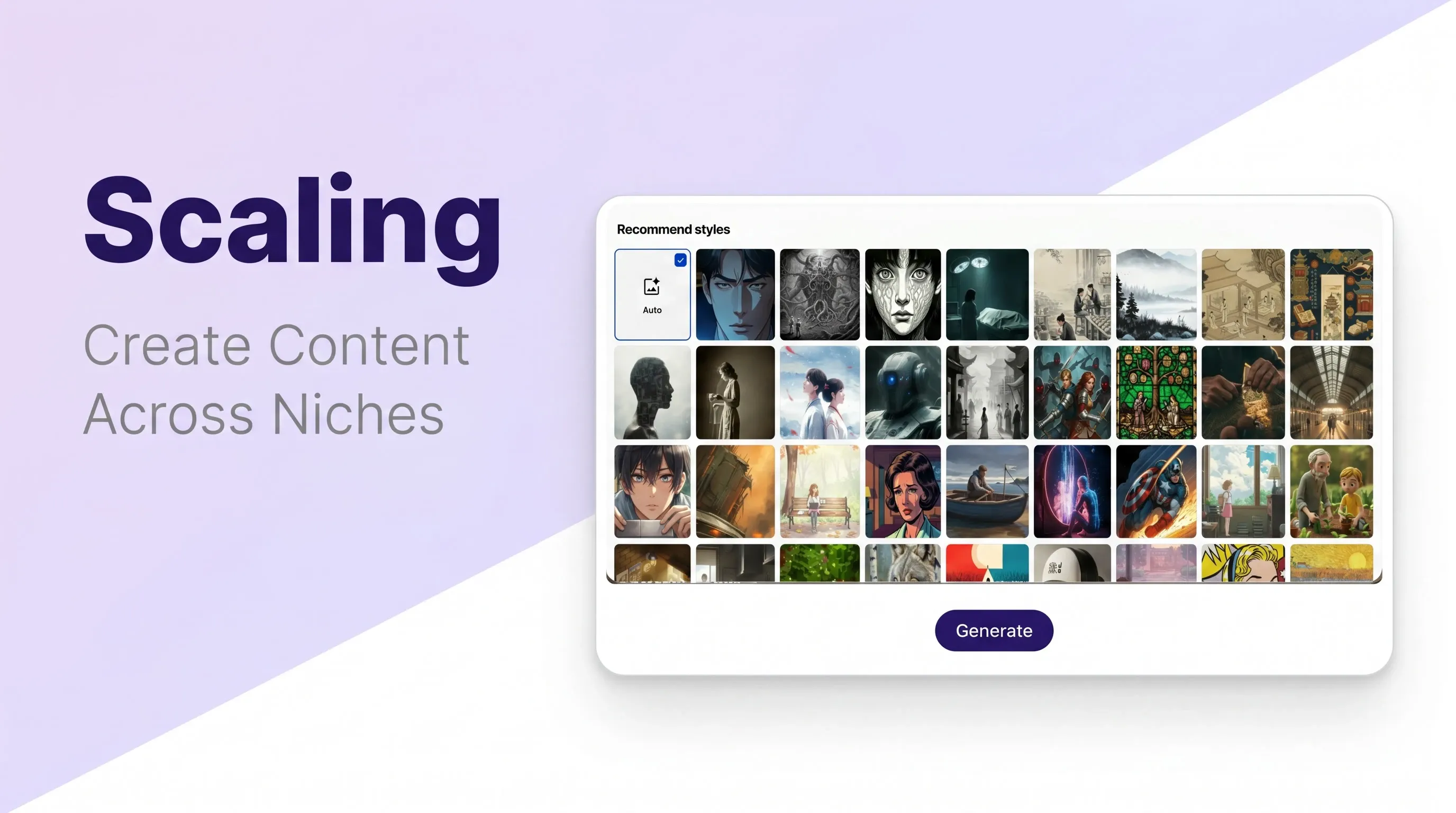
Niche Testing
Create Videos Across Multiple Niches
Test YouTube automation niches such as history, finance explainers, science, health education, storytelling, business, product guides, and Shorts formats while keeping production manageable.
How to Start YouTube Automation with Medeo
Use a step-by-step AI workflow to move from niche idea to faceless video draft, then refine before publishing.
Step 1
Choose a Niche and Video Angle
Start with a YouTube automation niche, topic, hook, or channel idea. Define the audience, search intent, and format before generating the video.
Step 2
Add a Script, Outline, or Reference
Paste your script, rough outline, blog post, research notes, or topic brief. Medeo can turn it into a structured video draft.
Step 3
Generate the Faceless Video
Create scenes, AI voiceover, captions, pacing, and visuals for your automated YouTube channel or YouTube Shorts automation workflow.
Step 4
Review, Improve, and Publish
Check originality, pacing, factual accuracy, voiceover quality, and YouTube policy fit before publishing or generating more variations.
Scale YouTube Automation Without Losing Quality Control
Automation should reduce repetitive production work, not replace strategy, originality, or review. Medeo helps creators produce faster while still shaping each video for audience value.
Consistent Upload Workflow
Generate faceless YouTube videos from repeatable inputs so your content calendar does not depend on manual editing capacity.
Lower Production Costs
Reduce reliance on separate tools and freelancers for voiceover, editing, captions, and visual assembly while keeping human review in the workflow.
Faster Niche Testing
Create drafts for different YouTube automation niches, hooks, and formats before investing in a full channel buildout.
Retention-Focused Structure
Build videos around clear hooks, organized scenes, narration flow, captions, and visual pacing rather than uploading low-effort AI output.
Editable AI Video Drafts
Use AI for the first draft, then refine script, visuals, narration, style, captions, and calls to action before publishing.
Multi-Channel Scalability
Adapt content across long-form videos, Shorts, faceless channels, educational playlists, and different audience segments.
YouTube Automation Video Examples and Channel Formats
Use AI video workflows for faceless education, documentary-style explainers, Shorts, niche storytelling, and repeatable channel formats.
YouTube Automation FAQs
Answers about YouTube automation, faceless channels, AI tools, niches, monetization, policy risk, and scalable video production.