

Turn Email Content into Videos with Medeo
Email to Video on Medeo helps you turn newsletters, campaign copy, product announcements, and educational emails into polished videos in minutes. Paste your email content, generate a social-ready video, and refine it through chat-based editing without needing a traditional video timeline.
Keywords
Turn Email Campaigns into Multi-Scene Videos
Email to Video is part of Medeo’s content repurposing workflow, helping teams transform written email content into videos that are easier to watch, share, and reuse across channels.

Fast Repurposing
Turn Email Copy into Video in Minutes
The Email to Video AI video generator on Medeo makes it easy to convert campaign copy, newsletters, and announcements into short videos without starting from scratch. Instead of rewriting everything for video, you can use your existing email content as the foundation and generate output much faster.

Marketing Workflow
Create More Marketing Assets from the Same Message
With the Email to Video AI video generator, Medeo helps marketers turn one email into multiple video assets for social, product updates, and promotional content. This gives teams a practical way to extend the value of every campaign without adding a heavy production process.
Chat Editing
Refine the Message with Natural Language
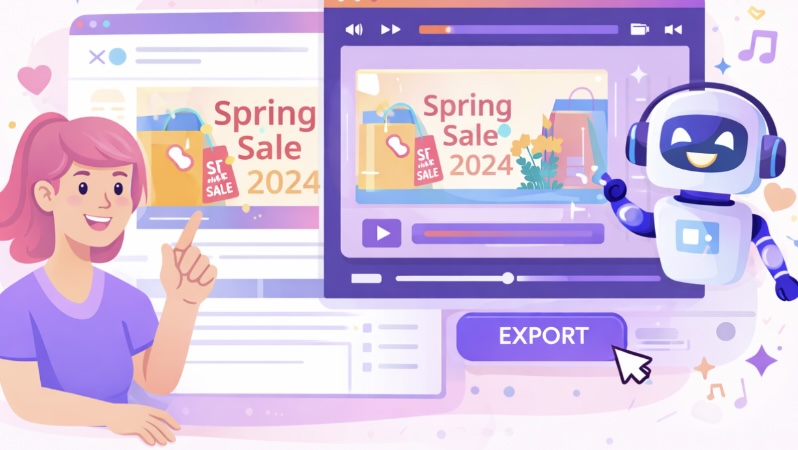
The Email to Video AI video generator works with Medeo’s chat-based editing flow, so you can adjust structure, pacing, visuals, and tone by typing simple instructions. That means you can refine how the email content is presented in video form without traditional timeline editing.

Multi-Scene Output
Transform Long Email Content into Structured Video Scenes
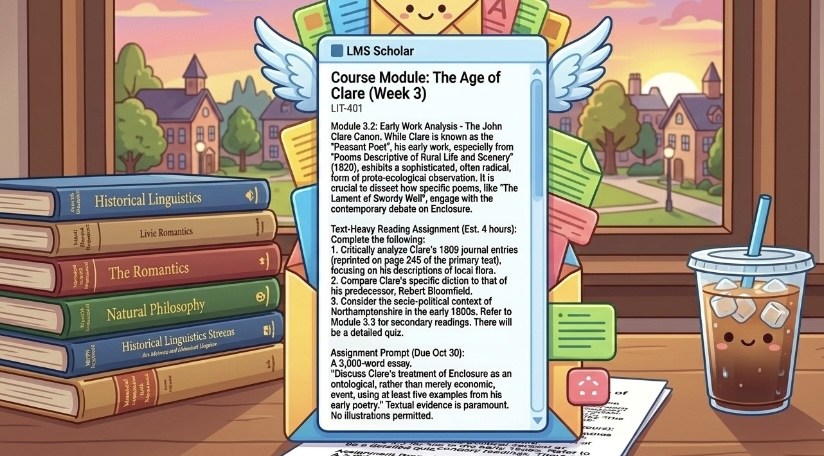
Longer newsletters and product emails often contain multiple points, and the Email to Video AI video generator on Medeo can turn that written structure into a clearer multi-scene video flow. This makes complex email content easier to consume and more suitable for video-first platforms.
Built for Distribution
Export Videos for Social, Marketing, and Internal Use
Videos created with the Email to Video AI video generator can be exported from Medeo in social-ready formats for different platforms and use cases. Whether you are sharing highlights from a newsletter or repackaging product messaging, the output is ready to publish faster.
How to Convert Email Content to Video
Creating videos from email content on Medeo is simple and does not require prior video editing experience.
Step 1
Step 1: Paste Your Email Content
Start by pasting your newsletter, campaign copy, product email, or announcement into Medeo. You can use the main body of the email as the source material for your Email to Video workflow.
Step 2
Step 2: Generate Your First Video Draft
Medeo uses your text as the basis for the Email to Video AI video generator to create a structured first draft. This draft can include visuals, scene progression, and a video format suitable for sharing.
Step 3
Step 3: Refine Through Chat-Based Editing
Use Medeo’s chat-based editing to shorten sections, improve clarity, change the pacing, or make the video feel more promotional or more educational. This step helps you adapt the same email message for different audiences and channels.
Step 4
Step 4: Export and Publish
Once your Email to Video draft looks right, export it in the format that fits your platform. Medeo supports multiple aspect ratios, making it easier to publish on social media, websites, or other marketing channels.
Why Creators Use Medeo for Email to Video Content
Faster Than Rebuilding Content Manually
The Email to Video AI video generator helps teams move from written email content to video much faster than creating a new video concept from zero. Medeo makes content repurposing feel practical instead of time-consuming.
Chat-Based Refinement Instead of Timeline Editing
Medeo lets you improve your Email to Video output through natural language instructions. This is especially useful for marketers, founders, and creators who want more control without learning complex editing tools.
A Better Format for Longer Messages
Emails often contain multiple ideas, and the Email to Video AI video generator can turn those ideas into a scene-by-scene format that is easier to understand. Medeo helps transform dense written updates into more watchable content.
Designed for Marketing and Communication
From product launches to email campaign summaries, Email to Video on Medeo is useful for teams that want clearer communication in a more engaging format. It works especially well when a message needs to be reused beyond the inbox.
Voiceover and Subtitle Support
Medeo includes AI voices and visual track controls that can support narration, subtitles, and media arrangement in your Email to Video workflow. This helps make videos more accessible and more suitable for silent autoplay environments.
Ready for Different Platforms
The Email to Video AI video generator supports export formats like 9:16, 16:9, 1:1, and 4:3 on Medeo. That makes it easier to reuse the same message across social platforms, websites, presentations, and internal updates.
Examples Created with the Email to Video AI Video Generator
Use Email to Video on Medeo to turn campaign emails, newsletters, product updates, and educational messages into videos for social, marketing, and communication workflows.
Love Story
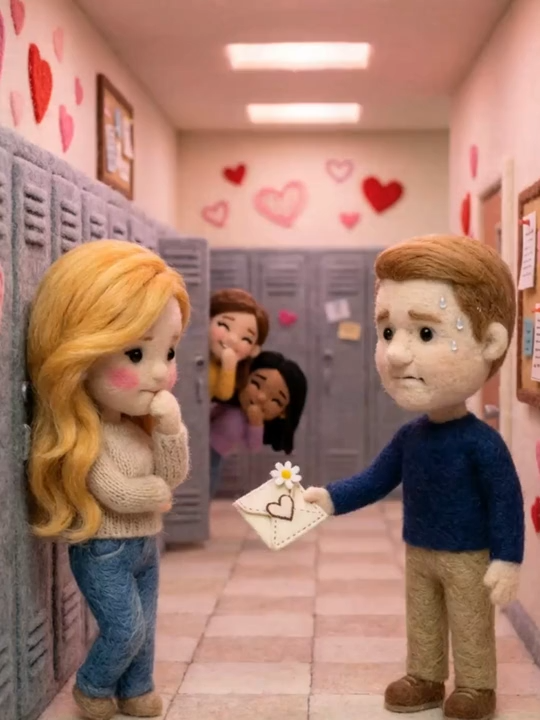
Forgot to prepare a gift for Valentine's Day? Tell me your love story, and I’ll recreate a uniquely beautiful and romantic love movie just for you!

Brand Film
Vertical-Screen Brand Ad Template
MG PPT
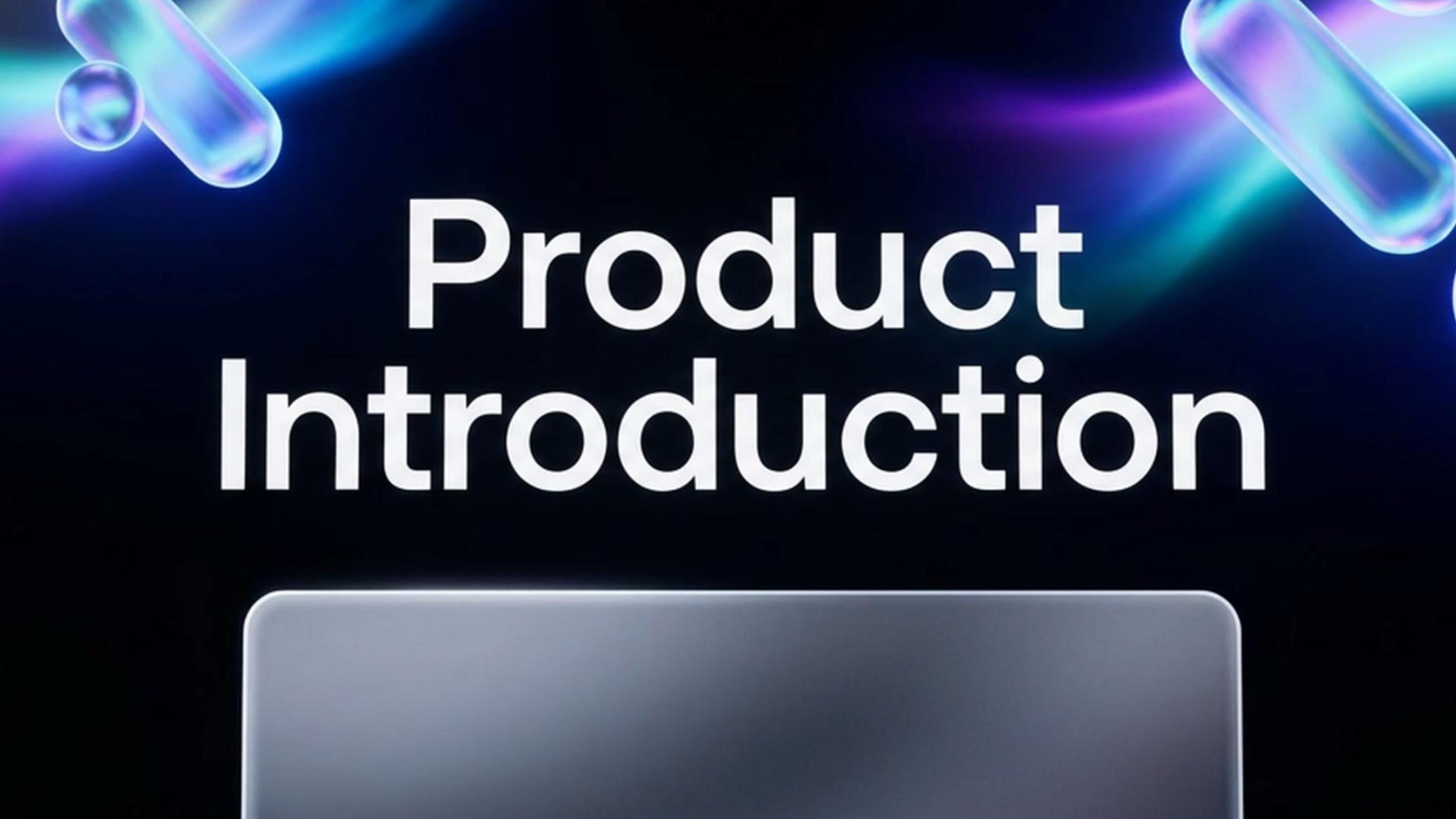
Create a PPT about your product introduction,and give 2 styles to choose about your PPT.

Mess to Ideal
Showing a neglected and chaotic space being cleaned, repaired, and gradually transformed into something orderly, functional, and beautiful.

Love in Minecraft
Generate a romantic confession video exclusive to you in the style of Minecraft!

Product Details
Product detail showcase video: Highlight intricate textures, fine craftsmanship and key features of your products.