
Turn Landing Pages into Videos with Medeo
Landing Page to Video on Medeo helps marketers, founders, and creators transform website pages into clear marketing videos in minutes. Paste your landing page text or webpage content, generate a structured video draft, and refine it with Medeo’s chat-based editing workflow without relying on traditional video editing timelines.
Keywords
Turn Website Content into Structured Video Ads
Landing Page to Video is part of Medeo’s marketing content workflow, helping teams convert webpage content into videos that are easier to watch, share, and reuse across advertising and social channels.

Fast Repurposing
Convert Landing Page Content into Video in Minutes
Landing Page to Video on Medeo allows you to transform website content into video drafts quickly. Instead of rewriting copy for video, your existing landing page text can become the foundation for a marketing video.

Marketing Workflow
Create Video Ads from Webpages
With Medeo’s webpage to video generator workflow, marketers can convert landing pages into short video ads for social media, paid campaigns, and product promotion.
Chat Editing
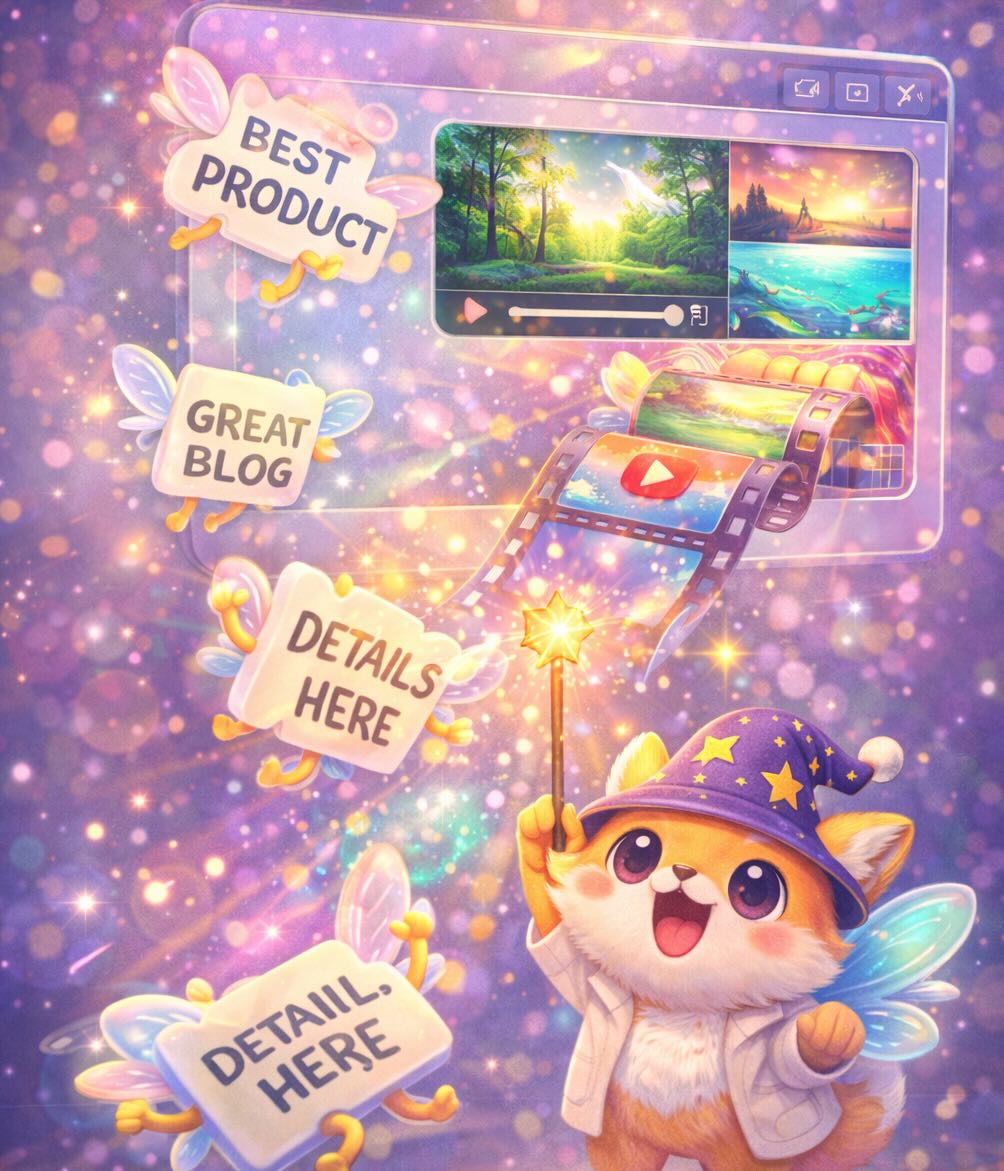
Refine the Message with Chat-Based Editing
Medeo allows you to adjust structure, pacing, and messaging using chat-based editing. This makes it easier to turn webpage copy into a clear and engaging video format.

Multi-Scene Output
Turn Page Sections into Video Scenes
Landing page sections such as headlines, product benefits, and feature explanations can automatically become scenes in your video, helping create a clearer storytelling structure.

Built for Distribution
Export Website-Based Videos for Multiple Platforms
Videos generated from landing pages can be exported in formats suitable for social media ads, product explainers, presentations, and marketing campaigns.
How to Convert Landing Pages with the Landing Page to Video AI Generator
Turning website pages into videos on Medeo is simple and does not require previous video editing experience.
Step 1
Step 1: Paste Your Landing Page Content
Copy the text or key sections from your landing page or webpage and paste them into Medeo.
Step 2
Step 2: Generate a Video Draft
Medeo analyzes the page structure and creates a structured video draft based on the content.
Step 3
Step 3: Refine Through Chat Editing
Use Medeo’s chat-based editing to simplify messaging, highlight product benefits, or adapt the video for marketing campaigns.
Step 4
Step 4: Export and Publish
Export the final video in the format that fits your platform, such as social ads, product videos, or marketing content.
Why Teams Use Medeo for Website-Based Videos
Landing Page to Video helps teams transform website content into engaging videos that are easier to share across marketing channels and advertising platforms.
Reuse Website Content for Video Marketing
Landing page text can become the foundation for video marketing assets instead of creating new scripts from scratch.
Faster Video Creation for Campaigns
Marketers can quickly generate video ads and promotional content directly from webpage copy.
Clear Storytelling from Page Structure
Landing page sections naturally translate into scenes, helping create structured product or marketing videos.
Chat-Based Editing Instead of Complex Tools
Users can refine the video using natural language instructions instead of learning traditional editing software.
Voiceover and Subtitle Support
Medeo includes AI voices and visual track controls that support narration, subtitles, and media arrangement.
Flexible Export Formats
Videos generated from landing pages can be exported in formats such as 9:16, 16:9, 1:1, and 4:3.
Examples Created with the Landing Page to Video AI Generator
Use Landing Page to Video on Medeo to turn website pages, product landing pages, and marketing copy into videos for advertising, social media, and product promotion.

Product Explainer Film
Generate a clean, high-end product showcase that keeps the product and presenter perfectly consistent across shots.

2D Animation
Turn your travel mishaps into a punchy, over-the-top 2D stickman comedy by uploading your story or theme.

Film-set Visit
Do you want to visit your favorite anime IP live-action crew? Use this recipe!

Magical Train
Please select your favorite ideal carriage!
Scary Story
Create commentary for any horror story you like—paranormal incidents, murder cases, unsolved century-old mysteries and more.
Landing Page to Video AI Generator – FAQs
These frequently asked questions explain how to convert landing pages and website content into videos using Medeo’s AI-powered workflow.