
Turn Press Releases into News Videos with Medeo
Press Release to Video on Medeo helps PR teams, startups, and marketers transform press releases into engaging news-style videos in minutes. Paste your announcement text, generate a structured video draft, and refine it with Medeo’s chat-based editing workflow without relying on traditional video editing tools.
Keywords
Turn Press Announcements into Structured Video Stories
Press Release to Video is part of Medeo’s communication workflow, helping teams transform written announcements into videos that are easier to watch, share, and distribute across media channels.
Fast Repurposing
Convert Press Releases into Video in Minutes
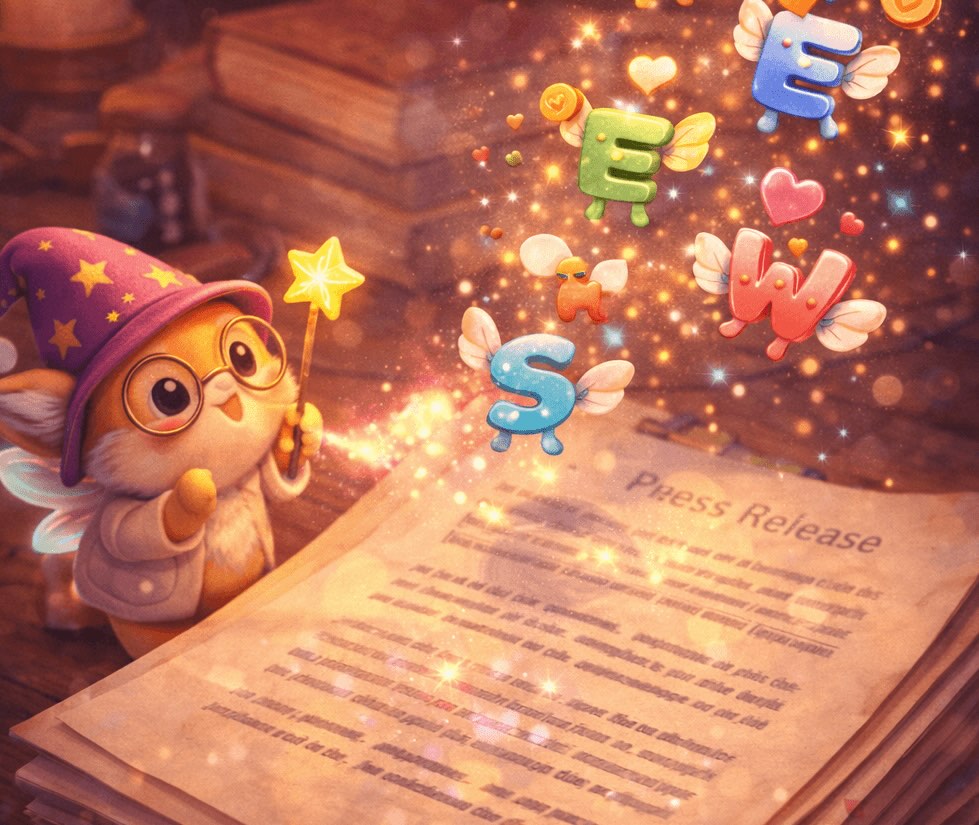
Press Release to Video on Medeo makes it easy to transform press announcements, company updates, and news statements into short videos without rewriting everything from scratch. Existing press release text becomes the foundation for your video.
PR Workflow
Create News-Style Videos from Announcements
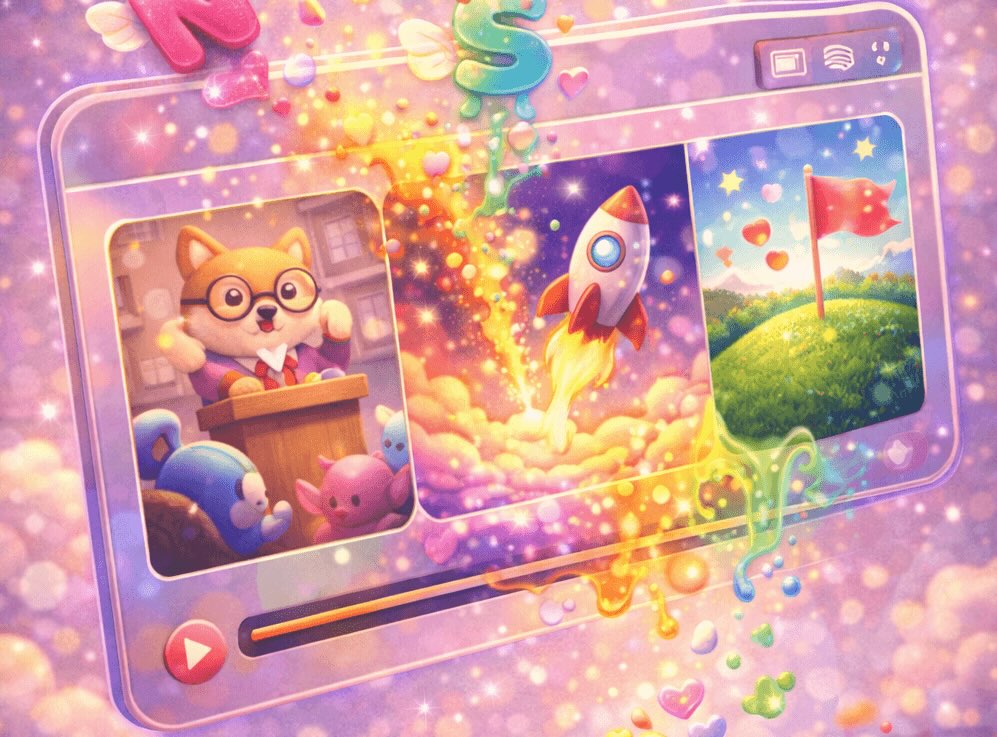
With Medeo’s AI press release video generator workflow, PR teams can quickly convert announcements into news-style videos suitable for social media, media outreach, and digital marketing.

Chat Editing
Refine the Message with Chat-Based Editing
Medeo allows you to refine structure, tone, and pacing through chat-based editing. This makes it easier to adapt a formal press release into a clearer and more engaging video format.

Multi-Scene Output
Turn Announcement Sections into Video Scenes
Press release sections such as headlines, quotes, and key announcements can automatically become scenes in your video, helping create a clear narrative structure.

Built for Distribution
Export Press Videos for Multiple Platforms
Videos generated from press releases can be exported in formats suitable for social media, media platforms, company websites, and presentations.
How to Convert Press Releases with the Press Release to Video AI Generator
Turning press announcements into videos on Medeo is simple and does not require prior video editing experience.
Step 1
Step 1: Paste Your Press Release Content
Start by copying your press release text or announcement content and paste it into Medeo.
Step 2
Step 2: Generate a Video Draft
Medeo analyzes the press release structure and creates a structured video draft based on the content.
Step 3
Step 3: Refine Through Chat Editing
Use Medeo’s chat-based editing to simplify messaging, highlight key points, or adapt the video for marketing and media distribution.
Step 4
Step 4: Export and Publish
Export the final video in the format that fits your platform, such as social media, company websites, or digital press kits.
Why Teams Use Medeo for Press Announcement Videos
Press Release to Video helps teams transform written announcements into engaging news-style videos that are easier to distribute across digital media channels.
Turn Announcements into Shareable Content
Press releases can quickly become video summaries that are easier to share on social media and marketing channels.
Faster Content Creation for PR Campaigns
PR teams can generate video versions of press announcements without building videos manually.
Clear Storytelling from Press Release Structure
Headlines, quotes, and announcement sections naturally translate into scenes in a video format.
Chat-Based Editing Instead of Complex Tools
Users can refine the video using natural language instructions rather than traditional editing software.
Voiceover and Subtitle Support
Medeo includes AI voices and visual track controls to support narration and subtitles in news-style videos.
Flexible Export Formats
Videos generated from press releases can be exported in formats such as 9:16, 16:9, 1:1, and 4:3.
Examples Created with the Press Release to Video AI Generator
Use Press Release to Video on Medeo to turn company announcements, product launches, and press statements into videos for media distribution, social platforms, and marketing campaigns.

2D Animation
Turn your travel mishaps into a punchy, over-the-top 2D stickman comedy by uploading your story or theme.

Brand Pop-Up
Open a branded envelope, and products of the brand pop out of it.
Yarn Animation
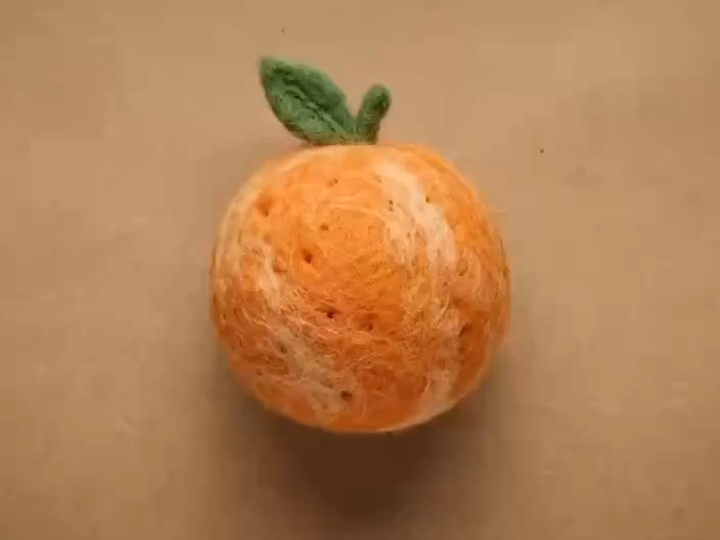
Super fun yarn stop-motion animation that can introduce your product!

Mukbang Vlog
Let's make a pet mukbang vlog!

Myth Meme
Make a viral 3D game ad where the hero and villain share one reference frame.

Barbie Dream
Generate a romantic confession video exclusive to you in Barbie style!
Press Release to Video AI Generator – FAQs
These frequently asked questions explain how to convert press releases and news announcements into videos using Medeo’s AI-powered workflow.