

Transform Project Plans into Engaging Videos
Project Plan to Video transforms written project plans, roadmaps, and timelines into clear, engaging videos. With AI-generated visuals, animations, and structure, you can communicate ideas faster and align teams effortlessly—no slides or video editing required.

Powered by world-class AI models


What Is a Project Plan to Video Generator?
A Project Plan to Video Generator is an AI-powered tool that converts project plans, timelines, and strategies into structured videos. It automatically visualizes phases, milestones, tasks, and goals using animations, text overlays, and transitions—making project communication clearer and more engaging.

From Static Project Plans to Engaging Videos — In Minutes
Make your project easy to understand, remember, and act on
Before
Text-heavy documents, slides, or spreadsheets
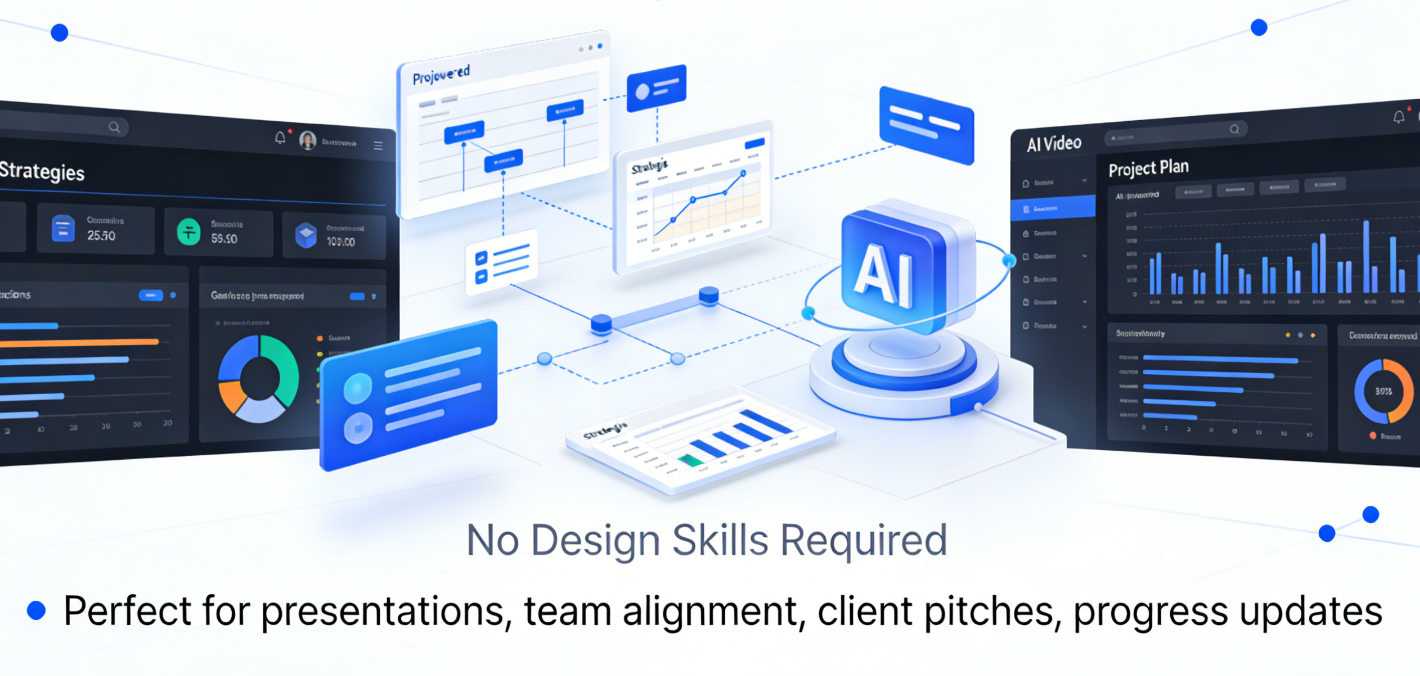
After
A clear, visual project video everyone understands
Before
Text-heavy documents, slides, or spreadsheets
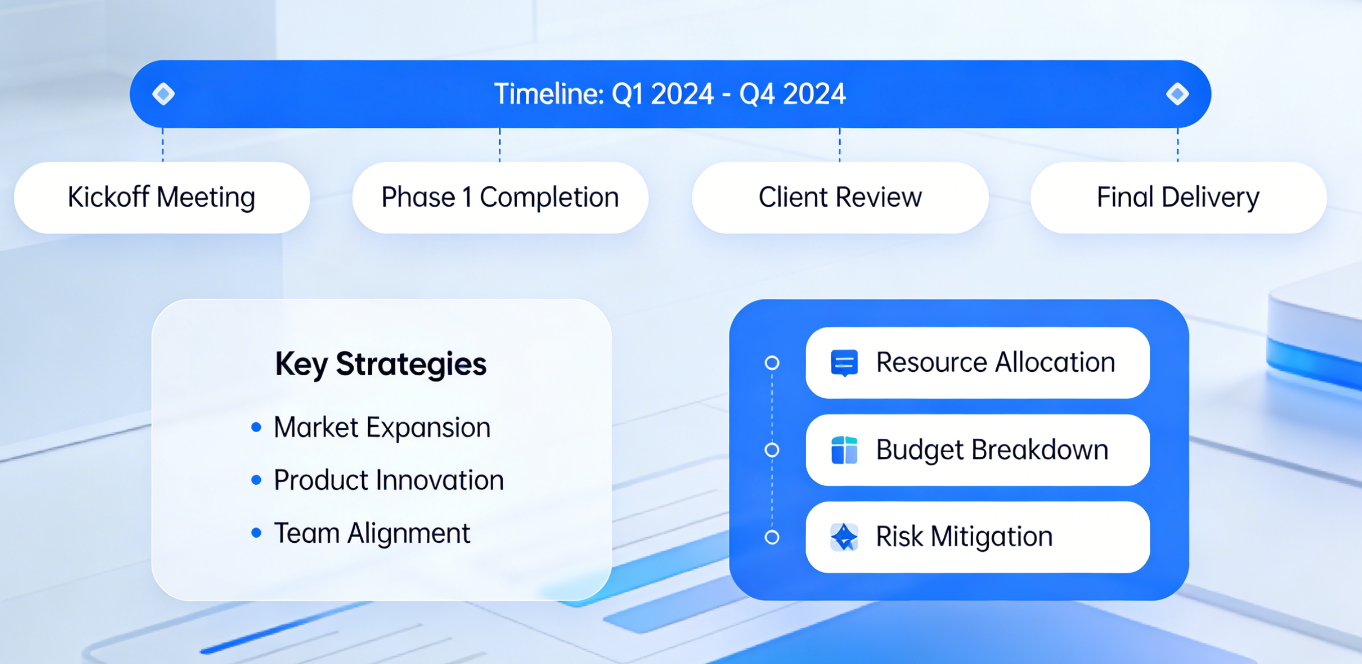
After
A clear, visual project video everyone understands
Why Choose Medeo’s Project Plan to Video?
The simplest way to explain projects visually
Visualize Your Plans
Turn Gantt charts, spreadsheets, and timelines into animated, easy-to-understand video formats. Perfect for teams, clients, or online sharing.
Save Time
Instead of static slides, create visually compelling project videos that communicate milestones and progress clearly.
Cross-Platform Sharing
Export videos optimized for LinkedIn, YouTube, TikTok, or internal collaboration platforms to keep your team aligned.
Clarity Over Complexity
Turn dense plans into easy-to-follow visual stories
Faster Communication
Explain projects in minutes instead of long meetings or documents.
Professional Presentation Quality
Create polished project videos without design or editing skills.
Feature Details
Visualize plans clearly across teams and audiences
Project Plan Templates
Pre-built AI templates for timelines, milestones, and task flows. Customize colors, icons, and layouts to match your brand.
Dynamic Animations & Transitions
Animate tasks, deadlines, and progress bars to clearly showcase project evolution and dependencies.
AI Voiceover & Captions
Add AI narration to explain tasks, assign responsibilities, or highlight key points automatically.
Flexible Export Options
Download your project videos in multiple formats and aspect ratios, optimized for presentations, social media, or internal team sharing.
How to Convert Your Project Plan to Video?
Step 1
Step 1: Upload Your Project Plan
Provide your spreadsheet, Gantt chart, or task list. Medeo reads the structure and prepares it for animation.
Step 2
Step 2: Customize Visuals & Layout
Choose templates, color schemes, icons, and highlight key milestones to make your video engaging and clear.
Step 3
Step 3: Add Narration & Captions
Select AI voiceovers or add your own text-based prompts. Automatically generate captions for clarity and accessibility.
Step 4
Step 4: Export & Share
Generate your video in high-quality, optimized for your chosen platform, ready to present, share, or post online.