

Convert PDF to Video with Medeo AI
Transform static PDF documents into dynamic video presentations. Upload your PDF and let AI create professional videos with voiceovers, visuals, and music—perfect for reports, papers, and educational content.
Powered by world-class AI models


What is an AI PDF to video converter?
An AI PDF to video converter is a powerful tool that automatically transforms static PDF documents—such as reports, presentations, research papers, and educational materials—into engaging video presentations.

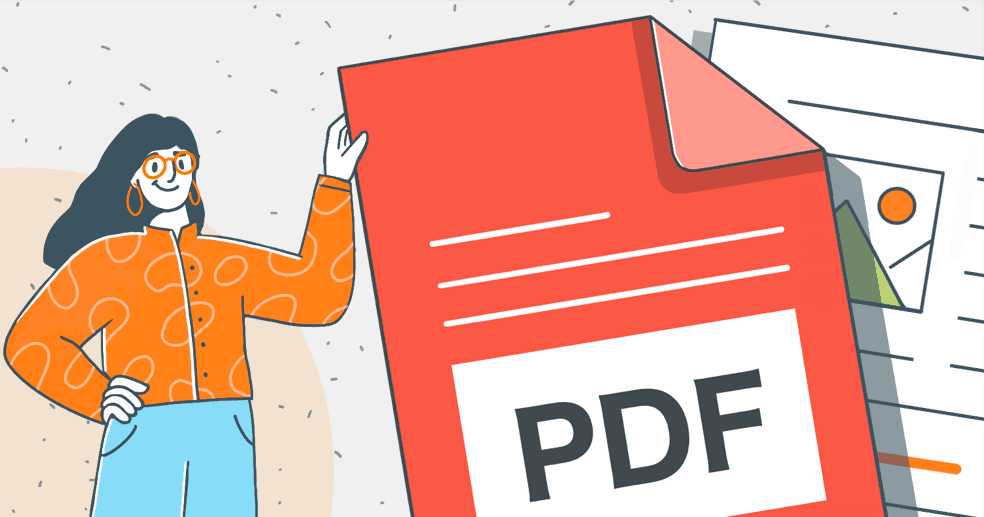
From Static PDF to Dynamic Video
Watch how AI transforms a document into a professional video presentation with narration and visuals
Before
PDF Document
After
Video Presentation

Before
PDF Document
After
Video Presentation
Why Choose Medeo’s AI PDF Video Generator?
Transform static documents into dynamic video presentations with intelligent automation
Smart Content Extraction
AI analyzes PDF structure and content to extract key information, and understand document hierarchy.
Auto Script Generation
Automatically generates compelling narration scripts from your PDF text. The AI creates clear, concise voiceover content.
Rapid Conversion
Transform lengthy documents into videos in minutes, not hours. Upload your PDF and receive a video faster than traditional methods.
Complex Layout Support
Intelligently processes reports, whitepapers, research papers, and formatted documents with ease.
Visual Data Integration
Incorporates charts, graphs, and data visualizations from your PDF into the video. Makes statistics digestible.
Multi-Language Voiceovers
Choose from AI voices in multiple languages and accents. Perfect for creating international versions of your document.
Transform PDFs into videos for any purpose
Educational Content
Transform lesson plans, study guides, and academic papers into engaging video lectures.
Business Reports
Convert quarterly reports, financial statements, and business plans into dynamic video presentations.
Research Papers
Turn academic research and whitepapers into digestible video summaries. Make your work accessible.
Marketing Materials
Transform case studies, product documentation, and marketing reports into compelling video content.
Training Manuals
Convert employee handbooks and training documentation into interactive video modules.
Technical Documentation
Turn user guides, API documentation, and technical specs into easy-to-follow video tutorials.
How to convert PDF to video with Medeo AI
Step 1
Upload Your PDF
Simply drag and drop your PDF document or browse to select it. Our AI instantly analyzes the text, structure, and layout.
Step 2
Customize Settings
Choose your preferred AI voice from our extensive library or record your own. Select visual style and pick background music.
Step 3
AI Creates Video
Our AI extracts key content, generates a compelling script, creates professional voiceovers, selects matching visuals.
Step 4
Edit & Export
Preview your video and refine as needed. Edit the script, adjust visuals, add branding, modify captions, then export.