
Generate Accurate, Instant Video Subtitles with AI
Effortlessly add precise subtitles to your videos. Our AI-powered tool automatically transcribes audio, ensuring accessibility and boosting engagement for all your content. Save time and reach a wider audience.
What is an Auto Subtitle Generator?
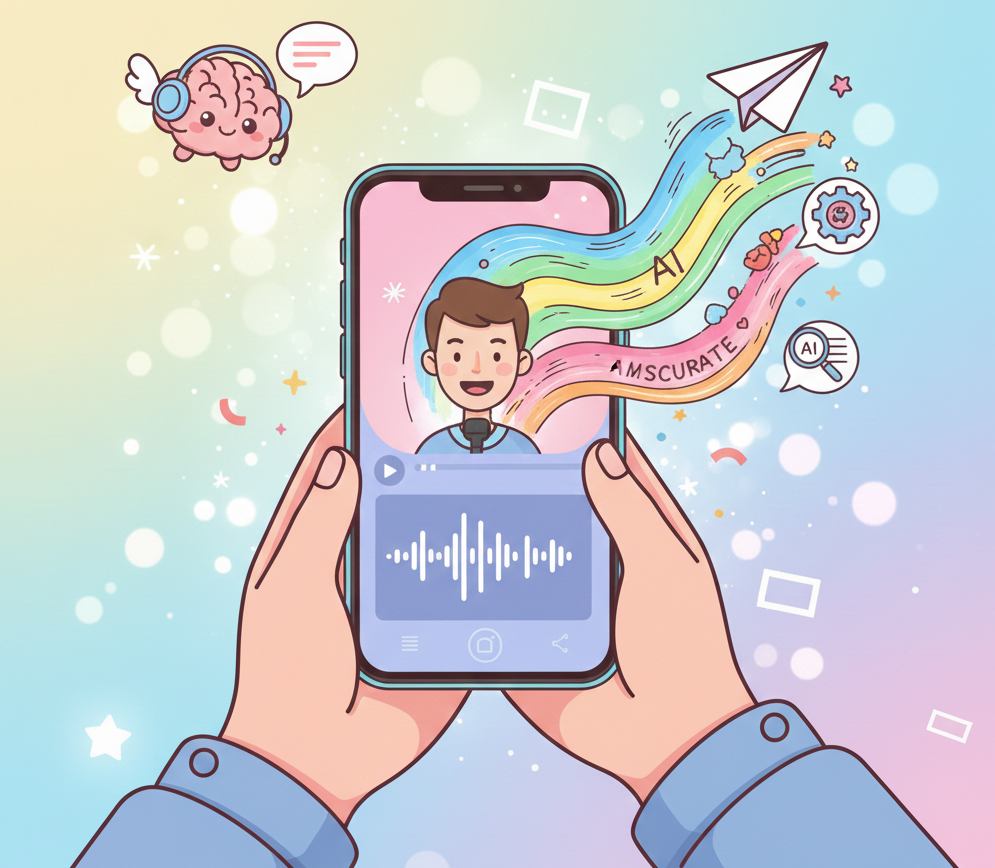
An auto subtitle generator is an AI-powered tool that automatically transcribes the audio in your video files into text, creating synchronized captions. This technology uses advanced speech-to-text algorithms to convert spoken words into written format, making your video content accessible to a broader audience, including those with hearing impairments or viewers who prefer to watch videos without sound. This tool is perfect for content creators, marketers, educators, and businesses looking to enhance their video accessibility, improve SEO, and expand their global reach. Whether you're producing tutorials, marketing campaigns, social media clips, or online courses, automatic subtitles ensure your message is clearly understood by everyone, everywhere.
From Raw Audio to Polished, Accessible Masterpieces
Professional-grade transcription without the manual typing fatigue
Before
Raw audio & Manual subtitling chaos
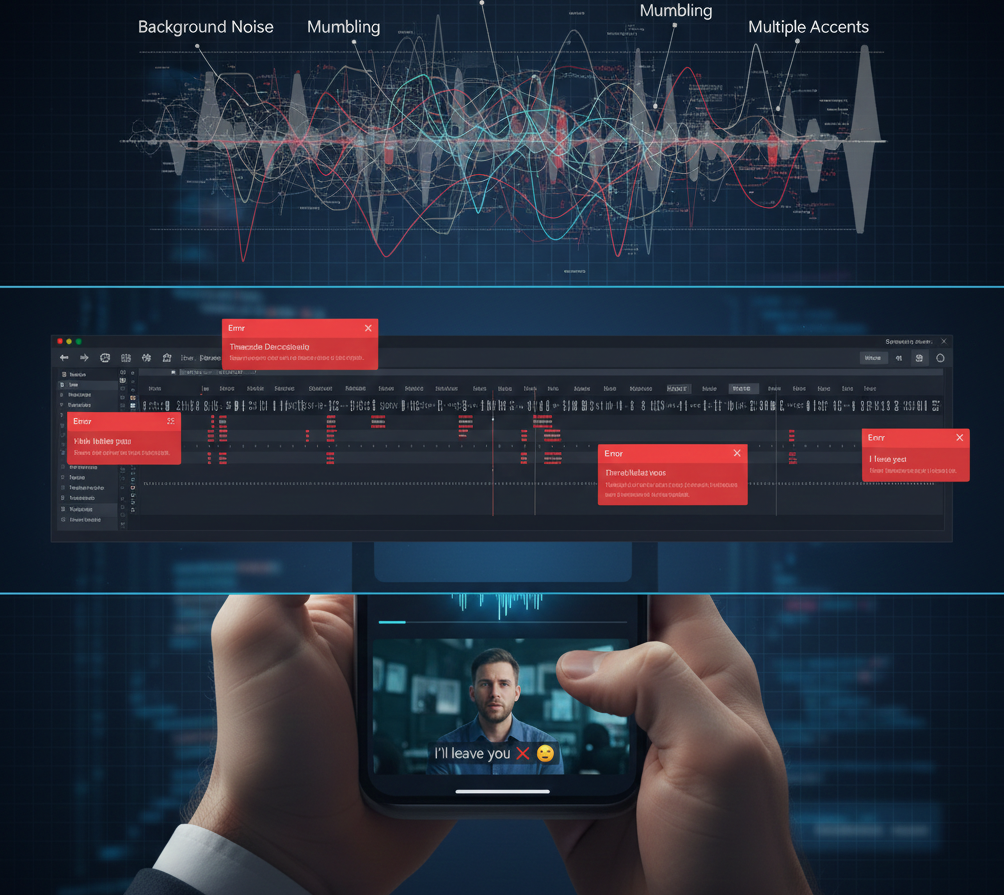
After
Instantly generate crisp, high-fidelity subtitles
Before
Raw audio & Manual subtitling chaos
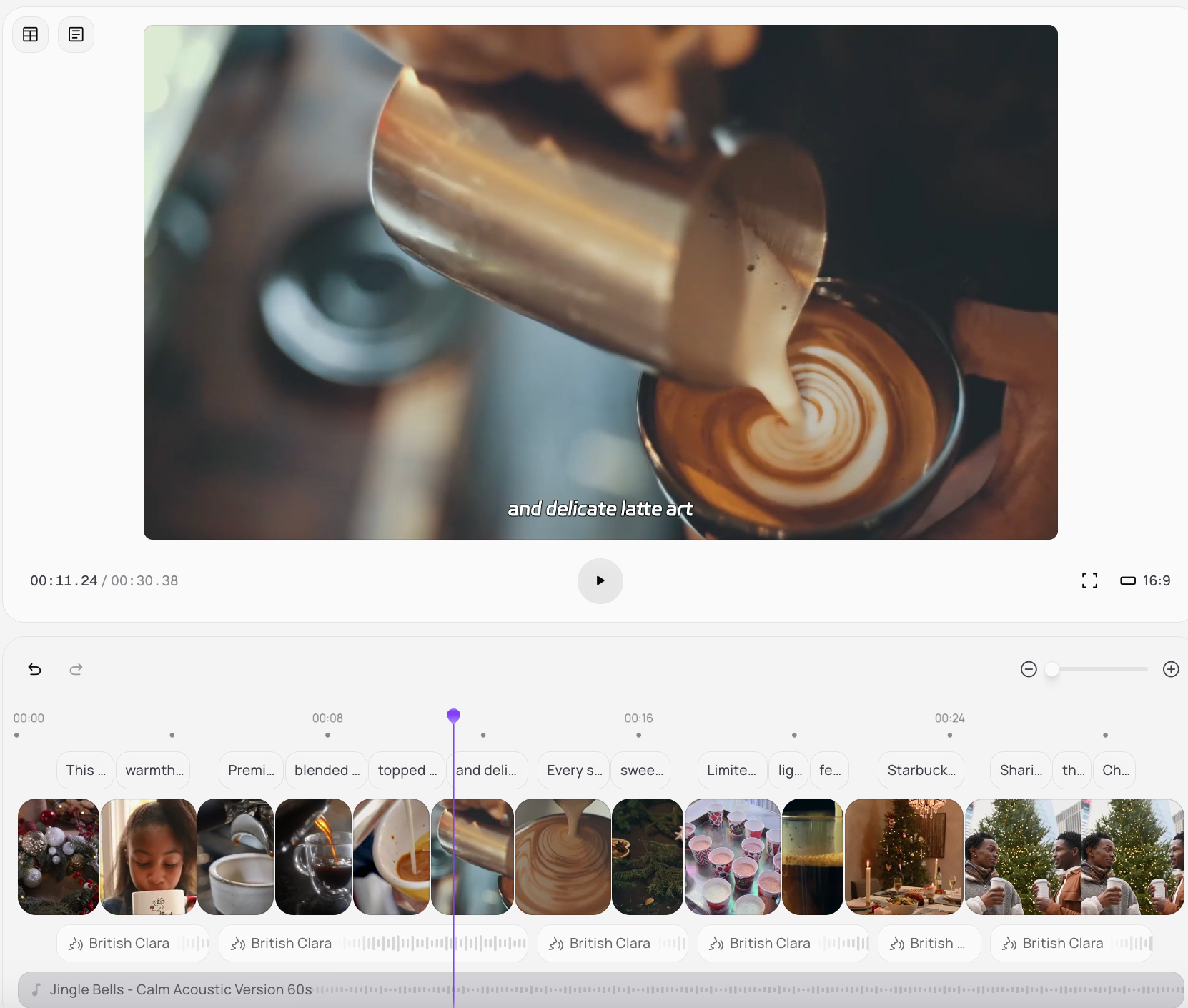
After
Instantly generate crisp, high-fidelity subtitles
Why Choose Medeo's Auto Subtitle Generator?
The ultimate efficiency toolkit for the modern, multi-platform storyteller
Instant Accuracy
Our AI delivers highly accurate transcriptions in moments, dramatically reducing manual effort and proofreading time. Get precise captions every time.
Multi-Language Support
Reach a global audience with automatic subtitle generation in over 100 languages, breaking down language barriers effortlessly.
Customization Options
Tailor subtitle appearance, font styles, sizes, and colors to perfectly match your brand and video aesthetics. Full creative control at your fingertips.
Boost SEO & Engagement
Subtitles improve video SEO, making your content more discoverable. They also increase viewer engagement and retention across platforms.
Effortless Integration
Seamlessly integrate subtitles into various video formats and platforms, ensuring compatibility and easy usage. Export in multiple formats.
Time-Saving Automation
Automate the entire subtitling process, freeing up valuable time for you to focus on content creation. No more manual transcription.
Specialized Tools for Global Reach
Professional-grade captioning tools for the borderless internet
Social Media Managers
Quickly add captions to TikTok, Instagram Reels, and YouTube Shorts. Maximize reach and performance on all short-form video platforms.
Educators & Trainers
Create accessible online courses, lectures, and training materials. Ensure all students can follow along regardless of hearing ability.
Marketers & Businesses
Improve engagement on social media ads, product demos, and promotional videos. Capture viewers even when watching without sound.
Content Creators & YouTubers
Enhance accessibility and watch time for your YouTube videos, vlogs, and tutorials. Boost SEO and expand your viewer base globally.
How to Author Your Captions with Medeo?
Step 1
Upload Your Video
Simply drag and drop your video file into our platform. We support a wide range of video formats for your convenience.
Step 2
Upload Your Media
Start by uploading your favorite photos, short video clips, and any special messages you want to include in your Valentine's video.
Step 3
Generate Subtitles Automatically
Our AI technology will instantly analyze your audio and generate highly accurate subtitles in your chosen language.
Step 4
Review & Customize
Easily review the generated subtitles, make any necessary edits, and customize their appearance to match your video's style.
Step 5
Export & Share
Download your video with embedded subtitles or export subtitle files (SRT, VTT) for use across any platform.
FAQs
Can I export subtitle files for other platforms?
Yes, in addition to embedding subtitles directly into your video, you can export them as SRT (SubRip) or VTT (WebVTT) files. These universal subtitle formats are compatible with most video players and platforms like YouTube, Vimeo, and social media.
Is there a limit to video length for subtitling?
Our platform is designed to handle videos of various lengths, from short social media clips to long-form documentaries and presentations. Specific limits, if any, would be detailed in our pricing and plan information.
Can I customize the look of my subtitles?
Yes, absolutely! Our tool offers extensive customization options. You can easily change fonts, sizes, colors, background, and even the positioning of your subtitles to perfectly match your video's aesthetic and branding.
How accurate are the automatically generated subtitles?
Our AI-powered generator boasts up to 99% accuracy, especially with clear audio. While highly precise, you always have the option to review and make minor edits to ensure perfection before finalizing your captions.