
Enhance Video Quality to Stunning 4K with AI
Medeo’s AI 4K Video Upscaler helps creators, marketers, and video editors transform low-resolution footage into crisp, high-definition 4K videos. Whether you're restoring old videos, improving social media clips, enhancing anime or gaming footage, or upgrading professional content, the AI intelligently increases resolution while preserving details and reducing noise.
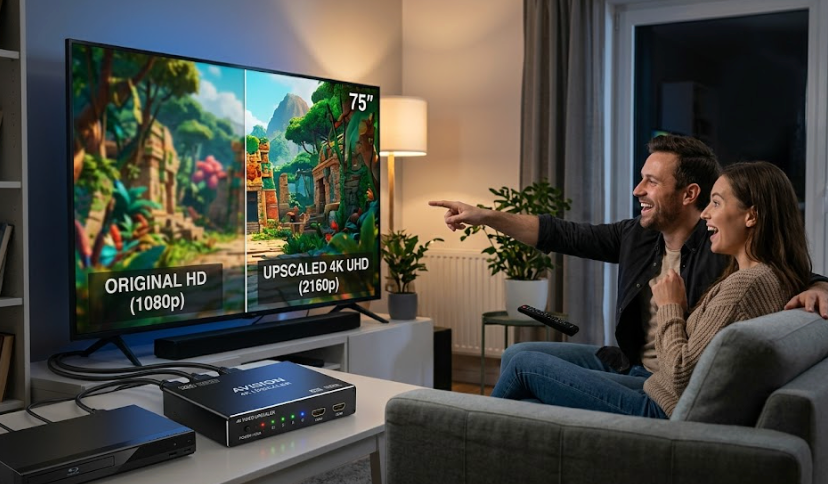
Powered by world-class AI models


What Is an AI 4K Video Upscaler?
An AI 4K Video Upscaler is a tool that enhances video resolution using artificial intelligence. Instead of simply stretching pixels, it analyzes each frame and reconstructs details, textures, and edges to produce a higher-quality image. This allows users to convert low-resolution videos into 4K while maintaining sharpness, reducing noise, and improving overall visual fidelity.

From Low Resolution to Crystal-Clear 4K
See how AI enhances clarity, detail, and resolution instantly
Before
Blurry, pixelated video with low resolution and poor detail quality.
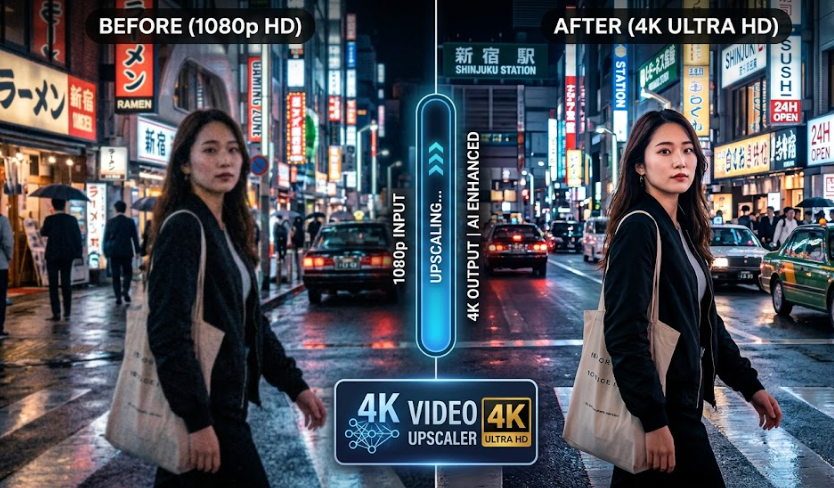
After
Sharp, high-resolution 4K video with enhanced clarity and refined details.
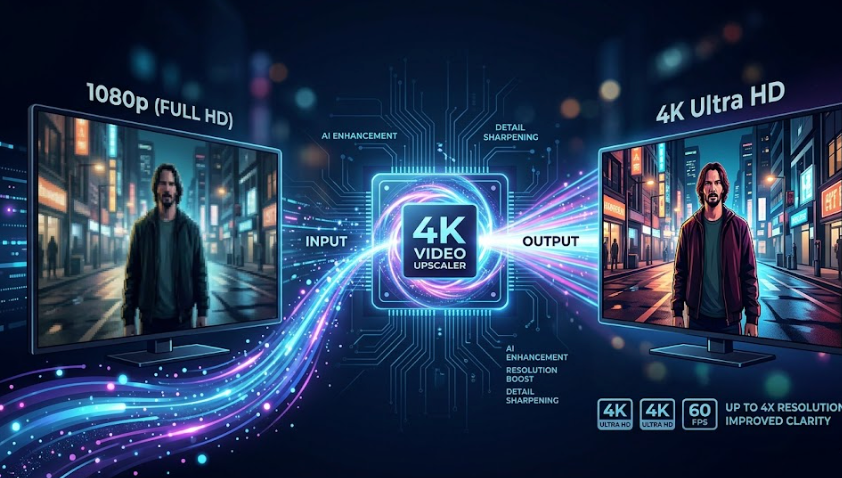
Before
Blurry, pixelated video with low resolution and poor detail quality.
After
Sharp, high-resolution 4K video with enhanced clarity and refined details.
Why Use an AI 4K Video Upscaler?
Upgrade video quality, restore clarity, and create professional-grade visuals effortlessly.
True AI Resolution Enhancement
Use deep learning models to reconstruct missing details instead of simple pixel stretching.
Restore Old or Low-Quality Footage
Improve vintage videos, compressed clips, and low-resolution recordings.
Sharper Details & Textures
Enhance edges, textures, and fine details for a crisp, clean look.
Noise Reduction & Clarity Boost
Reduce grain, blur, and compression artifacts for a clearer image.
Perfect for Professional Content
Upgrade videos for YouTube, film production, marketing, and presentations.
Save Time on Editing
Automatically enhance video quality without manual adjustments or complex tools.
Powerful 4K Video Upscaling Features
Everything you need to enhance and upscale videos to 4K quality.
AI Resolution Upscaling Engine
Convert videos from 480p, 720p, or 1080p to 4K using AI models that reconstruct details and improve clarity frame by frame.
Detail Reconstruction & Sharpening
Enhance textures, edges, and fine details to produce a sharper and more defined image without over-processing.
Noise Reduction & Artifact Removal
Remove compression artifacts, grain, and blur while preserving natural image quality and smooth gradients.
Frame Consistency Optimization
Ensure smooth visual consistency across frames to avoid flickering or distortion during playback.
Color & Contrast Enhancement
Improve brightness, contrast, and color balance to create a more vibrant and visually appealing result.
Multi-Platform Export Options
Export 4K videos optimized for YouTube, social media, presentations, or professional production workflows.
How to Upscale a Video to 4K with AI?
Step 1
Upload Your Video
Upload your low-resolution video file, whether it’s old footage, compressed clips, or standard HD content.
Step 2
Select Upscaling Settings
Choose 4K resolution and optional enhancements such as noise reduction, sharpening, and color correction based on your needs.
Step 3
AI Processes the Video
The AI analyzes each frame, reconstructs details, enhances clarity, and upscales the video to 4K resolution while maintaining visual consistency.
Step 4
Preview and Export
Review the enhanced video, make adjustments if needed, and export your final 4K video for use on any platform.