

Turn Game Footage into Pro-Level NBA Highlights with AI
Medeo’s AI NBA Highlight Video Maker automatically transforms raw basketball footage into professional highlight reels. AI detects key moments like dunks, three-pointers, blocks, and fast breaks, then adds slow-motion effects, music sync, and dynamic cuts—perfect for sports creators and basketball fans.
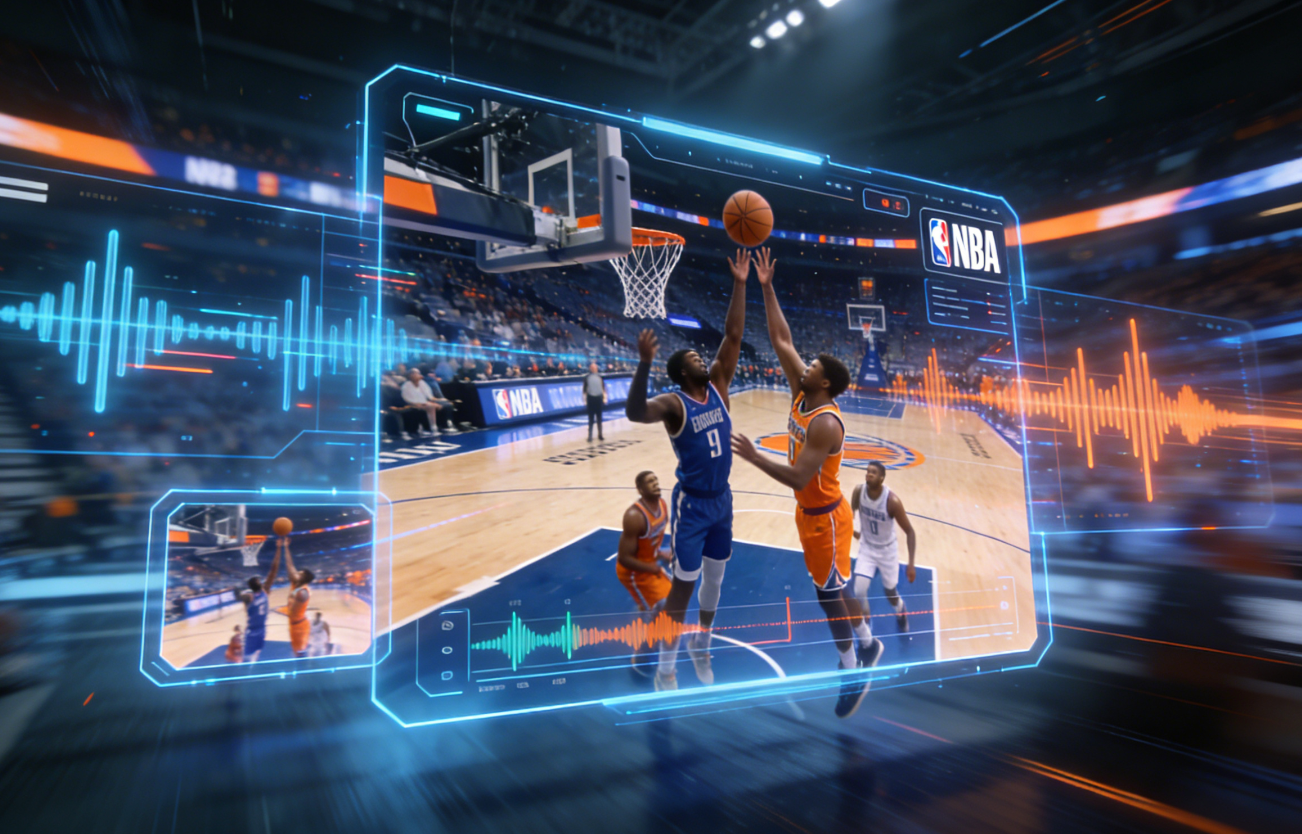
Powered by world-class AI models


What is an AI NBA Highlight Video Maker?
An AI NBA Highlight Video Maker is a smart sports video generator that automatically identifies the most exciting moments in basketball footage. Using AI-powered action detection, it selects key plays—such as slam dunks, clutch shots, assists, and defensive stops—and edits them into a polished highlight video with smooth transitions, slow motion, and beat-synced music.
From Full Game Footage to NBA Highlights — Instantly
See how AI turns long basketball videos into viral highlight clips
Before
Raw game footage with no editing
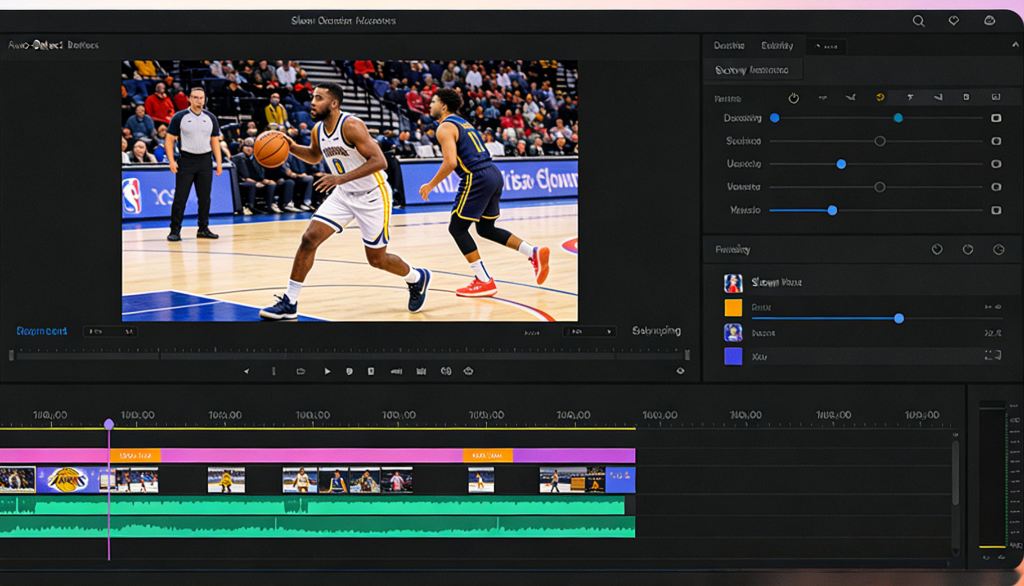
After
Fast-paced NBA highlight reel with slow motion and music
Before
Raw game footage with no editing
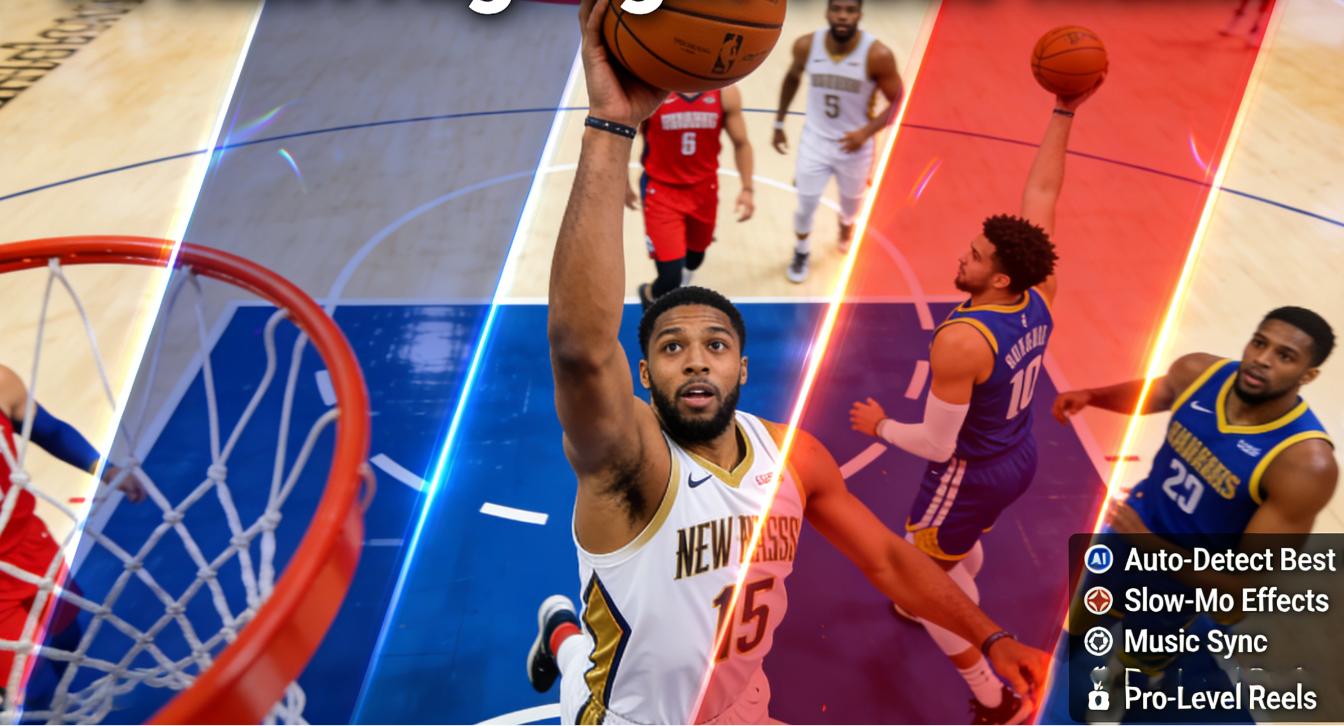
After
Fast-paced NBA highlight reel with slow motion and music
Why Choose Medeo’s AI NBA Highlight Generator?
The fastest way to create professional basketball highlight videos
Automatic Play Detection
AI identifies dunks, three-pointers, blocks, steals, and fast breaks.
Lightning-Fast Generation
Create NBA highlight clips in minutes, not hours.
Cinematic Slow Motion
Add dramatic slow-mo to key moments automatically.
Music Beat Sync
Sync highlights to trending music for maximum impact.
Social Media Optimized
Perfect formats for TikTok, Reels, Shorts, and YouTube.
No Editing Skills Required
No timeline, no keyframes—just upload and generate.
Perfect for Sports Creators & Basketball Fans
Create engaging sports highlight content that gets replays and shares
Sports Commentary Content
Perfect for analysis, breakdowns, and reactions.
Player-Specific Highlights
Focus on one player’s best moments.
TikTok & Reels Clips
Short-form basketball clips optimized for viral reach.
NBA Highlight Reels
Create full-game or single-player highlight videos.
Training & Performance Review
Use highlights for coaching and player development.
Fan Pages & Sports Media
Publish high-quality highlights consistently.
How to Create an NBA Highlight Video with Medeo?
Step 1
Upload Game Footage
Upload a full game, quarter, or raw basketball clips.
Step 2
AI Action Analysis
AI detects the most exciting plays automatically.
Step 3
Customize Style
Choose slow motion, music style, and clip length.
Step 4
Export & Share
Download and post your POV video on social platforms instantly.