
Create explosive visuals instantly
Create explosion videos with AI. Medeo generates realistic fire, smoke, and shockwave effects, helping creators produce cinematic VFX scenes for films, games, and digital content.
Powered by world-class AI models


What is an AI Explosion Video Generator?
An AI Explosion Video Generator is a tool that creates realistic explosion effects using artificial intelligence. It simulates fire, smoke, debris, and shockwaves to produce cinematic VFX visuals without complex software.

From Basic Effects to Cinematic Explosions
Transform simple ideas into high-impact VFX scenes.
Before
Basic or unrealistic explosion effects with limited visual impact.

After
Cinematic explosion scenes with realistic physics, fire, and dynamic effects.
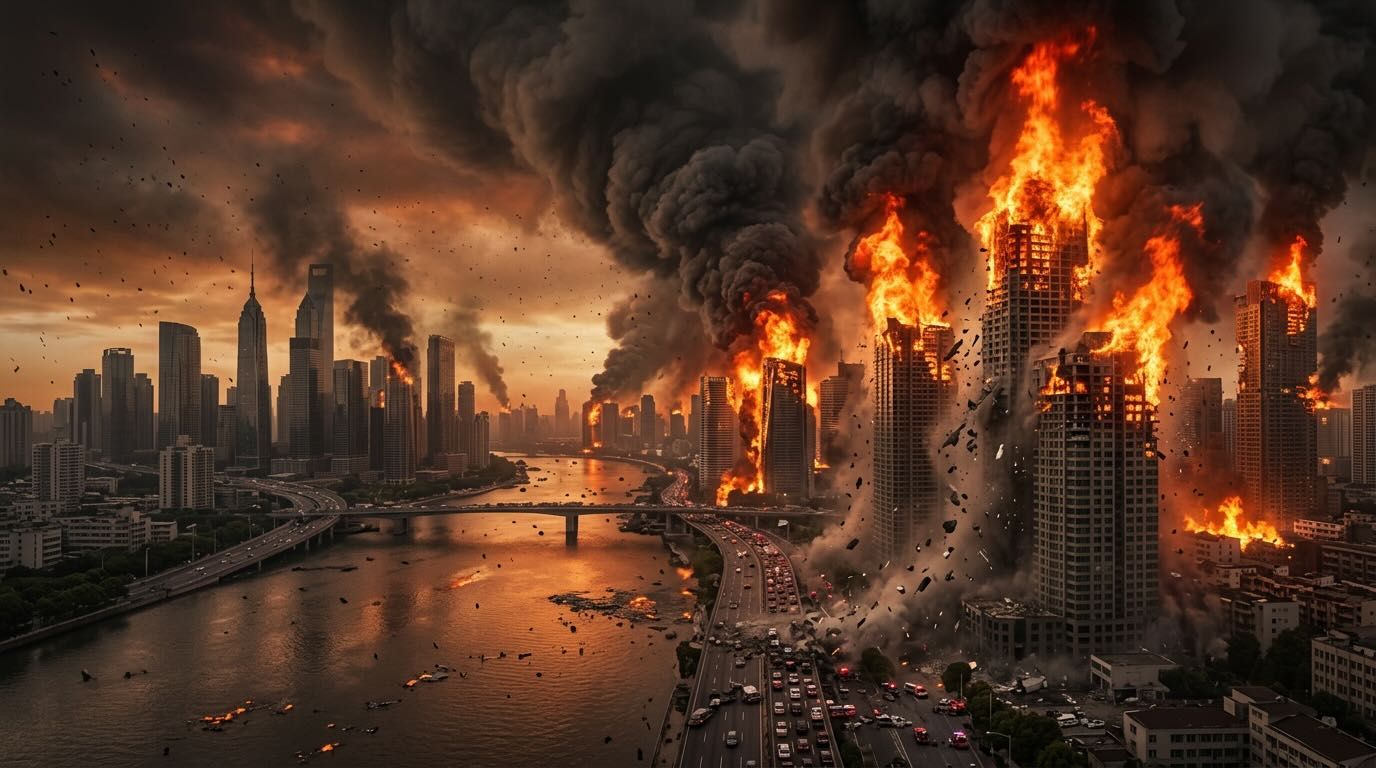
Before
Basic or unrealistic explosion effects with limited visual impact.
After
Cinematic explosion scenes with realistic physics, fire, and dynamic effects.
Why Choose Medeo’s Explosion Video Generator?
Create high-impact explosion effects with realism, speed, and control.
Realistic Simulations
Generate detailed fire, smoke, debris, and shockwave effects.
Instant Creation
Turn simple prompts into complex explosion scenes in seconds.
Customizable Effects
Adjust intensity, scale, color, and environmental interactions.
Cost-Effective VFX
Create professional explosion effects without expensive tools.
Seamless Integration
Export assets compatible with editing tools and game engines.
Diverse Scene Creation
Generate explosions for films, games, simulations, and more.
Best Use Cases for Explosion Videos
Create cinematic explosion effects across creative and technical scenarios.
Filmmaking & Short Films
Add cinematic explosion sequences without high production costs.
Game Development
Integrate realistic explosion effects into gameplay environments.
Marketing & Advertising
Create attention-grabbing visuals for product launches and campaigns.
Educational Content
Visualize physics, chemistry, and historical events involving explosions.
Simulation & Visualization
Generate visuals for scientific or engineering simulations.
Social Media Content
Produce viral, high-impact explosion clips for short-form platforms.
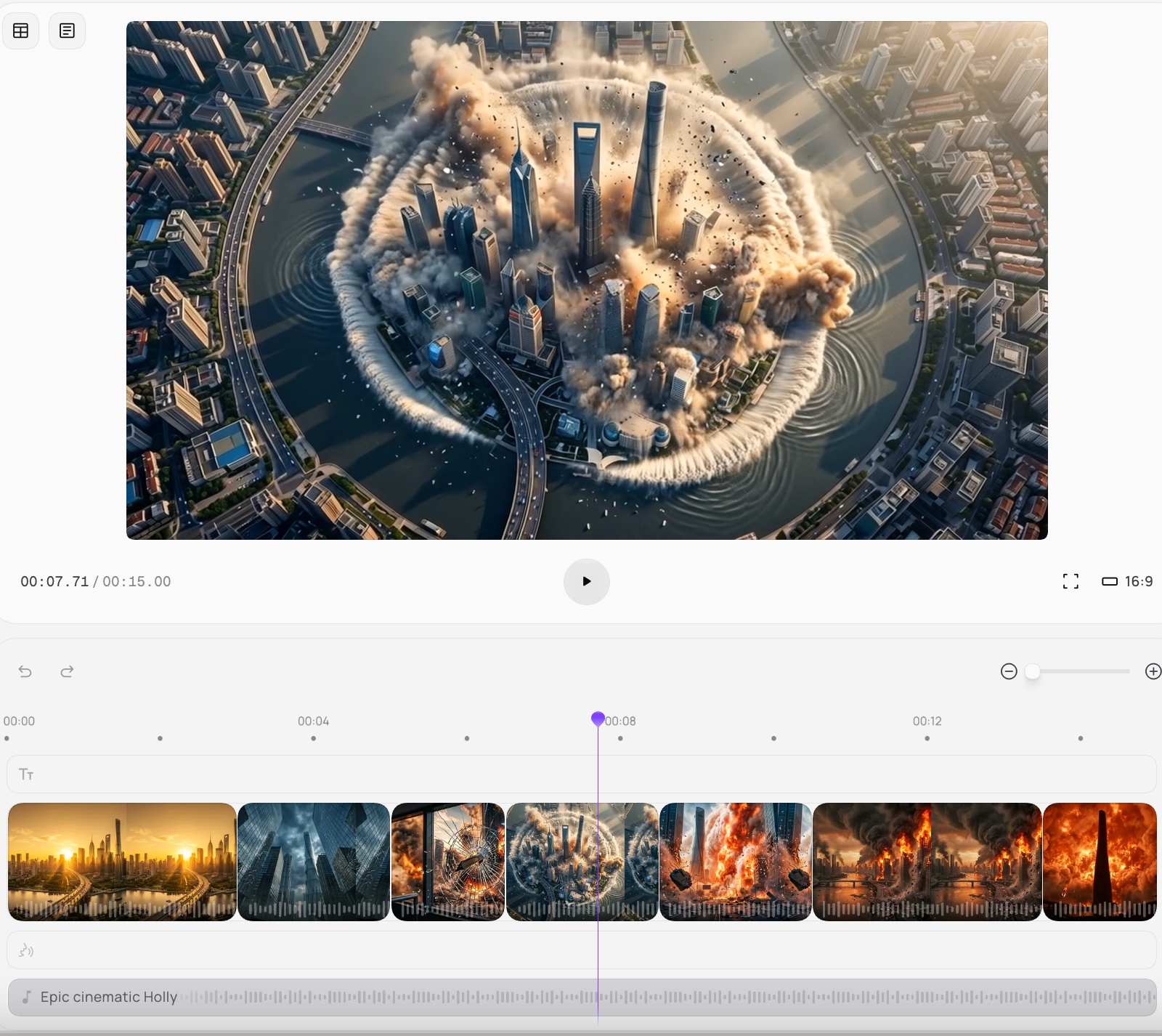
How to Create Explosion Videos with Medeo?
Step 1
Describe Your Scene
Enter prompts describing the explosion type and environment.
Step 2
Generate Effects
AI creates realistic explosion visuals based on your input.
Step 3
Customize Details
Adjust intensity, timing, and visual style.
Step 4
Export & Use
Download and integrate into your video or project.