

Transform static documents into high-stimulation viral masterpieces
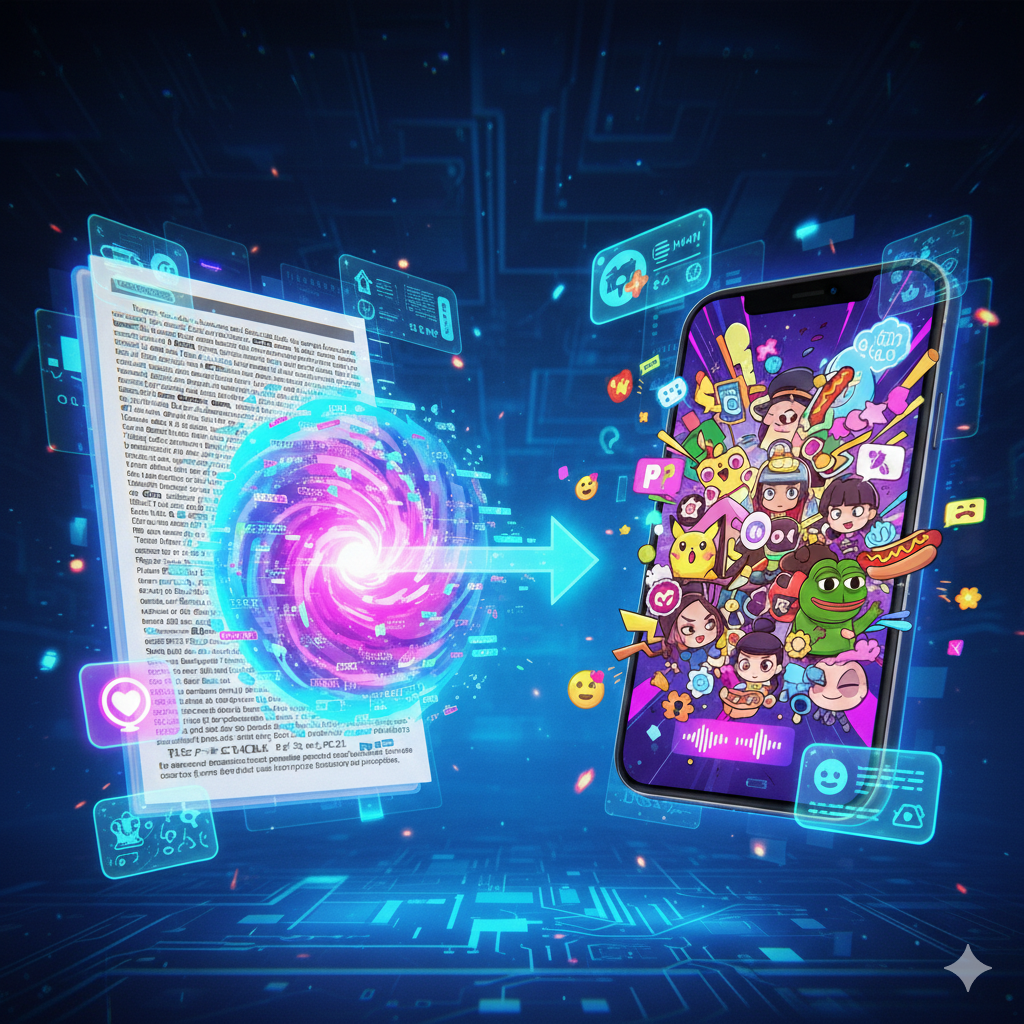
Instantly turn dry PDFs, articles, or textbooks into fast-paced, attention-grabbing videos. Designed for creators to dominate social media algorithms through the power of AI-driven brainrot storytelling.
Powered by world-class AI models


What is a PDF to Brainrot Video Generator?
A PDF to Brainrot Video Generator is an AI-powered tool that automates the conversion of traditional documents into the high-stimulation video format popular on modern social platforms. By leveraging advanced machine learning, the generator extracts essential summaries from your PDF and pairs them with multi-layered visual elements—such as parkour gameplay or satisfying ASMR clips—alongside aggressive AI voiceovers. This technology enables creators to produce trend-focused content in seconds without any manual editing, rendering, or complex scriptwriting.

From Boring PDF to Brainrot Video - In Seconds
Watch your academic or technical files transform into high-retention viral clips
Before
A multi-page, text-heavy academic PDF
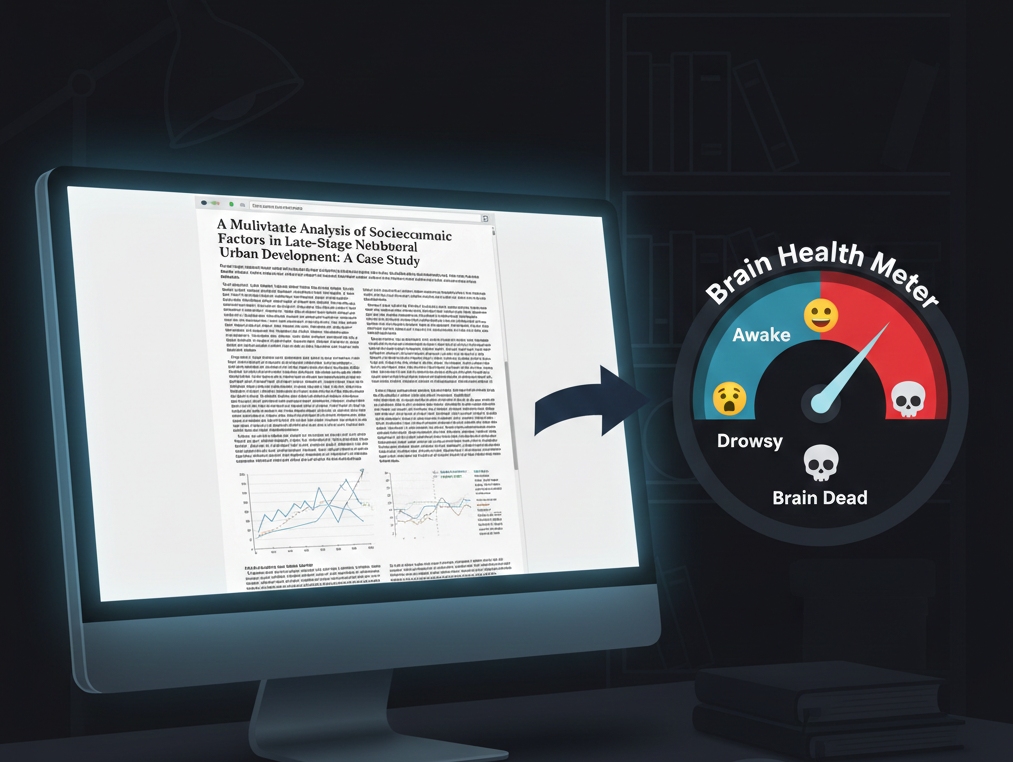
After
A polished, AI-generated brainrot video
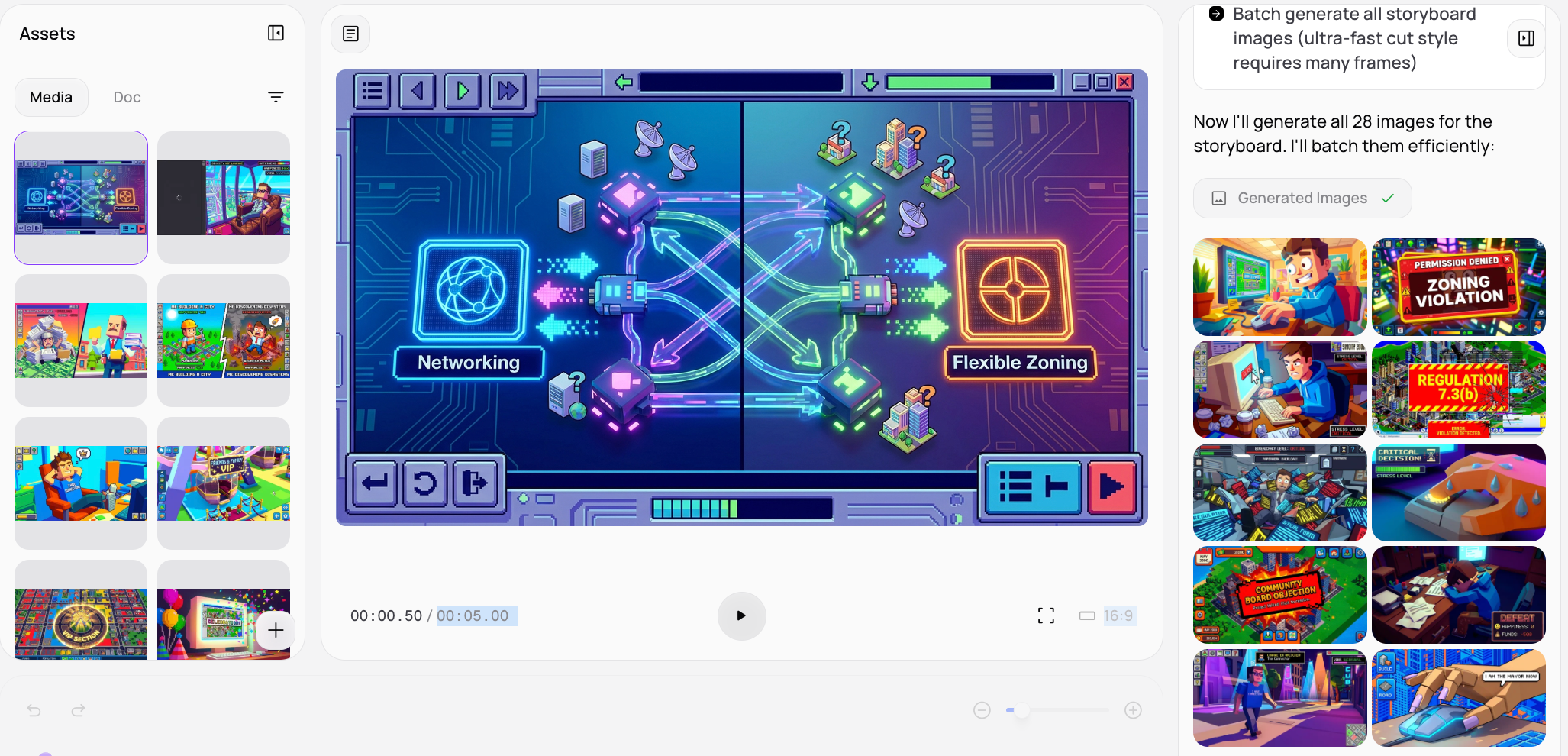
Before
A multi-page, text-heavy academic PDF
After
A polished, AI-generated brainrot video
Why Choose Medeo's PDF to Brainrot Video Generator?
The most efficient way to turn intellectual content into viral social media engagement.
Instant Conversion
Quickly transform any PDF into a brainrot video in minutes, saving hours of manual editing and content creation.
High-Stimulation Visual Layers
Our AI automatically integrates brainrot staples like split-screen mobile gameplay to ensure viewers stay hooked from the first second.
Zero Editing Experience Required
The tool handles all synchronization between text, voiceover, and background footage, making professional production accessible to everyone.
Retention-Focused Pacing
Every video generated is specifically timed to match the short attention spans of modern TikTok and YouTube Shorts audiences.
Intelligent Document Summarization
The generator identifies the most controversial or interesting points in your PDF to create a compelling script automatically.
Trending AI Voice Library
Access a wide range of popular AI voices that provide the perfect narration style for the current brainrot subculture.
Perfect for Every Content Creator
Tailor your document-based visuals for the most demanding digital environments.
TikTok PDF Explainer Clips
Turn dense school notes into rapid-fire TikTok videos that make learning look like high-energy entertainment.
YouTube Shorts Brainrot Content
Generate high-frequency Shorts that use satisfying background visuals to keep audiences watching your informational content.
Educational Meme Engineering
Bridge the gap between academia and social media by creating brainrot versions of historical or scientific documents.
Instagram Reels Engagement Boost
Export high-energy vertical videos that use split-screen dynamics to stop the scroll and increase your profile's visibility.
Automated Faceless Video Channels
Build a massive social media following without showing your face by automating the production of documentary-style brainrot clips.
News and Article Summaries
Quickly convert the latest trending news PDFs into bite-sized video updates that are perfect for mobile consumption.
How to Create Your Brainrot Video with Medeo?
Step 1
Upload Your File to the PDF to Brainrot Video Generator
Select the PDF or text document you want to convert and choose the specific brainrot visual theme.
Step 2
AI Analysis & Visual Synthesis
Our tool extracts the core narrative and automatically layers it with high-stimulation gameplay and satisfying clips.
Step 3
Style & Voice Customization
Pick your favorite background footage type and select a trending AI voice to narrate the extracted text.
Step 4
Generate & Share
Hit create to render your high-definition viral video and export it directly to your favorite social media platform.