
Create High-Impact Apex Legends Videos with AI
Medeo’s AI Apex Legends Video Generator helps players, streamers, and creators turn fast-paced battle royale gameplay into cinematic, high-energy videos. The AI detects key gameplay moments such as eliminations, squad wipes, clutch revives, and final circle fights, then automatically edits them into engaging videos.
Powered by world-class AI models


What Is an AI Apex Legends Video Generator?
An AI Apex Legends Video Generator is a tool that converts gameplay footage into structured video content. Using artificial intelligence, it analyzes gameplay to detect key events such as kills, revives, team fights, and end-game moments. It then edits these into short clips or full montages with effects, captions, and music. Since Apex matches involve up to 60 players in squads competing in a shrinking battlefield oai_citation:1‡Apex Legends 维基, the AI focuses on extracting only the most intense and engaging moments for content creation.

From Raw Apex Gameplay to Viral Highlight Videos
See how AI transforms chaotic battle royale footage into clean, engaging edits
Before
Long Apex matches with scattered fights, looting, and downtime.
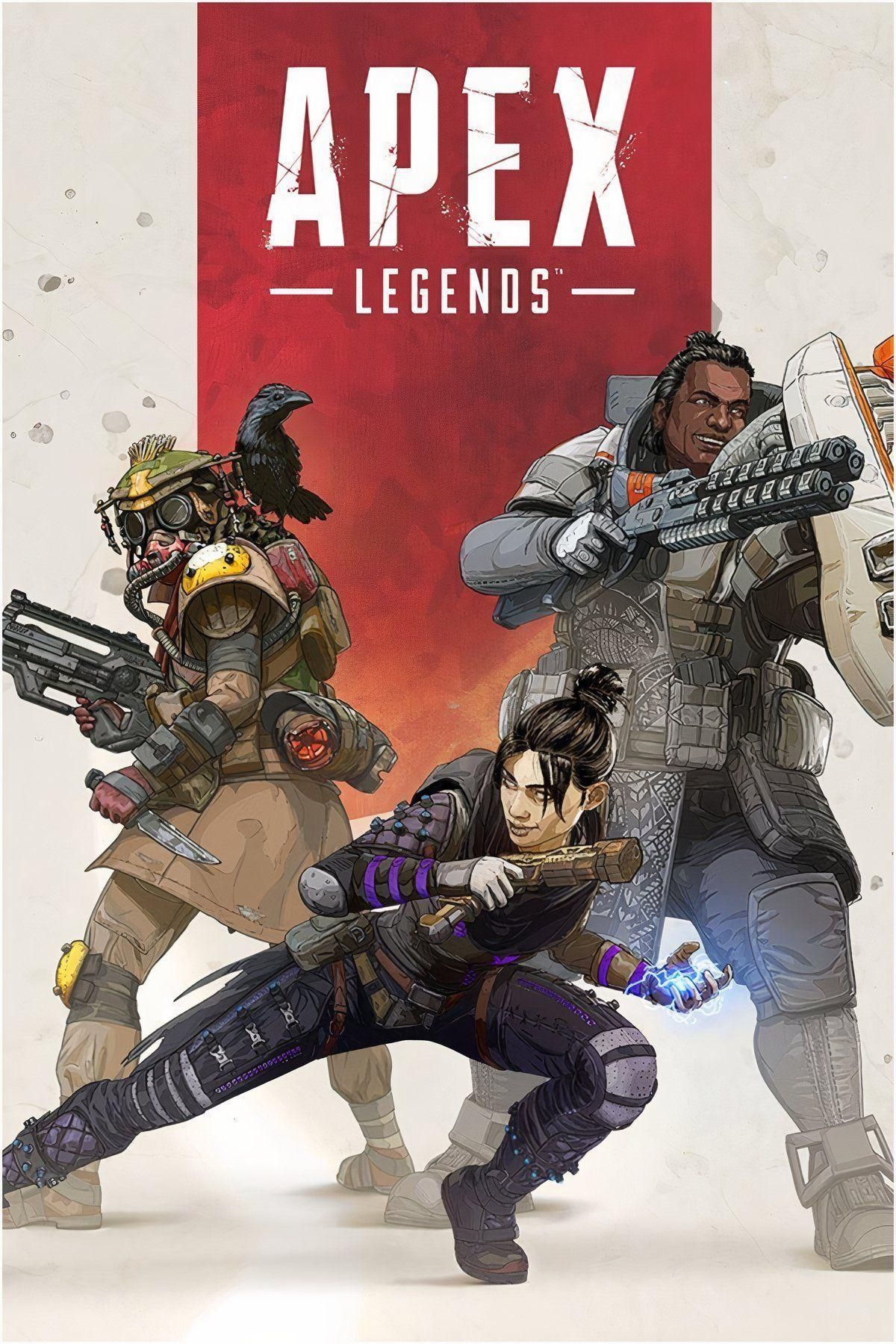
After
A polished highlight video with squad wipes, captions, replays, and cinematic pacing.
Before
Long Apex matches with scattered fights, looting, and downtime.
After
A polished highlight video with squad wipes, captions, replays, and cinematic pacing.
Why Use an AI Apex Legends Video Generator?
Create fast-paced, high-energy Apex videos that highlight your best gameplay moments.
Automatic Highlight Detection
AI identifies eliminations, squad wipes, revives, and clutch plays without manual review.
Built for Battle Royale Content
Capture high-intensity moments like final circles, rotations, and team fights unique to Apex gameplay.
Cinematic, Fast-Paced Editing
Apply dynamic cuts, slow motion, and transitions that match Apex’s high-speed combat.
Optimized for Shorts & Reels
Export vertical clips tailored for TikTok, Instagram Reels, and YouTube Shorts.
Save Hours of Editing Time
Turn long gameplay sessions into highlight videos in minutes using AI.
No Editing Skills Required
AI handles clipping, sequencing, captions, and audio automatically.
Powerful Apex Legends Video Features
Everything you need to create engaging Apex Legends highlight and montage videos.
Advanced Battle Event Detection
Automatically detect eliminations, knockdowns, squad wipes, and revives. The AI prioritizes high-impact combat moments and turning points in matches.
Slow Motion & Replay Effects
Highlight key plays such as clutch shots or squad wipes with cinematic slow motion and replay sequences.
Dynamic Captions & Callouts
Generate captions like 'Squad Wipe', '1v3 Clutch', or 'Final Circle' to enhance storytelling and viewer engagement.
Music Sync & Hype Audio
Sync high-energy music with gameplay to amplify intensity and create viral-ready edits.
Multi-Match Compilation Builder
Combine clips from multiple matches into one cohesive montage for ranked highlights or content series.
Flexible Export Formats
Export in vertical, horizontal, or square formats optimized for different platforms.
How to Create an Apex Legends Video with AI?
Step 1
Upload Your Gameplay Footage
Upload Apex Legends recordings from matches, streams, or highlight clips. Include multiple sessions for compilation videos.
Step 2
Choose Video Style & Focus
Select formats like squad wipe highlights, ranked gameplay montage, or funny moments to guide AI editing.
Step 3
AI Detects Key Moments and Edits
The AI analyzes gameplay, identifies important events, trims downtime, adds captions and effects, and synchronizes music.
Step 4
Preview, Export, and Share
Review your video, make adjustments, and export it for TikTok, YouTube, or other platforms.