
Turn choices and stories into cinematic RPG videos
Create immersive Baldur’s Gate 3 videos with AI. Medeo helps you transform gameplay, dialogue scenes, and character builds into cinematic RPG videos with narrative flow, dramatic pacing, and high-quality visuals.
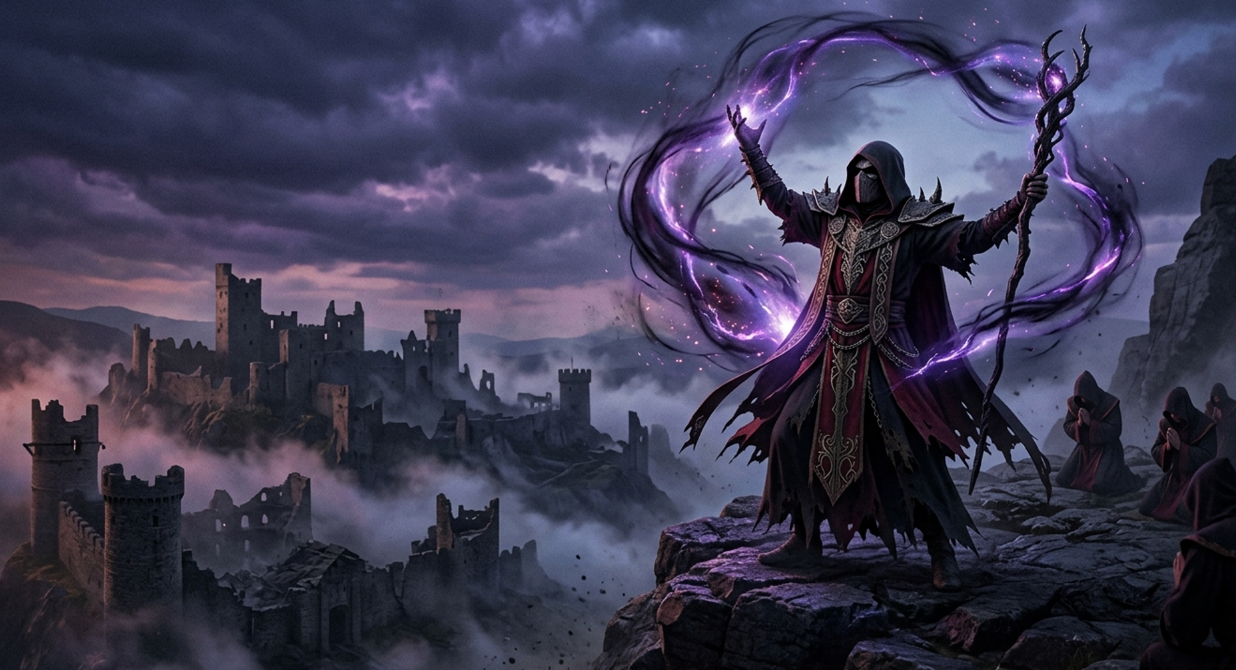
Powered by world-class AI models


What is a Baldur’s Gate 3 Video Generator?
A Baldur’s Gate 3 Video Generator is an AI-powered tool that turns RPG gameplay into structured, cinematic videos. It identifies key dialogue moments, combat highlights, and story arcs, then edits them into engaging narratives. Medeo makes it easy to showcase your choices, builds, and adventures without manual editing.

From Raw Gameplay to Cinematic Baldur’s Gate 3 Stories
Transform complex RPG moments into engaging video content.
Before
Unedited gameplay with scattered scenes
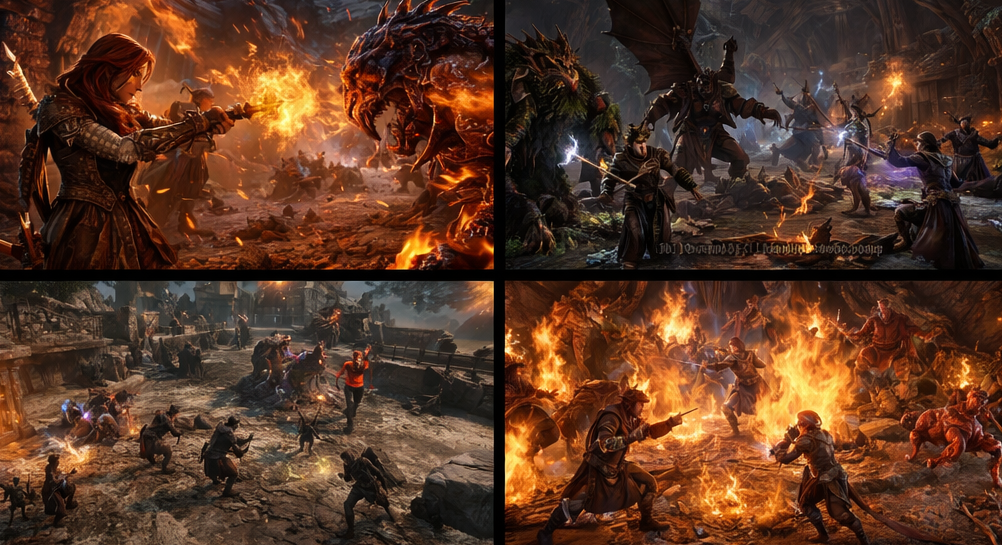
After
A cinematic Baldur’s Gate 3 video with story-driven editing and smooth transitions
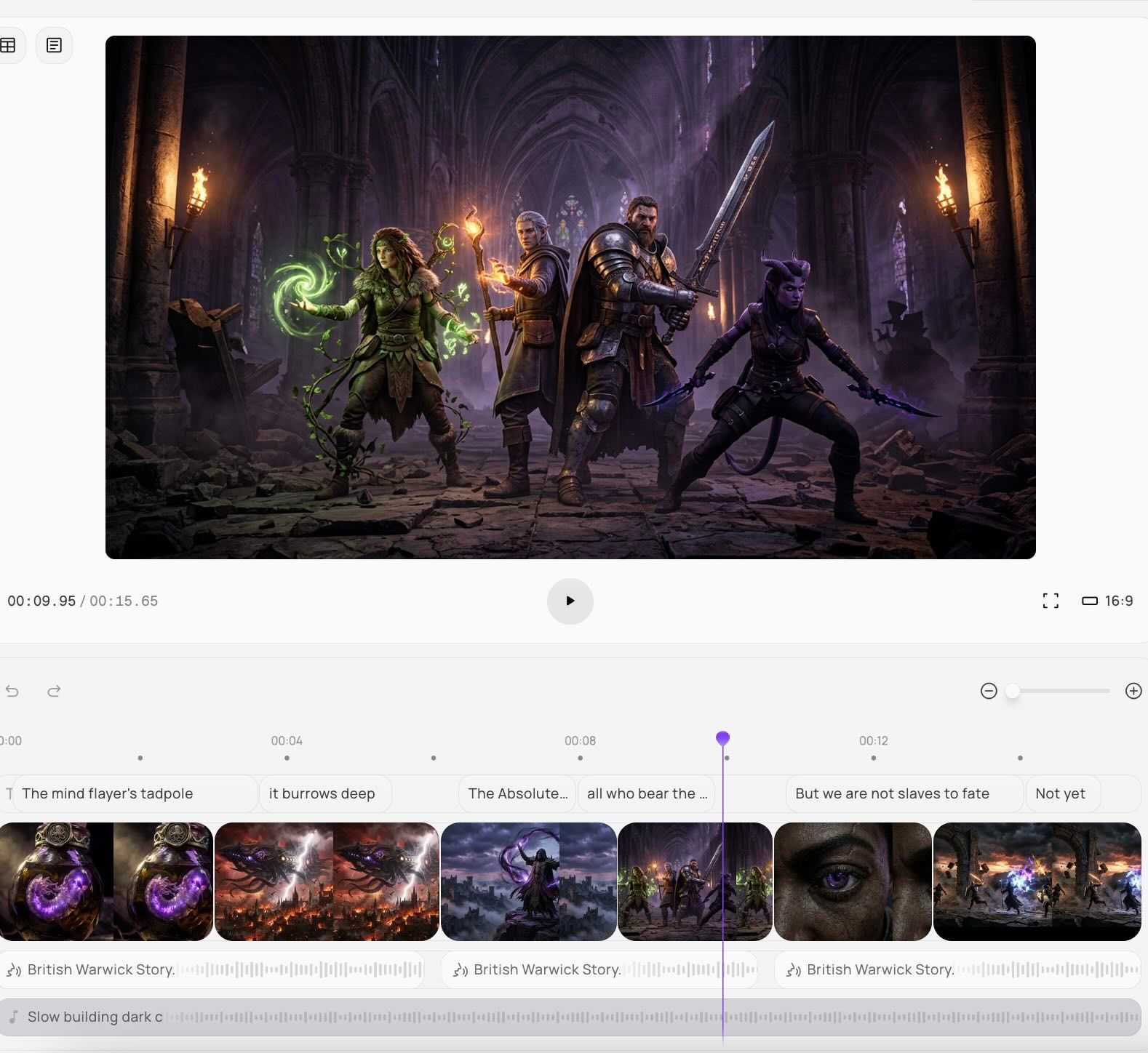
Before
Unedited gameplay with scattered scenes
After
A cinematic Baldur’s Gate 3 video with story-driven editing and smooth transitions
Why Choose Medeo’s Baldur’s Gate 3 Video Generator?
Create story-driven RPG videos with AI-powered editing.
Automated Highlight Detection
Capture key dialogue, combat, and story moments automatically.
Cinematic Effects & Transitions
Enhance storytelling with smooth transitions and dramatic visuals.
Customizable Templates
Use RPG-themed templates tailored for different playstyles.
Effortless Editing
Let AI handle cutting, sequencing, and pacing automatically.
Social Media Ready
Export videos optimized for YouTube, TikTok, and more.
High-Quality Output
Generate cinematic videos with sharp visuals and clarity.
Best Use Cases for Baldur’s Gate 3 Videos
Create narrative, gameplay, and guide content for BG3.
Streamer Highlights & Clips
Turn long gameplay sessions into engaging highlight reels.
Casual Gameplay Memories
Compile memorable adventures and funny moments to share with friends.
Lore & Roleplay Videos
Showcase character stories, roleplay interactions, and narrative arcs.
Build Guides & Tutorials
Explain builds, skills, and strategies with clear visuals.
Cinematic Story Recaps
Create story-driven recaps highlighting key decisions and outcomes.
Choice & Ending Comparisons
Compare different decisions, paths, and endings in engaging formats.
How to Create a Baldur’s Gate 3 Video with Medeo?
Step 1
Upload Your Gameplay
Add your Baldur’s Gate 3 clips or recordings.
Step 2
Generate the Video
AI detects key story and gameplay moments automatically.
Step 3
Customize Your Video
Adjust pacing, captions, and visual effects.
Step 4
Export and Share
Download and publish your video on social platforms.