

Turn Business Proposals into Stories
Medeo helps you transform static proposals into engaging, easy-to-digest videos, making your ideas clearer and more persuasive for clients and colleagues.

Powered by world-class AI models


What is an AI business proposal video generator?
A business proposal video is a dynamic and engaging way to present your ideas, services, or products to potential clients or investors. Unlike static documents, videos capture attention, convey complex information clearly, and build a stronger emotional connection, significantly increasing your chances of success. This tool empowers entrepreneurs, sales professionals, and project managers to quickly produce high-quality proposal videos. Ideal for client pitches, investor presentations, project outlines, and partnership proposals, it helps you stand out in a competitive landscape.

From Ignored Attachments to Unforgettable Presentations
Professional-grade B2B communication that drives decision-making and ROI
Before
The attachments

After
Instantly generate 4K proposal videos
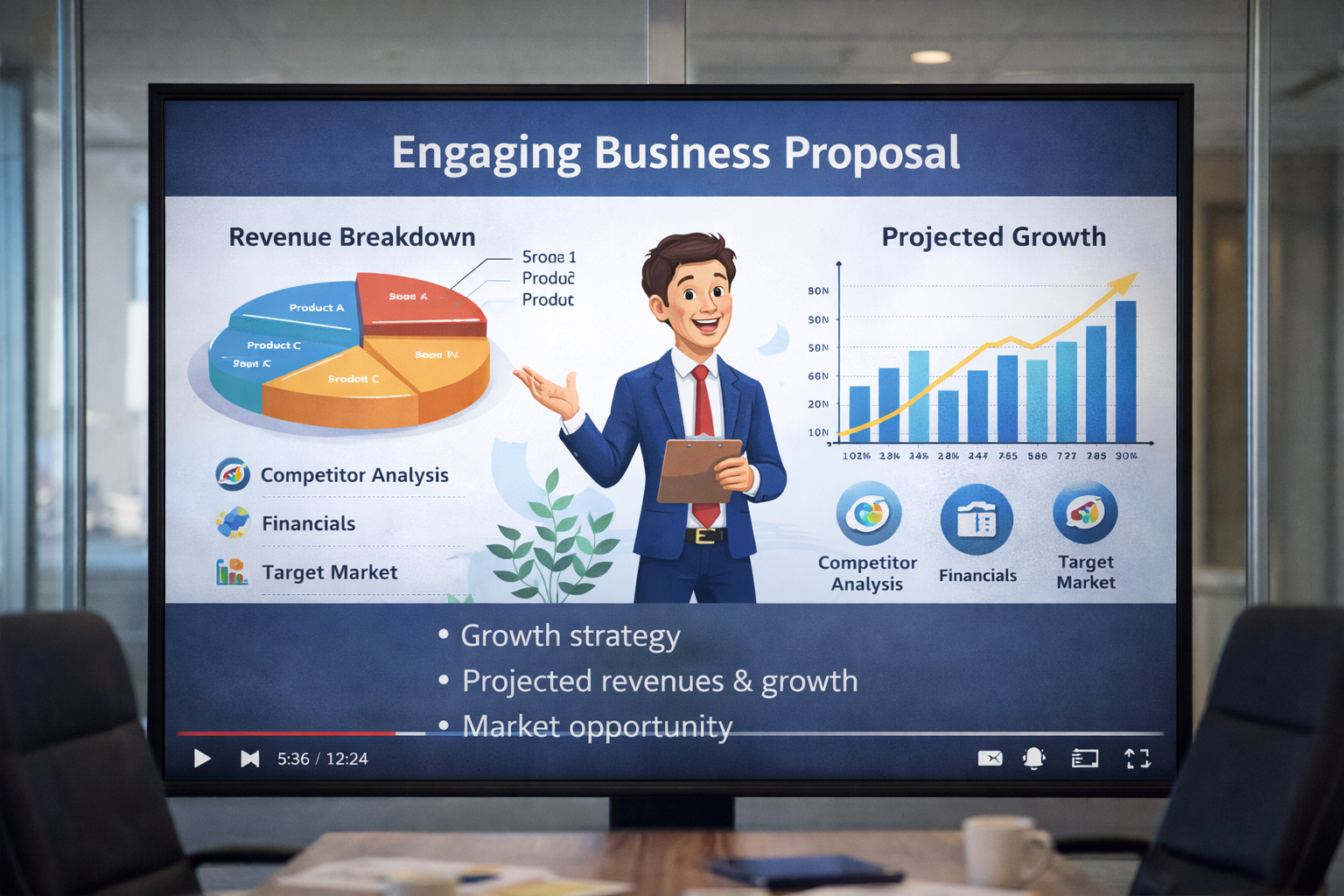
Before
The attachments
After
Instantly generate 4K proposal videos
Why Choose Medeo for Business Proposal Videos?
The ultimate toolkit for modernizing your sales cycle and increasing your win rate
Clear Communication
Transform dense proposals into concise, visual presentations that are easier to understand.
Engage Your Audience
Use visuals, animations, and AI narration to capture attention and make proposals memorable.
Cross-Platform Sharing
Export videos for email, social media, or internal presentations, ensuring your message reaches the right audience.
Feature Details
Flexible Proposal Templates
Choose from professional, editable templates tailored for business proposals, client pitches, and internal reports.
Dynamic Visual Aids & Animations
Automatically generate charts, arrows, highlights, and screen overlays synced with your narration, making complex concepts easy to understand.
AI Voiceover & Subtitles
Generate professional narration for your proposals and add auto-generated subtitles to ensure clarity and accessibility.
Flexible Export Option
Download videos in multiple formats and aspect ratios optimized for presentations, social sharing, or internal team use.
How to Convert Proposals into Videos?
Step 1
Step 1: Upload Your Proposal
Add your document, spreadsheet, or slides to Medeo to start the transformation.
Step 2
Step 2: Choose a Video Template
Pick a template that suits your audience, purpose, and branding.
Step 3
Step 3: Customize Visuals & Narration
Highlight key points, add AI-generated voiceovers, charts, or images to enhance your message.
Step 4
Step 4: Export & Share
Generate the video and share it via email, social media, or internal platforms with ease.