
Turn Product Updates into Engaging Videos with AI
Medeo’s AI Changelog to Video Generator helps product teams, startups, and marketers transform written changelogs into engaging, visual video content. Instead of long release notes that users may skip, you can convert updates into clear, digestible videos that highlight new features, improvements, and bug fixes.
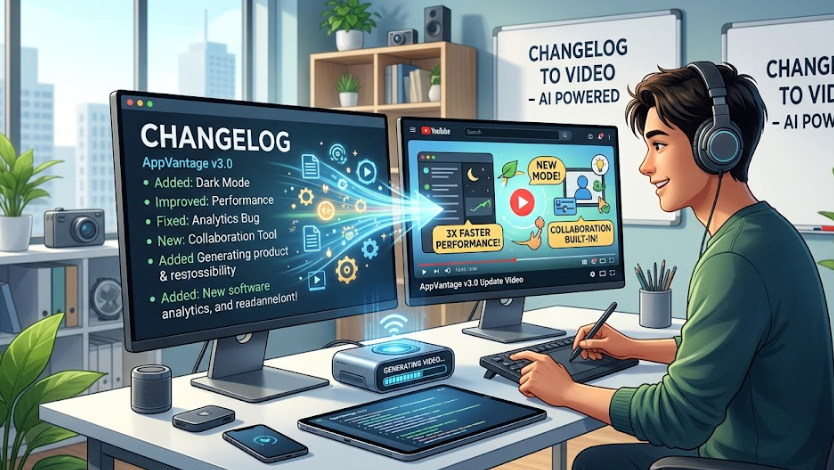
Powered by world-class AI models


What Is an AI Changelog to Video Generator?
An AI Changelog to Video Generator is a tool that converts product updates and release notes into video content. Using artificial intelligence, it analyzes changelog text, identifies key updates, and transforms them into structured video segments with visuals, captions, and narration. These videos make it easier for users to understand product changes quickly and effectively.

From Text-Based Changelog to Engaging Video Update
See how AI transforms product updates into clear, visual content
Before
Text-heavy changelog or release notes that are difficult for users to read and engage with.
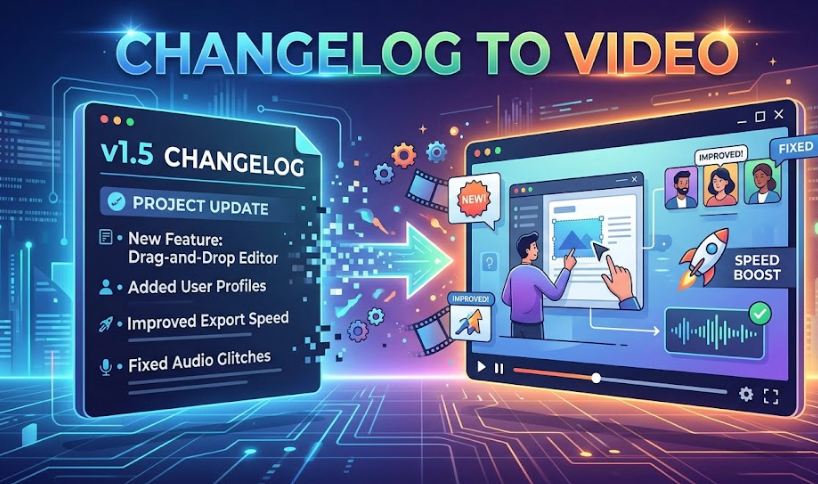
After
A structured video with visuals, captions, and voiceover explaining updates clearly.
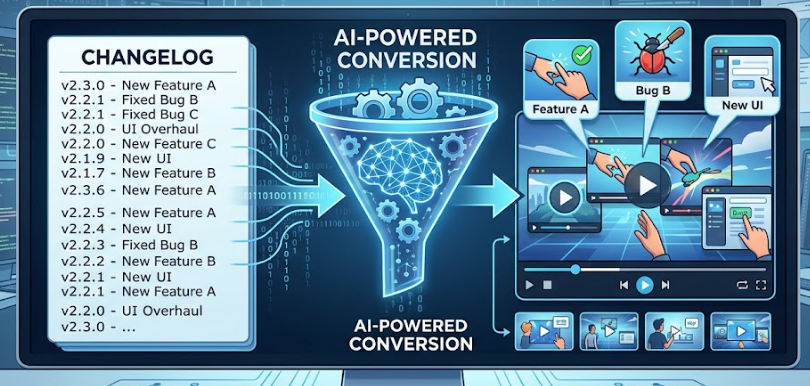
Before
Text-heavy changelog or release notes that are difficult for users to read and engage with.
After
A structured video with visuals, captions, and voiceover explaining updates clearly.
Why Use an AI Changelog to Video Generator?
Communicate product updates more effectively through engaging video content.
Increase User Engagement
Turn static changelogs into engaging videos that users are more likely to watch.
Simplify Complex Updates
Break down technical updates into clear, easy-to-understand visual explanations.
Perfect for SaaS & Product Teams
Create videos for product launches, feature updates, and release announcements.
Improve Communication & Retention
Help users quickly understand what’s new and why it matters.
Save Time on Content Creation
Automatically generate structured videos without manual editing or design work.
Repurpose Content Efficiently
Convert existing written updates into multiple video formats for different platforms.
Powerful Changelog Video Features
Everything you need to turn product updates into engaging videos.
Text-to-Video Conversion Engine
Automatically convert changelogs, release notes, or product updates into structured video scripts and scenes with clear segmentation of features and improvements.
Auto Captions & Key Highlights
Generate captions that emphasize key updates, new features, and improvements, making videos easy to follow and accessible.
AI Voiceover Narration
Create professional voiceovers that explain updates clearly, with multiple tones and styles suitable for product communication.
UI & Feature Visualization
Display product interfaces, feature highlights, and visual elements that help users understand changes quickly.
Multi-Update Video Structuring
Organize multiple updates into clear sections such as 'New Features', 'Improvements', and 'Bug Fixes' for better storytelling.
Multi-Platform Export
Export videos optimized for product pages, social media, onboarding flows, and email campaigns.
How to Turn a Changelog into a Video with AI?
Step 1
Paste or Upload Your Changelog
Input your product updates, release notes, or changelog text. You can include multiple updates or full release summaries.
Step 2
Choose Video Style & Format
Select a format such as product update video, feature announcement, or onboarding explanation. Customize tone, pacing, and visual style.
Step 3
AI Converts Text into Video
The AI analyzes your changelog, structures the content, generates visuals, adds captions, and creates voiceover narration automatically.
Step 4
Preview, Export, and Share
Review your video, make adjustments if needed, and export it for use on product pages, social media, or marketing campaigns.