
Turn clips into visual stories
Create collage videos with AI. Medeo helps you combine photos, video clips, and music into dynamic, engaging video collages perfect for social media, marketing, and storytelling.
Powered by world-class AI models


What is a Collage Video Generator?
A Collage Video Generator is an AI-powered tool that combines photos, video clips, and music into a cohesive video. It helps users create visually engaging montages with minimal editing effort.

From Random Clips to Cohesive Collage
Transform scattered media into a visually engaging video story.
Before
Unorganized photos and clips without structure or visual consistency.
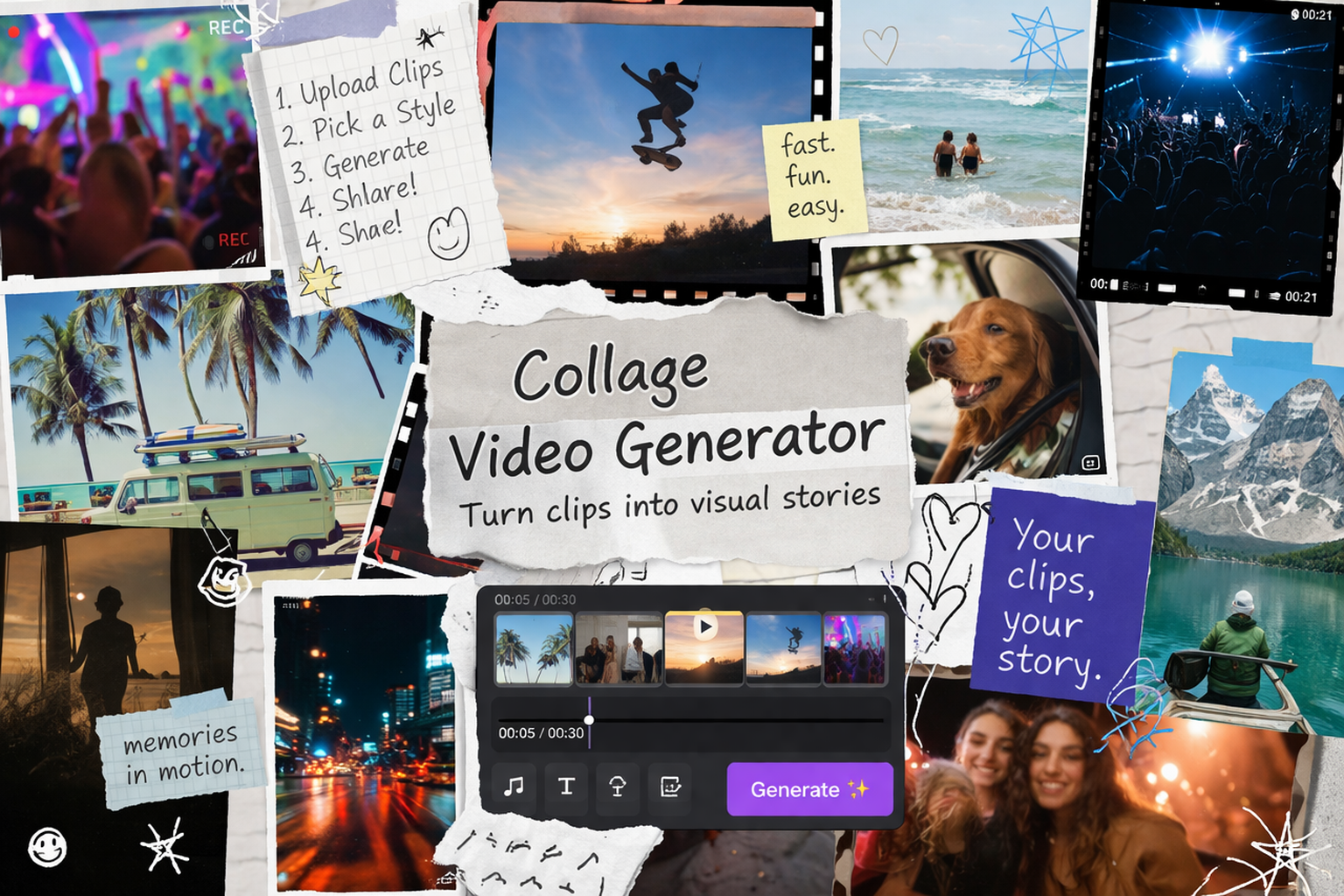
After
A polished collage video with smooth transitions, rhythm, and storytelling.
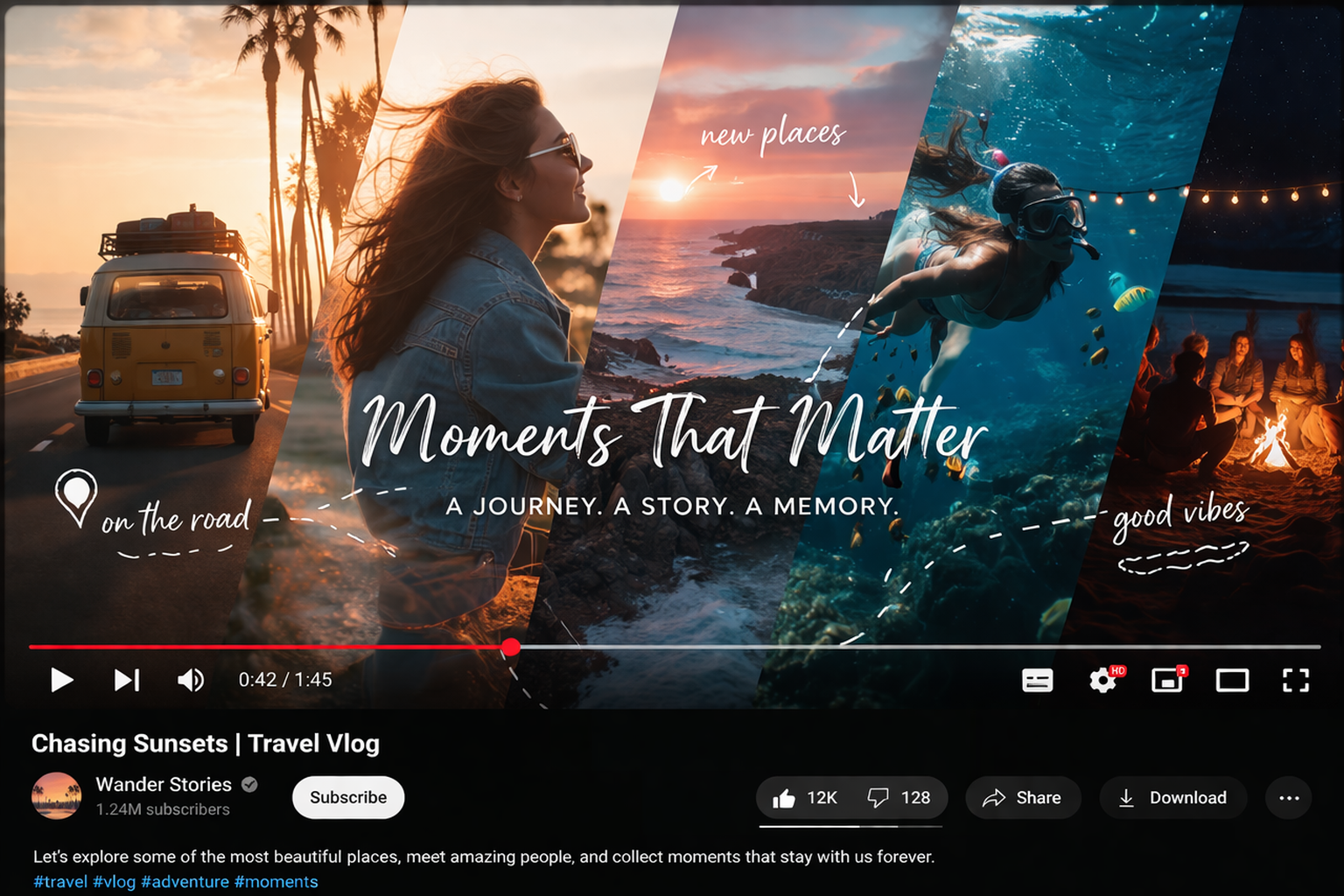
Before
Unorganized photos and clips without structure or visual consistency.
After
A polished collage video with smooth transitions, rhythm, and storytelling.
Why Choose Medeo’s Collage Video Generator?
Create engaging collage videos with smart automation and creative control.
Instant Layout Generation
Automatically arrange photos and clips into visually balanced layouts.
Smart Media Sync
Sync visuals with music beats for a smooth and engaging rhythm.
Dynamic Transitions
Add creative transitions that blend clips seamlessly.
AI Story Structuring
Organize content into a clear and compelling visual narrative.
Easy Editing Experience
Drag-and-drop editing makes customization simple for any user.
High-Quality Export
Export collage videos in multiple formats for any platform.
Best Use Cases for Collage Videos
Create collage videos for personal, social, and business content.
Personal Memory Videos
Turn photos and videos from events into shareable memory collages.
Social Media Content
Create engaging collage videos for TikTok, Instagram, and Shorts.
Product Showcases
Highlight product features using multiple clips in one video.
Event Recaps
Combine footage from events into dynamic highlight videos.
Educational Videos
Present information visually by combining diagrams and clips.
Creative Portfolios
Showcase projects and work in a visually rich collage format.
How to Create a Collage Video with Medeo?
Step 1
Upload Media
Add your photos, video clips, and audio files.
Step 2
Generate Collage
AI arranges your media into a structured collage video.
Step 3
Customize Layout
Adjust transitions, timing, and visual style.
Step 4
Export & Share
Download or publish your collage video instantly.