
Turn epic moments into cinematic stories
Create Crimson Desert cinematic videos with AI. Medeo helps creators transform gameplay footage, lore concepts, character ideas, and dramatic scenes into polished trailers, fan edits, and story-driven videos for gaming channels and social media.
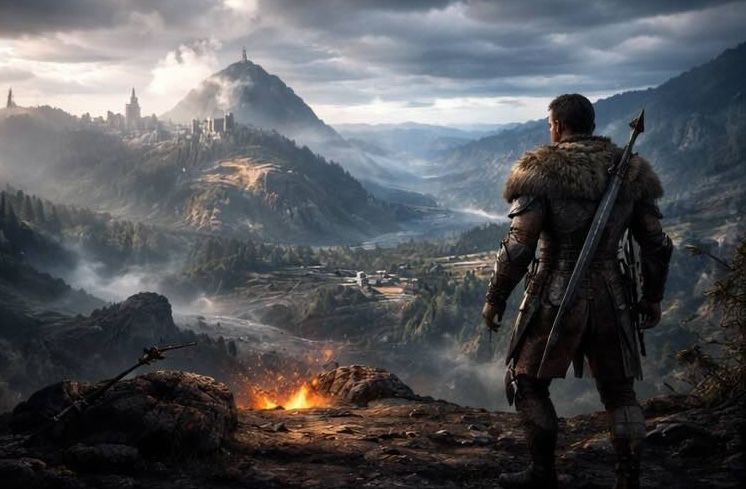
Powered by world-class AI models


What is a Crimson Desert Cinematic AI Video Tool?
A Crimson Desert Cinematic AI Video tool is an AI-powered workflow that helps turn gameplay footage, fan concepts, and narrative ideas into dramatic video content. It can be used to create lore trailers, gameplay showcases, character spotlights, and fan-made cinematic edits that feel more structured and visually engaging.

From Raw Footage to Cinematic Crimson Desert Videos
Turn scattered clips and ideas into dramatic gaming content.
Before
Unstructured Crimson Desert clips.
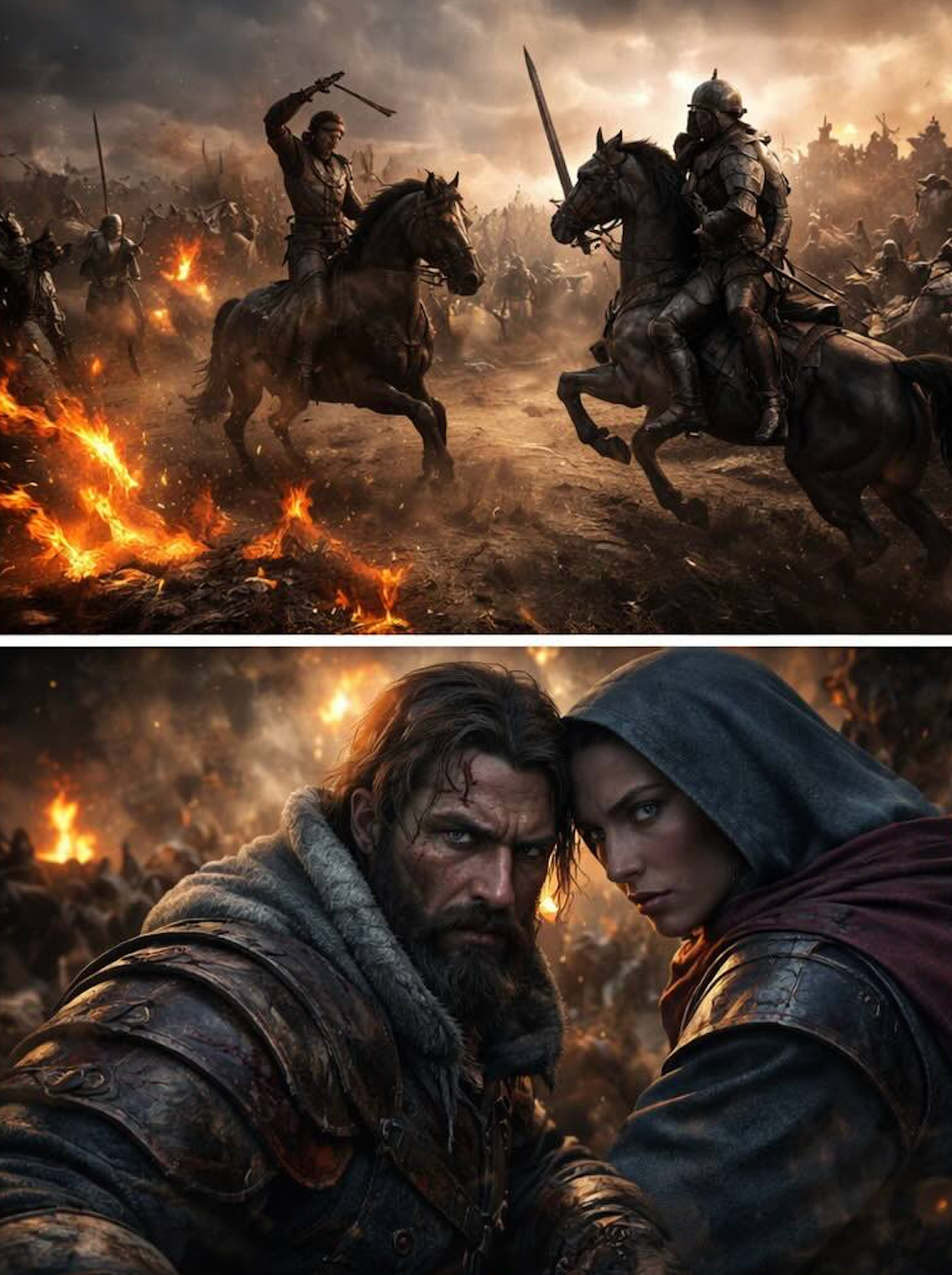
After
Polished Crimson Desert cinematic videos with dramatic pacing, stronger storytelling, and creator-ready presentation.
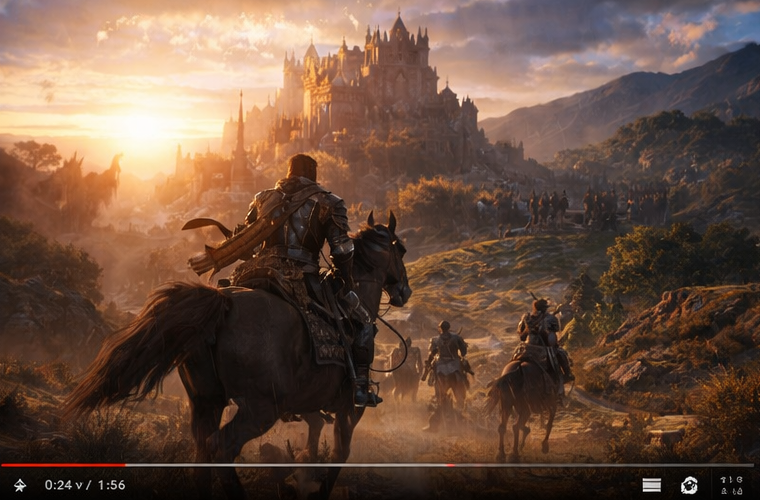
Before
Unstructured Crimson Desert clips.
After
Polished Crimson Desert cinematic videos with dramatic pacing, stronger storytelling, and creator-ready presentation.
Why Choose Medeo’s Crimson Desert Cinematic AI Video Tool?
Create Crimson Desert cinematic videos with a workflow designed for dramatic gaming content, story-driven edits, and fan-made visual storytelling.
Fast Scene-to-Video Workflow
Turn Crimson Desert gameplay clips or cinematic ideas into a polished first draft quickly.
Cinematic Camera Feel
Shape Crimson Desert videos with more dramatic pacing, emphasis, and scene progression.
Chat-Based Creative Refinement
Describe the mood, pacing, or focus you want and refine the video through natural-language editing.
Built for Story-Driven Gaming Content
Create trailers, lore videos, and fan edits that feel more narrative and visually intentional.
Multi-Platform Export
Export Crimson Desert cinematic videos for YouTube, TikTok, Shorts, Reels, and other platforms.
No Complex Editing Setup
Make dramatic gaming videos without relying on a traditional timeline-heavy editing workflow.
Best Use Cases for Crimson Desert Cinematic Videos
Create dramatic Crimson Desert content for lore storytelling, fan edits, gameplay showcases, and character-focused videos.
Lore Trailers & Story Videos
Turn Crimson Desert world-building and narrative ideas into dramatic trailer-style videos.
Gameplay Cinematic Highlights
Transform combat, exploration, and key moments into polished cinematic edits.
Character Spotlights
Create dramatic videos centered on heroes, builds, abilities, and character arcs.
Fan-Made Cinematic Edits
Produce stylish Crimson Desert fan videos with stronger pacing, mood, and visual storytelling.
How to Create Crimson Desert Cinematic Videos with Medeo?
Step 1
Upload or Describe Your Content
Add Crimson Desert gameplay clips, concept visuals, or describe the cinematic video you want to create.
Step 2
Generate Video
Medeo turns your input into a structured Crimson Desert cinematic video draft automatically.
Step 3
Refine the Mood and Style
Use chat-based editing to adjust pacing, highlight dramatic moments, or make the video feel more trailer-like.
Step 4
Export & Share
Download your Crimson Desert cinematic video and publish it for YouTube, TikTok, Shorts, Reels, and more.