

Bring Viral Dance Moves to Life with AI
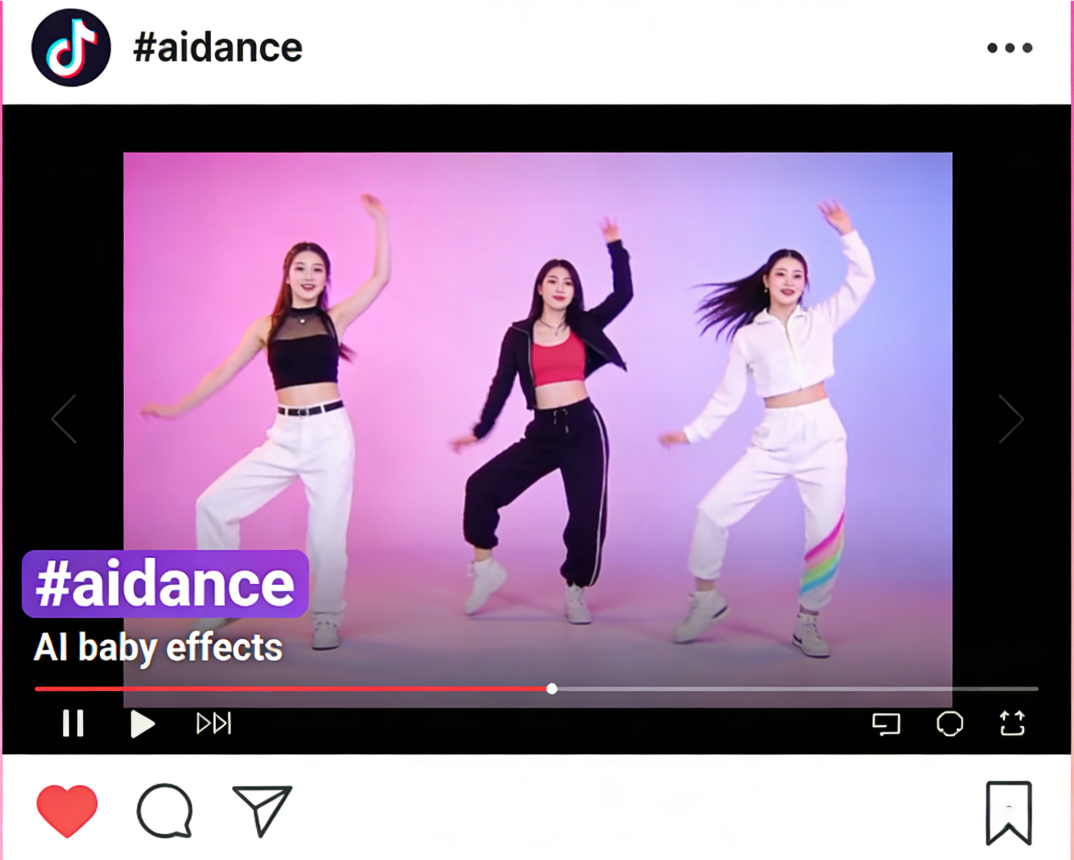
Transform photos or short clips into trending dance videos with AI. Our AI dance filter automatically generates smooth dance motions, synced to popular beats—perfect for TikTok, Reels, or Shorts. Combine with AI baby effects for extra viral appeal.
Powered by world-class AI models


What Is an AI Dance Filter (#aidance) Generator?
An AI Dance Filter Generator uses artificial intelligence to animate static images or short videos with realistic dance moves. The #aidance tool automatically maps poses, syncs motions to music, and produces shareable content designed to go viral on TikTok, Instagram Reels, and other short-form platforms. It also supports combining with AI baby effects to create unique, double-viral dance videos.

From Static Image to Viral Dance Clip — In Seconds
Watch your content groove with AI-powered dance animations
Before
A static image or short clip
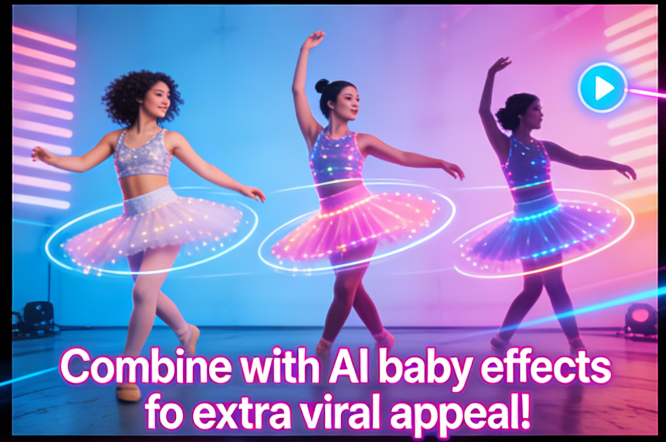
After
A TikTok-ready AI dance video with smooth motion and viral potential
Before
A static image or short clip
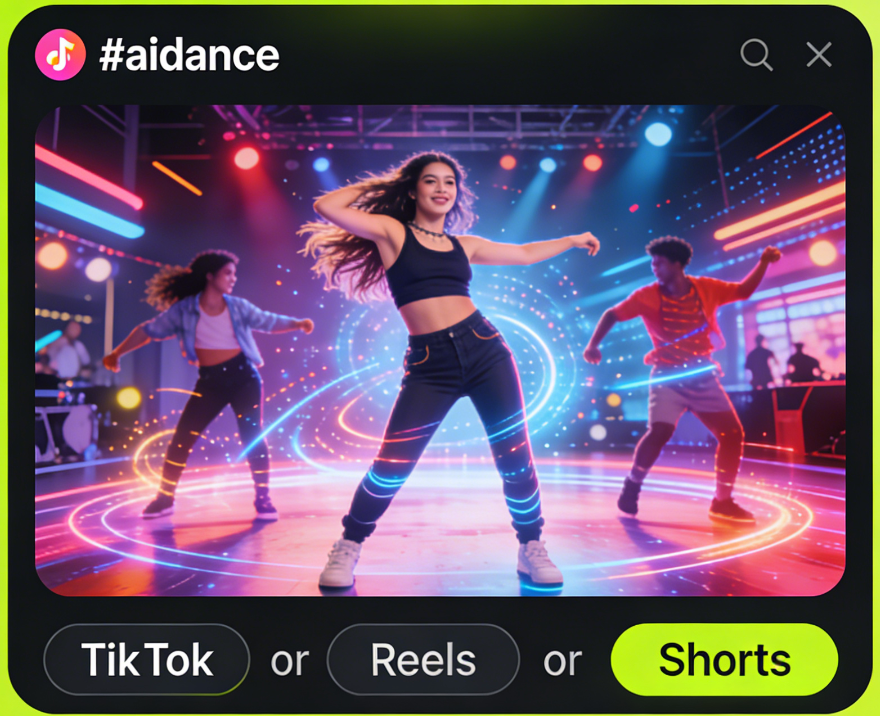
After
A TikTok-ready AI dance video with smooth motion and viral potential
Why Choose Our AI Dance Filter?
The fastest and easiest way to generate viral AI dance videos
Instant Dance Animation
Turn any photo or clip into a dance video in seconds with AI-powered motion mapping.
TikTok-Optimized
Videos are formatted for TikTok, Reels, and Shorts, ensuring maximum engagement.
Music-Synced Moves
AI automatically syncs dance motions to trending beats or custom music.
Supports AI Baby Integration
Combine with AI baby effects to create “AI Baby Dance” content, boosting virality.
Customizable Dance Styles
Choose from idol, hip-hop, pop, or funky dance styles for your videos.
Perfect for TikTok Creators
Create viral AI dance videos with minimal effort
Loop-Friendly Clips
AI ensures smooth loops to maximize replay and engagement.
Share-Ready Formats
Download optimized videos for TikTok, Instagram Reels, or YouTube Shorts.
Music Selection
Sync your video with trending or custom music tracks.
AI Baby Dance
Combine AI dance with AI baby effects for double-viral potential.
Clip Enhancement
Add AI dance motions to existing short clips for viral upgrades.
Single Photo to Dance
Animate one image into a full dance video with #aidance AI.
How to Create Your AI Dance Video with #aidance?
Step 1
Upload Your Photo or Clip
Provide a short video or static image to animate.
Step 2
Select Dance Style
Choose idol, hip-hop, pop, funky, or custom moves.
Step 3
AI Animation & Music Sync
The AI generates dance motion and syncs it to music automatically.
Step 4
Download & Share
Download your high-quality short video in various formats, optimized for direct sharing across all your social media platforms.