
Create Brutal Soulslike Videos with AI
Medeo’s AI Dark Souls Video Generator helps players and creators turn challenging Soulslike gameplay into cinematic, high-impact videos. Whether you're showcasing boss fights, no-hit runs, clutch dodges, or exploration in dark fantasy worlds, the AI automatically detects key highlights and transforms them into engaging edits. With moody color grading, slow motion, dramatic pacing, and atmospheric sound design, you can create professional-quality Dark Souls gameplay videos for YouTube, TikTok, and Shorts without manual editing.
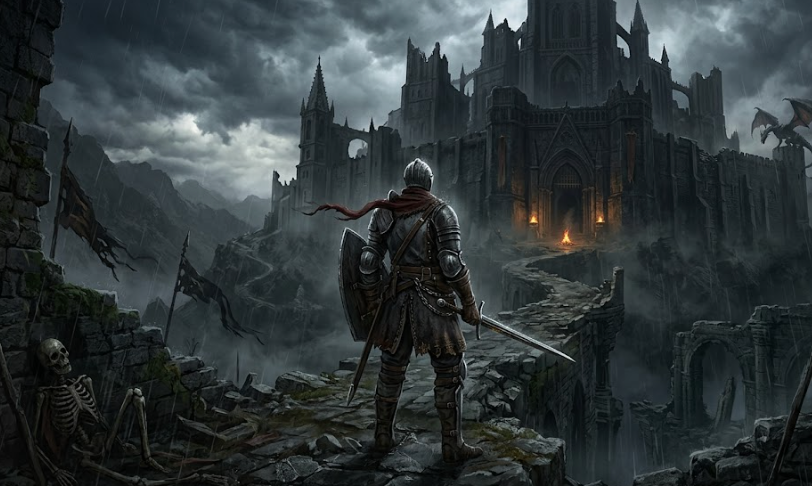
Powered by world-class AI models


What Is an AI Dark Souls Video Generator for Boss Fights, No-Hit Runs & PvE Highlights?
An AI Dark Souls video generator is a tool that converts gameplay footage into cinematic Soulslike videos. Using artificial intelligence, it detects key moments such as boss fights, parries, dodges, deaths, and clutch finishes, then edits them into a cohesive video with effects, captions, and music. These videos are optimized for YouTube, TikTok, and viral short-form content.

From Raw Souls Gameplay to Cinematic Dark Souls Video
See how AI transforms boss fights and combat into intense, story-driven edits
Before
Unedited gameplay with long downtime, repeated attempts, and scattered combat moments.
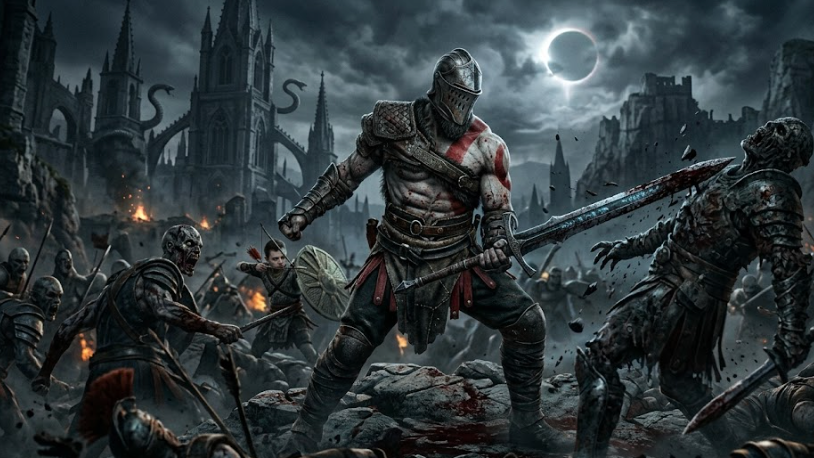
After
A cinematic Dark Souls video with boss fight highlights, perfect dodges, dramatic pacing, and immersive sound.
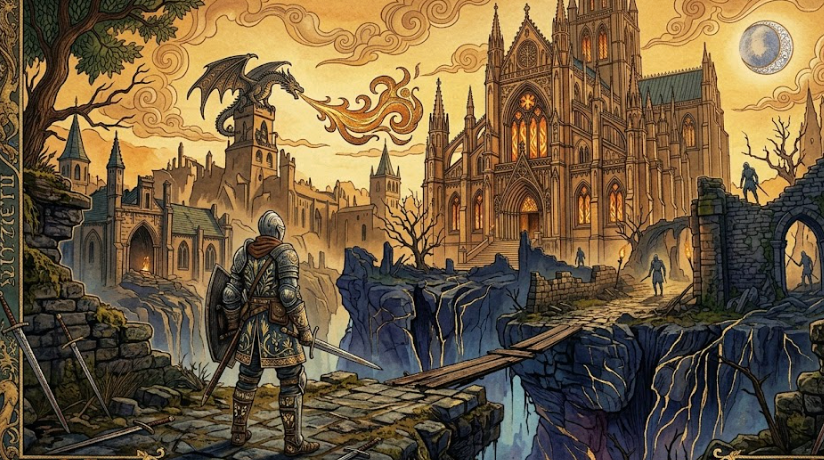
Before
Unedited gameplay with long downtime, repeated attempts, and scattered combat moments.
After
A cinematic Dark Souls video with boss fight highlights, perfect dodges, dramatic pacing, and immersive sound.
Why Use an AI Dark Souls Video Generator for Boss Fight Highlights & Soulslike Edits?
Create viral-ready Dark Souls videos that highlight difficulty, skill, and cinematic atmosphere.
Automatic Dark Souls Boss Fight Detection
AI identifies boss phases, critical hits, dodges, parries, and finishing moments automatically.
Cinematic Soulslike Editing Style
Create dramatic gameplay videos with slow motion, shadow-heavy lighting, and atmospheric effects.
Perfect for Dark Souls YouTube, TikTok & Shorts Content
Generate videos optimized for YouTube gaming channels, TikTok clips, and viral Shorts.
Highlight No-Hit Runs & Skill Moments
Showcase clutch dodges, perfect parries, and no-hit runs with enhanced pacing and visuals.
Save Time Creating Dark Souls Videos
Turn long gameplay sessions and repeated attempts into polished highlight videos in minutes.
No Editing Skills Needed for Soulslike Videos
AI handles cutting, transitions, captions, and sound design automatically.
Powerful AI Dark Souls Video Generator Features for Gameplay Editing
Everything you need to create high-quality Dark Souls gameplay, boss fight, and cinematic videos.
Dark Souls Gameplay & Boss Fight Detection Engine
Automatically detect boss fights, deaths, retries, and key combat moments to build engaging highlight videos.
Slow Motion & Death/Clutch Replay Effects
Highlight near-death moments, perfect dodges, and final hits with cinematic slow motion and replay effects.
Dark Souls Captions & Meme Callouts
Add captions such as 'YOU DIED', 'No Hit', or 'Final Attempt' to boost engagement and storytelling.
Dark Fantasy Sound & Music Design
Enhance videos with orchestral, dark ambient, and boss battle soundtracks for a Soulslike atmosphere.
Multi-Clip Souls Montage Builder
Combine clips from multiple attempts into cohesive boss fight montages or cinematic edits.
Export Dark Souls Videos for TikTok, YouTube & Shorts
Export videos optimized for vertical and horizontal formats across all major platforms.
How to Use an AI Dark Souls Video Generator to Create Viral Boss Fight Videos?
Step 1
Upload Your Dark Souls Gameplay Footage
Upload clips including boss fights, dodges, parries, and exploration moments.
Step 2
Choose Dark Souls Video Style & Format
Select styles such as boss fight montage, cinematic edit, or no-hit highlight video.
Step 3
AI Generates Dark Souls Video Automatically
The AI detects key moments, removes downtime, and adds effects, captions, and music to create a polished video.
Step 4
Preview, Export, and Share Your Dark Souls Video
Review your video, refine it if needed, and publish it on TikTok, YouTube, or Shorts.