
Turn gameplay into epic highlight reels
Create Dead Cells-style videos with AI. Medeo transforms your gameplay into fast-paced, visually engaging highlight videos featuring intense combat, boss fights, and smooth cinematic effects.
Powered by world-class AI models


What is a Dead Cells Video Generator?
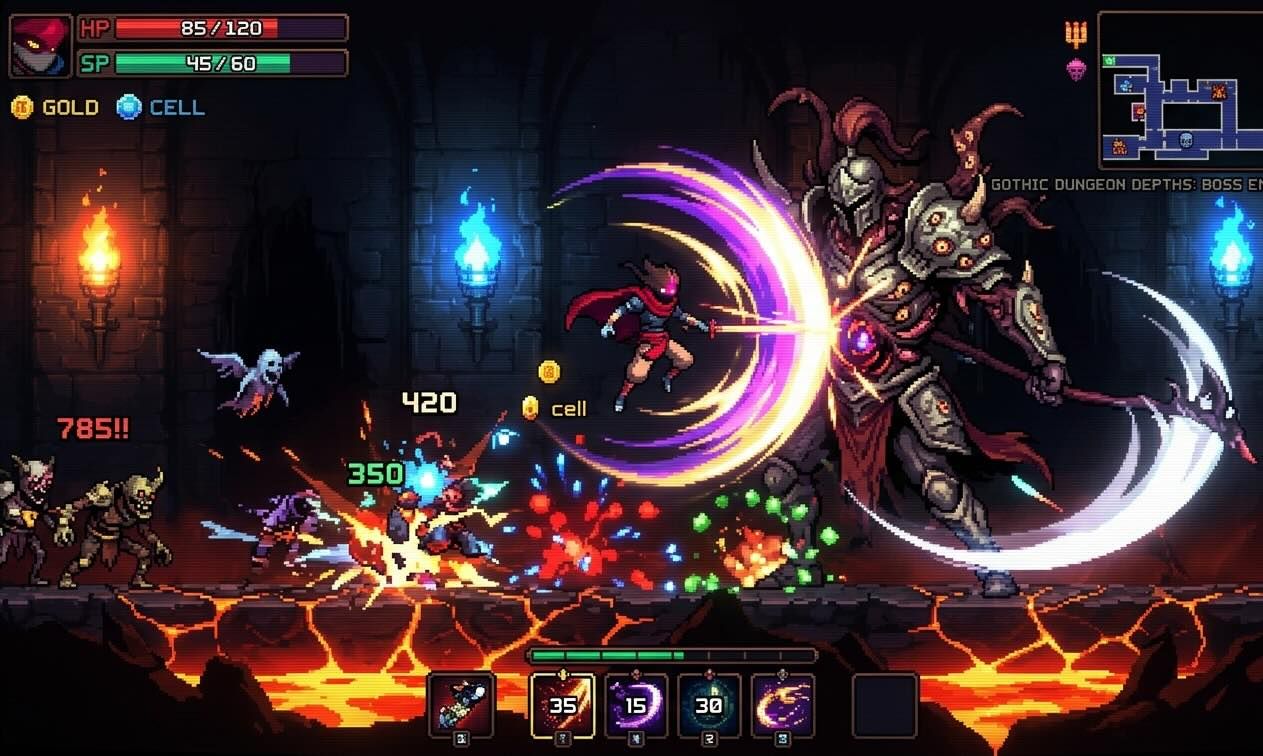
A Dead Cells Video Generator is an AI-powered tool that creates fast-paced gameplay highlight videos inspired by roguelike action. It focuses on combat sequences, boss fights, and cinematic editing to produce engaging video content.

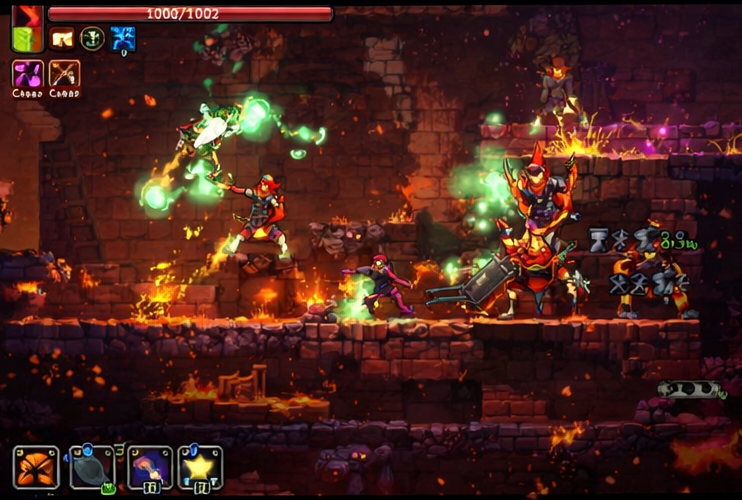
From Raw Gameplay to Epic Highlights
Turn unedited clips into dynamic highlight videos.
Before
Unedited gameplay clips
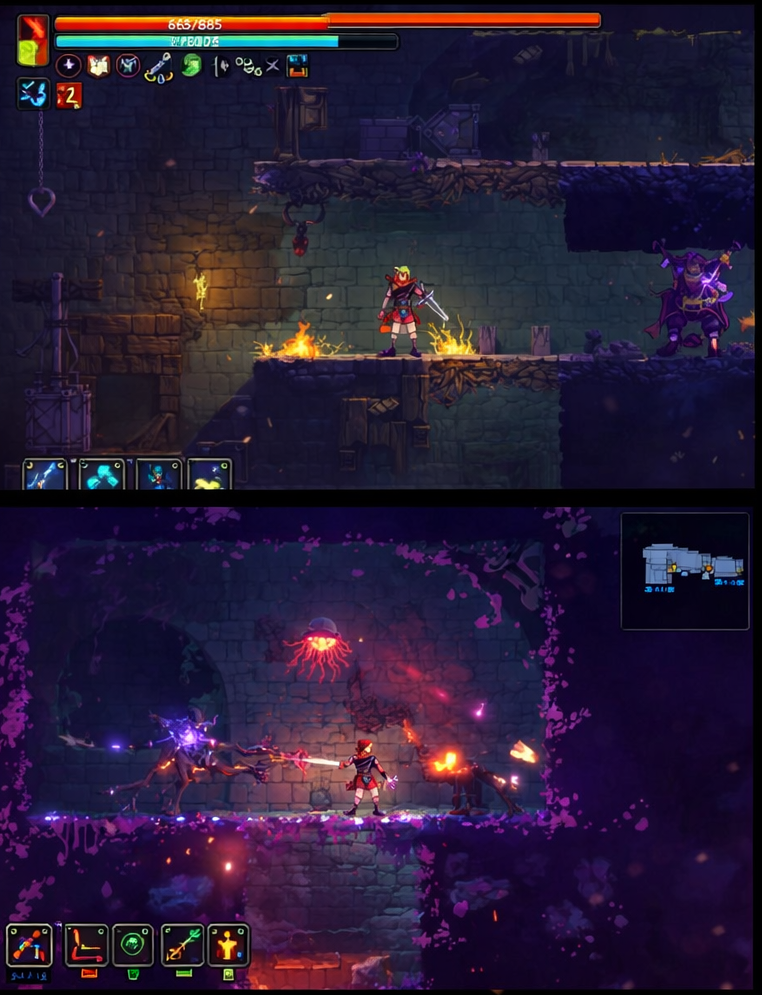
After
A fast-paced highlight video
Before
Unedited gameplay clips
After
A fast-paced highlight video
Why Choose Medeo’s Dead Cells Video Generator?
Create fast-paced gameplay highlights effortlessly.
Automated Highlight Detection
Identify key moments like boss fights and perfect runs instantly.
Cinematic Effects
Apply slow motion, transitions, and dynamic camera effects.
Audio & Commentary Integration
Add voiceovers or music to enhance your gameplay videos.
Customizable Templates
Choose styles designed for action-packed gameplay content.
Multi-Platform Export
Optimize videos for YouTube, TikTok, Twitch, and more.
Time-Saving Workflow
Automate editing so you can focus on gameplay.
Best Use Cases for Gameplay Highlight Videos
Perfect for showcasing skill, action, and gameplay moments.
Boss Fight Montages
Compile intense boss battles into cinematic highlight reels.
Perfect Run Highlights
Showcase flawless runs and high-skill gameplay sequences.
Build & Weapon Guides
Create engaging tutorials explaining strategies and builds.
Funny Death Compilations
Turn failed runs into entertaining and shareable videos.
Streamer Clips
Convert livestream moments into short-form content.
Community Showcases
Highlight clips from different players into one video.
How to Create a Dead Cells Style Video with Medeo?
Step 1
Upload Gameplay
Import your gameplay clips or recordings.
Step 2
Detect Highlights
AI automatically selects key moments and sequences.
Step 3
Customize Editing
Adjust effects, pacing, and video style.
Step 4
Export and Share
Download and publish your highlight video.