
Create Stunning Event Invitation Videos with AI
Medeo’s AI Event Invitation Video Generator helps individuals, event planners, and businesses turn event details into visually engaging invitation videos. Instead of sending plain text messages or static cards, you can create animated, personalized invite videos that capture attention and set the tone for your event.

Powered by world-class AI models


What Is an AI Event Invitation Video Generator?
An AI Event Invitation Video Generator is a tool that converts event details—such as date, location, theme, and message—into a dynamic video invitation. Using artificial intelligence, it organizes the content into scenes, adds animations, transitions, music, and captions, and produces a complete video ready to share. This modern approach makes invitations more engaging, memorable, and shareable, helping you capture attention and increase attendance.

From Basic Invite to Memorable Video Invitation
See how AI transforms simple event details into stunning video invites
Before
A plain text message or static invitation card that may be overlooked.
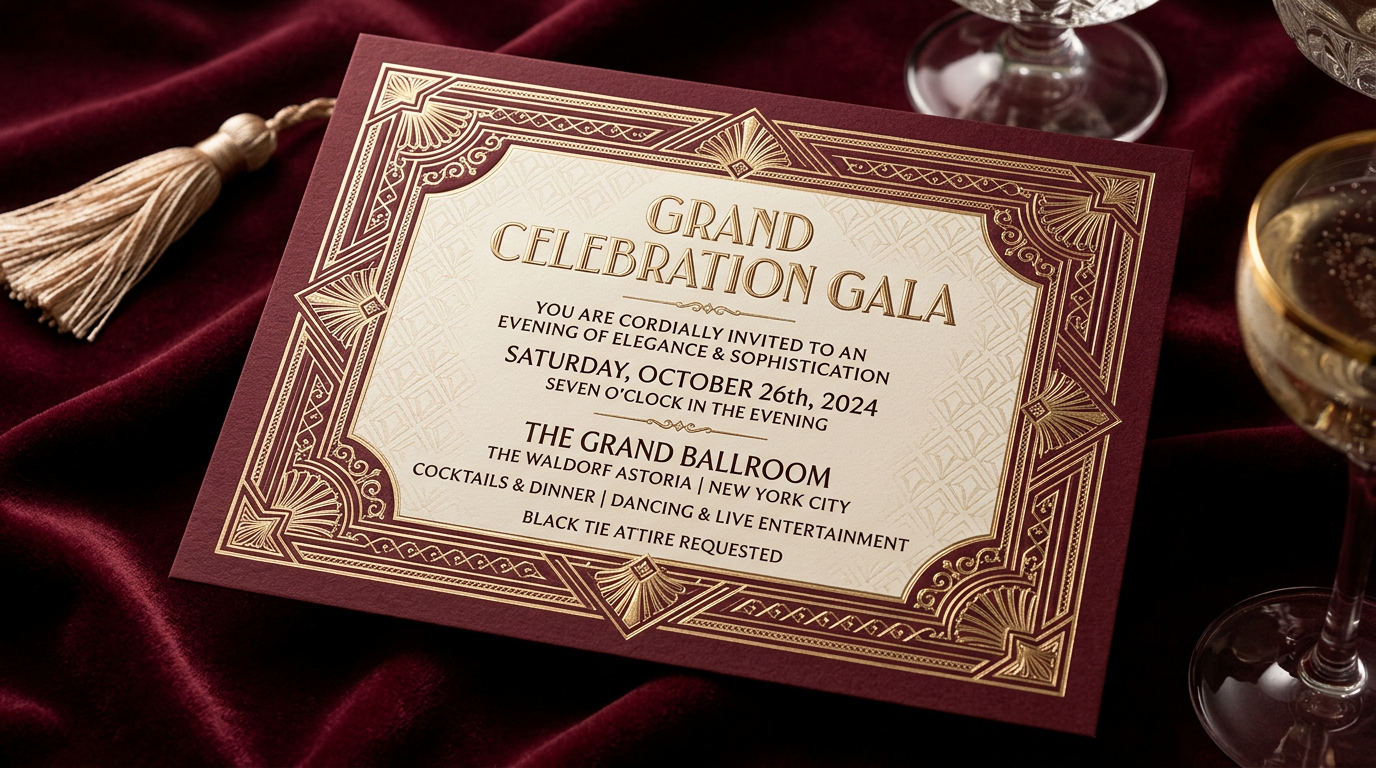
After
A visually engaging invitation video with animations, music, and event details.
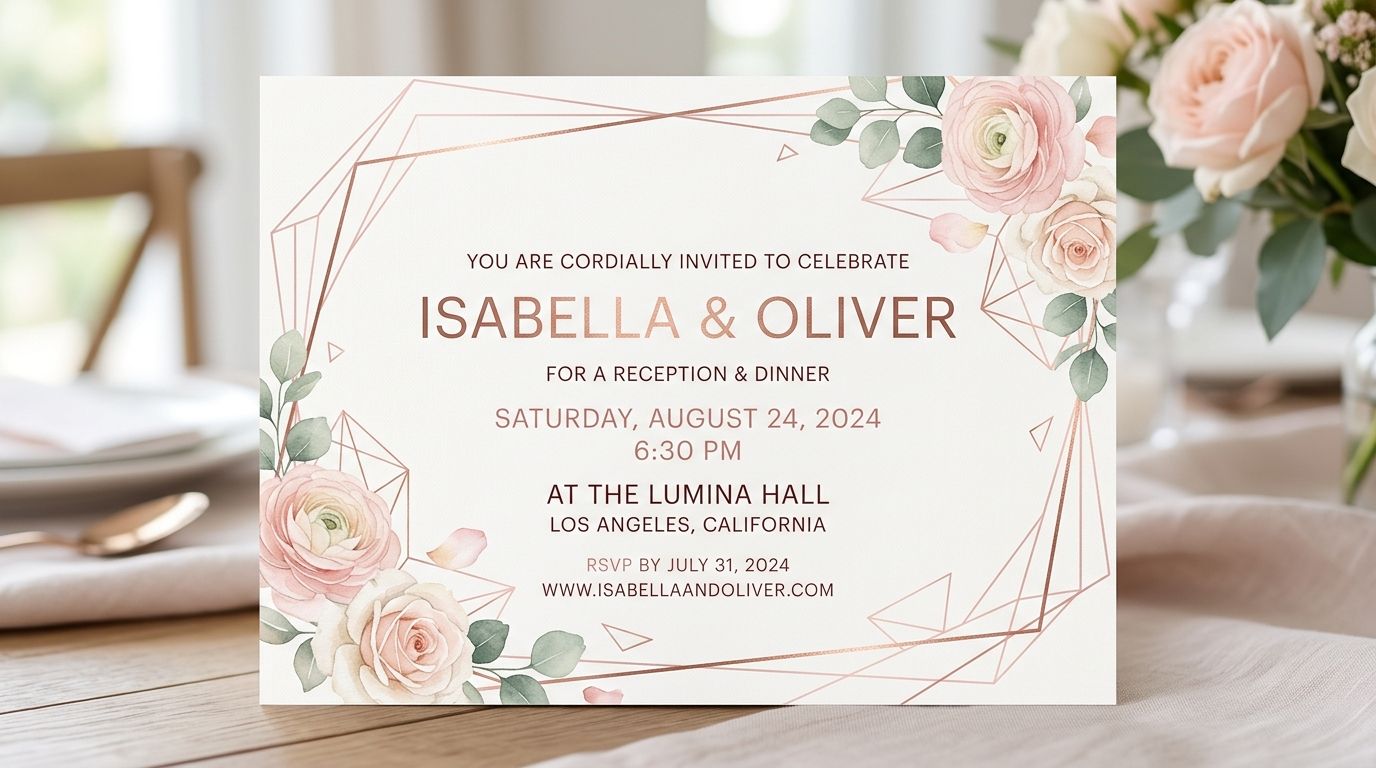
Before
A plain text message or static invitation card that may be overlooked.
After
A visually engaging invitation video with animations, music, and event details.
Why Use an AI Event Invitation Video Generator?
Make your invitations stand out and create excitement before the event even begins.
More Engaging Than Traditional Invites
Video invitations capture attention instantly and leave a stronger impression than text or images.
Perfect for Any Event Type
Create invites for weddings, birthdays, corporate events, parties, product launches, and more.
Personalized and Creative
Customize messages, visuals, and themes to match your event style and tone.
Easy Social Sharing
Share your invitation videos across WhatsApp, Instagram, TikTok, email, and social media.
Save Time and Effort
Create professional invitation videos in minutes without design or editing skills.
Memorable Event Experience
Set the mood and build excitement before the event even starts.
Powerful Event Invitation Video Features
Everything you need to create beautiful and effective invitation videos.
Text-to-Invitation Video
Convert event details into structured video invitations automatically.
Photo & Media Integration
Add personal photos, event images, or branding visuals to your video.
Captions & Event Details
Display key information such as date, time, and location clearly on screen.
Background Music & Mood
Choose music that matches your event theme, from elegant to fun and energetic.
Themed Templates & Animations
Use templates for weddings, parties, corporate events, and seasonal celebrations.
Mobile-Friendly Export
Export videos optimized for mobile sharing and social media platforms.
How to Create an Event Invitation Video with AI?
Step 1
Enter Your Event Details
Start by inputting your event information, including title, date, time, location, and a personal message. You can also add images or branding elements to enhance the video.
Step 2
Choose a Style or Theme
Select a visual theme that matches your event, such as elegant wedding, fun birthday, corporate, or festive celebration. Adjust colors, tone, and pacing if needed.
Step 3
AI Generates the Invitation Video
The AI automatically organizes your content into scenes, adds animations, transitions, captions, and music to create a polished invitation video.
Step 4
Customize and Share
Make final edits if needed, then export your video and share it instantly via messaging apps, social media, or email.