
Turn action into adrenaline-filled videos
Create extreme sports videos with AI. Medeo transforms raw action footage into cinematic highlight reels with dynamic effects, music, and transitions, perfect for athletes and content creators.
Powered by world-class AI models


What is an Extreme Sports Video Generator?
An Extreme Sports Video Generator is an AI tool that converts raw action footage into engaging highlight videos. It enhances motion, applies effects, and syncs music to create fast-paced, adrenaline-driven content.

From Raw Footage to Action Highlights
Transform unedited clips into thrilling sports videos.
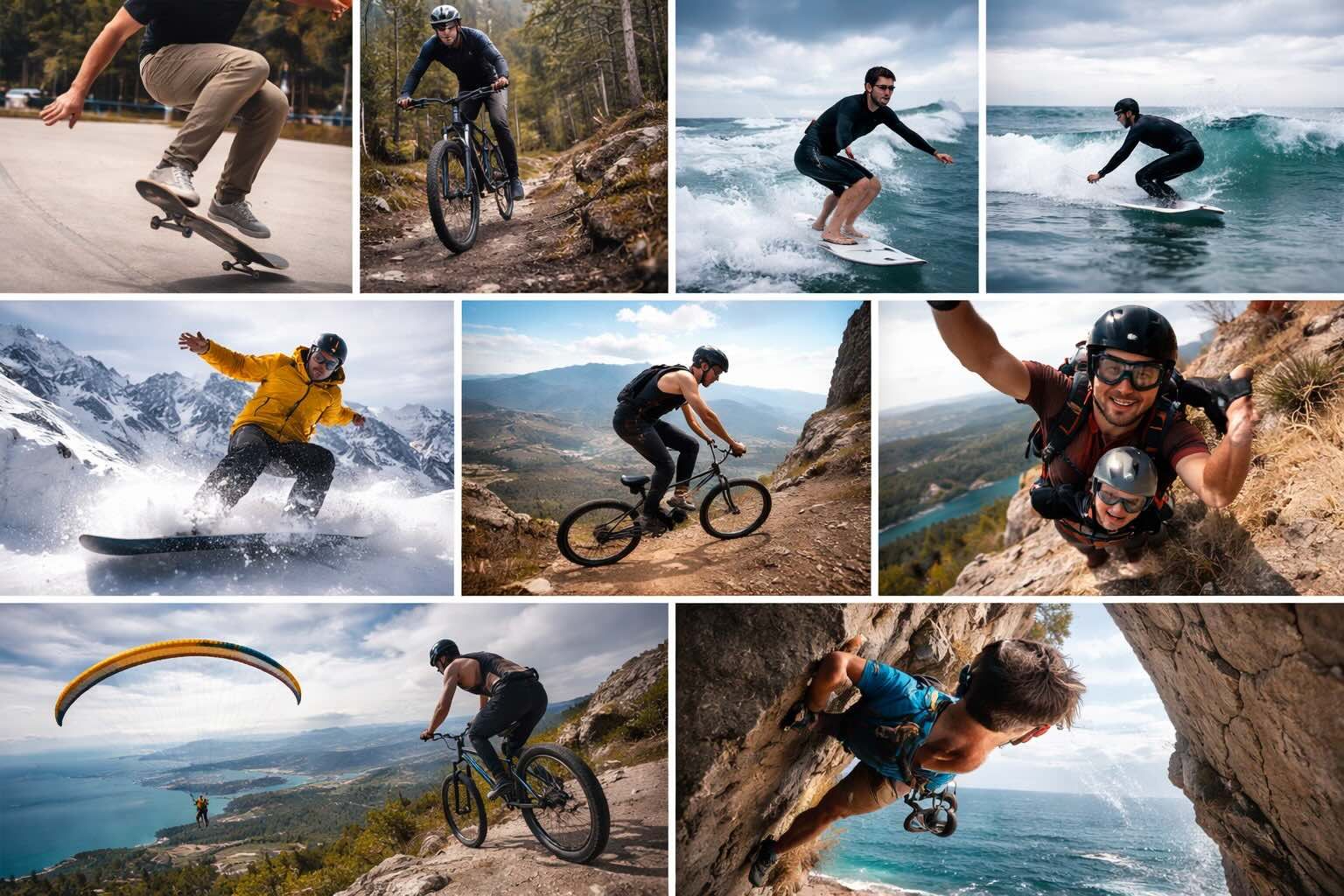
Before
Unedited clips with no pacing, structure, or visual impact.
After
High-energy sports videos with highlights, effects, and cinematic storytelling.
Before
Unedited clips with no pacing, structure, or visual impact.
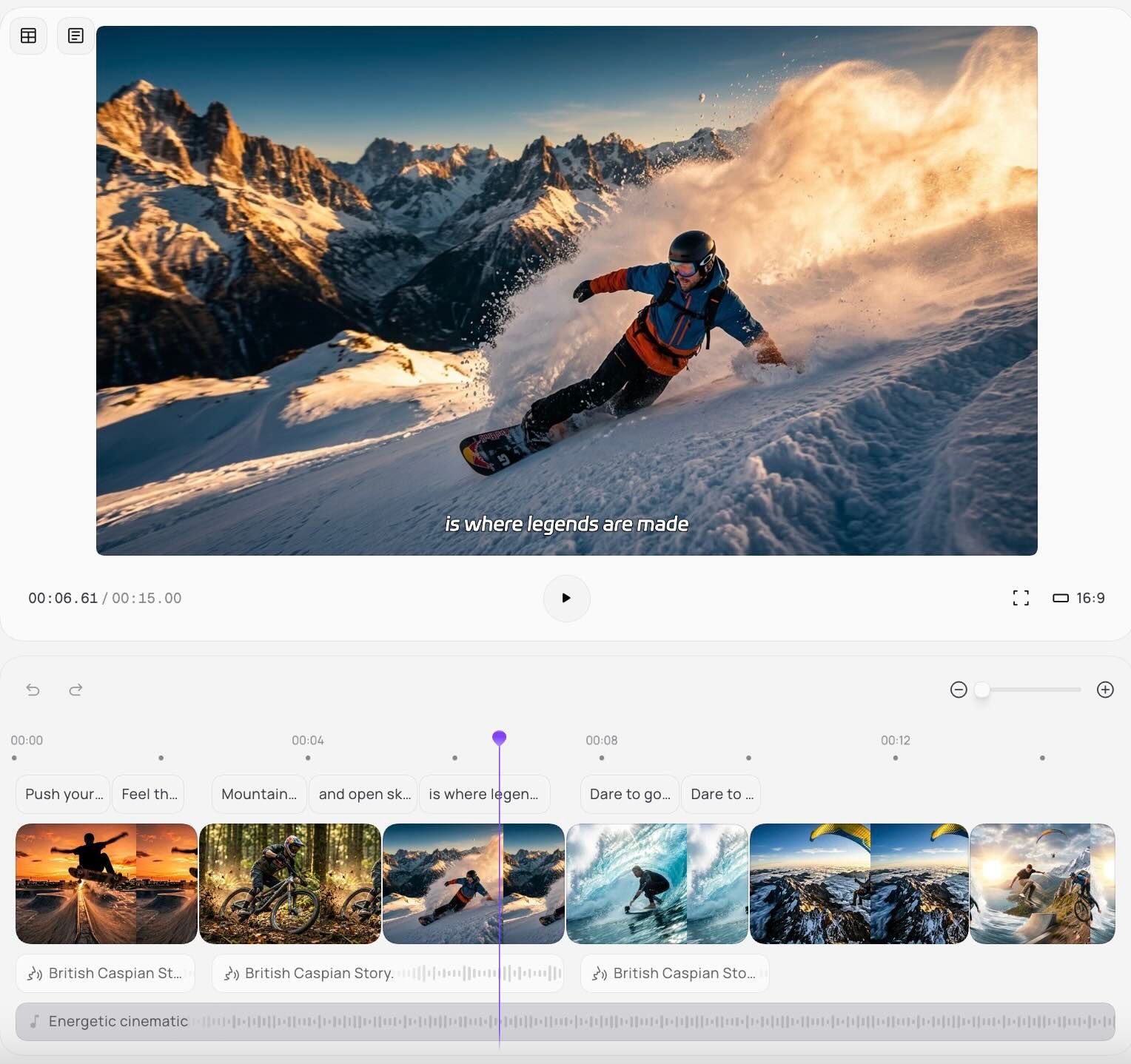
After
High-energy sports videos with highlights, effects, and cinematic storytelling.
Why Choose Medeo’s Extreme Sports Video Generator?
Create dynamic sports videos that capture speed, intensity, and excitement.
Automated Highlight Reels
AI detects key action moments and turns them into engaging highlights.
Dynamic Effects & Transitions
Add slow motion, speed ramps, and cinematic transitions.
Epic Soundtracks
Enhance videos with high-energy music and sound effects.
Custom Branding
Add logos, intros, and outros for consistent identity.
Multi-Platform Export
Export optimized videos for TikTok, YouTube, and Instagram.
Fast Editing Workflow
Create professional videos in minutes without editing skills.
Best Use Cases for Extreme Sports Videos
Create engaging action content for athletes, brands, and creators.
Social Media Content
Turn GoPro footage into viral short videos for TikTok and Instagram.
Event Recaps
Create fast-paced highlight videos from competitions and events.
Athlete Showcases
Build professional portfolios to attract sponsors and fans.
Brand & Sponsor Content
Produce promotional videos featuring products and athlete performance.
Coaching & Analysis
Break down performance and techniques using AI-edited clips.
Adventure Storytelling
Document outdoor experiences with cinematic narratives.
How to Create Extreme Sports Videos with Medeo?
Step 1
Upload Your Footage
Import GoPro or action camera clips.
Step 2
Generate Highlights
AI selects key moments and builds a structured video.
Step 3
Customize Style
Apply effects, music, and branding elements.
Step 4
Export & Share
Download and publish across social platforms.