
Generate Engaging FAQ Videos with AI for Instant Answers
Effortlessly transform common questions into dynamic video responses. Our AI-powered platform automates video creation, saving you time and enhancing audience understanding for improved engagement!

Powered by world-class AI models


What is an AI FAQ Video Generator?
An FAQ video generator leverages artificial intelligence to automatically convert frequently asked questions and their answers into compelling video formats. This innovative tool takes text-based FAQs and, through AI-driven processes, produces engaging videos complete with avatars, voiceovers, and dynamic visuals, making information more accessible and digestible for viewers. This tool is ideal for businesses, educators, and content creators looking to improve customer service, onboard new users, or provide quick, clear answers to common inquiries without the need for complex video editing skills. It simplifies the process of communicating essential information across various platforms.

Turn Static Q&A into Cinematic FAQ Videos - In Seconds
Experience the magic of AI-powered information visualization
Before
A long, boring text list of questions and answers
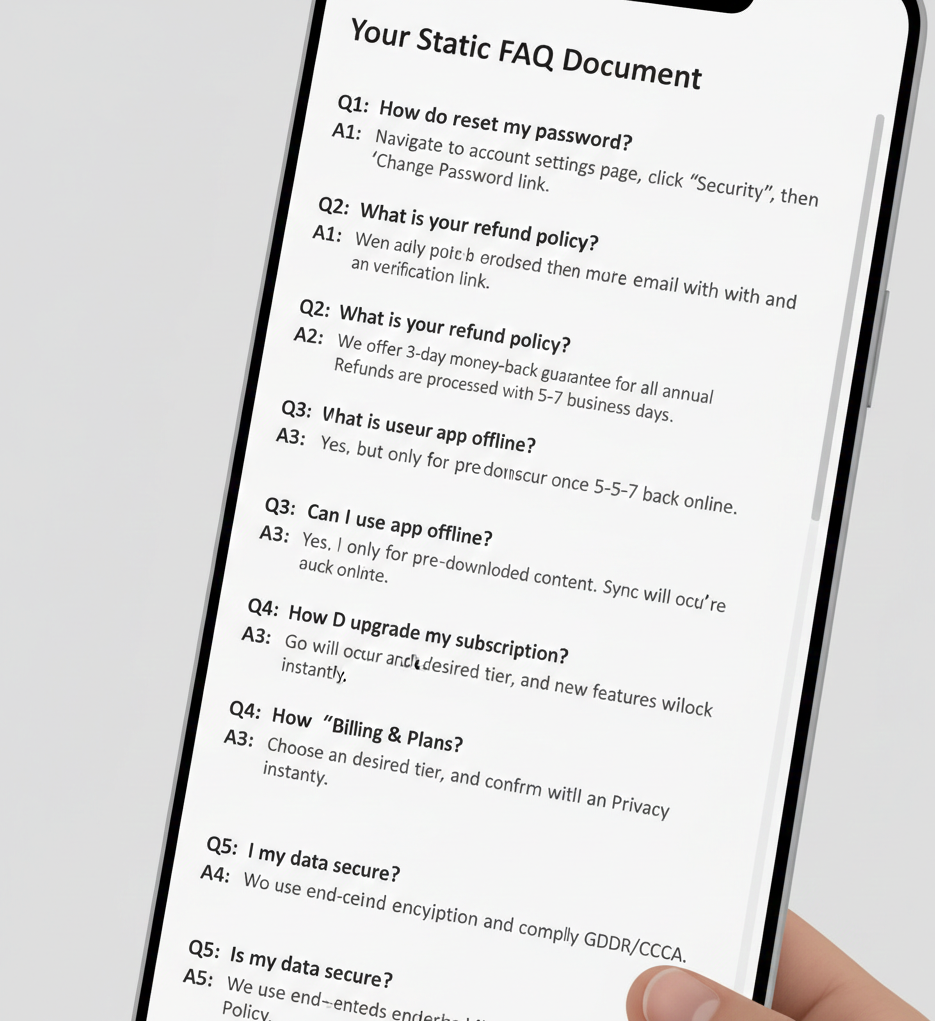
After
A refined, AI-engineered FAQ video
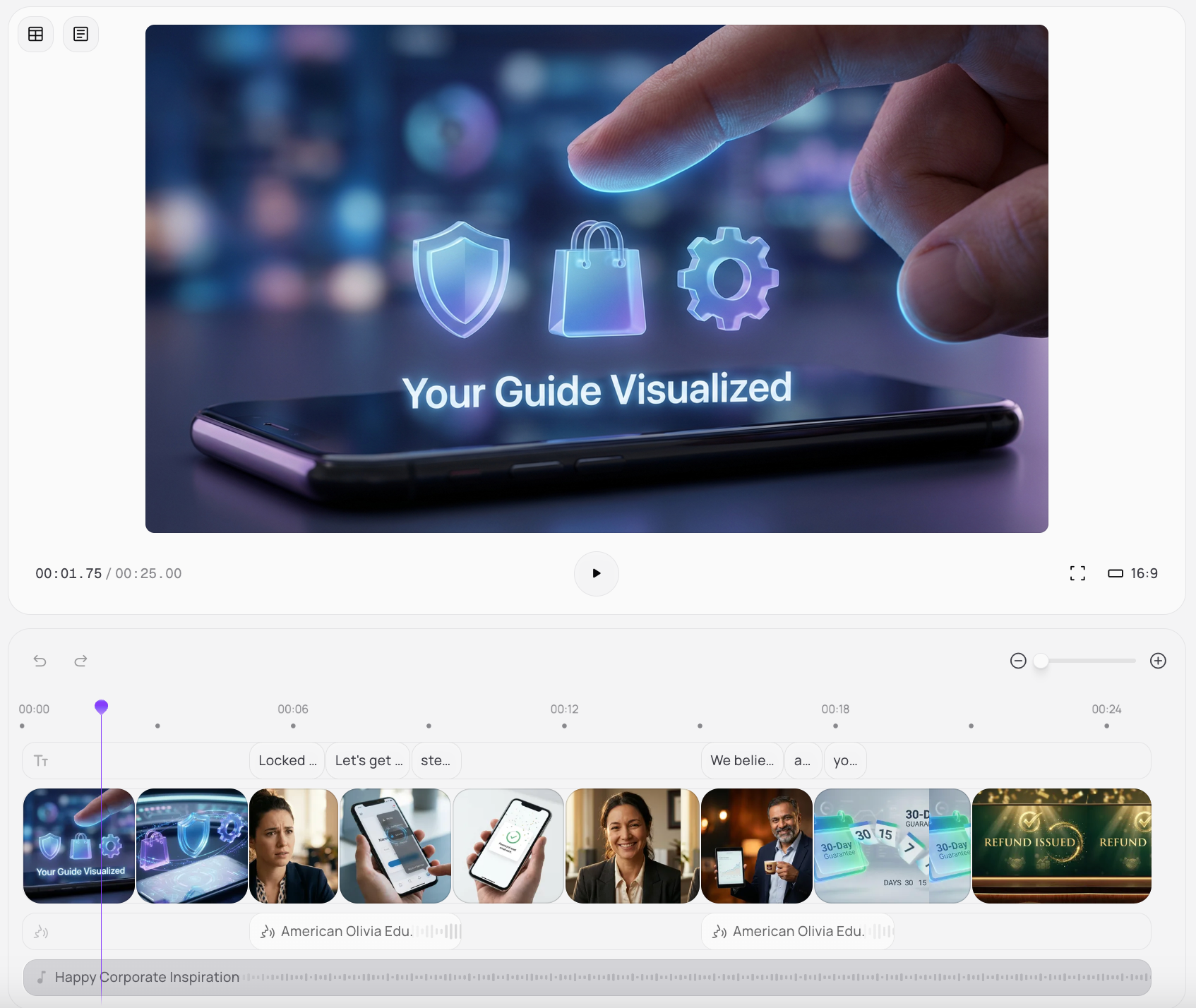
Before
A long, boring text list of questions and answers
After
A refined, AI-engineered FAQ video
Why Create with Medeo’s AI FAQ Video Generator?
The ultimate tool for turning basic information into engaging visual support.
Instant Video Creation
Quickly turn text FAQs into professional videos in minutes, eliminating lengthy production times.
AI-Powered Avatars
Choose from a diverse range of realistic AI avatars to present your FAQ answers engagingly.
Multilingual Support
Reach a global audience with AI voices and captions available in over 150 languages, expanding your reach.
Custom Branding
Integrate your brand's logos, colors, and fonts to maintain a consistent and professional appearance.
SEO Optimization
Boost your video's search engine visibility with automatically generated transcripts and keywords.
Cost-Effective Solution
Save on studio equipment, actors, and editing software with our all-in-one affordable platform.
Essential for Every Modern Brand & Educator
Adapt your support content for any communication channel or global audience.
Customer Support & Onboarding
Businesses can create clear, concise video answers to common customer queries, reducing support tickets and improving user onboarding experiences.
Product Demonstrations
Showcase product features and troubleshoot common issues with engaging video FAQs, guiding users effectively.
Educational Content
Educators can transform lecture notes or course material into easily digestible video FAQs, enhancing student comprehension and engagement.
Internal Training & HR
Human Resources departments can use FAQ videos for employee onboarding, policy explanations, and training, making information accessible.
Website & App Tours
Guide users through website navigation or app functionalities with interactive FAQ videos, improving user experience and reducing bounce rates.
YouTube Educational Explainer Videos
Build comprehensive visual guides that dive deep into complex features, turning troubleshooting into an aesthetic experience.
How to Author Your FAQ Video with Medeo?
Step 1
Input Your FAQs
Simply paste your questions and answers into our intuitive platform, or upload a document with your existing FAQs.
Step 2
Customize Your Video
Select an AI avatar, choose a voice, add background music, and apply your brand's visual identity with our easy-to-use editor.
Step 3
Generate & Publish
Our AI swiftly processes your input to create a high-quality FAQ video. Download it or share directly to your platforms.