Style Goes Viral: Generate Fashion Reels for Instagram & TikTok
Create viral-ready fashion videos, lookbooks, and try-on haul Reels in minutes. Perfect for e-commerce brands, influencers, and clothing stores—no filming or editing needed. Turn any product photo, model shot, or outfit concept into high-impact fashion content.

Powered by world-class AI models


What is an AI Fashion Reels Generator?
An AI Fashion Reels Generator is a tool designed to convert outfit photos, model shots, and clothing images into professional fashion videos. Using AI motion design, trending transitions, and aesthetic layouts, it generates ready-to-share Reels for Instagram, TikTok, and other social platforms—perfect for creators and e-commerce stores looking to drive engagement and conversions.
From Outfit Photo to Viral Fashion Reel — Instantly
Watch simple product shots transform into dynamic, trending fashion videos
Before
Static outfit propmt

After
High-impact viral fashion Reel

Why Choose Medeo’s AI Fashion Reels Generator?
The fastest way to create high-performing fashion content that boosts views and sales
Viral Transitions & Trends
Automatically uses TikTok and Instagram–friendly transitions, pacing, and trends to maximize engagement.
Perfect for E-commerce
Turn product photos into polished lookbooks, outfit showcases, and try-on haul videos—no shoot required.
AI Model & Outfit Animation
Animate outfits, models, and accessories with subtle motion for dynamic, premium-quality fashion clips.
Lookbook & Catalog Support
Generate stylish digital lookbooks with clean layouts ideal for brand campaigns and seasonal drops.
Instant Multi-Format Export
Export vertical Reels, square product ads, or widescreen videos for websites and store banners.
Zero Editing Skills Needed
AI handles cuts, transitions, color grading, pacing, and music timing—simply upload and generate.
Perfect for Every Fashion Creator & Brand
From TikTok Reels to product promos—endless fashion content possibilities
Instagram & TikTok Reels
Generate stylish Reels designed for maximum retention and virality.
E-commerce Product Videos
Turn product shots into polished videos that increase CTR and conversions.
Digital Lookbooks
Produce modern lookbooks for website banners, seasonal collections, and branding.
Try-On Haul Videos
Create AI-powered try-on content without models, filming, or studio costs.
Outfit Style Guides
Generate aesthetic outfit-pairing videos for creators, stylists, and brands.
Fashion Ads & Campaigns
Produce premium social ads with cinematic transitions and polished motion design.
How to Create Your Fashion Reel with Medeo?
Step 1
Generate & Share
Export viral-ready fashion videos optimized for Instagram, TikTok, and online stores.
Step 2
Customize Aesthetic & Layout
Choose fashion themes: minimal, streetwear, luxury, Y2K, boutique, editorial, or trending Reels styles.
Step 3
AI Style & Motion Analysis
AI analyzes colors, textures, outfits, and composition to plan transitions and pacing.
Step 4
Upload Photos or Outfit Shots
Upload product photos, model images, flat lays, or outfit collages.
Give your fashion Reel a styling question to answer
A useful fashion video explains a choice the viewer can see. Start with proportion, color, occasion, or a finishing detail so the sequence has more substance than a series of outfit changes.
One piece, different contexts
Build the story around a single jacket worn for a casual afternoon and a more polished evening. Supply reference images for the intended combinations, and explain which styling details change so the video makes the contrast easy to follow.
An OOTD with a reason
For an outfit of the day video, state the occasion and the practical choice behind the look. Try explaining why you chose a structured layer over a softer base instead of simply listing the items from head to toe.
A color relationship
Choose a dominant color and show how a smaller accent repeats across the outfit. Describe the actual colors in your references and review the result, especially when a slight color shift would change the styling lesson you want to communicate.
The finishing detail
Focus a Reel on the accessory that changes how the outfit reads, such as a belt, scarf, or bag. Begin with the full look, then give the detail enough visual attention that the narration’s explanation is visible rather than merely asserted.
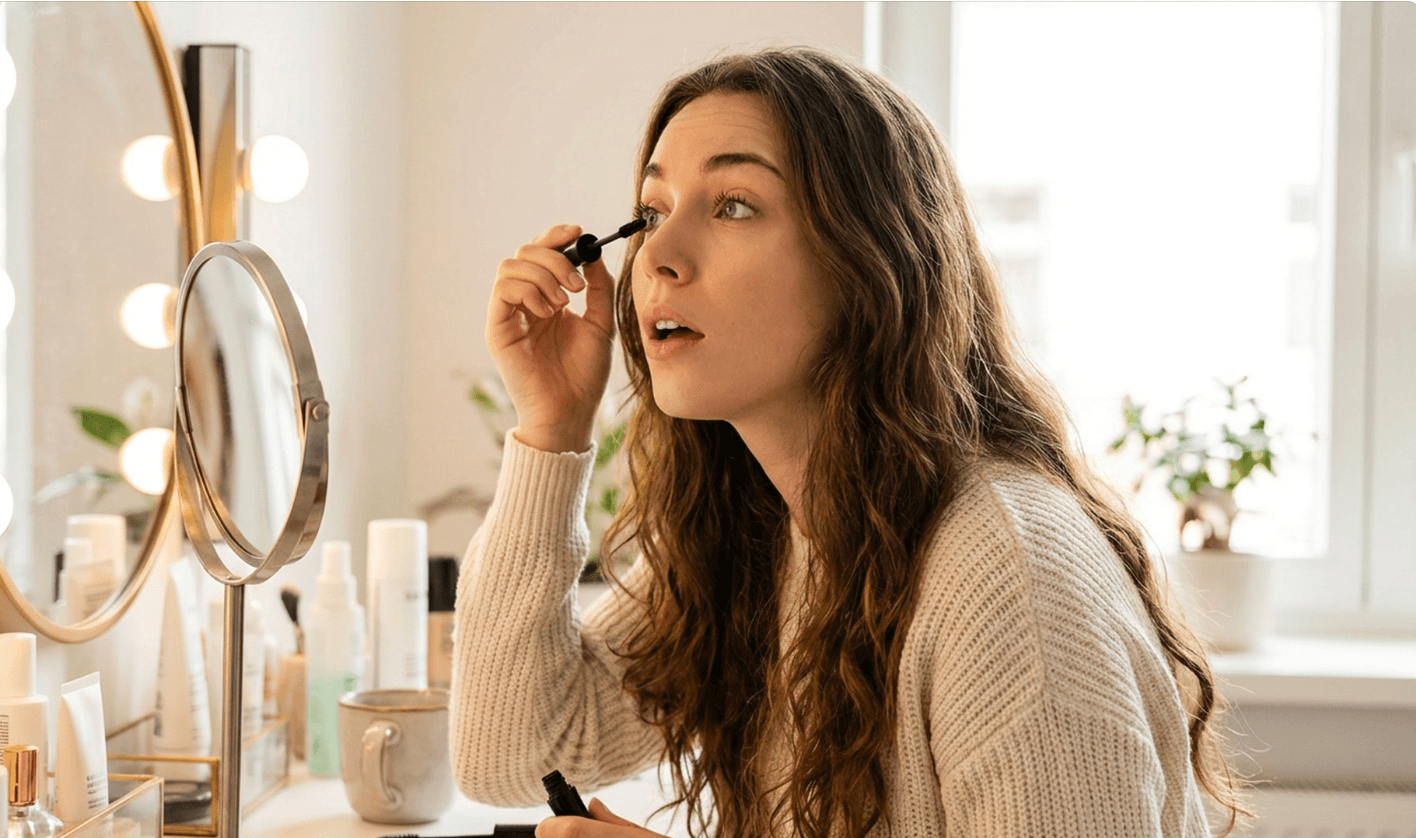
Pair makeup tutorials with the complete look
A makeup sequence can belong in a fashion story when it explains how the final look comes together. Keep the application instructions concrete and distinguish a visual concept from a demonstrated technique.
Connect color choices
Describe how the makeup palette relates to the clothing, such as a muted lip color alongside a strong jacket color. Provide your intended shades and avoid asking the narration to infer exact product names from the appearance of an image.
Use real technique references
Upload your own application footage when the video is meant to teach a precise makeup step. Tell Medeo what the viewer should notice, and review the hand position, tool, and sequence before describing the edit as an instructional demonstration.
Give the reveal context
Show the finished makeup alongside the outfit so the viewer understands why those choices belong together. A close-up followed by a wider look can connect the beauty detail to the styling question introduced at the beginning.
Describe the garment details that matter
Fashion visuals depend on small distinctions. Use clear references and explicit notes when the video needs to represent a particular item rather than an imagined outfit.
Step 1
Identify the essential features
List the garment’s visible cut, sleeve shape, fastening, and distinctive details. Note which features need special attention in the draft, especially if the story compares silhouettes or explains how an accessory changes the overall proportions.
Step 2
Plan complementary views
Ask for a full outfit view to establish the silhouette and closer scenes for the details discussed in narration. Keep the purpose of each view clear so the sequence does not repeatedly show the same angle while the script moves to a different feature.
Step 3
Check the item against the source
Compare generated scenes with your uploaded images for changed patterns, seams, or accessories. Request a specific correction when a detail drifts, and use your original footage when showing the actual garment accurately is central to the message.
Keep the styling advice clear in a short edit
Motion, narration, and captions should help the viewer notice the outfit. Review the Reel as a small styling lesson rather than judging only the overall aesthetic.
Let the comparison register
If the point is the difference between two combinations, ask for a clear view of each before moving on. A rapid succession of unrelated looks makes it harder to see the proportion or color relationship you meant to explain.
Avoid unsupported fit claims
Describe visible styling choices instead of claiming that an imagined garment fits a particular body or behaves like a real fabric. For product-focused videos, supply verified item details and keep the narration within those details.
Choose the frame around the lesson
Use 9:16 for a vertical outfit presentation and inspect the full silhouette, including shoes if they matter. A 16:9 lookbook can give several reference details more breathing room, but it still benefits from one clear styling idea per sequence.