
Create Viral FIFA & EA FC Videos with AI
Medeo’s AI FIFA / EA FC Video Generator helps players, streamers, and football content creators turn gameplay into high-energy, professional-looking videos. Whether you're showcasing goals, assists, skill moves, Ultimate Team highlights, or full match recaps, the AI automatically detects key moments and transforms them into engaging edits.
Powered by world-class AI models


What Is an AI FIFA / EA FC Video Generator?
An AI FIFA / EA FC Video Generator is a tool that converts gameplay footage into structured football video content. Using artificial intelligence, it detects key events such as goals, assists, skill moves, saves, and match highlights, then edits them into a cohesive video with replays, captions, and music. These videos are designed to replicate real football highlight reels while maximizing entertainment and engagement.

From Full Matches to Highlight-Reel Football Videos
See how AI transforms gameplay into fast-paced, engaging football highlights
Before
Full match recordings with no editing, highlights, or structured storytelling.
After
A polished highlight video with goals, skills, replays, and cinematic pacing.
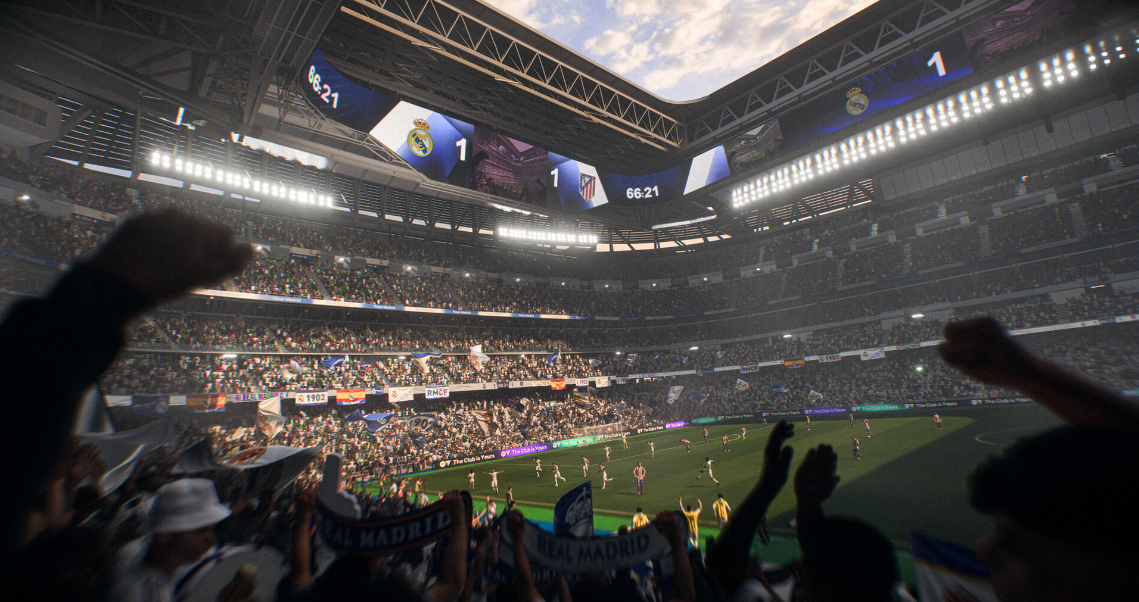
Before
Full match recordings with no editing, highlights, or structured storytelling.
After
A polished highlight video with goals, skills, replays, and cinematic pacing.
Why Use an AI FIFA / EA FC Video Generator?
Create exciting football videos that capture the intensity and drama of every match.
Automatic Goal & Highlight Detection
AI identifies goals, assists, saves, and key match moments automatically for highlight creation.
Cinematic Football Presentation
Create videos with replay effects, camera angles, and dramatic pacing like real match broadcasts.
Perfect for Football Creators
Produce content for YouTube, TikTok, and Shorts to grow your gaming and football audience.
Save Time on Editing
Turn full matches into highlight videos in minutes with AI automation.
Boost Engagement & Watch Time
Create fast-paced, exciting content that keeps viewers engaged and sharing.
No Editing Skills Required
AI handles clipping, transitions, captions, and music automatically.
Powerful FIFA / EA FC Video Features
Everything you need to create engaging football gameplay and highlight videos.
Advanced Highlight Detection Engine
Automatically detect goals, assists, penalties, skill moves, saves, and turning points in matches. The AI prioritizes impactful moments to ensure your video captures the excitement of the game.
Instant Replay & Slow Motion Effects
Add cinematic replays and slow-motion sequences to emphasize goals, skills, and key plays, making your videos feel like real sports broadcasts.
Dynamic Captions & Match Commentary
Generate captions and text overlays that highlight key moments, player names, match scores, or reactions to enhance storytelling and engagement.
Music & Stadium Atmosphere Sync
Enhance videos with energetic music or crowd-like audio to create an immersive football experience that matches the intensity of gameplay.
Multi-Match Compilation Builder
Combine clips from multiple matches, tournaments, or Ultimate Team sessions into one cohesive highlight montage for storytelling or performance showcases.
Multi-Platform Export Optimization
Export videos in vertical, horizontal, or square formats tailored for TikTok, YouTube Shorts, Instagram Reels, and full-length YouTube content.
How to Create a FIFA / EA FC Video with AI?
Step 1
Upload Your Gameplay or Match Footage
Upload your FIFA or EA FC gameplay recordings, including full matches, Ultimate Team sessions, or highlight clips. You can include multiple matches to create a compilation video.
Step 2
Select Video Style and Focus
Choose a style such as goal highlights, skill moves showcase, match recap, or cinematic montage. This allows the AI to tailor editing, pacing, and visual effects to your content goals.
Step 3
AI Detects Highlights and Edits the Video
The AI analyzes your footage to identify key events, trims unnecessary segments, adds replays, captions, and music, and structures everything into a cohesive, engaging video.
Step 4
Preview, Export, and Share
Review your generated video, make optional adjustments, and export it in your preferred format. Share it on YouTube, TikTok, or other platforms to reach your audience.