

Create Fortnite Video with Medeo AI Magic
Turn your Fortnite gameplay, highlights, and memes into viral-ready videos in seconds.
Powered by world-class AI models


What is a Fortnite Video Generator?
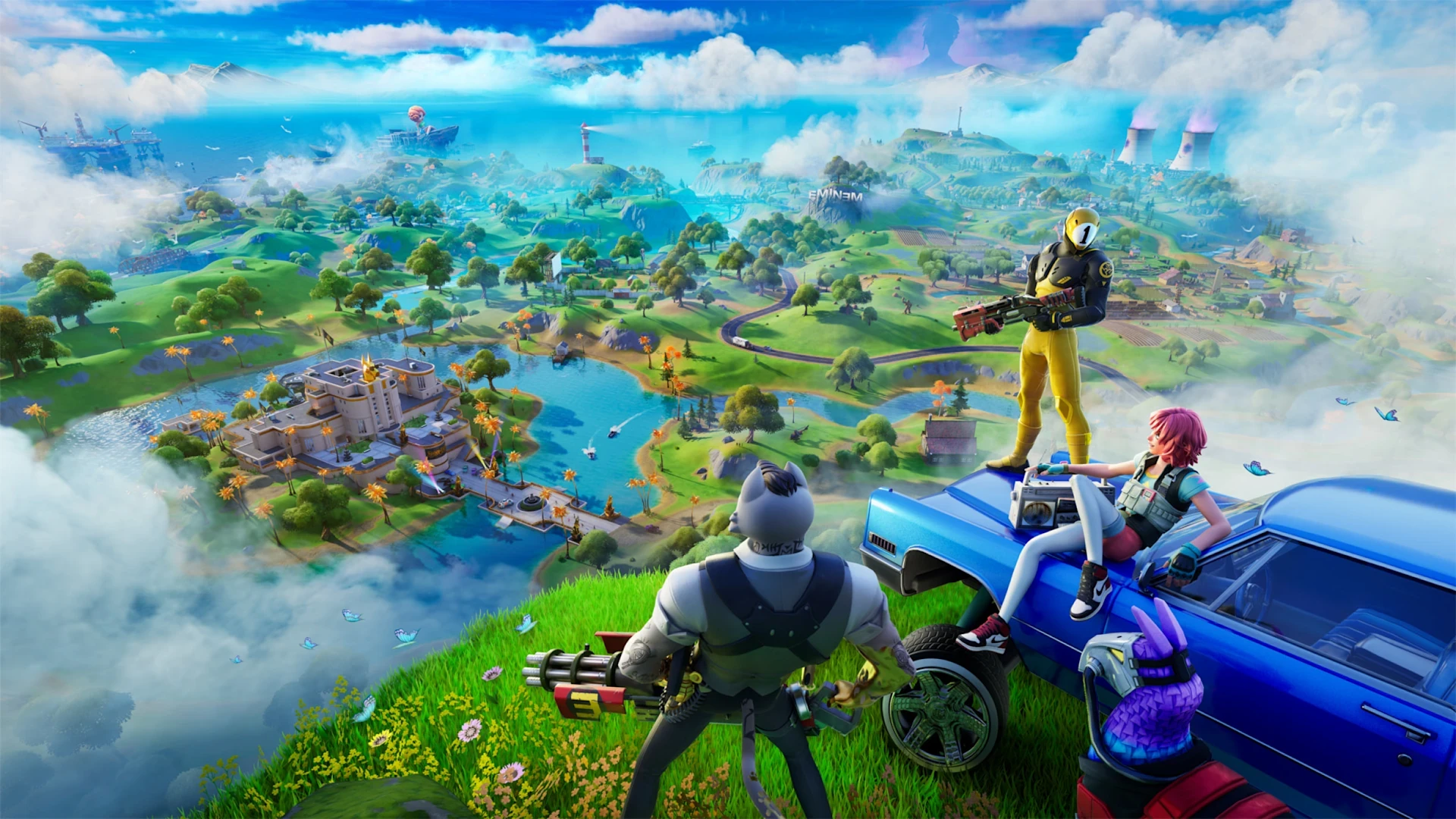
A Fortnite video generator uses AI to turn your gameplay recordings, highlights, or creative builds into polished, fast-paced videos. Perfect for YouTube, TikTok, Reels, or sharing in your Fortnite community.

From Fortnite Clips to Epic Videos
Transform casual gameplay footage into stylish, share-worthy Fortnite videos
Before
Raw clips
After
Epic Fortnite videos

Before
Raw clips
After
Epic Fortnite videos
Why Use Medeo Fortnite Video Generator?
See how AI upgrades your Fortnite content instantly
Highlight Automation
AI detects your best Fortnite moments and edits them into smooth, energetic highlights.
Cinematic Enhancement
Make your gameplay more dramatic with auto transitions, pacing, and dynamic framing.
Social Optimization
Formats are auto-adjusted for TikTok, YouTube Shorts, and Reels for maximum reach.
Fast Creation
Skip manual editing—AI assembles your entire video structure for you in minutes.
Consistent Style
Templates ensure all your Fortnite videos maintain a clean, polished visual identity.
Creator-Friendly Workflow
Ideal for beginners or pros who want impressive videos without complex editing.
Perfect for Every Fortnite Creator
From gameplay to montages, turn any Fortnite moment into engaging video content
Auto Highlights
AI finds eliminations, clutch moments, and fast action instantly—no manual review needed.
Fortnite Effects
Add fast cuts, zooms, and transitions that match Fortnite’s signature editing style.
Meme Overlays
Insert trending overlays, subtitles, and reactions to boost engagement.
Vertical Export
Instantly export in TikTok/Shorts formats optimized for social algorithms.
Music Sync
AI syncs gameplay with beats for more cinematic and satisfying edits.
Ready Templates
Pick montage, funny moments, tutorials, or storytelling formats with one click.
How to Create Fortnite Videos with Medeo
Step 1
Upload Your Fortnite Clips
Import gameplay, highlights, or creative builds into Medeo in seconds.
Step 2
Choose a Style or Template
Select montage, cinematic, fast-cut, or meme-style edits.
Step 3
Customize and Refine
Adjust text, effects, overlays, or music as you like.
Step 4
Export & Share
Download your Fortnite video or share directly to TikTok, YouTube, or Instagram.