
Show your island like it deserves
Unleash your creativity with our AI Fortnite Creative video generator. Effortlessly produce engaging gameplay highlights, map tours, and cinematic clips, saving hours of complex editing. Elevate your content and captivate your audience.

Powered by world-class AI models


What is a Fortnite Creative Video Generator?
A Fortnite Creative Video Generator is built for turning gameplay recordings, custom map footage, tutorials, and creator concepts into videos that are easier to watch and share. Instead of leaving clips as raw captures, it helps shape them into content with stronger flow, clearer emphasis, and a format that works better for showcases, highlights, and social publishing.

Turn Raw Creative Clips to Polished Fortnite Videos
Turn simple recordings into content people actually want to watch.
Before
Unedited Fortnite Creative gameplay
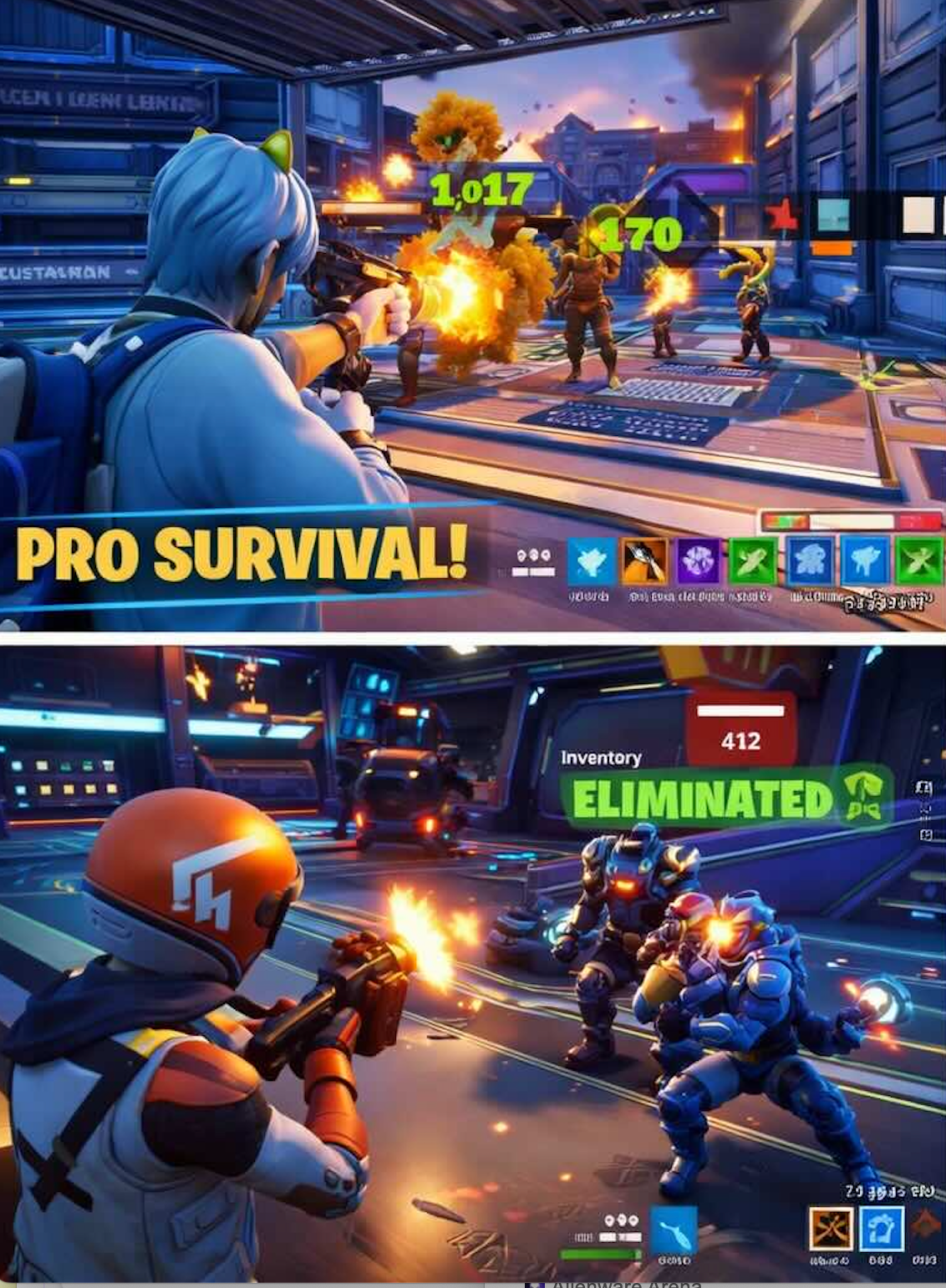
After
A polished Fortnite Creative video
Before
Unedited Fortnite Creative gameplay
After
A polished Fortnite Creative video
Why Choose Medeo’s Fortnite Creative Video Generator?
Create Fortnite Creative videos faster with a workflow built for map creators, gameplay editors, and gaming content teams.
Fast Clip-to-Video Workflow
Turn Fortnite Creative gameplay or island footage into a usable video draft quickly.
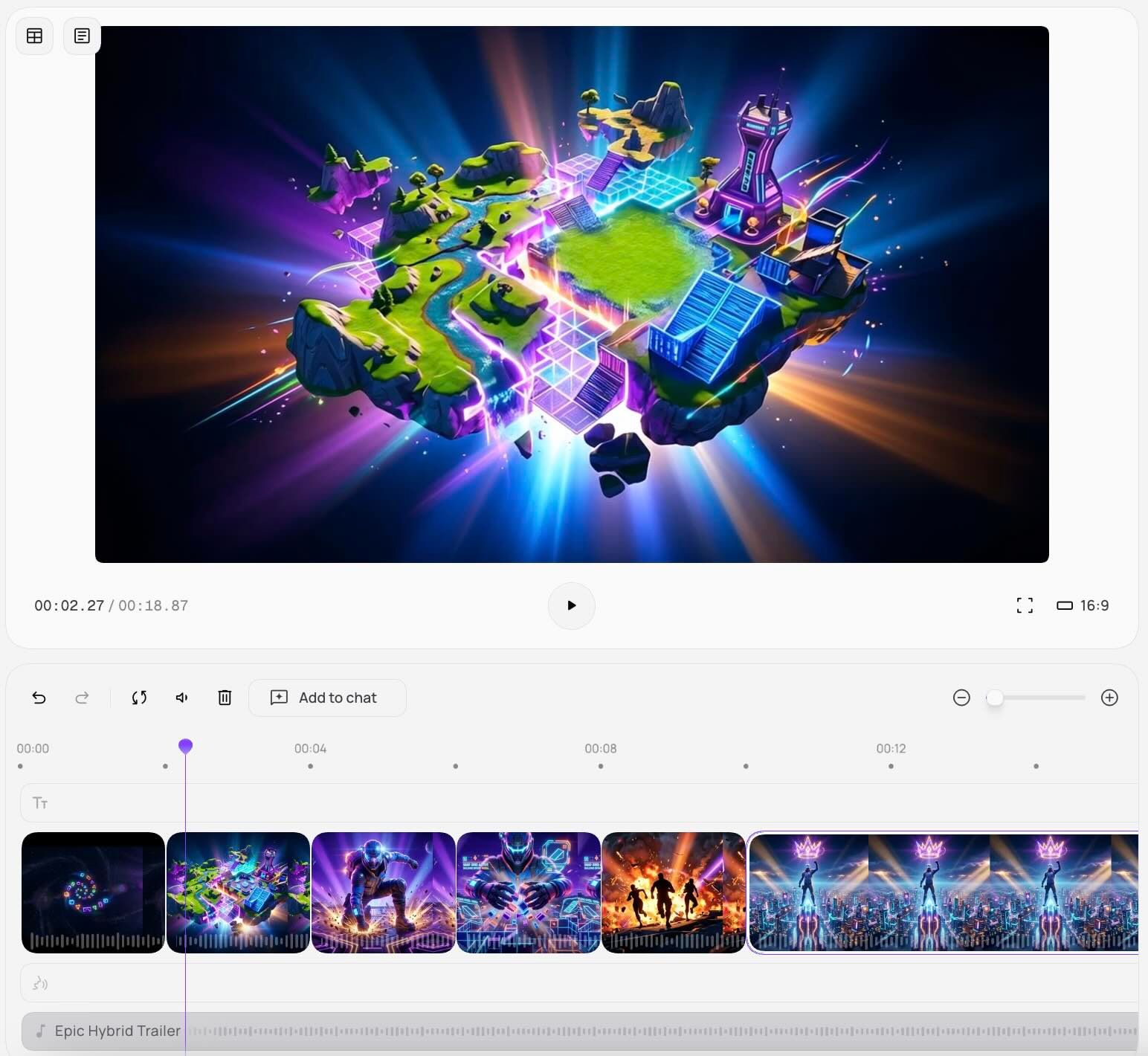
Chat-Based Video Refinement
Adjust pacing, focus, and style by describing the changes you want in natural language.
Built for Map Showcases
Present custom islands, environments, and gameplay experiences in a clearer visual flow.
Stronger Tutorial Structure
Create Fortnite Creative guides that explain mechanics, rules, and builds more clearly.
Social-Ready Export Formats
Export Fortnite Creative videos for TikTok, YouTube, Shorts, Reels, and other platforms.
No Advanced Editing Required
Create polished gaming videos without relying on a complex timeline workflow.
Best Use Cases for Fortnite Creative Videos
Use the Fortnite Creative Video Generator to create content that promotes islands, explains gameplay, and highlights creator moments.
Creative Map Showcases
Turn custom island footage into polished walkthroughs and cinematic reveal videos.
Gameplay Highlights & Montages
Compile eliminations, funny moments, trick shots, and challenge runs into engaging edits.
Tutorials & How-To Content
Create structured videos explaining rules, mechanics, building ideas, or map strategies.
Custom Mode Promotion
Promote new Fortnite Creative game modes with videos designed for launch posts and community sharing.
How to Create Fortnite Creative Videos with Medeo?
Step 1
Upload or Describe Your Content
Add Fortnite Creative clips, map footage, screenshots, or describe the video you want to make.
Step 2
Generate Video
Medeo turns your input into a structured Fortnite Creative video draft automatically.
Step 3
Refine the Video Style
Use chat-based editing to improve pacing, emphasize moments, or make the video more tutorial-focused or cinematic.
Step 4
Export & Share
Download your Fortnite Creative video and publish it across TikTok, YouTube, Shorts, Reels, and more.