
Turn gameplay into epic highlights
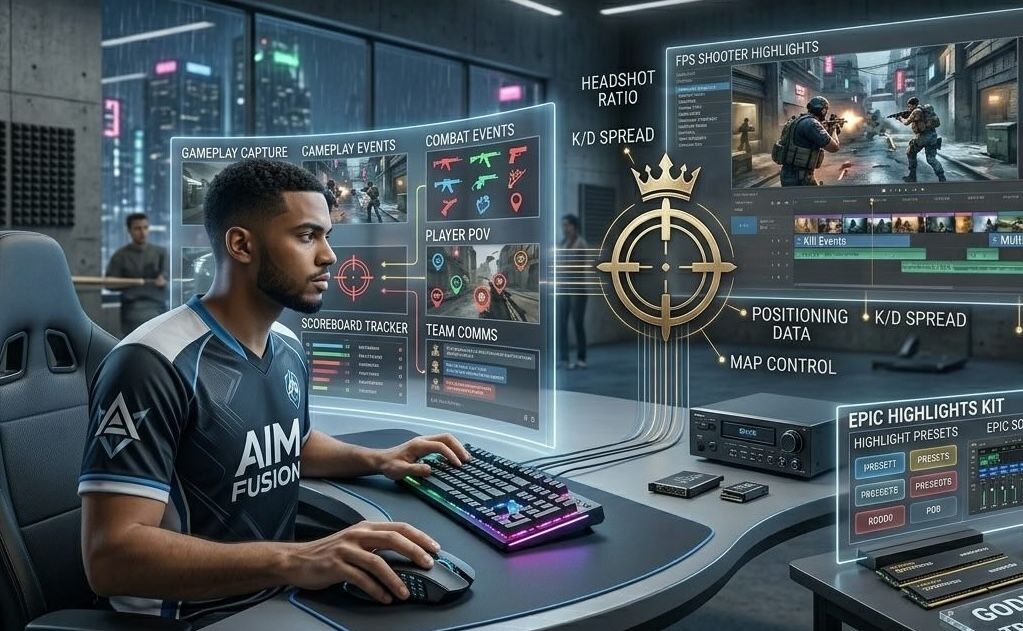
Create FPS shooter highlight videos with AI. Medeo automatically detects your best kills, assists, and clutch moments, turning raw gameplay into fast-paced, shareable highlight clips perfect for streamers, gamers, and esports players.
Powered by world-class AI models


What is an FPS Shooter Highlight Generator?
An FPS Shooter Highlight Generator is an AI-powered tool that automatically detects key gameplay moments such as kills, assists, and clutch plays. It transforms raw gameplay into engaging highlight videos with editing, music, and effects, making it easy to share your best moments online.

From Raw Gameplay to Highlight Reels
Turn gaming sessions into shareable highlight clips.
Before
Unedited gameplay clips with no structure, pacing, or highlight focus.
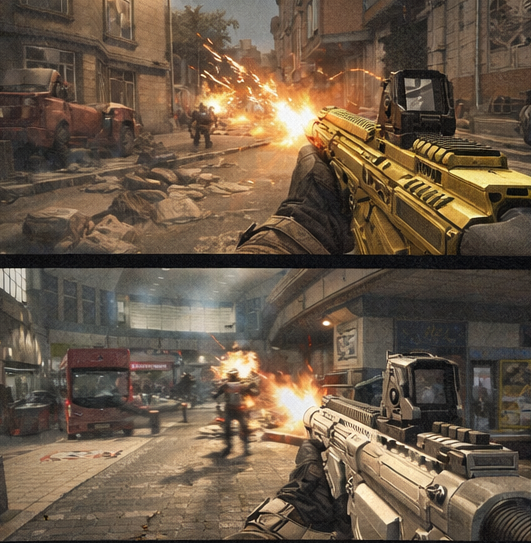
After
A fast-paced FPS highlight video with key moments, effects, and music.
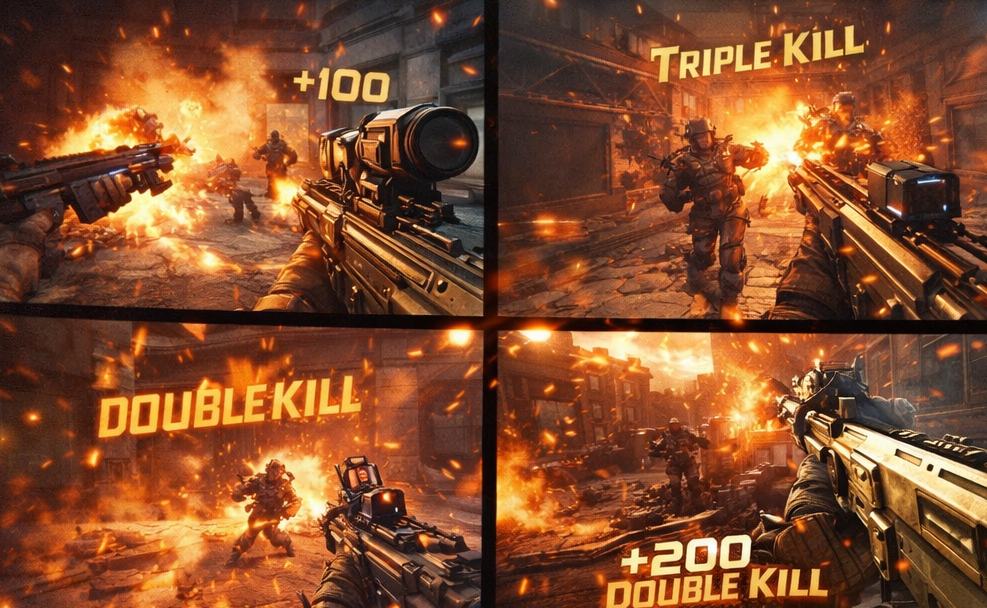
Before
Unedited gameplay clips with no structure, pacing, or highlight focus.
After
A fast-paced FPS highlight video with key moments, effects, and music.
Why Choose Medeo’s FPS Highlight Generator?
Create professional gaming highlights effortlessly.
Automated Highlight Detection
AI identifies your best kills, assists, and game-winning plays.
Instant Clip Generation
Generate highlight reels in minutes without manual editing.
Customizable Templates
Apply dynamic styles and layouts to your gaming clips.
Seamless Social Sharing
Export videos optimized for Twitch, YouTube, and TikTok.
Audio Enhancement
Enhance in-game sound and add impactful background music.
Multi-Game Support
Works across popular FPS games for versatile highlight creation.
Best Use Cases for FPS Highlights
Perfect for gamers, streamers, and esports content.
Twitch & YouTube Streamers
Create engaging highlight clips to grow your streaming audience.
Social Media Content
Generate viral short-form clips for TikTok and Instagram Reels.
Esports Players
Showcase professional gameplay for scouting or personal branding.
Casual Gamers
Save and share your most exciting gaming moments easily.
Game Reviews & Content
Enhance reviews with dynamic gameplay highlight compilations.
Montage Videos
Combine multiple clips into cinematic FPS montage edits.
How to Create FPS Highlights with Medeo?
Step 1
Upload Gameplay
Import your recorded gameplay footage.
Step 2
Detect Highlights
AI identifies key moments and best plays.
Step 3
Customize Clips
Adjust style, effects, and pacing.
Step 4
Export and Share
Download and publish your highlight video.