
Turn memories into lasting tributes
Create funeral memory videos with AI. Medeo helps you turn photos, videos, and personal moments into meaningful tribute videos that honor and remember loved ones with care and dignity.

Powered by world-class AI models


What is a Funeral Memory Video Generator?
A Funeral Memory Video Generator is an AI-powered tool that helps you create tribute and memorial videos. It transforms photos, videos, and messages into a cohesive and emotionally meaningful video for remembrance.

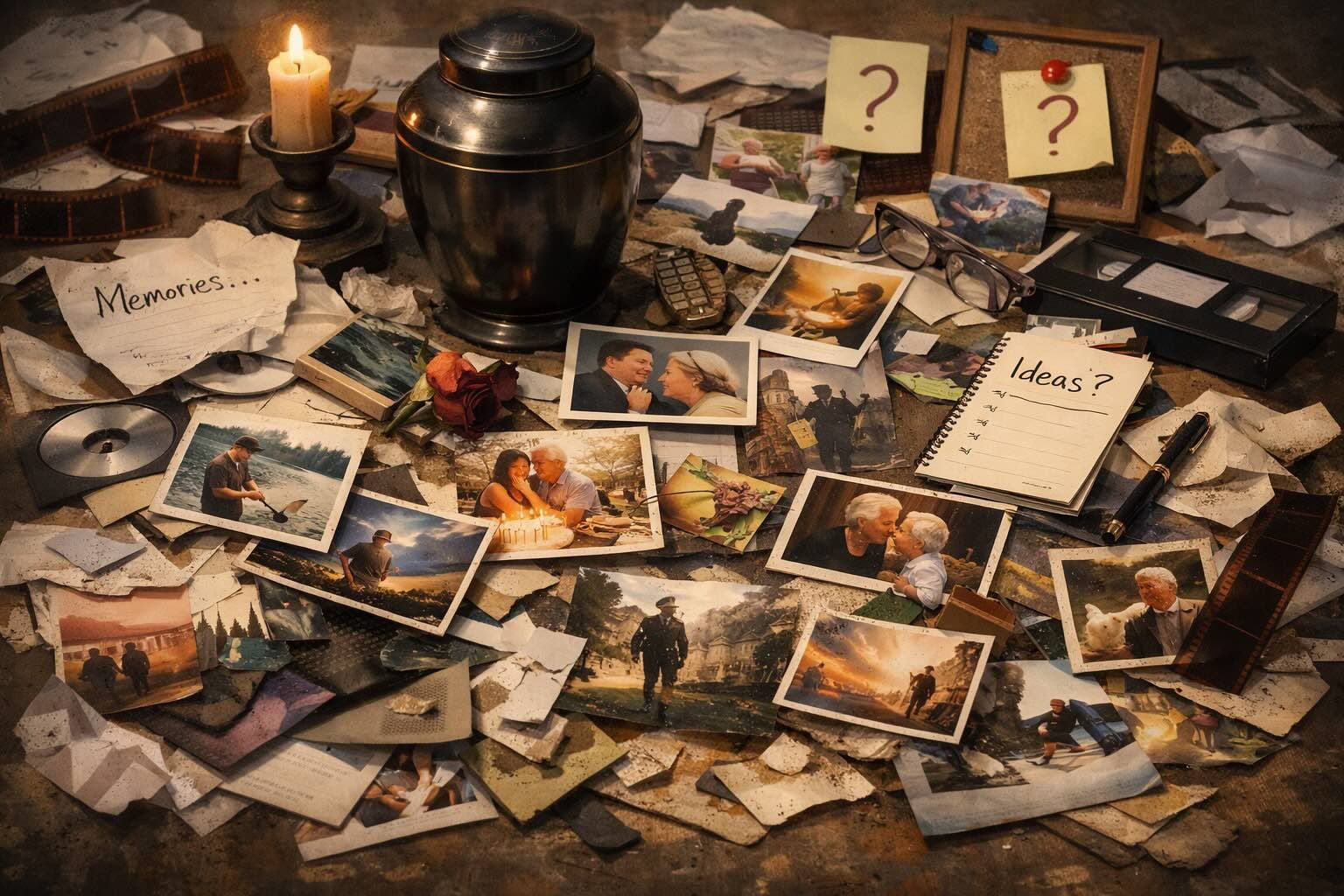
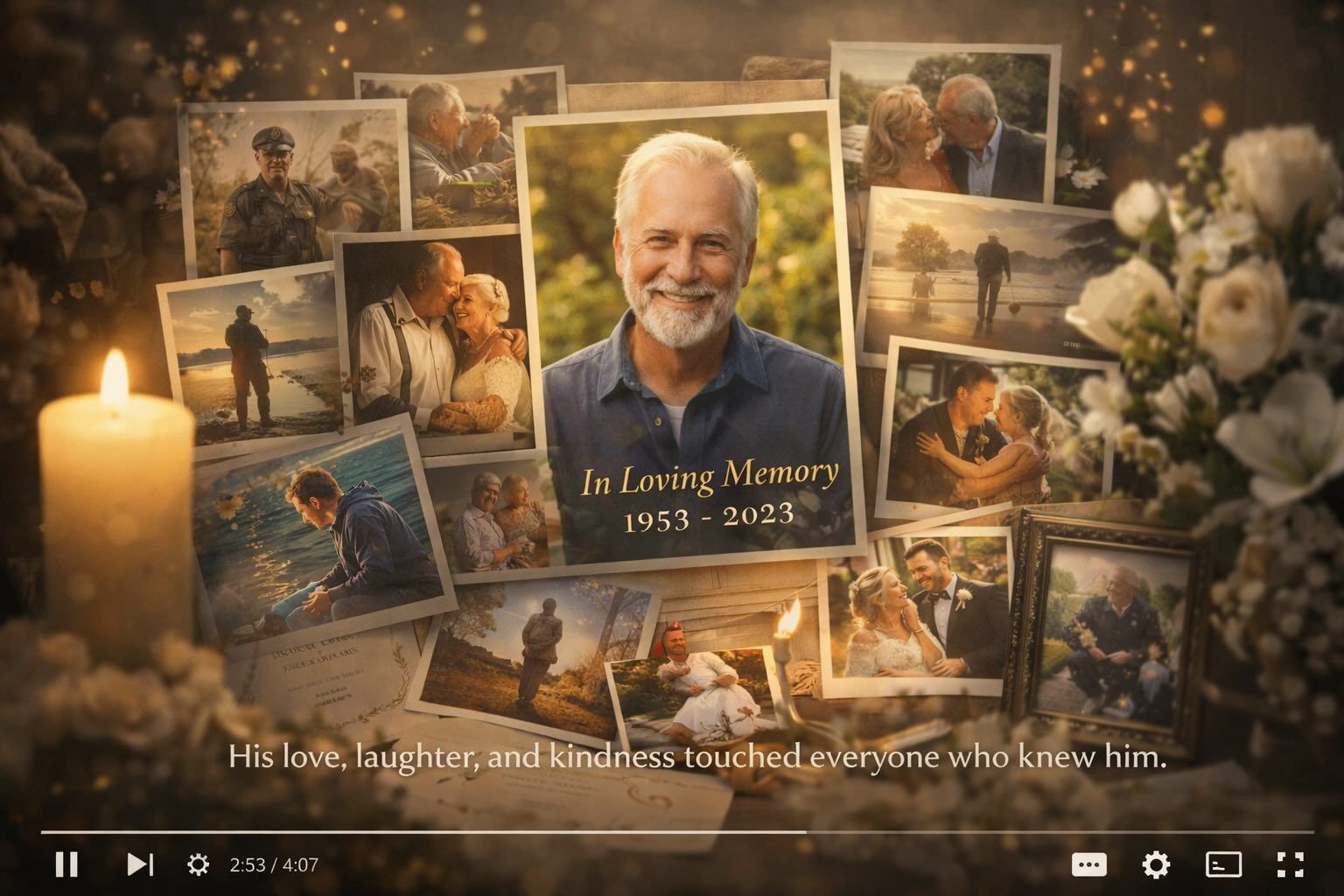
From Scattered Memories to Meaningful Tribute
Transform photos and moments into a heartfelt memorial video.
Before
Unorganized photos and memories
After
A beautifully crafted memorial video that honors a loved one’s life and story.
Before
Unorganized photos and memories
After
A beautifully crafted memorial video that honors a loved one’s life and story.
Why Choose Medeo for Memorial Videos?
Create meaningful tributes with care, simplicity, and emotional depth.
Effortless Creation
Easily turn photos and videos into a complete memorial in minutes.
Personalized Tributes
Customize music, themes, and pacing to reflect a unique life story.
AI-Enhanced Editing
Automatically organize content, improve visuals, and sync audio.
Respectful Experience
Designed with empathy to support users during sensitive moments.
High-Quality Output
Generate clear, beautiful videos suitable for services and sharing.
Quick & Stress-Free
Save time on editing so you can focus on remembrance and healing.
Best Use Cases for Funeral Memory Videos
Create tribute videos for different remembrance moments and needs.
Funeral & Memorial Services
Play a tribute video during services to honor a loved one’s life.
Remote Memorial Sharing
Share memory videos with friends and family who cannot attend.
Anniversary Remembrance
Commemorate special dates with a meaningful memory video.
Family Memory Archives
Preserve life stories and moments for future generations.
Personal Reflection
Create a private video to reflect, remember, and process emotions.
Social Tribute Posts
Share tribute videos on social platforms to honor memories publicly.
How to Create a Funeral Memory Video with Medeo?
Step 1
Upload Memories
Add photos, videos, and messages you want to include.
Step 2
Generate Tribute
AI organizes and creates a structured memorial video.
Step 3
Customize Details
Adjust music, style, and pacing to match the tone you want.
Step 4
Export & Share
Download or share your video with family and friends.