
Turn Any Video into Stylized Glitch Art with AI
Medeo's Glitch Art Video Generator transforms ordinary footage into visually striking glitch art videos using AI. Add digital distortions, RGB channel shifts, datamosh effects, and cyberpunk-style glitches to create experimental visuals perfect for music videos, social media content, and digital art projects.
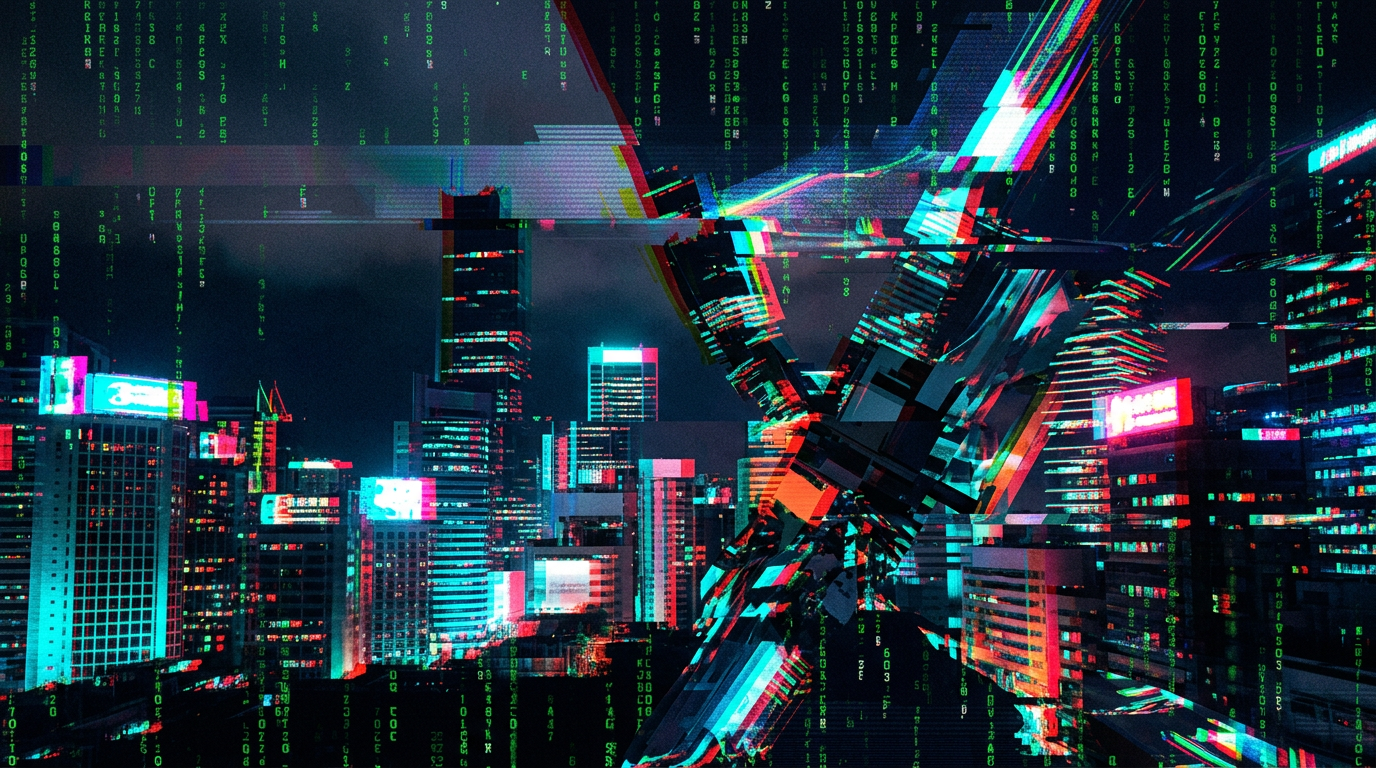
Powered by world-class AI models


Create Unique Digital Art with AI Glitch Effects
Medeo's AI glitch video generator allows creators to experiment with digital distortion effects without needing professional editing software. Apply glitch aesthetics, adjust intensity through chat-based editing, and export your final video ready for any platform.

From Ordinary Video to Digital Glitch Art
See how Medeo transforms normal footage into stylized glitch visuals.
Before
Standard video footage without visual effects. Clean frames and natural motion but lacking artistic distortion or experimental visual style.
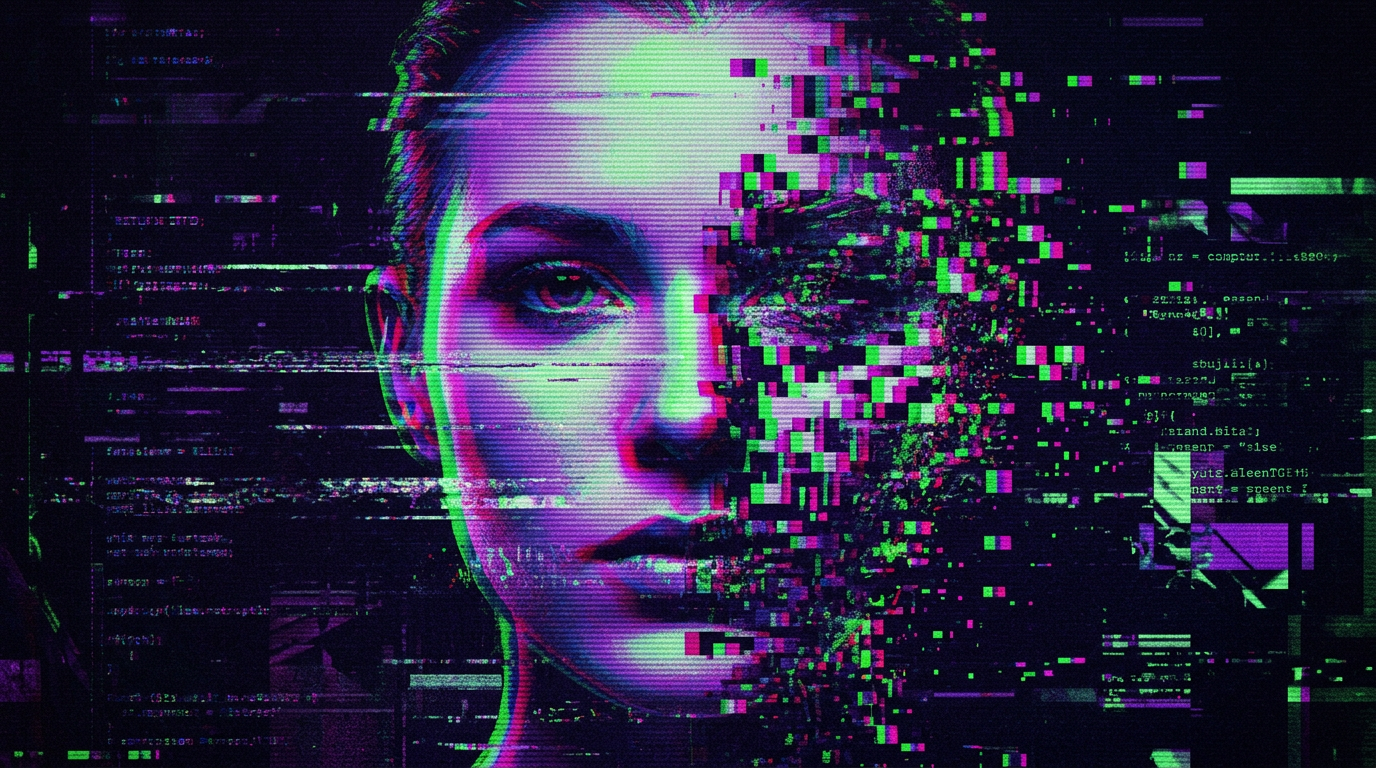
After
Stylized glitch art video with RGB distortions, signal noise, datamosh transitions, and cyberpunk digital artifacts applied consistently across the entire video.
Before
Standard video footage without visual effects. Clean frames and natural motion but lacking artistic distortion or experimental visual style.
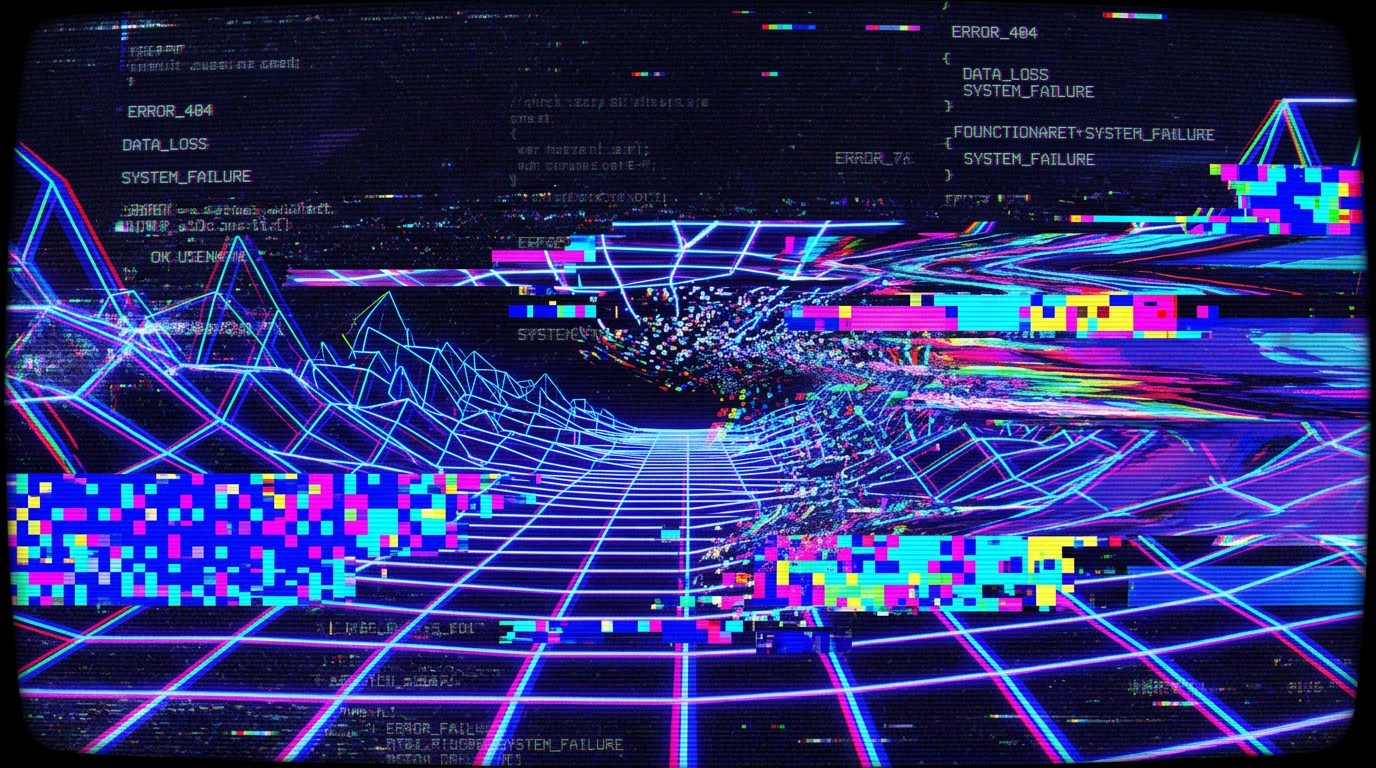
After
Stylized glitch art video with RGB distortions, signal noise, datamosh transitions, and cyberpunk digital artifacts applied consistently across the entire video.
Why Use Medeo's Glitch Art Video Generator
Creators choose Medeo to generate glitch art videos because it combines powerful AI visual effects with simple creative control.
Instant AI Glitch Effects
Generate glitch art visuals in seconds using Medeo's AI video generator. Add distortions, signal noise, and digital artifacts automatically.
Multiple Glitch Styles
Choose from cyberpunk glitches, VHS distortions, RGB channel separation, datamosh effects, and retro digital artifacts.
Chat-Based Editing
Refine glitch intensity, timing, and color styles simply by describing the changes you want in natural language.
Export for Every Platform
Download glitch art videos in formats optimized for TikTok, YouTube, Instagram, and other platforms.
Perfect for Social Media
Create attention-grabbing glitch visuals for TikTok, YouTube, and Instagram content
Fast AI Generation
Generate stylized glitch videos in minutes without complex editing tools.
AI-Powered Glitch Art Creation
Medeo combines AI-powered visual effects with intuitive creative controls so you can design unique glitch art videos without technical editing knowledge.
AI Glitch Effect Engine
Automatically generate glitch distortions such as RGB shifts, scanlines, pixel corruption, and datamosh transitions.
Custom Glitch Styles
Apply different glitch aesthetics including cyberpunk, retro VHS, digital noise, and experimental visual effects.
Creative Control
Adjust glitch intensity, timing, color palettes, and distortion effects through simple instructions.
Consistent Visual Distortion
Maintain stylistic coherence across frames so glitch effects look intentional and rhythmic rather than random.
Create a glitch art video in just a few simple steps using Medeo's AI glitch art video generator.
Step 1
Upload or Generate a Video
Start by uploading existing footage or generating a video using Medeo's AI tools.
Step 2
Choose a Glitch Style
Describe the glitch aesthetic you want such as cyberpunk distortion, RGB splitting, or VHS noise.
Step 3
Refine the Effects
Adjust glitch intensity and timing using Medeo's chat-based editing interface.
Step 4
Export and Share
Download your finished glitch art video in your preferred format and share it across platforms.