

Create Graduation Tribute Videos with AI
Transform your academic journey into a high-quality celebration video instantly. Designed for students, parents, and schools to commemorate every achievement through the power of AI.
Powered by world-class AI models


What is a Graduation Celebration Video Generator?
A Graduation Celebration Video Generator is an AI-powered tool that automates the process of creating professional-grade videos for commencement milestones. By leveraging advanced machine learning, the generator analyzes your graduation photos or text prompts to assemble cinematic scenes with synchronized audio. This technology eliminates the need for manual video editing, allowing anyone to produce high-quality graduation celebration videos in a fraction of the time required by traditional software.

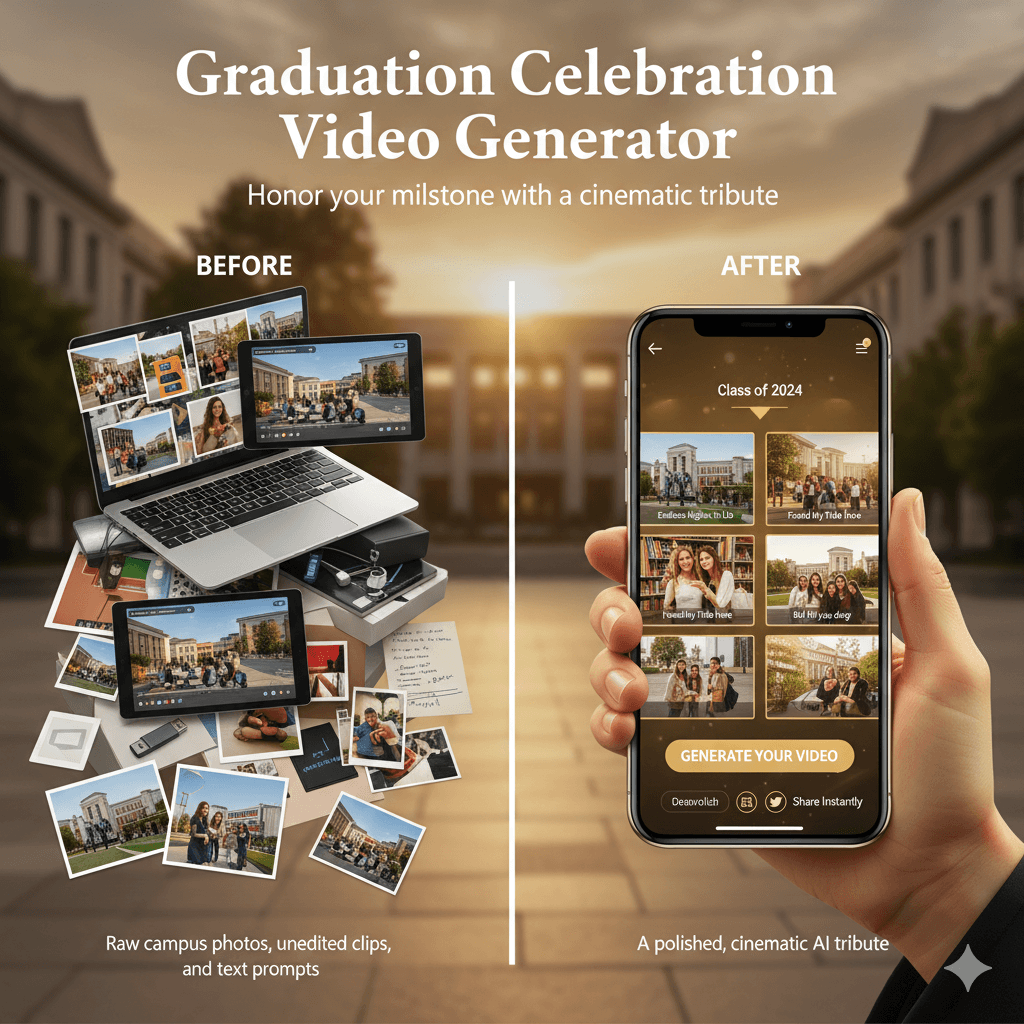
From Graduation Memories to a Cinematic Tribute - In Seconds
Watch your school milestones come alive with AI-powered transformation.
Before
A collection of raw campus photos
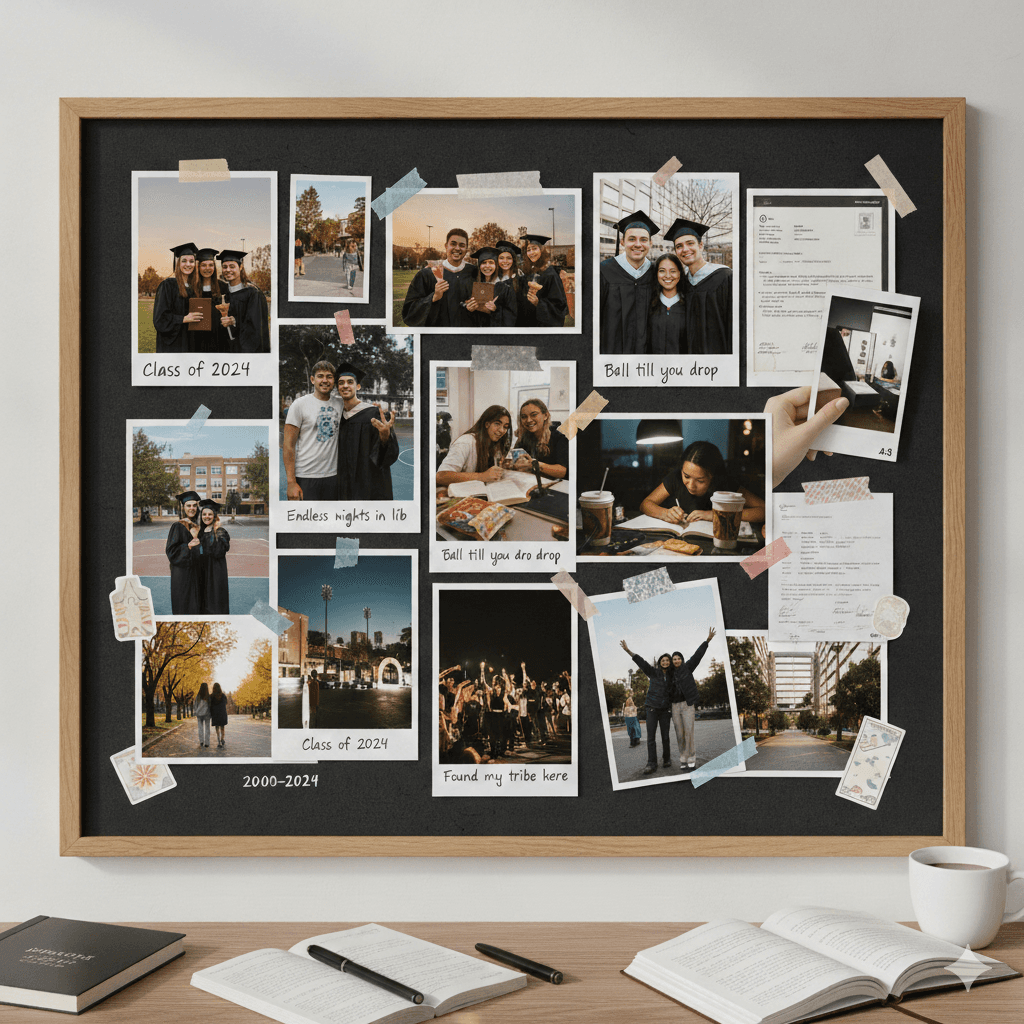
After
A polished, professionally edited graduation celebration video
Before
A collection of raw campus photos
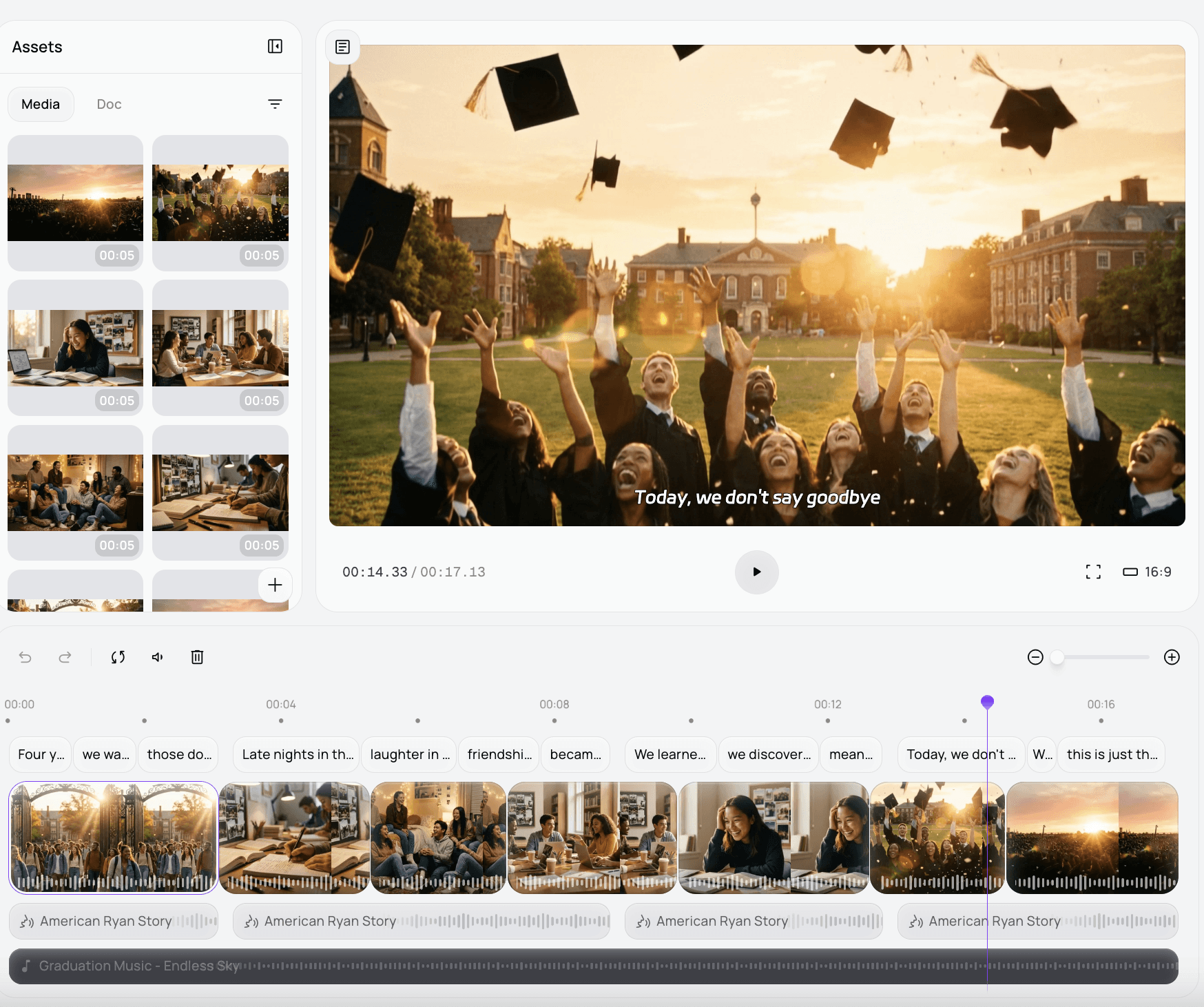
After
A polished, professionally edited graduation celebration video
Why Choose Medeo's Graduation Celebration Video Generator?
Experience the fastest and most intuitive way to celebrate academic success.
Lightning-Fast Generation
Produce a complete commemorative video in seconds, bypassing hours of manual assembly.
Emotional Storytelling
Our AI understands the tone of graduation, applying cinematic filters and music that match the gravity of the occasion.
No Editing Skills Required
Designed for everyone, the interface allows you to create professional content without any prior technical experience.
Social Media Ready Formats
Instantly export videos in optimized dimensions for TikTok, Instagram Reels, and YouTube Shorts.
Customizable Themes
Select from various graduation-specific styles, ranging from nostalgic campus vibes to high-energy party atmospheres.
High-Definition Output
Ensure your memories look crisp on any screen, from mobile devices to large-scale ceremony projectors.
Perfect for Every Content Creator
Tailor your graduation content for any platform or audience.
TikTok & Instagram Reels
Generate trendy, short-form videos with viral transitions to share your graduation walk with friends.
YouTube Commencement Tributes
Create long-form montage videos that document your entire four-year journey for family and subscribers.
Graduation Party Displays
Produce looping background videos to play during celebration dinners or open-house parties.
Academic Institution Showcases
Perfect for schools looking to create seasonal highlights and alumni welcome videos quickly.
Personalized Gift Messages
Send a customized digital video card to graduates, featuring high-quality AI-generated visuals and text.
Nostalgic Journey Visuals
Compile photos into a coherent narrative that captures the aesthetic of your specific campus and student life.
How to Create Your Graduation Celebration Video with Medeo?
Step 1
Describe Your Graduation Scene
Input your favorite academic photos, ceremony clips, or simply describe the graduation vibe you want to capture.
Step 2
AI Analysis & Scene Generation
Our tool identifies key emotional moments and academic milestones to build a structured narrative.
Step 3
Style & Customization
Choose your preferred music and visual theme to match your school colors or personal aesthetic.
Step 4
Generate & Share
Hit create to render your graduation celebration video and export it instantly to social media.