
Turn designs into immersive video experiences
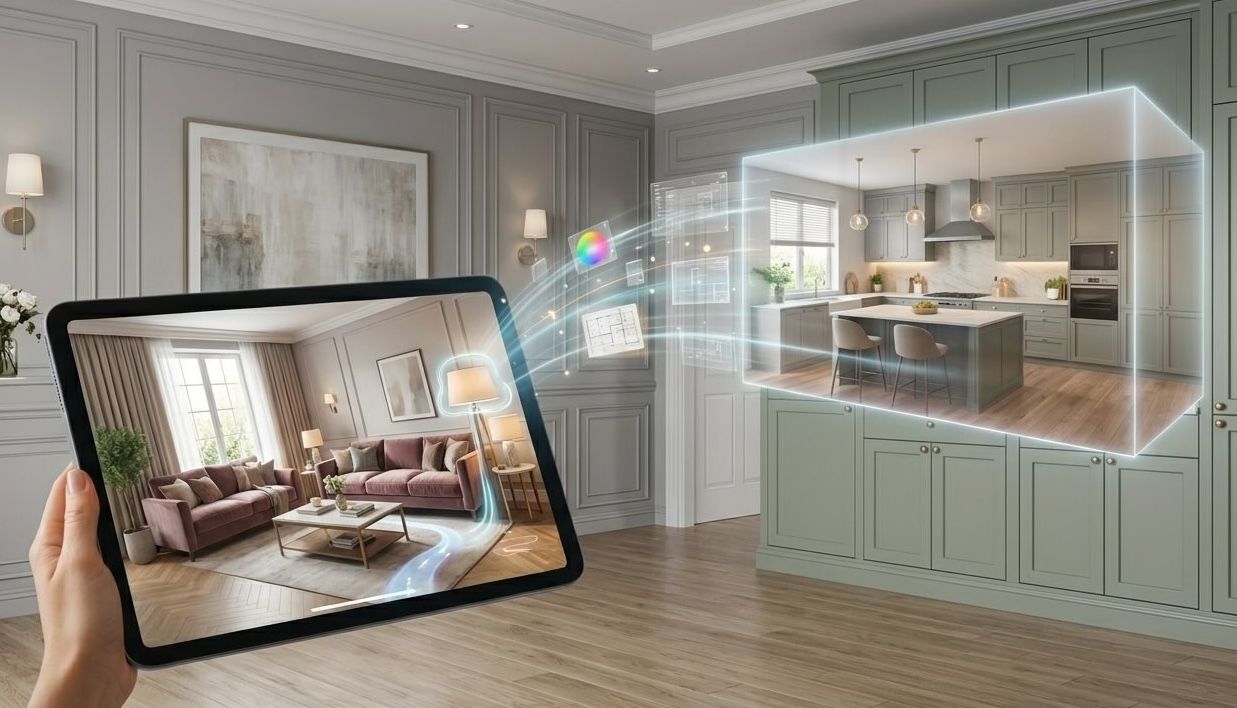
Create home design videos with AI. Medeo helps you transform floor plans, interior concepts, and property ideas into realistic video walkthroughs, making it easy to showcase designs and impress clients.
Powered by world-class AI models


What is a Home Design Video Generator?
A Home Design Video Generator is an AI-powered tool that converts interior designs, floor plans, and architectural concepts into engaging video walkthroughs. It helps designers, agents, and creators present ideas more effectively without complex 3D rendering or editing.

From Static Designs to Video Walkthroughs
Turn concepts into immersive visual experiences.
Before
Static floor plans or images that lack depth and engagement.
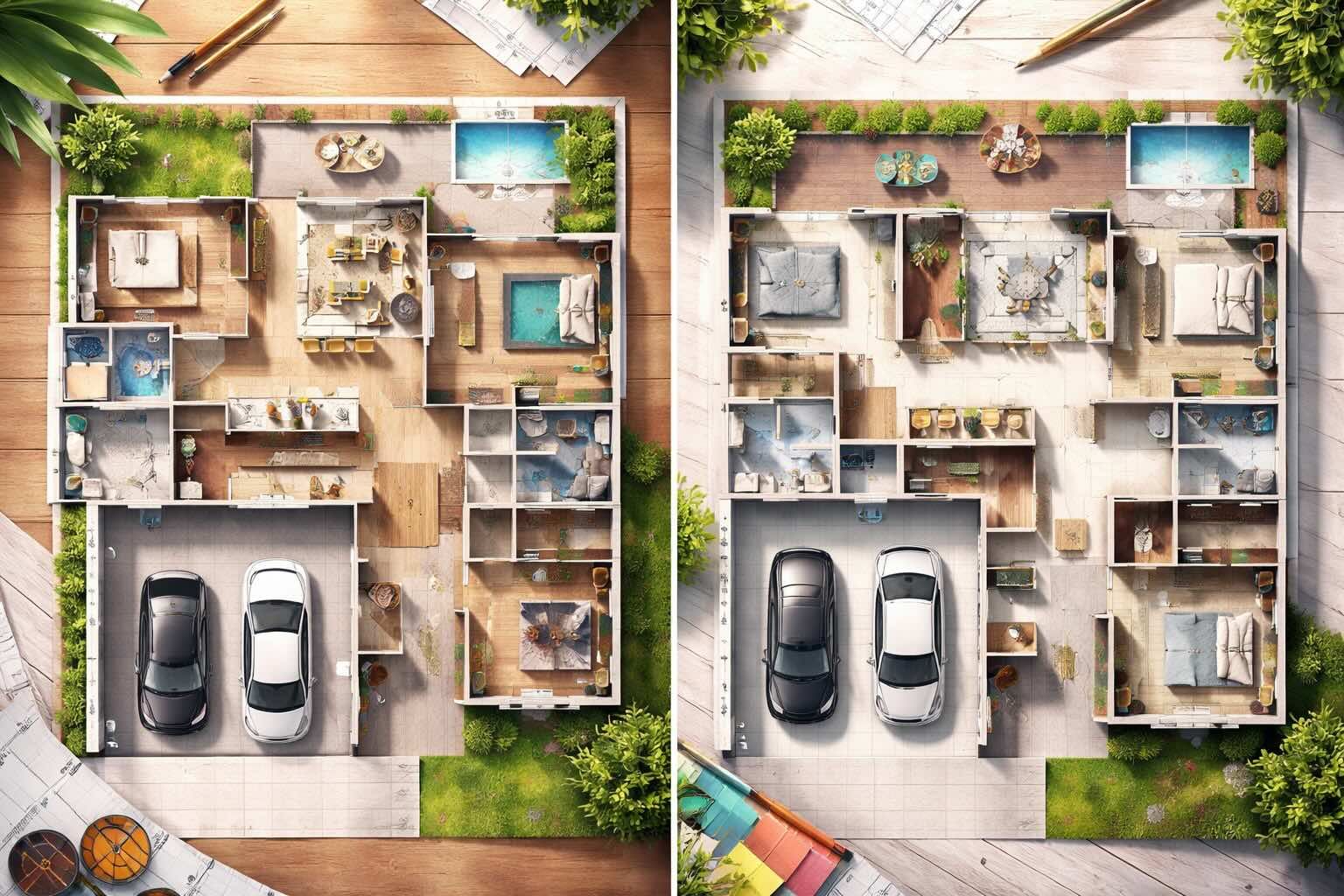
After
Dynamic home design videos with realistic walkthroughs and visual storytelling.
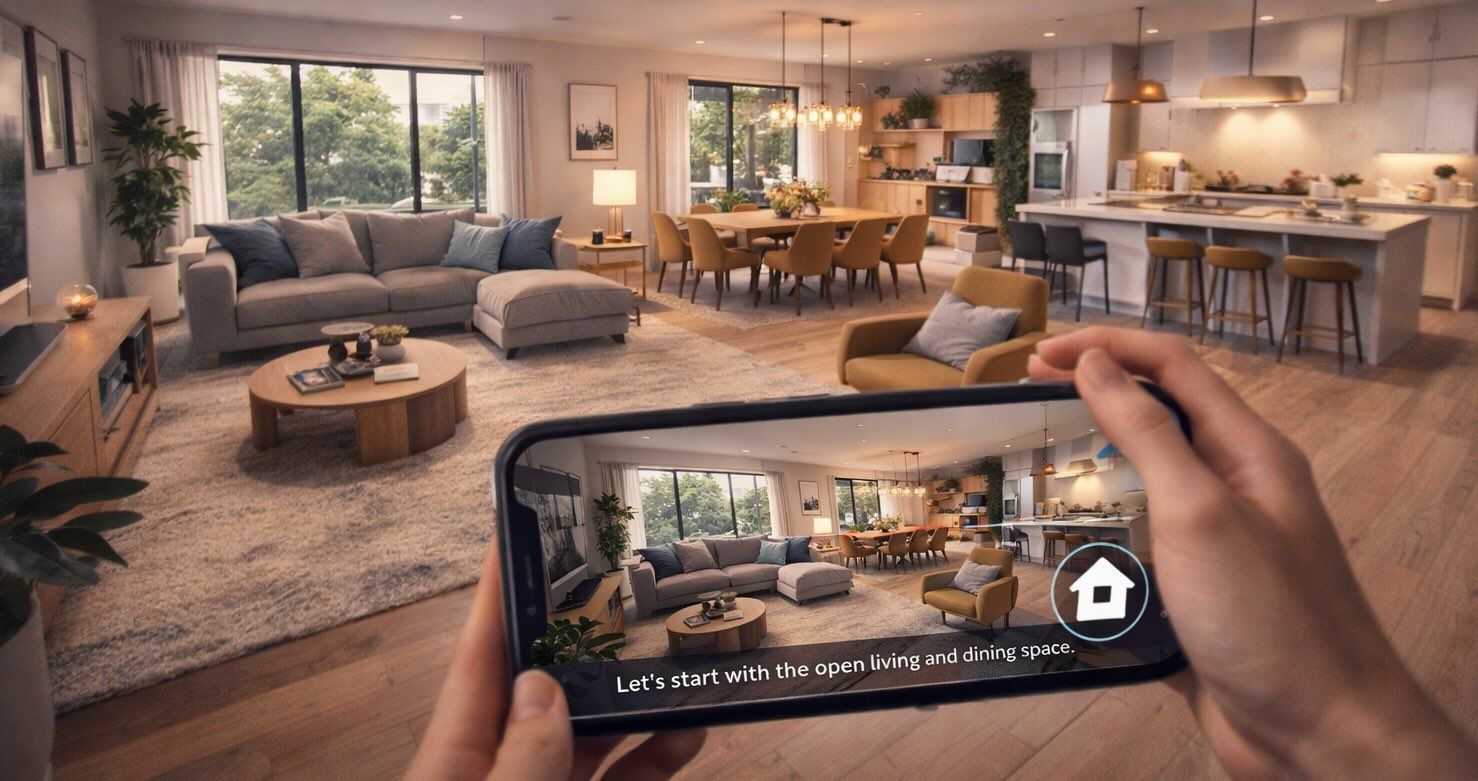
Before
Static floor plans or images that lack depth and engagement.
After
Dynamic home design videos with realistic walkthroughs and visual storytelling.
Why Choose Medeo’s Home Design Video Generator?
Create high-quality design and property videos effortlessly.
Instant Visualizations
Turn floor plans and designs into realistic video walkthroughs instantly.
Flexible Design Customization
Adjust furniture, lighting, textures, and layouts with ease.
Automated Narration
Generate voiceovers to guide viewers through your designs.
Property Showcases
Highlight key features and selling points of any space.
Client Presentation Ready
Create professional videos for meetings and proposals.
Time & Cost Efficiency
Reduce production time and avoid expensive rendering tools.
Best Use Cases for Home Design Videos
Perfect for real estate, design, and product visualization.
Virtual Property Tours
Create immersive walkthrough videos for real estate listings.
Interior Design Concepts
Present design ideas with dynamic video visualizations.
Architectural Previews
Showcase blueprints and 3D concepts before construction.
Home Renovation Visualizations
Visualize renovation plans and design transformations.
Furniture & Decor Demos
Display products in realistic home environments.
Staging & Styling Presentations
Show before-and-after transformations for staging projects.
How to Create a Home Design Video with Medeo?
Step 1
Upload Your Design
Start with a floor plan, sketch, or concept.
Step 2
Generate the Video
AI transforms your design into a video walkthrough.
Step 3
Customize the Output
Adjust style, layout, and visual elements.
Step 4
Export and Share
Download and present your video to clients or audiences.