
Create Warm & Memorable Housewarming Videos with AI
Medeo’s AI Housewarming Video Generator helps you turn your new home celebration into a beautifully crafted video experience. Instead of sending a simple text invite or sharing scattered photos, you can create a cinematic, well-structured housewarming video that combines your home visuals, personal message, and event details into one cohesive story. The AI automatically arranges your content, applies smooth transitions, adds captions, and enhances everything with warm background music.

Powered by world-class AI models


What Is an AI Housewarming Video Generator?
An AI Housewarming Video Generator is a tool that converts your photos, messages, and event details into a complete video. Using artificial intelligence, it automatically builds a narrative by arranging visuals, adding transitions, captions, and background music. These videos are designed to make invitations more engaging, showcase your home beautifully, and create a memorable experience for viewers. It removes the need for manual editing and allows anyone to create high-quality videos effortlessly.

From Basic Invite to Beautiful Housewarming Video
See how AI transforms simple content into a warm and engaging video experience
Before
A plain invitation message or a few unorganized home photos without storytelling.
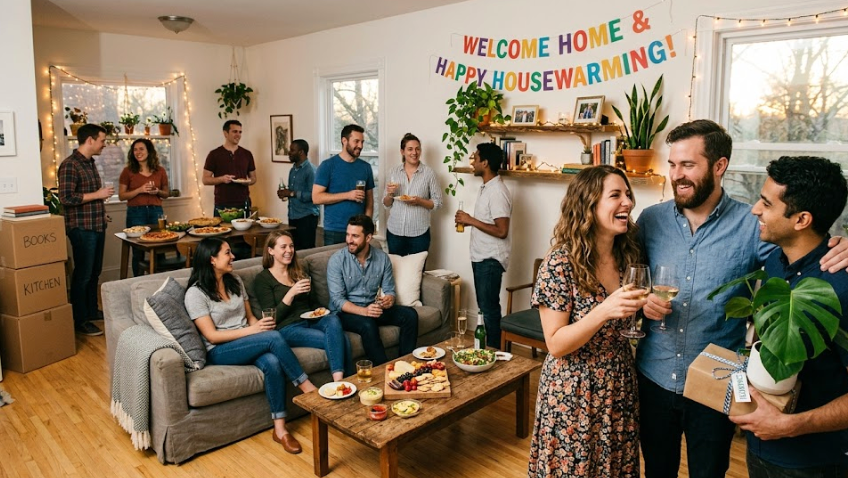
After
A polished video with structured scenes, captions, music, and a welcoming atmosphere.

Before
A plain invitation message or a few unorganized home photos without storytelling.
After
A polished video with structured scenes, captions, music, and a welcoming atmosphere.
Why Use an AI Housewarming Video Generator?
Create warm, visually appealing videos that elevate your housewarming celebration.
Create Personalized Invitations
Design unique and meaningful housewarming invitation videos that feel more special than traditional text messages or cards.
Showcase Your New Home
Present your home in a structured and visually appealing way, highlighting key spaces and design details.
Perfect for Social Sharing
Easily share your housewarming video across platforms like Instagram, WhatsApp, TikTok, or email invitations.
Elegant & Professional Visuals
Use smooth transitions, clean layouts, and curated music to create a polished and modern video experience.
Fast & Effortless Creation
Generate a complete housewarming video in minutes without needing editing or design experience.
Flexible for Multiple Use Cases
Use the tool not only for personal events but also for real estate showcases, Airbnb listings, or lifestyle content.
Powerful Housewarming Video Features
Everything you need to create a welcoming and visually stunning housewarming video.
Home Photo & Video Integration
Upload images or clips of your home and let AI turn them into a cohesive, cinematic sequence.
Custom Invitation Messaging
Add personalized messages, event details, and greetings that appear beautifully in the video.
Warm Background Music
Enhance the mood with cozy, celebratory, or elegant background music that matches your style.
Smooth Transitions & Effects
Use soft transitions and subtle animations to create a refined viewing experience.
Captions & Event Details Display
Clearly present important information like time, date, and address with stylish text overlays.
Optimized for Mobile & Social
Export videos in formats ideal for mobile viewing and easy sharing across social platforms.
How to Create a Housewarming Video with AI?
Step 1
Upload Your Home Photos or Content
Start by adding photos or clips of your new home along with any invitation details or messages you want to include.
Step 2
Choose Style and Mood
Select a theme such as cozy, elegant, modern, or celebratory depending on the tone you want to convey.
Step 3
AI Generates the Video
The AI automatically organizes your content, adds transitions, captions, and music to create a complete video.
Step 4
Export and Share Easily
Download your video and share it with friends, family, or guests through social media or messaging platforms.