
Create Step-by-Step How-To Videos with AI
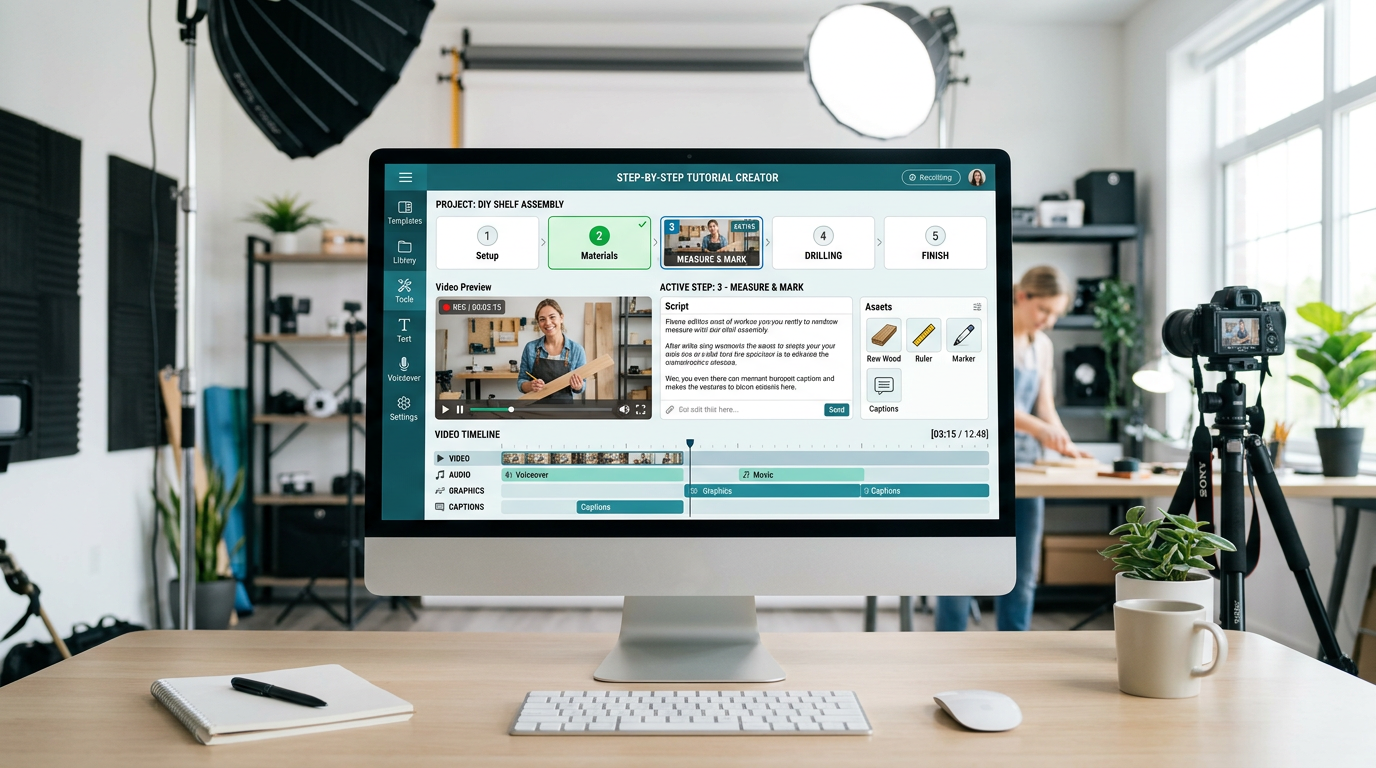
Medeo’s AI How-To Video Generator helps creators, educators, businesses, and marketers transform instructions into clear, engaging tutorial videos. Whether you are explaining a process, teaching a skill, demonstrating a product, or sharing life hacks, the AI automatically structures your content into easy-to-follow steps with visuals, captions, and voiceovers.
Powered by world-class AI models


What Is an AI How-To Video Generator?
An AI How-To Video Generator is a tool that converts written instructions, guides, or processes into step-by-step video tutorials. It uses artificial intelligence to break down content into clear sections, generate visuals for each step, add captions and voiceovers, and present the information in an easy-to-follow format. These videos improve understanding, retention, and engagement, making them ideal for education, product tutorials, onboarding, and social media content.

From Written Instructions to Step-by-Step Video Guide
See how AI transforms guides into clear and engaging tutorial videos
Before
Text-based instructions or guides that are hard to follow and less engaging.
After
A structured how-to video with visuals, captions, and clear step-by-step flow.

Before
Text-based instructions or guides that are hard to follow and less engaging.
After
A structured how-to video with visuals, captions, and clear step-by-step flow.
Why Use an AI How-To Video Generator?
Turn instructions into clear, engaging videos that people actually follow and understand.
Clear Step-by-Step Structure
AI organizes your content into logical steps, making tutorials easier to follow and understand.
Boost Learning and Retention
Video tutorials help users learn faster compared to text-only instructions.
Perfect for Tutorials and Guides
Create videos for DIY, product demos, educational content, and training materials.
Captions and Voiceover Included
Automatically add subtitles and narration to improve clarity and accessibility.
Multi-Platform Ready
Generate videos optimized for YouTube, TikTok, Instagram Reels, and internal training platforms.
No Editing or Filming Needed
Create professional tutorial videos without cameras, studios, or editing skills.
Powerful How-To Video Features
Everything you need to create professional tutorial videos effortlessly.
Instruction-to-Video Conversion
Turn written guides or instructions into structured video tutorials automatically.
Step-by-Step Scene Creation
Break down content into clear steps with visual transitions between each stage.
Visual Demonstrations
Generate or integrate visuals to illustrate each step clearly.
Voiceover Narration
Convert instructions into natural-sounding spoken explanations.
Captions & Highlights
Add subtitles and highlight key actions or tips within the video.
Flexible Export Options
Export videos for social media, websites, or training platforms.
How to Create a How-To Video with AI?
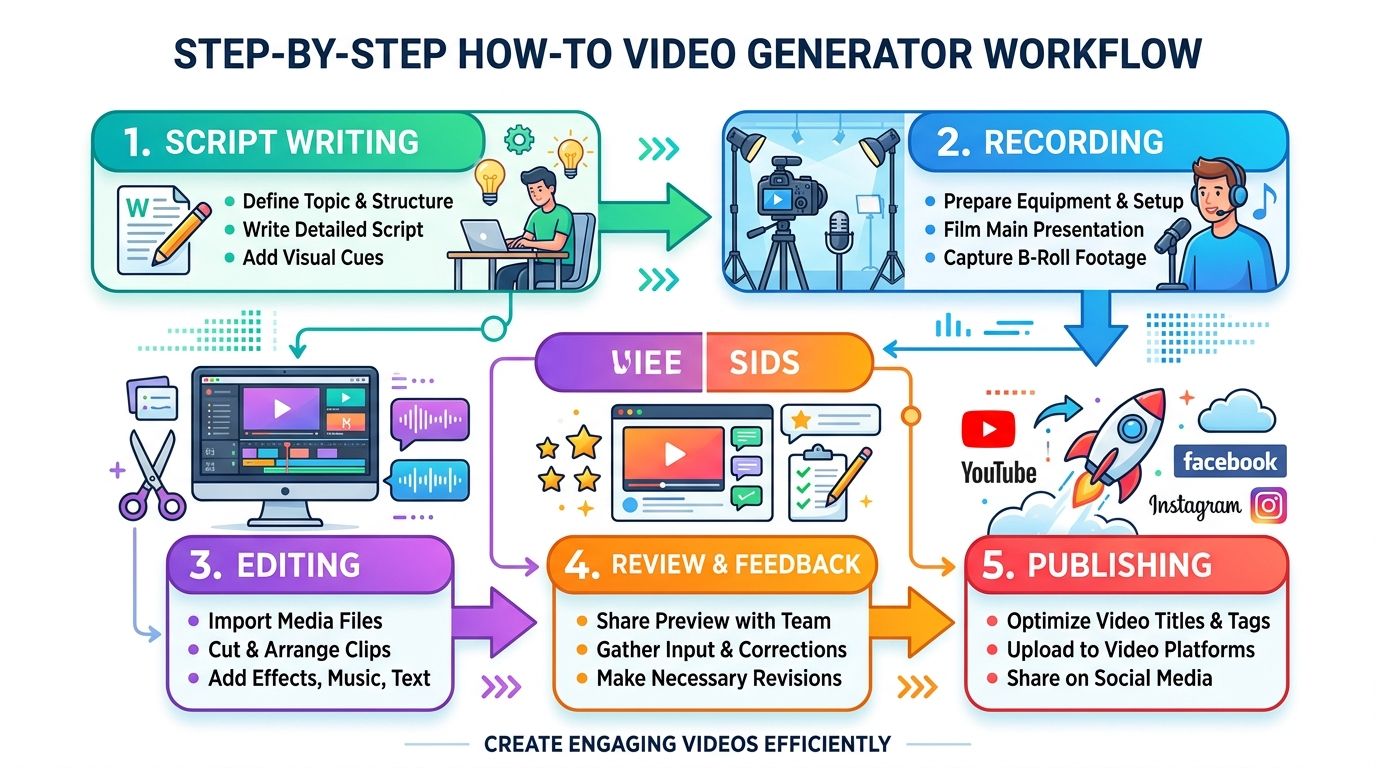
Step 1
Input Your Instructions or Guide
Start by entering your how-to content, such as a step-by-step guide, tutorial script, or process description. You can paste text from blogs, manuals, or notes, and the AI will understand and organize the information.
Step 2
Choose a Tutorial Style
Select a style based on your audience, such as educational, product demo, DIY tutorial, or social media explainer. You can also adjust tone, pacing, and format.
Step 3
AI Generates the Tutorial Video
The AI automatically structures your content into steps, generates visuals, adds captions and voiceovers, and creates a complete tutorial video.
Step 4
Customize and Share
Edit visuals, text, or branding if needed, then export your video and share it on platforms or use it for training and education.