
From scattered study clips to focused productivity videos
Create "Locked In" study videos with AI. Medeo helps you shape revision routines, desk setups, timed study sessions, and productivity moments into motivating videos with clean pacing, focused visuals, and study-driven atmosphere for social media and creator channels.

Powered by world-class AI models


What is a "Locked In" Study Video Generator?
A "Locked In" Study Video Generator is an AI-powered tool that helps you create focused study videos built around productivity, revision, and concentration. From desk setup clips to long study sessions, it structures your content into cleaner, more motivating videos with stronger pacing and a more immersive study atmosphere. Medeo makes it easier to produce study content for TikTok, YouTube, Shorts, and productivity-focused audiences without advanced editing skills.

From Raw Study Footage to "Locked In" Productivity Videos
Give ordinary revision clips and desk moments a sharper rhythm, cleaner structure, and more motivating visual flow.
Before
Loose study clips, desk shots, or revision footage

After
A polished "Locked In" study video with focused editing
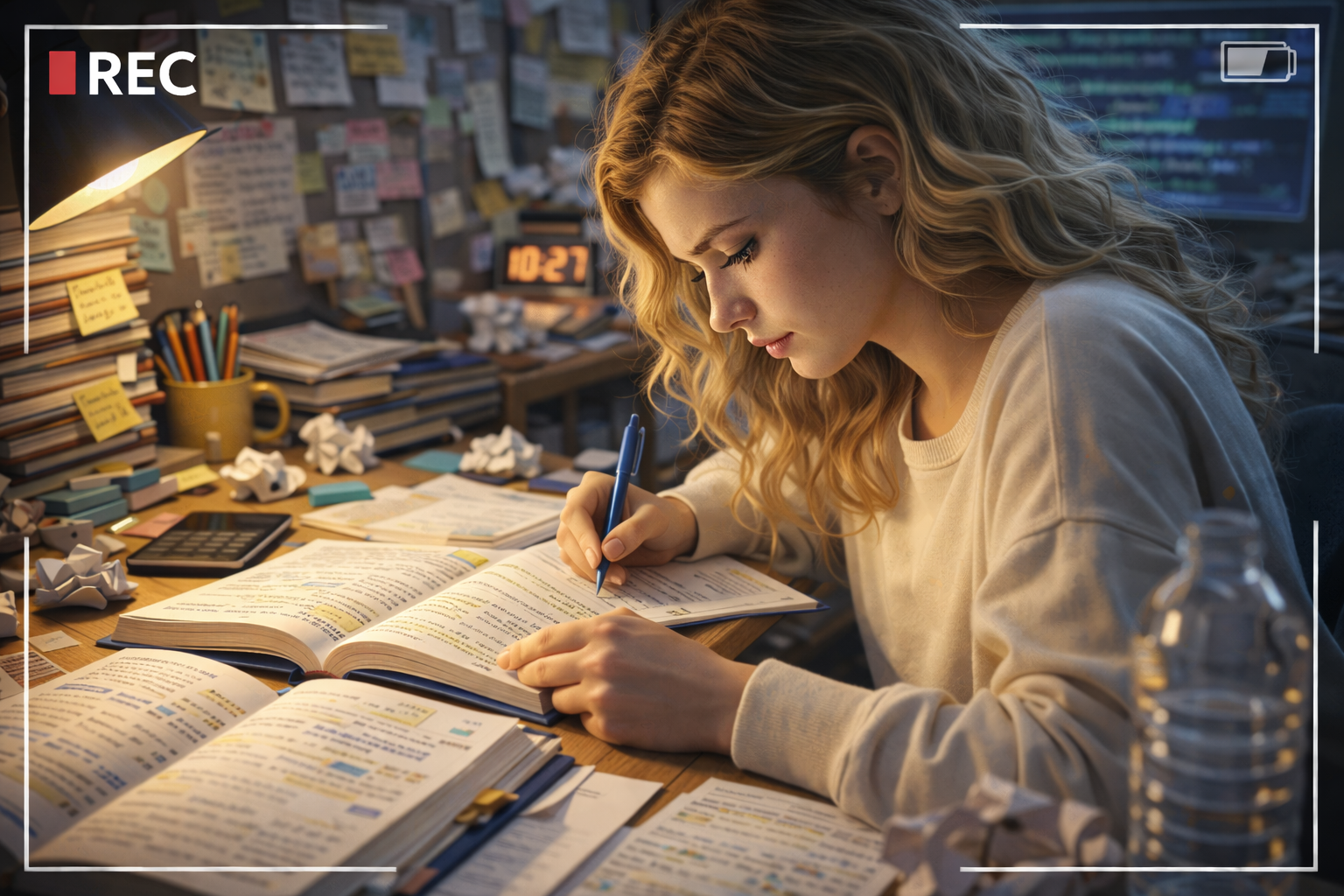
Before
Loose study clips, desk shots, or revision footage
After
A polished "Locked In" study video with focused editing
Why Choose Medeo’s "Locked In" Study Video Generator?
Create study videos with stronger focus, cleaner pacing, and a more motivating productivity aesthetic.
Focus-Driven Editing Flow
Build "Locked In" study videos with tighter pacing so study sessions feel more structured and easier to watch.
Motivating Productivity Aesthetic
Give study videos a stronger atmosphere through clean visuals, calm intensity, and focused creator-style presentation.
Custom Study Scene Styling
Adjust desk setups, revision clips, ambient visuals, and timing to match different study moods and creator styles.
Voiceover and Audio Support
Add narration, study commentary, lo-fi sound, or motivational audio to make "Locked In" study videos feel more immersive.
Content for Different Study Formats
Create "Locked In" study videos for revision diaries, pomodoro sessions, exam prep clips, desk routines, and productivity recaps.
Social-Ready Export Quality
Export crisp study videos for TikTok, Instagram Reels, YouTube Shorts, and longer-form productivity content.
Best Use Cases for "Locked In" Study Videos
Create productivity-focused videos for revision, study motivation, desk routines, and educational creator content.
Pomodoro and Focus Session Videos
Create "Locked In" study videos that present timed focus blocks, revision sprints, and session-based productivity routines.
Desk Setup and Study Routine Content
Showcase desk organization, stationery, study environments, and daily learning rituals in a cleaner visual format.
Exam Prep and Revision Diaries
Build "Locked In" study videos around test preparation, progress tracking, subject review, and academic motivation.
Short-Form Study Motivation Clips
Publish "Locked In" study content for TikTok, Reels, and Shorts with stronger hook, mood, and replay value.
Study-With-Me Creator Content
Shape longer study sessions into more engaging creator videos for audiences who want accountability and concentration support.
Productivity and Self-Improvement Content
Use "Locked In" study videos to present habits, discipline routines, and progress-driven learning content with more impact.
How to Create a "Locked In" Study Video with Medeo?
Step 1
Upload Your Study Clips or Describe Your Idea
Add desk setup footage, revision clips, focus-session recordings, or describe the study video concept you want to create.
Step 2
Generate the Video
AI turns your source material into a structured "Locked In" study video with cleaner pacing and stronger productivity-focused flow.
Step 3
Refine the Mood and Focus
Adjust timing, visuals, text, music, and atmosphere so the study video feels more immersive, motivating, and creator-ready.
Step 4
Export and Share
Download your "Locked In" study video and publish it across TikTok, YouTube, Instagram, or other study-focused platforms.