

Build Cozy Lofi Study Loops with AI
Medeo’s AI Lofi Study Video Generator helps creators make calming, loop-friendly visuals for studying and focus. Turn simple ideas into cozy desk scenes, night city windows, rain ambience, library corners, and anime-style study vibes.
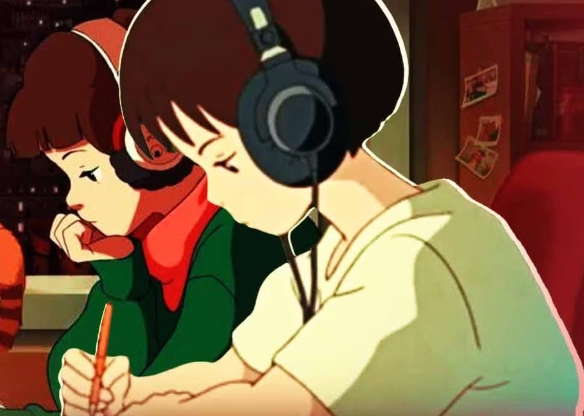
Powered by world-class AI models


What Is a Lofi Study Video?
A lofi study video pairs calming visuals with minimal motion to support focus. Common elements include cozy rooms, night lighting, rain or café ambience, and loopable scenes that feel consistent over time.

From Static Scene to Lofi Study Loop
See how AI turns simple visuals into calming, repeatable study content
Before
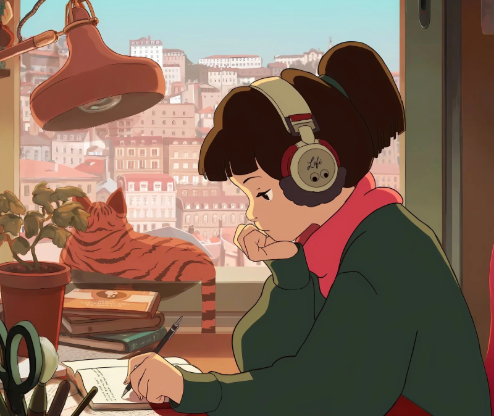
After
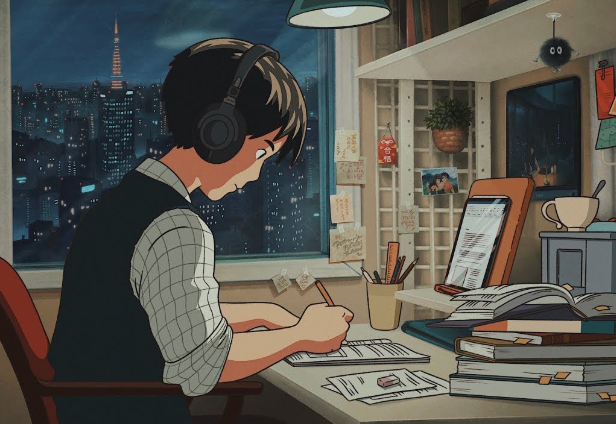
Before
After
Why Lofi Study Content Works
Consistent, low-distraction visuals help viewers stay focused while creating a comforting, repeatable atmosphere.
Built for Focus and Calm
Soft motion and simple composition reduce distraction and support long viewing sessions.
Perfect for Long Loops
Seamless loops work well for streams, background videos, and study sessions.
Great for YouTube and Shorts
Create both long-form streams and short clips for social platforms.
Flexible Visual Styles
Switch between cozy room, city night, café, library, or anime-inspired scenes.
Fast Content Production
Generate multiple scenes quickly for playlists or series.
No Animation Skills Needed
AI handles motion, ambience, and looping automatically.
Core Tools for Lofi Loops
Everything you need to create relaxing, loop-ready study visuals.
Export for Streams and Shorts
Export vertical or horizontal formats for YouTube, TikTok, and Reels.
Minimal Text Overlays
Add simple labels like 'study with me' without breaking the calm aesthetic.
Beat Sync for Lofi
Align motion accents to music beats for a cohesive feel.
Subtle Motion and Parallax
Add gentle camera drift, light flicker, and layered depth for realism.
Seamless Loop Generation
Produce loops that restart smoothly for uninterrupted viewing.
Ambient Scene Builder
Create cozy rooms, rainy windows, city nights, and desk setups with consistent mood.
how to create a Lofi Study Video?
Step 1
Choose a Scene
Pick a vibe like cozy desk, rainy window, café, or night city.
Step 2
Set the Mood
Select lighting, weather, and style such as anime, minimal, or realistic.
Step 3
Generate the Loop
The AI adds subtle motion, ambience, and creates a seamless loop.
Step 4
"Export and Share
Download your video and post it on TikTok, Reels, or Shorts.