
Turn Your Logo into a Stunning Animated Brand Video
Medeo’s AI Logo Animation Video Generator helps businesses, creators, and marketers transform static logos into dynamic, professional animated videos. Instead of using generic intros or static branding, you can create eye-catching logo animations with motion effects, cinematic transitions, sound effects, and brand-aligned visuals.
Powered by world-class AI models


What Is an AI Logo Animation Video Generator?
An AI Logo Animation Video Generator is a tool that converts a static logo into an animated video using motion graphics, transitions, and visual effects. With artificial intelligence, it automatically applies animation styles such as cinematic reveals, glitch effects, minimal intros, or 3D motion, while syncing sound effects and timing for a professional result. These videos are widely used for brand intros, social media content, ads, and presentations, helping businesses create a strong visual identity without complex design software.

From Static Logo to Dynamic Brand Animation
See how AI transforms your logo into a cinematic animated intro
Before
A static logo image with no motion or visual impact.
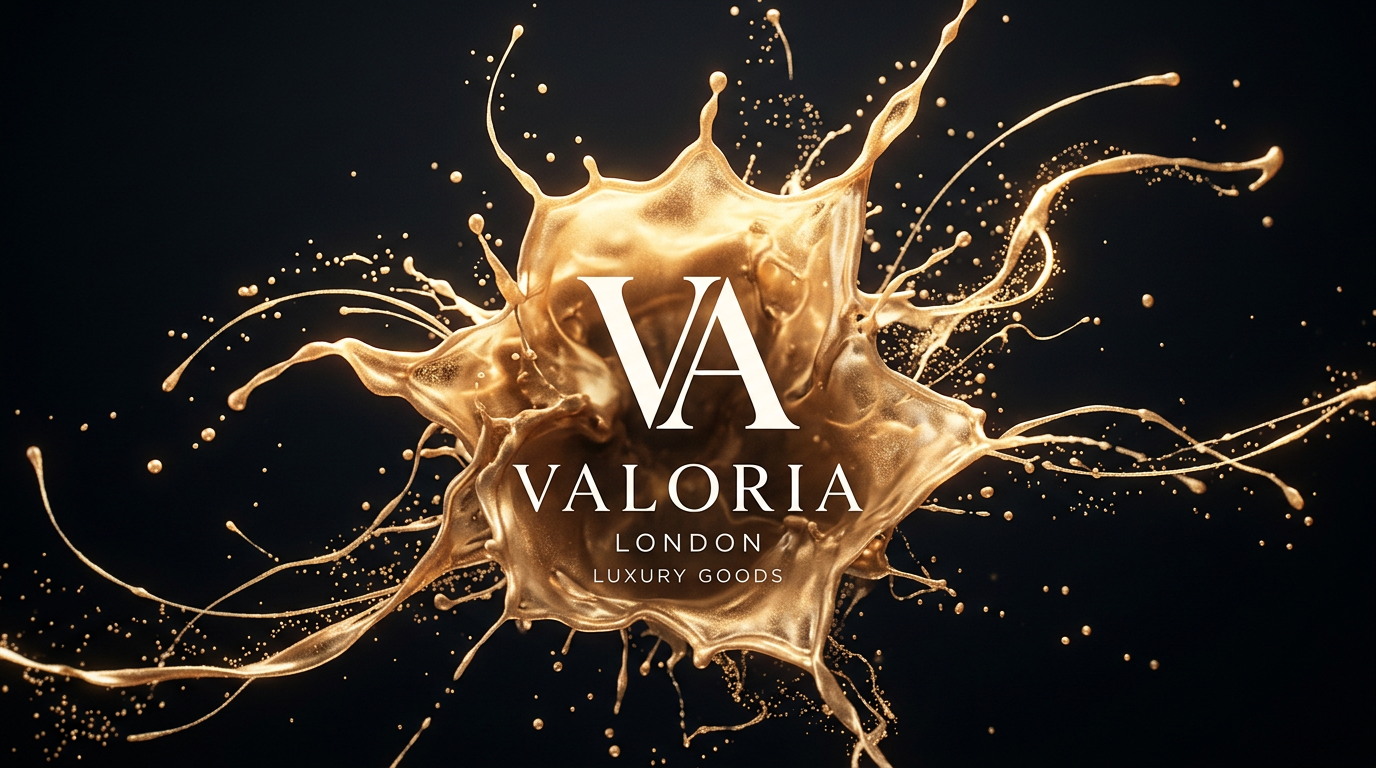
After
A polished animated logo video with motion effects, sound, and branding.
Before
A static logo image with no motion or visual impact.
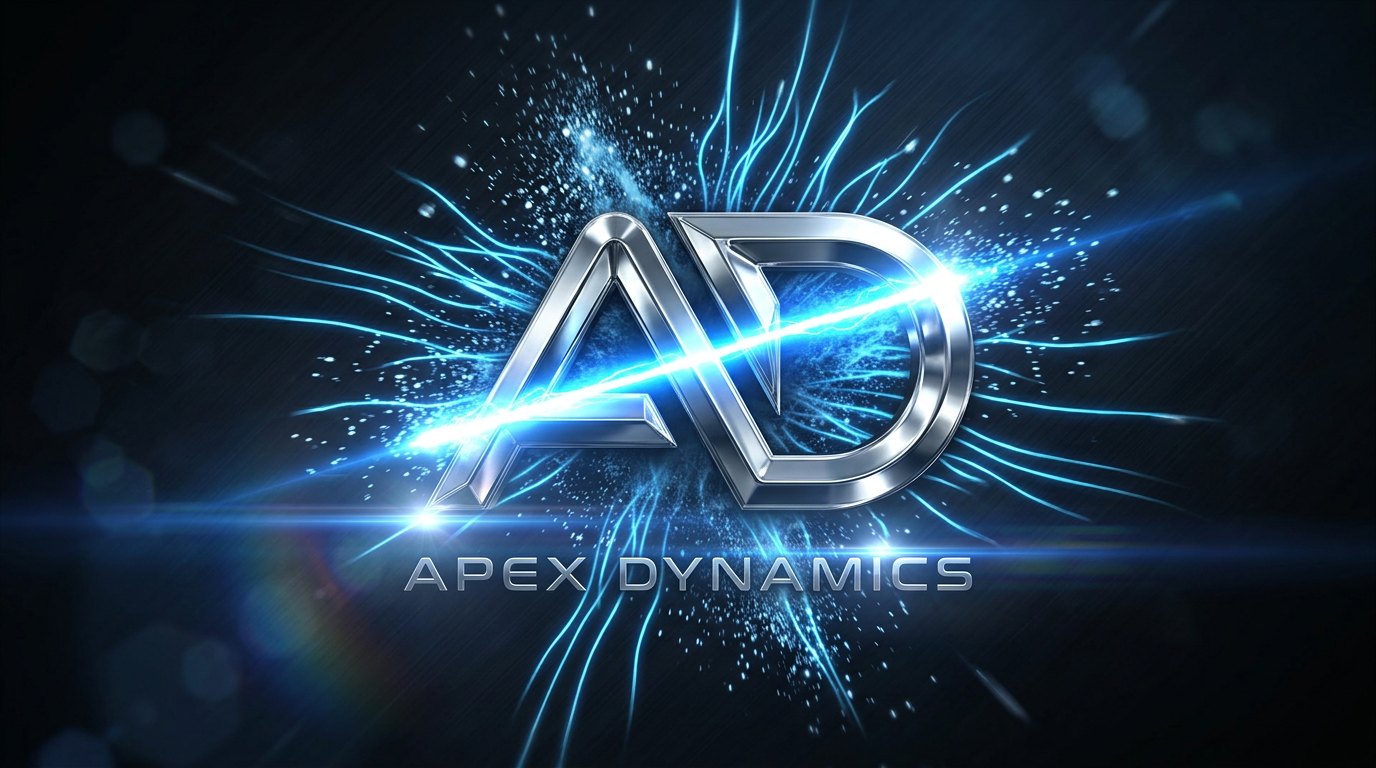
After
A polished animated logo video with motion effects, sound, and branding.
Why Use an AI Logo Animation Video Generator?
Create professional logo animations that elevate your brand presence instantly.
Instant Brand Enhancement
Turn a simple logo into a high-impact animated brand asset that captures attention.
Professional Motion Graphics
Generate cinematic, minimal, glitch, or 3D logo animations without design skills.
Perfect for Social Media
Create logo intros for YouTube, TikTok, Instagram Reels, and Shorts to boost brand recognition.
Fast and Cost-Effective
Avoid expensive motion designers—create high-quality logo animations in minutes.
Multiple Animation Styles
Choose from modern, cinematic, corporate, futuristic, or creative animation templates.
No Editing Skills Needed
AI handles animation, timing, and effects automatically—just upload your logo.
Powerful Logo Animation Video Features
Everything you need to create professional animated logo videos.
Logo Upload & Auto Animation
Upload your logo and let AI instantly generate animation sequences.
Cinematic Effects & Transitions
Add glow, particles, light streaks, glitch effects, and smooth transitions.
Sound Effects & Audio Sync
Enhance your logo animation with synchronized sound effects and music.
Multiple Animation Styles
Choose from minimal, corporate, futuristic, neon, or 3D animation styles.
Intro & Outro Templates
Create branded intros and outros for videos, ads, and presentations.
Multi-Platform Export
Export videos optimized for YouTube, TikTok, websites, and ads.
How to Create a Logo Animation Video with AI?
Step 1
Upload Your Logo
Start by uploading your logo file (PNG, SVG, or image format). Transparent backgrounds work best for professional results.
Step 2
Choose Animation Style
Select from a variety of animation styles such as cinematic reveal, minimal intro, glitch, or 3D motion.
Step 3
AI Generates Animation
The AI automatically applies motion effects, transitions, and sound synchronization to create your animated logo video.
Step 4
Export and Use Anywhere
Download your animated logo and use it for intros, ads, social media, or website branding.