
Create Cinematic Fantasy RPG Videos with AI
Medeo’s AI Metaphor ReFantazio Video Generator helps players, creators, and fantasy RPG fans turn gameplay and story moments into visually stunning, narrative-driven videos. Whether you're showcasing character arcs, dramatic battles, world exploration, or story highlights, the AI automatically detects key moments and builds immersive edits.
Powered by world-class AI models


What Is an AI Metaphor ReFantazio Video Generator?
An AI Metaphor ReFantazio Video Generator is a tool that converts gameplay footage into structured, story-driven video content. Using artificial intelligence, it identifies key events such as battles, character development moments, dialogue scenes, and world exploration, then edits them into a cohesive narrative. These videos emphasize cinematic storytelling, emotional engagement, and visual style, making them ideal for RPG-focused content.

From Raw Gameplay to Cinematic Fantasy Story Video
See how AI transforms RPG moments into immersive storytelling content
Before
Unedited gameplay footage with scattered story moments and no clear narrative flow.
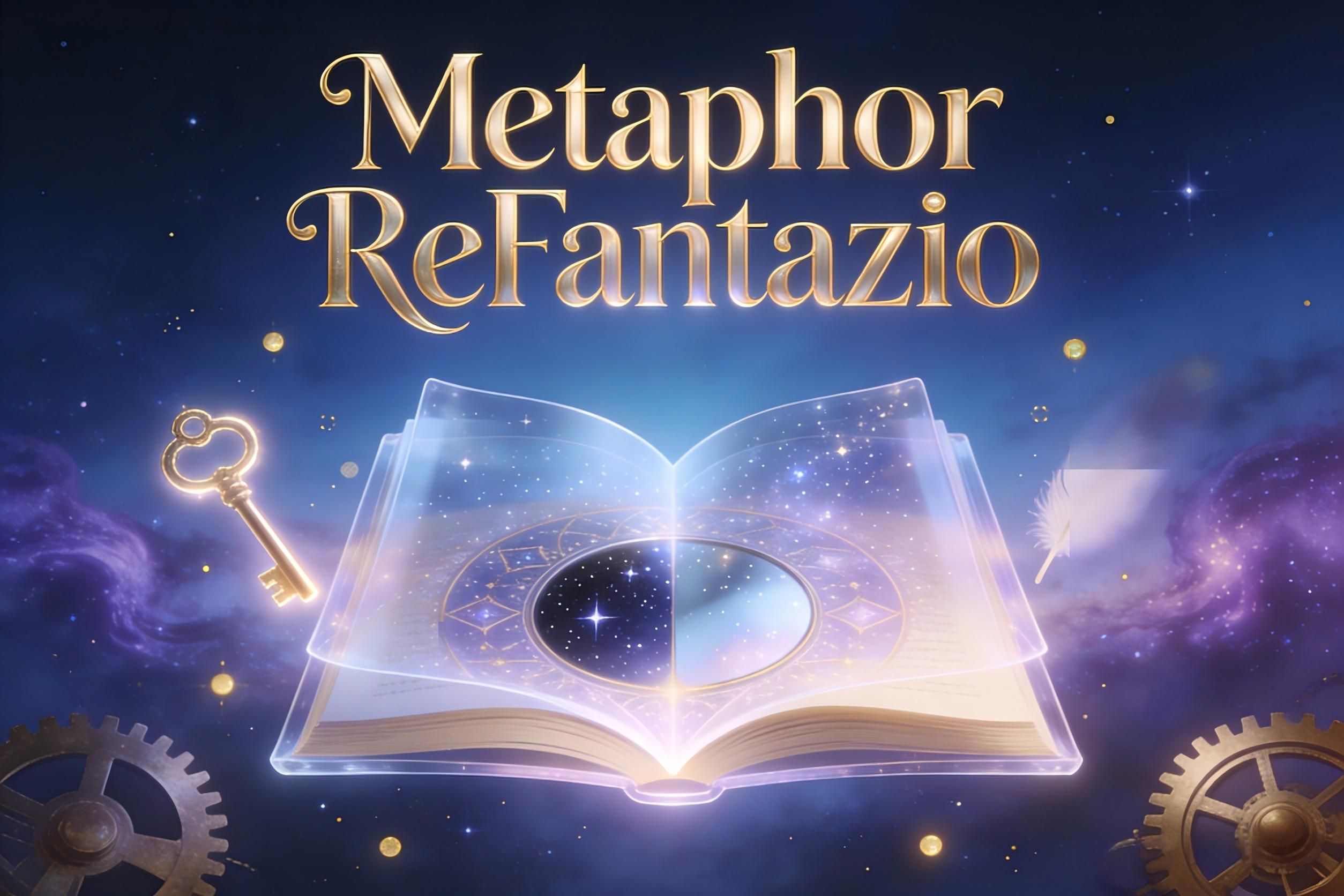
After
A polished video with character highlights, cinematic pacing, captions, and music.
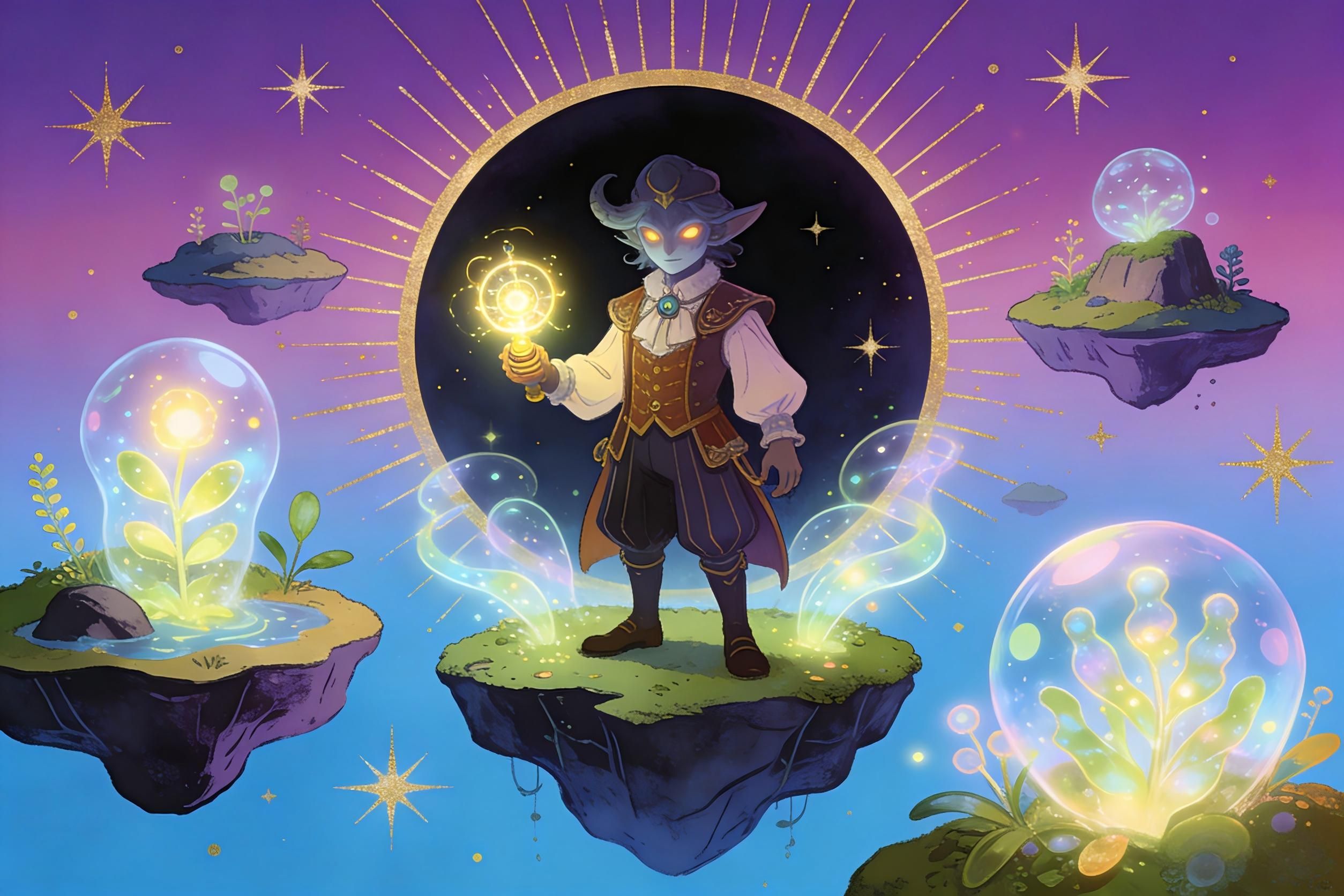
Before
Unedited gameplay footage with scattered story moments and no clear narrative flow.
After
A polished video with character highlights, cinematic pacing, captions, and music.
Why Use an AI Metaphor ReFantazio Video Generator?
Create immersive fantasy RPG videos that highlight story, characters, and cinematic gameplay.
Automatic Story Highlight Detection
AI identifies key narrative moments such as character development, dialogue scenes, and major battles.
Cinematic Fantasy Aesthetic
Create videos with dramatic lighting, transitions, and visual effects inspired by fantasy RPG worlds.
Perfect for RPG Story Content
Produce narrative-driven videos for YouTube, TikTok, and storytelling-focused platforms.
Enhance Emotional Engagement
Use music, pacing, and visuals to create deeper emotional connections with viewers.
Save Time on Editing
Turn long gameplay sessions into structured story videos in minutes.
No Editing Skills Required
AI handles clipping, sequencing, captions, and effects automatically.
Powerful Fantasy RPG Video Features
Everything you need to create cinematic Metaphor ReFantazio gameplay and story videos.
Narrative Event Detection Engine
Automatically detect story-driven moments such as cutscenes, dialogue sequences, major battles, and character interactions. The AI prioritizes emotionally impactful and visually significant scenes to build a strong narrative arc.
Cinematic Editing & Scene Transitions
Apply smooth transitions, fade-ins, zoom effects, and cinematic pacing to create a storytelling experience similar to a fantasy film or RPG trailer.
Character & Story Captions
Generate captions that highlight character names, dialogue context, and story developments, helping viewers follow the narrative more easily.
Fantasy Music & Atmosphere Sync
Enhance videos with orchestral or ambient fantasy music that matches the tone of battles, exploration, or emotional scenes.
Multi-Scene Story Builder
Combine multiple gameplay sessions or scenes into one cohesive narrative video, ideal for story recaps or character-focused content.
Flexible Export for All Platforms
Export videos in vertical, horizontal, or square formats optimized for YouTube, TikTok, Shorts, and storytelling platforms.
How to Create a Metaphor ReFantazio Video with AI?
Step 1
Upload Gameplay or Story Clips
Upload your Metaphor ReFantazio gameplay footage, including cutscenes, battles, or exploration clips. You can include multiple sessions to build a complete story video.
Step 2
Choose Video Style & Focus
Select a format such as story recap, character showcase, battle highlights, or cinematic montage. The AI will adjust pacing, captions, and effects accordingly.
Step 3
AI Analyzes and Builds the Narrative
The AI detects key story events, organizes them into a logical sequence, adds captions and transitions, and synchronizes music to create a cohesive narrative.
Step 4
Preview, Export, and Share
Review your video, make optional adjustments, and export it in your preferred format for YouTube, TikTok, or other platforms.