
Clean Up Noisy Footage with AI Precision
Medeo’s AI Noise Reduction Video tool helps creators, filmmakers, and marketers enhance video quality by removing unwanted noise, grain, and visual artifacts. Whether you're working with low-light footage, compressed videos, or older recordings, the AI intelligently cleans up frames while preserving important details.

Powered by world-class AI models


What Is an AI Noise Reduction Video Tool?
An AI Noise Reduction Video tool is a system that uses artificial intelligence to remove visual noise from video footage. It analyzes each frame, detects unwanted grain, compression artifacts, and low-light distortions, and reduces them while preserving important details and motion consistency. This results in cleaner, more professional-looking videos.

From Noisy Footage to Clean, Professional Video
See how AI removes grain and enhances clarity instantly
Before
Grainy, noisy video with low-light artifacts and reduced visual quality.
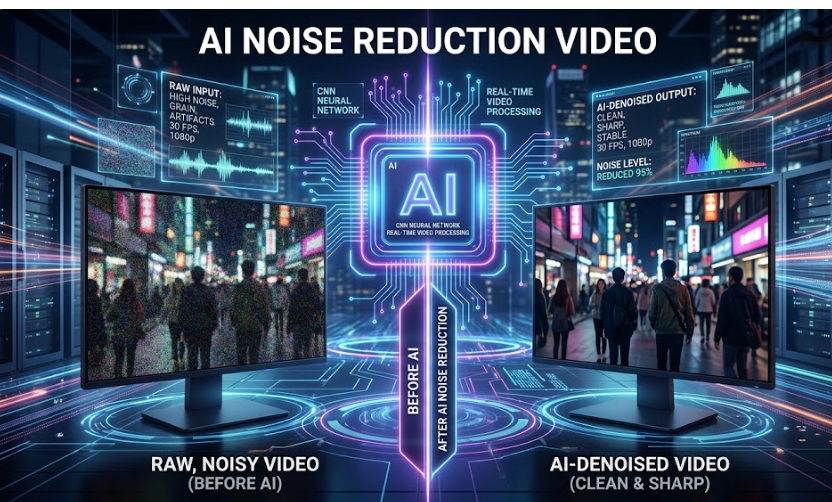
After
Clean, sharp video with reduced noise and improved clarity and detail.
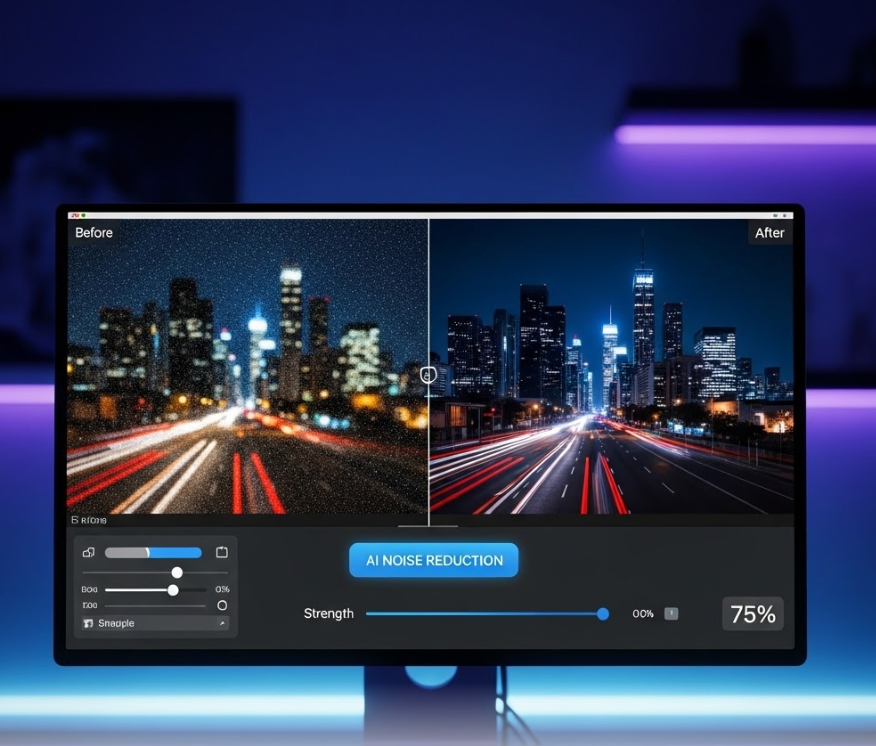
Before
Grainy, noisy video with low-light artifacts and reduced visual quality.
After
Clean, sharp video with reduced noise and improved clarity and detail.
Why Use an AI Noise Reduction Video Tool?
Improve video quality by eliminating noise while preserving detail and clarity.
Remove Grain & Noise
Reduce visual noise caused by low light, compression, or older recording equipment.
Enhance Video Clarity
Improve sharpness and overall image quality without blurring important details.
Perfect for Low-Light Footage
Clean up videos shot in dark environments while maintaining natural visuals.
Preserve Motion Consistency
Maintain smooth playback without flickering or distortion across frames.
Save Time on Post-Production
Automate noise reduction without manual frame-by-frame editing.
No Editing Skills Required
AI handles the entire enhancement process automatically.
Powerful AI Noise Reduction Features
Everything you need to clean and enhance video footage with AI.
AI Noise Detection & Removal
Automatically identify and remove grain, digital noise, and compression artifacts across all frames.
Detail Preservation Technology
Maintain textures, edges, and fine details while reducing noise, avoiding over-blurring.
Low-Light Enhancement
Improve visibility and clarity in dark or poorly lit footage without introducing artifacts.
Temporal Frame Consistency
Ensure smooth transitions between frames to prevent flickering or inconsistencies after processing.
Clarity & Sharpness Boost
Enhance overall visual quality by refining edges and improving perceived sharpness.
High-Quality Export Options
Export enhanced videos in high resolution for YouTube, social media, or professional use.
How to Reduce Video Noise with AI?
Step 1
Upload Your Video
Upload your noisy or low-quality video footage, including low-light recordings or compressed clips.
Step 2
Select Noise Reduction Settings
Choose the level of noise reduction and optional enhancements such as sharpening or low-light optimization.
Step 3
AI Processes the Video
The AI analyzes each frame, removes noise, preserves details, and enhances clarity automatically.
Step 4
Preview and Export
Review the cleaned video, make adjustments if needed, and export your final enhanced footage.