
Create Emotional Idol Anime Videos with AI
Medeo’s AI Oshi no Ko Season 3 Video Generator helps anime fans and creators turn idol-themed anime content into cinematic, emotionally powerful videos. Inspired by the world of idols, entertainment industry drama, and intense character storytelling in Oshi no Ko, this tool detects key highlights such as performances, emotional moments, character arcs, and dramatic reveals.
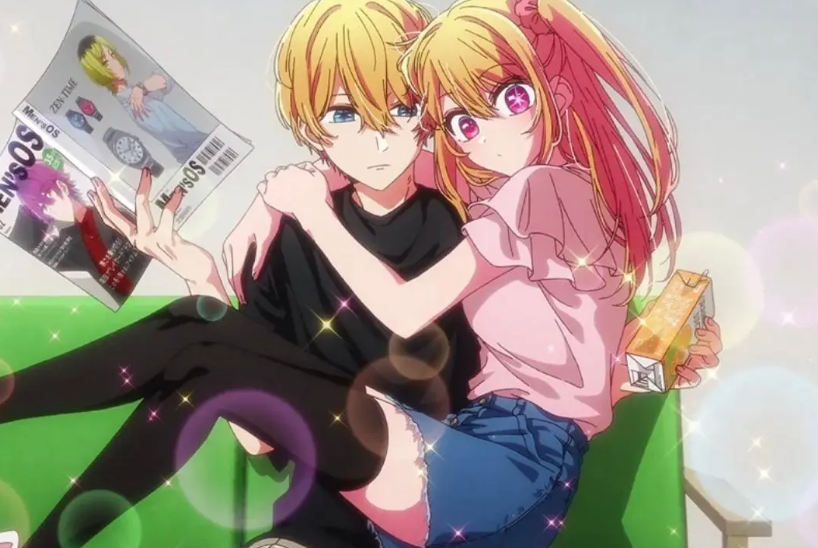
Powered by world-class AI models


What Is an AI Oshi no Ko Season 3 Video Generator?
An AI Oshi no Ko Season 3 Video Generator is a tool that converts anime clips or concepts into cinematic idol-style videos. Using artificial intelligence, it detects key moments such as performances, emotional scenes, character interactions, and plot twists, then edits them into a cohesive narrative with music, captions, and visual effects. These videos emphasize emotion, storytelling, and visual rhythm.

From Raw Anime Clips to Emotional Idol Storytelling Video
See how AI transforms scenes into cinematic, music-driven anime edits
Before
Unedited anime clips with disconnected scenes and minimal emotional impact.
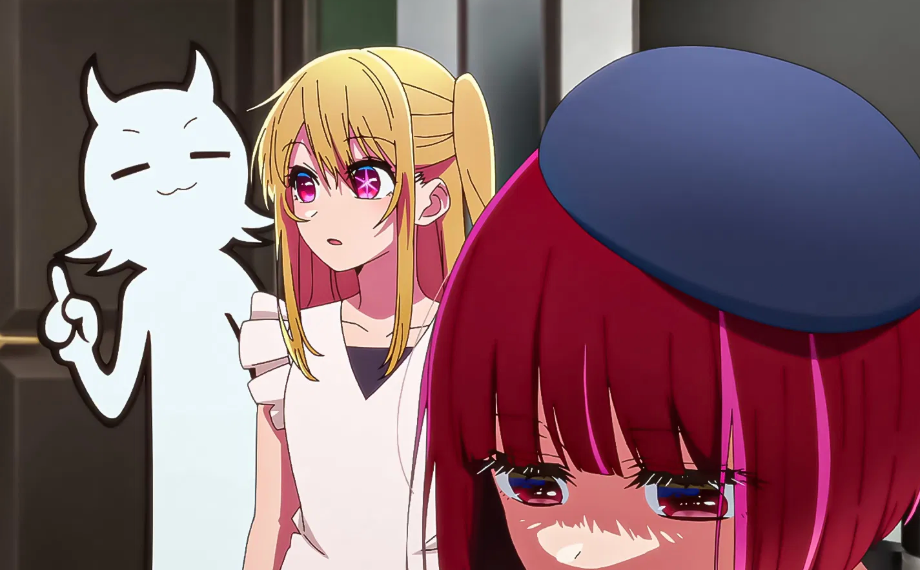
After
A polished video with performance highlights, emotional storytelling, captions, and cinematic flow.
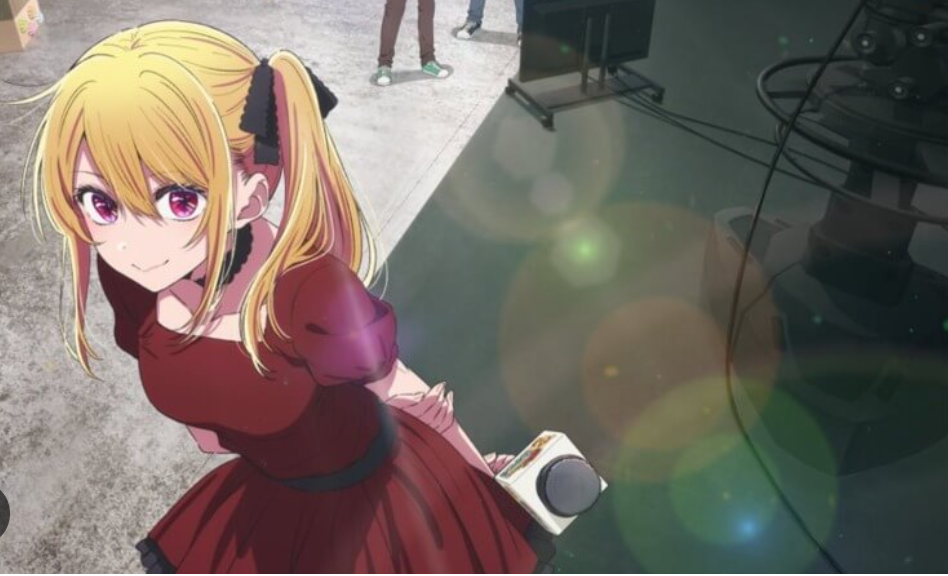
Before
Unedited anime clips with disconnected scenes and minimal emotional impact.
After
A polished video with performance highlights, emotional storytelling, captions, and cinematic flow.
Why Use an AI Oshi no Ko Season 3 Video Generator?
Create emotional anime videos that highlight performance, drama, and storytelling.
Automatic Performance & Scene Detection
AI identifies idol performances, emotional moments, and key story highlights automatically.
Music-Driven Editing Style
Create videos synchronized with music to enhance emotional impact and storytelling.
Perfect for Anime Edits & Fan Content
Produce viral edits for TikTok, YouTube Shorts, and anime fan communities.
Highlight Emotion & Character Arcs
Showcase dramatic scenes, character growth, and relationships effectively.
Save Time on Editing
Turn raw clips into polished anime videos in minutes.
No Editing Skills Required
AI handles clipping, transitions, captions, and music automatically.
Powerful Idol Anime Video Features
Everything you need to create cinematic Oshi no Ko Season 3 videos.
Performance & Emotion Detection Engine
Automatically detect performances, emotional scenes, and dramatic highlights for impactful editing.
Music Sync & Beat Matching
Align cuts, transitions, and scenes with music beats to create rhythm-driven edits.
Captions & Story Highlights
Add captions like 'The Truth Revealed', 'Final Performance', or 'Behind the Spotlight' to enhance storytelling.
Cinematic Anime Effects
Apply lighting effects, glow, and transitions to match the idol and drama aesthetic.
Multi-Clip Narrative Builder
Combine multiple scenes into cohesive story-driven edits or highlight montages.
Flexible Export Formats
Export videos optimized for TikTok, YouTube, Shorts, and other platforms.
How to Create an Oshi no Ko Season 3 Video with AI?
Step 1
Upload Clips or Input Idea
Upload anime clips or describe the scenes you want to turn into a video.
Step 2
Choose Style & Tone
Select styles such as emotional edit, performance montage, or cinematic storytelling.
Step 3
AI Generates the Video
The AI detects key moments, applies music sync, adds captions and effects, and structures the video automatically.
Step 4
Preview, Export, and Share
Review your video, refine it if needed, and share it across platforms.