
Turn Podcasts into Viral Highlight Videos with AI
Medeo’s AI Podcast Highlight Video Generator helps podcasters, creators, and media teams turn long podcast episodes into short, engaging highlight videos. Instead of manually editing hours of audio or video, AI automatically identifies the most interesting, emotional, or insightful moments and transforms them into shareable clips.

Powered by world-class AI models


What Is an AI Podcast Highlight Video Generator?
An AI Podcast Highlight Video Generator is a tool that analyzes podcast audio or video and automatically extracts the most valuable segments. It identifies key moments such as emotional peaks, insightful quotes, or engaging discussions, then converts them into short-form videos. With added captions, visuals, and optimized pacing, these clips are designed to perform well on social media and help expand your audience reach.

From Long Podcast Episode to Viral Highlight Clip
See how AI extracts key moments and turns them into engaging short videos
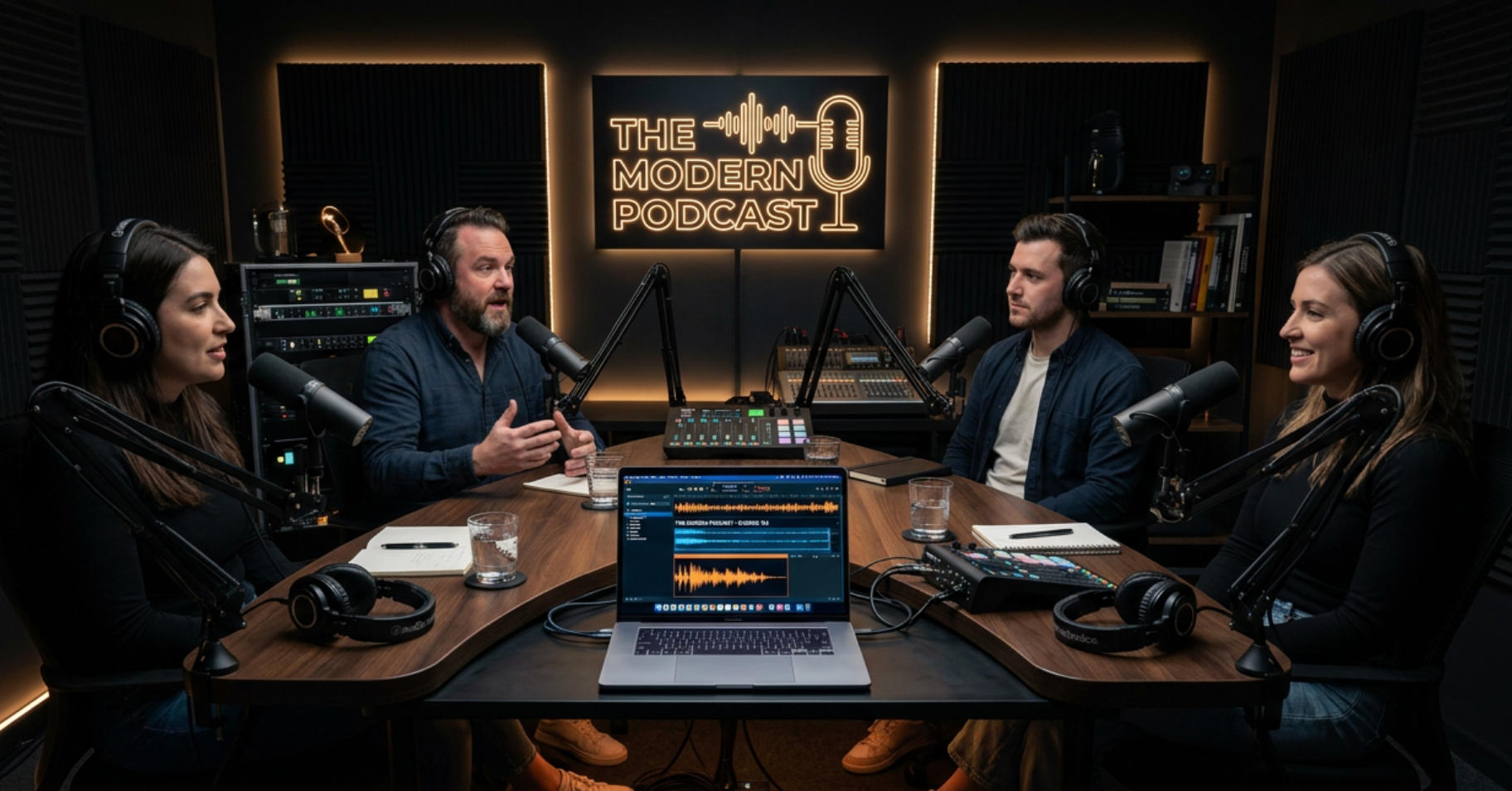
Before
A long podcast episode that is hard to share and lacks short-form engagement.
After
Short, high-impact highlight videos with captions and visuals ready for social media.
Before
A long podcast episode that is hard to share and lacks short-form engagement.
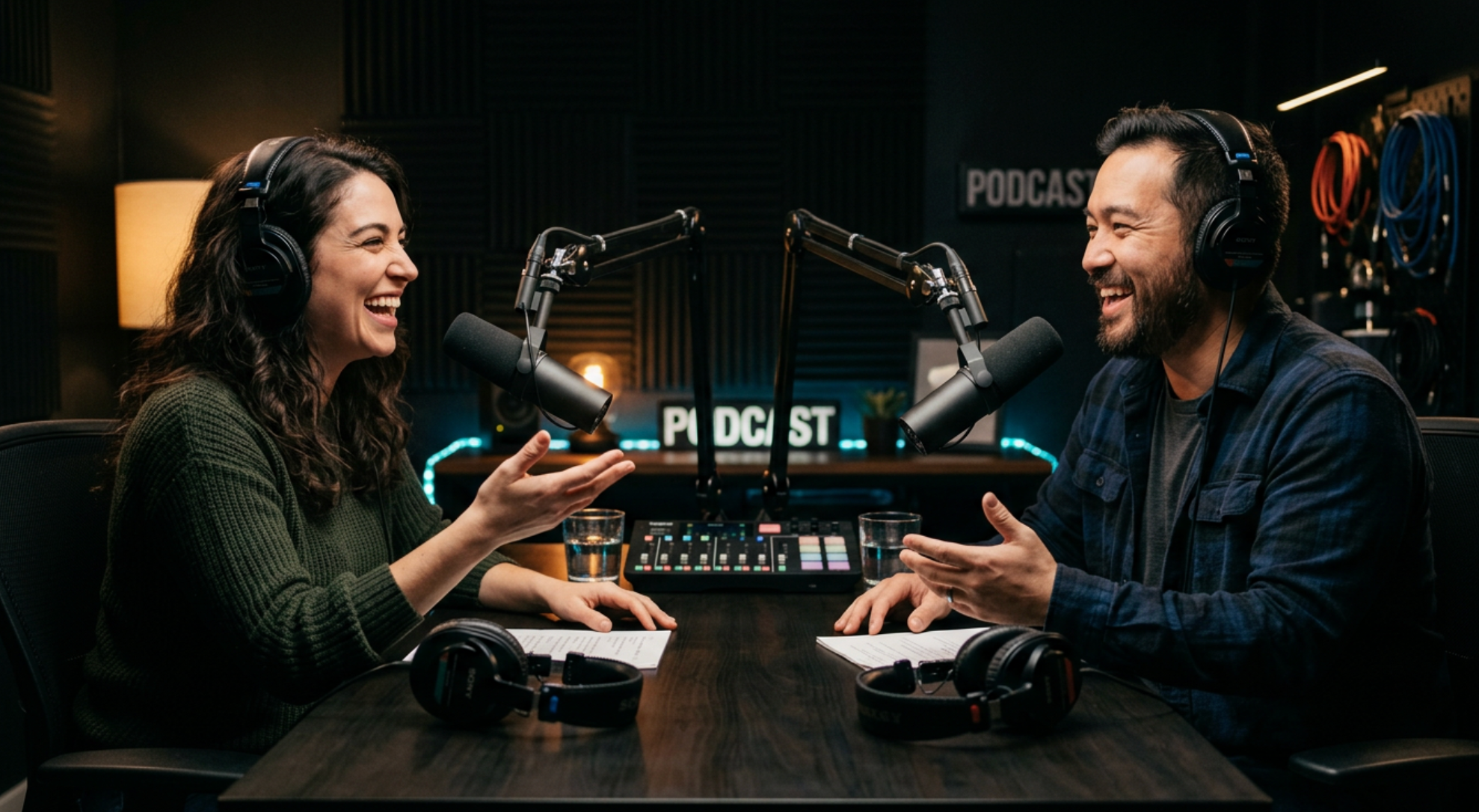
After
Short, high-impact highlight videos with captions and visuals ready for social media.
Why Use an AI Podcast Highlight Video Generator?
Repurpose long-form podcast content into high-performing short videos.
Automatic Highlight Detection
AI identifies the most engaging moments without manual searching or editing.
Boost Audience Growth
Short clips help attract new listeners and expand your podcast reach.
Captions for Better Engagement
Add subtitles automatically to improve retention and accessibility.
Multi-Platform Optimization
Create clips optimized for TikTok, Instagram Reels, and YouTube Shorts.
Save Hours of Editing Time
Generate multiple clips from one episode in minutes instead of hours.
No Editing Skills Needed
AI handles clipping, formatting, and visual enhancement automatically.
Powerful Podcast Highlight Video Features
Everything you need to turn podcasts into viral short-form content.
Audio & Video Input
Upload podcast audio or video files for automatic processing.
Smart Clip Extraction
AI detects and extracts key moments such as insights, jokes, or emotional peaks.
Auto Captions
Generate accurate subtitles to improve accessibility and engagement.
Podcast Video Layouts
Choose from waveform, split-screen, or speaker-focused layouts.
Visual Enhancements
Add animations, zoom effects, and branding elements.
Short-Form Optimization
Export vertical videos optimized for social media platforms.
How to Create Podcast Highlight Videos with AI?
Step 1
Upload Your Podcast Episode
Upload your podcast audio or video file. You can use full-length episodes, interviews, or recorded conversations.
Step 2
AI Detects Key Moments
The AI analyzes your content to identify the most engaging, insightful, or emotional segments worth turning into highlights.
Step 3
Generate Highlight Clips
AI automatically creates multiple short clips with captions, visuals, and optimized pacing for social media.
Step 4
Customize and Share
Edit captions, layouts, or branding if needed, then export and share your clips across platforms.