
Turn Your Restaurant Menu into Mouth-Watering Videos with AI
Medeo’s AI Restaurant Menu Video Generator helps restaurants, cafes, and food brands transform static menus into visually compelling video content that attracts customers and increases conversions. Instead of relying on text-heavy menus or static images, you can create dynamic, scroll-stopping videos that showcase dishes, ingredients, and promotions in a way that feels modern and engaging.
Powered by world-class AI models


What Is an AI Restaurant Menu Video Generator?
An AI Restaurant Menu Video Generator is a tool that converts written menus, dish descriptions, or food images into engaging video content. By using artificial intelligence, it automatically organizes your menu into structured scenes, highlights key dishes, adds captions, and enhances visuals with motion effects and music. These videos help customers better understand your offerings, visualize the food, and feel more confident about ordering. This approach is especially effective for social media marketing, digital menu boards, and online promotions, where visual storytelling plays a key role in attracting attention and driving customer decisions.

From Static Menu to Engaging Food Video Experience
See how AI transforms your restaurant menu into a dynamic promotional video
Before
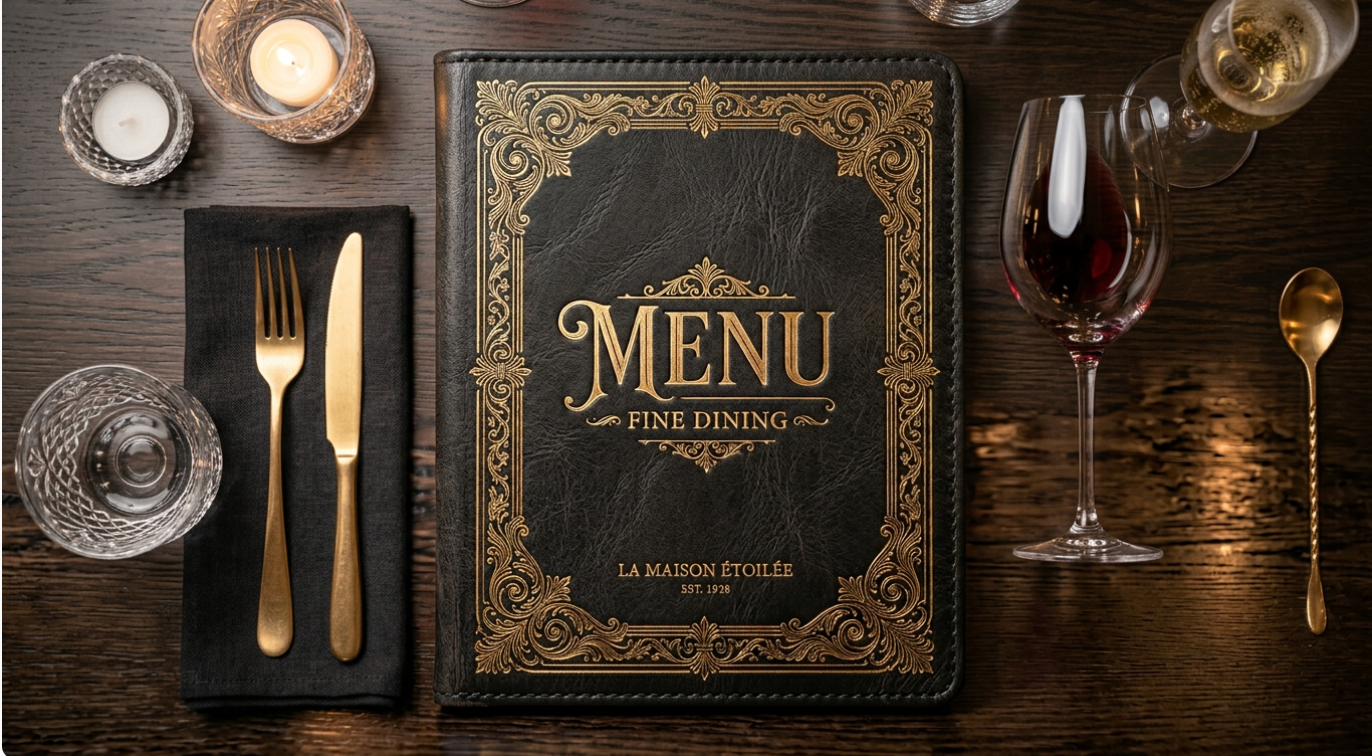
A static menu or food list that is hard to visualize and less engaging for customers.
After
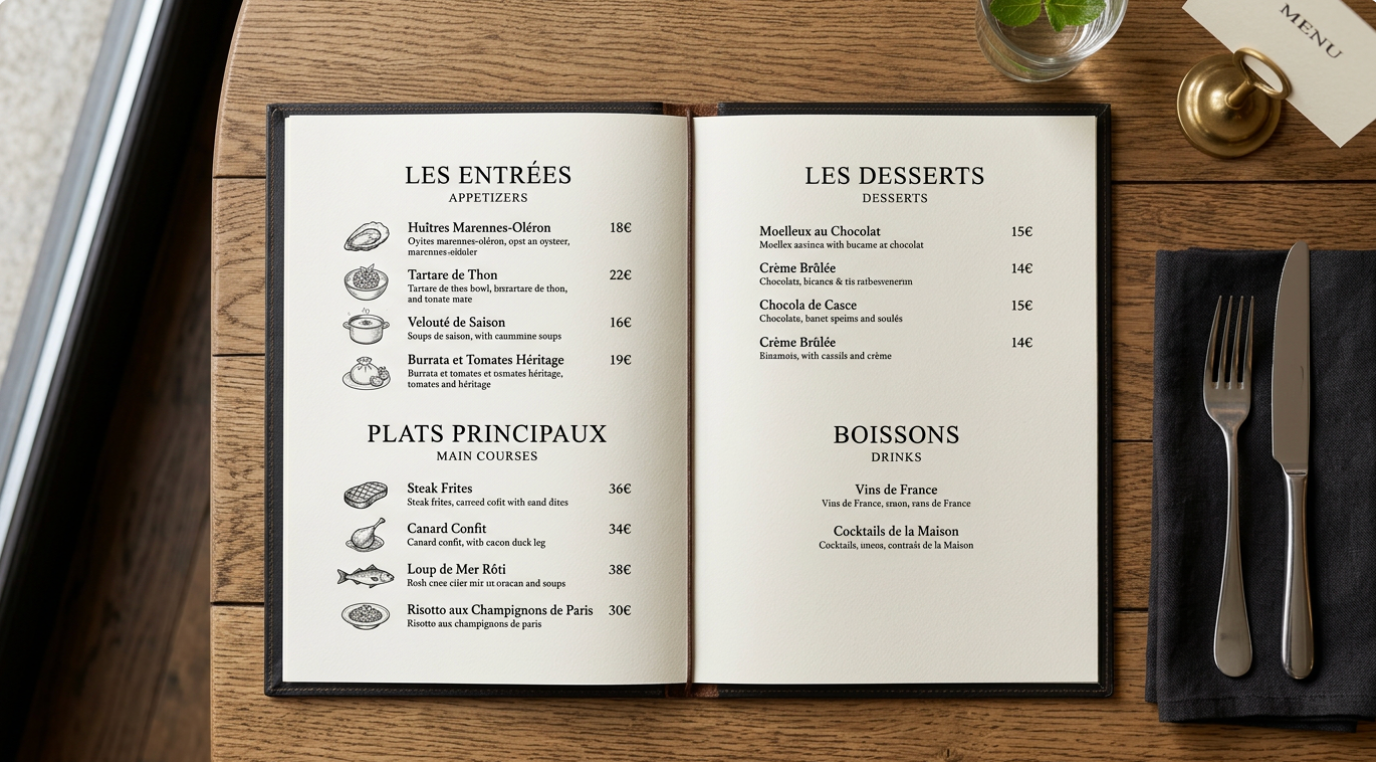
A vibrant, animated menu video showcasing dishes with visuals, captions, and music.

Before
A static menu or food list that is hard to visualize and less engaging for customers.
After
A vibrant, animated menu video showcasing dishes with visuals, captions, and music.
Why Use an AI Restaurant Menu Video Generator?
Transform your menu into a powerful marketing tool that attracts customers and increases engagement.
Increase Customer Engagement
Video content is far more engaging than static menus, helping customers better visualize dishes and feel more excited about ordering.
Boost Food Appeal with Visual Storytelling
Showcase dishes with motion, close-ups, and transitions that highlight textures, colors, and ingredients.
Perfect for Social Media Marketing
Create short, eye-catching videos optimized for TikTok, Instagram Reels, and YouTube Shorts to attract new customers.
Promote Specials and New Dishes
Easily create videos for seasonal menus, limited-time offers, or new product launches.
Save Time and Production Costs
Generate professional menu videos without hiring videographers or spending hours editing.
No Video Editing Skills Needed
AI handles structure, visuals, captions, and music automatically, making it accessible to any restaurant owner.
Powerful Restaurant Menu Video Features
Everything you need to create high-quality food and menu videos effortlessly.
Menu-to-Video Conversion
Turn written menus or dish descriptions into structured video presentations automatically.
Food Image & Video Integration
Upload photos or clips of dishes to create visually rich food videos.
Captions & Dish Highlights
Display dish names, ingredients, prices, and key selling points with clean text overlays.
Visual Effects & Transitions
Enhance videos with smooth transitions, zooms, and animations that emphasize food appeal.
Background Music & Mood Setting
Add music that matches your restaurant’s atmosphere, from cozy cafes to high-end dining.
Multi-Use Output
Use videos for social media, digital menu boards, websites, and in-store displays.
How to Create a Restaurant Menu Video with AI?
Step 1
Upload Your Menu or Dish Content
Start by uploading your menu, dish descriptions, or food images and videos. You can include categories such as appetizers, main courses, desserts, and drinks to help structure the content.
Step 2
Select a Video Style
Choose a style that fits your brand, such as modern, cozy, luxury, or fast-food style. You can also adjust pacing, tone, and presentation format.
Step 3
AI Generates the Menu Video
The AI automatically organizes your content into scenes, adds captions, transitions, music, and visual enhancements to create a complete menu video.
Step 4
Customize and Publish
Make adjustments to text, branding, or visuals if needed, then export your video for social media, in-store screens, or online promotion.