
Create Meaningful Retirement Tribute Videos with AI
Medeo’s AI Retirement Tribute Video Generator helps you create emotional and memorable farewell videos to celebrate a colleague, leader, or loved one’s retirement. Instead of manually editing slideshows or collecting scattered content, you can transform photos, videos, and personal messages into a beautifully structured tribute video.

Powered by world-class AI models


What Is an AI Retirement Tribute Video Generator?
An AI Retirement Tribute Video Generator is a tool that converts photos, video clips, and written messages into a structured farewell video. Using artificial intelligence, it automatically arranges content into a narrative timeline, adds captions, transitions, and music, and creates a complete tribute. These videos are designed to highlight achievements, share memories, and express appreciation in a meaningful and visually engaging format.

From Collected Memories to a Powerful Retirement Tribute
See how AI transforms photos and messages into a meaningful farewell video
Before
A collection of photos, messages, and memories without structure or emotional flow.
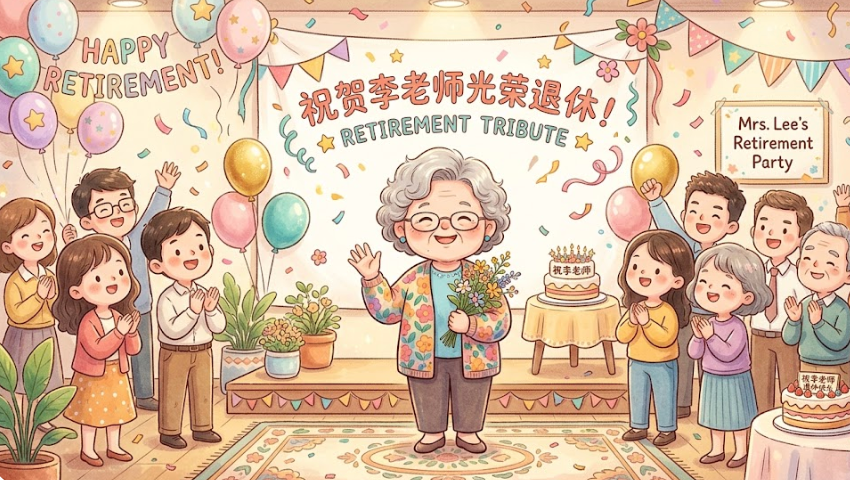
After
A polished retirement video with storytelling, music, and a cohesive narrative.

Before
A collection of photos, messages, and memories without structure or emotional flow.
After
A polished retirement video with storytelling, music, and a cohesive narrative.
Why Use an AI Retirement Tribute Video Generator?
Create emotional, professional-quality tribute videos that honor a meaningful career and legacy.
Emotional Storytelling
Turn years of memories and achievements into a cohesive story that captures impact and appreciation.
Perfect for Corporate & Personal Events
Create videos for retirement parties, company send-offs, or family celebrations.
Organize Memories Effortlessly
Combine photos, clips, and messages into a structured timeline without manual editing.
Professional Visual Quality
Generate polished videos with smooth transitions, captions, and music that feel professionally produced.
Fast and Easy Creation
Create a complete tribute video in minutes instead of spending hours editing manually.
Suitable for Sharing and Presentation
Export videos ready for presentations, events, or sharing online with colleagues and family.
Powerful Retirement Tribute Video Features
Everything you need to create a meaningful and memorable retirement video.
Photo & Video Compilation
Combine images and clips into a seamless, chronological tribute video.
Personal Messages & Quotes
Add farewell messages, appreciation notes, and meaningful quotes.
Emotional Background Music
Enhance the video with music that reflects celebration, gratitude, and nostalgia.
Cinematic Transitions
Create smooth transitions and elegant effects for a professional finish.
Captions & Milestones
Highlight key career milestones, achievements, and important moments.
Flexible Export Options
Export videos for event presentations, email sharing, or social media platforms.
How to Create a Retirement Tribute Video with AI?
Step 1
Upload Photos, Videos, and Messages
Start by adding memorable photos, clips, and written messages celebrating the retiree.
Step 2
Choose Style and Tone
Select a tone such as emotional, celebratory, professional, or nostalgic.
Step 3
AI Generates the Video
The AI organizes content into a narrative, adds transitions, captions, and music automatically.
Step 4
Export and Share
Download your video and present it at events or share it with colleagues and loved ones.