
Create Dynamic Split Screen Videos with AI
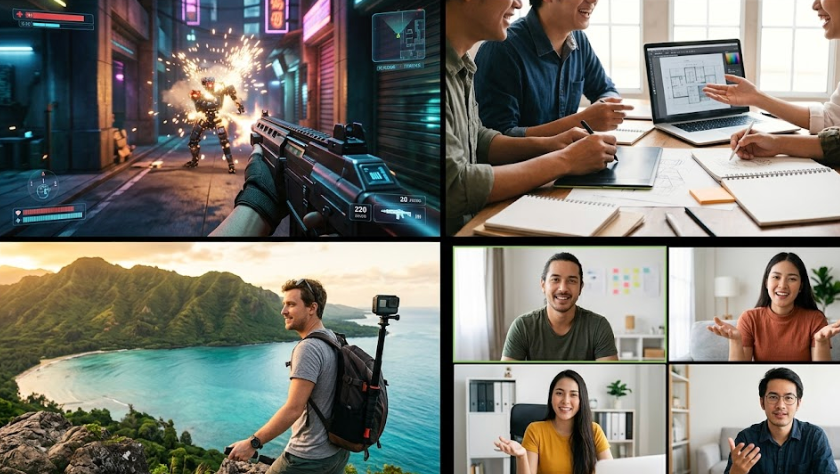
Medeo’s AI Split Screen Video Generator helps you combine multiple video clips into a single, visually engaging layout. Whether you're creating comparison videos, reaction content, before-and-after clips, or multi-angle storytelling, the AI automatically arranges your footage into clean split screen formats. With synchronized playback, smooth transitions, captions, and layout options like side-by-side, grid, or picture-in-picture, you can produce professional multi-view videos in minutes.
Powered by world-class AI models


What Is an AI Split Screen Video Generator?
An AI Split Screen Video Generator is a tool that combines multiple video clips into one screen using different layouts such as side-by-side, grid, or picture-in-picture. It uses artificial intelligence to align timing, adjust proportions, and create a visually balanced composition. These videos are commonly used for comparisons, reactions, tutorials, and storytelling where multiple perspectives need to be shown simultaneously.

From Multiple Clips to Seamless Split Screen Video
See how AI combines separate videos into a structured multi-view experience
Before
Multiple separate video clips with no unified layout or comparison view.
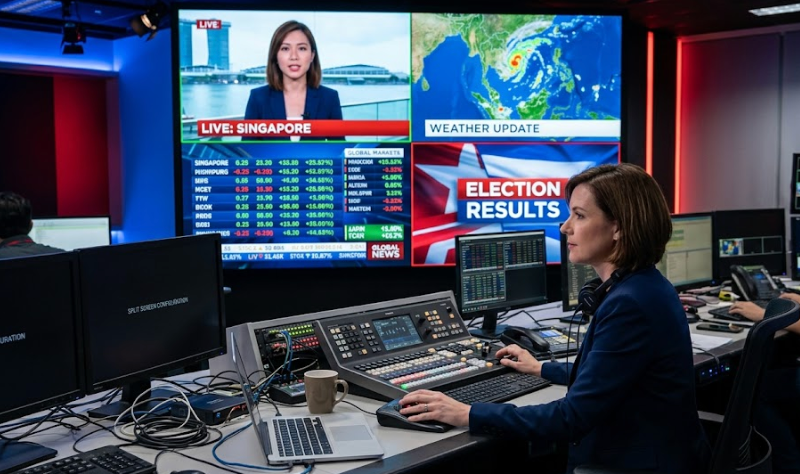
After
A synchronized split screen video with clear layout and smooth transitions.
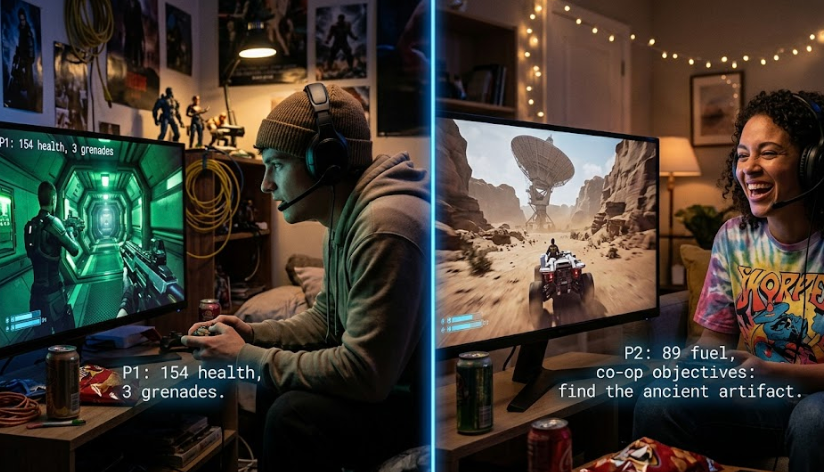
Before
Multiple separate video clips with no unified layout or comparison view.
After
A synchronized split screen video with clear layout and smooth transitions.
Why Use an AI Split Screen Video Generator?
Create engaging multi-view videos that clearly present multiple perspectives.
Easy Multi-Video Combination
Combine multiple clips into one video without manual editing or complex timelines.
Perfect for Comparisons
Create side-by-side videos for before-and-after, product comparisons, or reactions.
Synchronized Playback
Ensure all clips play in sync for a seamless viewing experience.
Multiple Layout Options
Choose from side-by-side, grid, split, or picture-in-picture formats.
Fast and Efficient Creation
Generate split screen videos in minutes without editing skills.
Optimized for Social Media
Export videos designed for TikTok, Instagram, YouTube, and presentations.
Powerful Split Screen Video Features
Everything you need to create professional multi-view and comparison videos.
Side-by-Side Layouts
Place two or more videos next to each other for easy comparison.
Grid & Multi-View Layouts
Arrange multiple clips in grid formats for multi-angle or multi-subject videos.
Auto Sync Timing
Synchronize clips automatically to ensure smooth playback alignment.
Captions & Labels
Add text overlays to label each screen or highlight differences.
Transitions & Effects
Enhance your video with smooth transitions and visual effects.
Flexible Export Formats
Export videos optimized for social media, presentations, or mobile viewing.
How to Create a Split Screen Video with AI?
Step 1
Upload Multiple Video Clips
Select the videos you want to combine into a split screen layout.
Step 2
Choose Layout Style
Pick a layout such as side-by-side, grid, or picture-in-picture.
Step 3
AI Syncs and Arranges Clips
The AI aligns timing, adjusts layout, and creates a balanced composition automatically.
Step 4
Export and Share
Download your video and share it on social media or use it in presentations.